
Documentation
CodeSplash Vibes
Use Vibes as the prompt-first path to app creation—describe the outcome in plain language, review the rendered result, iterate in focused steps, and keep versions and generated output organized.
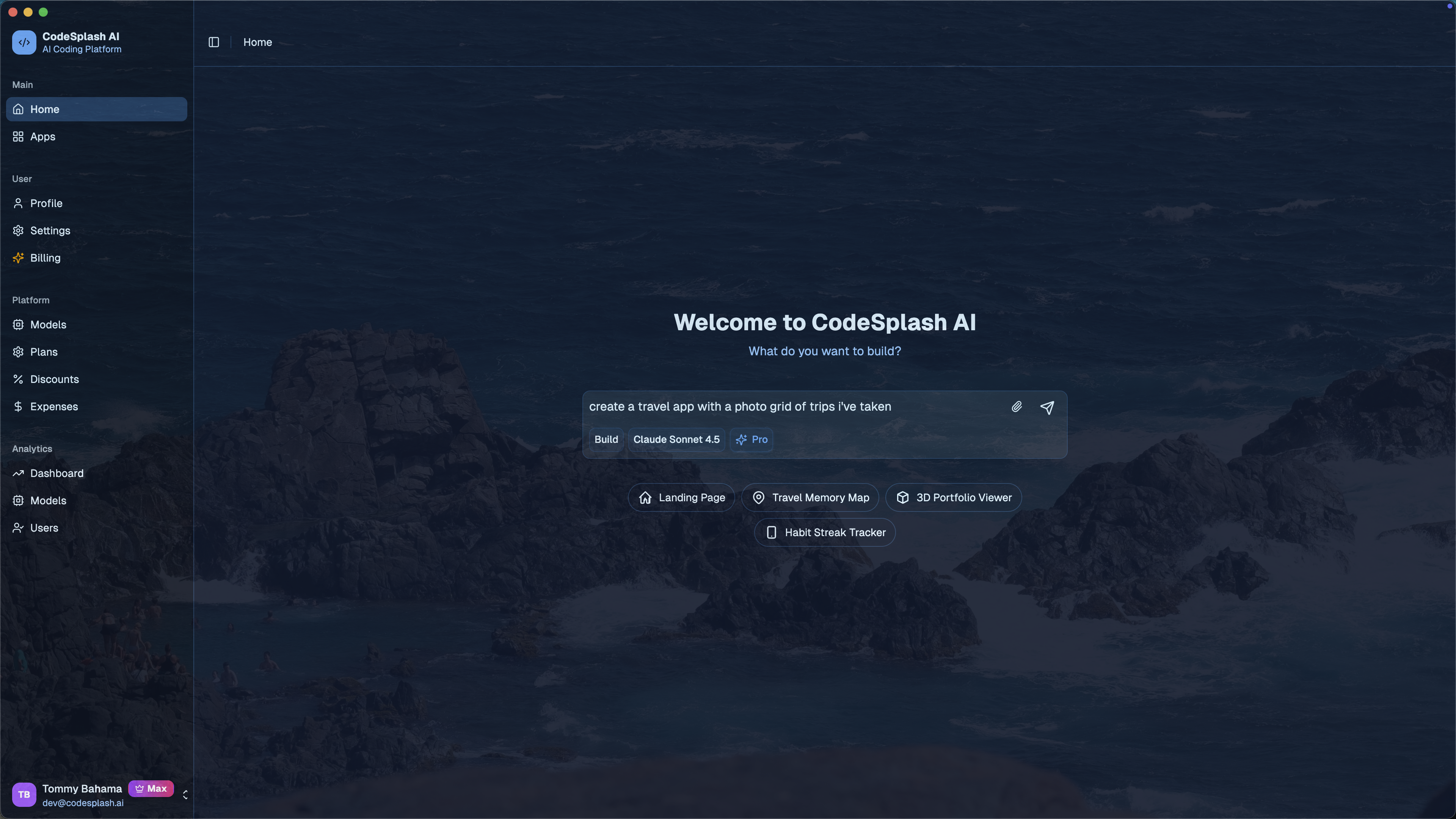
Start your first project#
Create a clear first draft quickly, then use the preview to decide what deserves refinement.
Describe the app in normal language#
Include the product type, primary user, core action, and visual direction. For example:
Create a calm client portal for a small architecture studio.
Clients should see project milestones, upcoming decisions, shared files,
and the next action they owe the studio.
Set useful boundaries#
Name the screens and behavior that matter now. Explicitly defer account systems, billing, integrations, or other complex features when they are outside the first milestone.
Review the first draft#
Check hierarchy, navigation, important actions, responsive layout, and whether the content sounds like the product. Treat the first result as material for the next decision, not as a final release.
Iterate with the preview#
Make focused requests that change one layer of the experience at a time.
Refine layout and visual direction#
Ask for concrete changes such as a narrower reading column, stronger information hierarchy, quieter colors, or clearer action states. Reference the visible problem and the desired effect.
Improve one flow at a time#
Walk through the primary journey from entry to completion. Correct missing states, confusing labels, validation, and confirmation before expanding the app.
Verify responsive behavior#
Check narrow and wide layouts after material changes. Look for clipped controls, awkward stacking, tiny targets, horizontal overflow, and content that loses priority on a small screen.
Manage versions and generated code#
Use versions as checkpoints and inspect generated output whenever the project starts carrying real operational value.
Save meaningful checkpoints#
Create a version before changing direction, adding a large feature, or restructuring the design. Name the checkpoint after the outcome rather than the time it was created.
Compare before replacing#
When two directions are plausible, keep both long enough to compare them against the original user goal. Avoid repeatedly rewriting the entire project from a single ambiguous prompt.
Inspect and hand off generated output#
Review the project structure, dependencies, configuration, and data behavior. A technical handoff should include the current version, known limitations, environment needs, and the workflow used to verify the app.
Operate a growing project#
Use platform controls deliberately when a prototype becomes a shared or commercial product.
Manage access, plans, and billing#
Confirm which users can view or change the project, then configure commercial controls around the actual product model. Test upgrade, downgrade, cancellation, and restricted states before launch.
Choose models intentionally#
Balance speed, quality, and cost by task. Design exploration, content refinement, and complex logic may benefit from different model choices.
Review analytics and administration#
Track completion of the primary workflow rather than vanity traffic alone. Use administrative views to investigate support problems without exposing more user data than necessary.
Troubleshooting#
A prompt changes too much#
Restore or compare with the last useful version, then request one bounded change. Quote the element that should remain unchanged.
The preview looks correct but behavior fails#
Describe the exact interaction, input, expected result, and actual result. Test empty, loading, success, and error states separately.
The generated app feels generic#
Provide real product language, representative data, audience context, and a small set of design principles. Specific constraints usually improve results more than additional adjectives.
Frequently asked questions#
Do I need to specify a framework?#
Usually not. Specify a technology only when an integration, deployment target, team constraint, or handoff requirement depends on it.
How often should I save a version?#
Save before a meaningful change of direction and after reaching a state you would be comfortable returning to.
Can a technical teammate continue the work?#
Yes. Share the generated output, current version, environment requirements, and a short explanation of the intended user journey.