
Documentation
CodeSplash Agent
Install CodeSplash Agent, verify your engines, and take an AI coding task through streamed changes, approvals and review in one terminal workspace.
CodeSplash Agent is in v0.x alpha. Claude Code turns run in a full terminal handoff and do not appear inside the harness transcript. Windows support is experimental.
Getting started#
CodeSplash Agent brings your coding engines into one terminal workspace. Codex and Claude Code use the official CLIs you install and sign in to yourself. The native CodeSplash engine uses the provider keys and local secret storage you configure. Sessions stay on your machine.
Install the harness#
Pick one channel:
# Homebrew (macOS and Linux)
brew install codesplash-ai/tap/codesplash-agent

# npm (requires Bun 1.3 or newer on PATH)
npm i -g codesplash-agent

# Standalone binary (no runtime required)
# Download from https://github.com/codesplash-ai/codesplash-agent/releases,
# verify the checksum, extract, and move the binary onto your PATH:
shasum -a 256 -c codesplash-agent-<version>-<os>-<arch>.tar.gz.sha256
tar -xzf codesplash-agent-<version>-<os>-<arch>.tar.gz
mv codesplash /usr/local/bin/
macOS binaries are Developer ID signed and notarized, so a browser download opens without a Gatekeeper block.
Expected result: codesplash --version prints the installed version.
Install and log in to the engines#
Install the official CLIs you want to drive, then log in with each CLI's own flow:
# Codex CLI, at the exact supported version
npm i -g @openai/codex@0.147.0

# Claude Code: install from https://code.claude.com
# Tested with 2.1.228 through 2.1.233
Git is optional. When available, the header shows the current branch and dirty file count.
Run codesplash --doctor#
codesplash --doctor prints non-interactive diagnostics: the app version, runtime, config and data paths, git availability, and one line per engine with its version, auth state, and compatibility. Read it before the first session and again after upgrading an engine.
Open your first project#
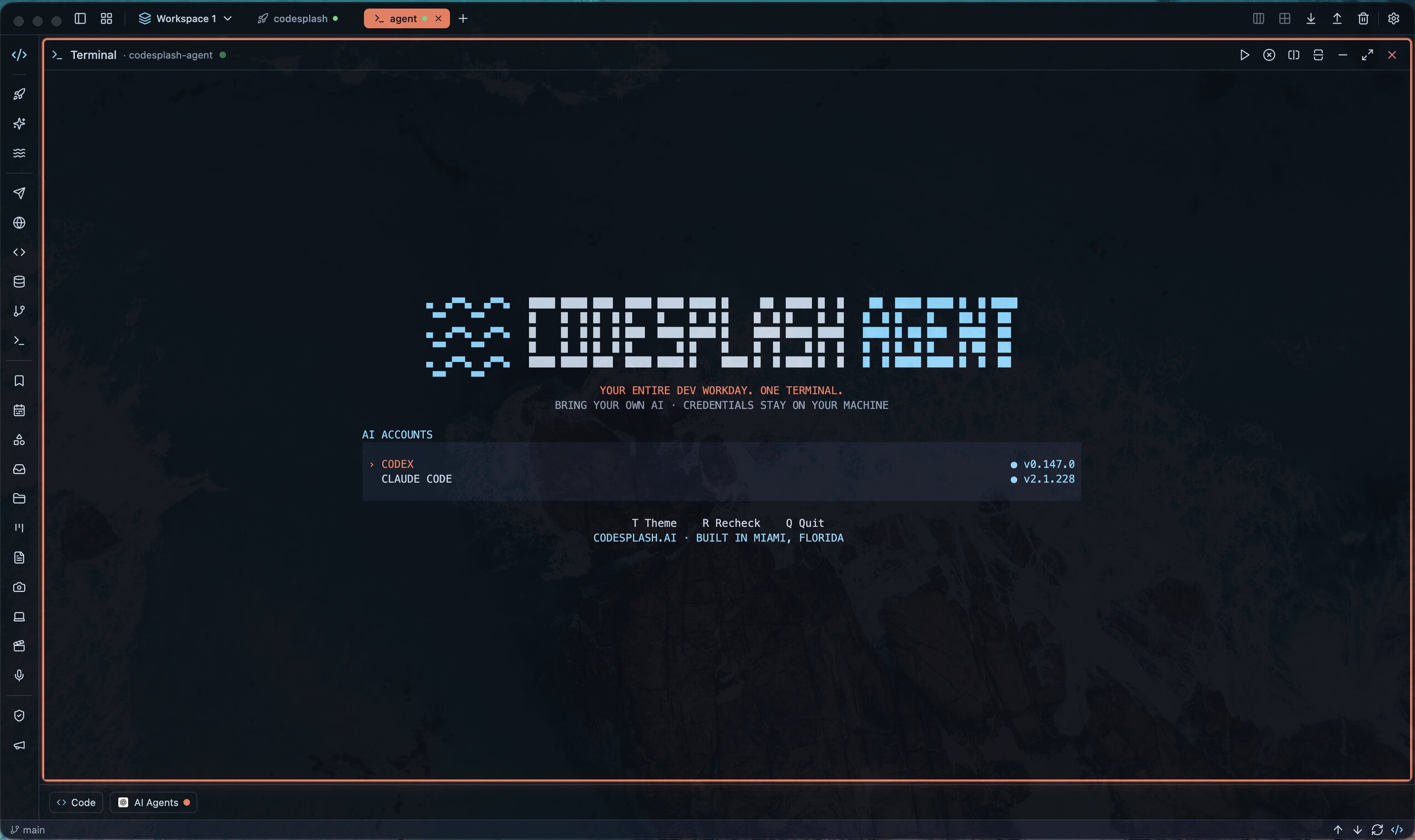
Run codesplash in a project directory, or codesplash <path> from anywhere. The welcome screen lists your AI accounts with their connection state. Press F1 or type /help for every binding, and Ctrl+Q or Ctrl+C to return to the welcome screen.
Drive Codex#
Codex runs natively over the official codex app-server protocol, so the whole turn is visible in the harness: streamed responses, thinking, tool activity, diffs, plans, and usage meters.
Start and steer a turn#
Type a prompt and press Enter to send. Shift+Enter or Ctrl+J inserts a newline in the composer, and Esc interrupts a running turn. Use /model to list the models on your account or /model <name> to switch for the next turn.
Answer approvals#
When Codex wants to run a command or apply a patch outside its current policy, an approval prompt appears. Answer from the keyboard: A accepts once, S accepts for the session, D declines, and C cancels. /permissions shows the sandbox and approval policy in effect.
Follow diffs, plans, and meters#
File changes and plan updates render live while the agent works. The status line tracks the model, remaining context, and account rate-limit usage. Ctrl+L jumps to the latest output, and Ctrl+O toggles a conversation outline you can move through section by section.
Recover and resume#
Ctrl+R reconnects after a recoverable error, and crash recovery restores an interrupted session. /resume opens a session picker, and resuming continues the same provider thread across restarts.
Hand off to Claude Code#
Claude Code runs through the official claude CLI in a full terminal handoff. The harness never reimplements or touches Anthropic auth.
Start a handoff#
Use /engine to open the engine screen and select Claude Code. One keypress hands your real terminal to the installed claude binary, passing a session id so later handoffs can resume the same conversation.
Return to the harness#
Quit Claude Code the way you normally would. The harness restores itself and your terminal state, including modes, cursor, and scrollback behavior.
What the handoff never does#
The handoff never reads the Claude credential store, never intercepts its login, and never records the terminal output of a Claude Code session.
Sessions and history#
Session history is local, normalized, and optional. Nothing leaves your machine.
Resume past sessions#
/resume lists past sessions for the current project, and /history shows exactly where the active session is stored on disk.
Know what gets stored#
History stores coalesced, normalized events only. Raw provider payloads and credential-shaped content are stripped or redacted at source. Session directories are created with 0700 permissions and files with 0600, under your platform data directory.
Run without history#
Pass --no-history to write nothing for a run, or set enabled = false under [history] in config to make that the default. Claude Code terminal output is never recorded either way.
Configuration#
Configuration lives in a small TOML file. Flags override config for a single run.
Edit config.toml#
The file lives in the platform config directory: ~/Library/Application Support/codesplash-agent/config.toml on macOS, ~/.config/codesplash-agent/config.toml on Linux, and %APPDATA%\codesplash-agent\config.toml on Windows.
schemaVersion = 1
theme = "system" # system, dark, or light

[history]
enabled = true

[codex]
sandbox = "workspace-write" # or read-only
approvalPolicy = "on-request" # or untrusted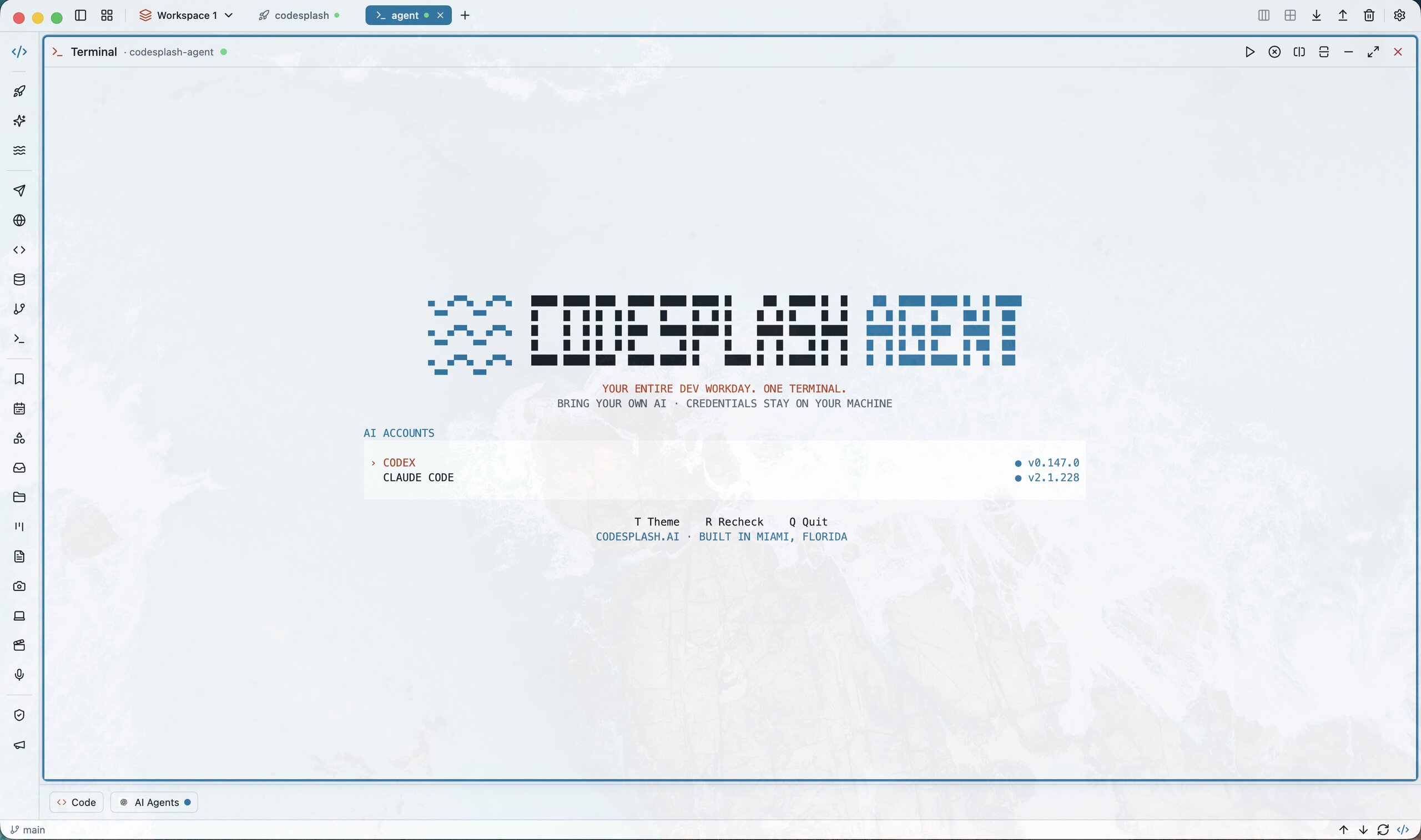
Set sandbox and approval defaults#
[codex].sandbox accepts read-only or workspace-write, and [codex].approvalPolicy accepts untrusted or on-request. The default is a workspace-write sandbox with interactive approvals. danger-full-access is rejected as a persisted value on purpose.
Relocate config and data#
Set CODESPLASH_AGENT_CONFIG_DIR or CODESPLASH_AGENT_DATA_DIR to move the config file or session storage. Uninstalling is deletion: remove the app with your install channel, then delete those directories if you want no trace left.
Keyboard and command reference#
Everything in the harness is reachable from the keyboard. F1 shows this reference inside the app.
Slash commands#
/newstarts a fresh Codex session in this project./resumeopens the session picker./enginereturns to the engine screen./model [name]lists models, or switches for the next turn./permissionsshows the sandbox and approval policy./historyshows where this session is stored./helptoggles the help overlay (also F1)./quitquits the app.
Key bindings#
- Enter sends; Shift+Enter or Ctrl+J inserts a newline.
- Esc interrupts a running turn or closes an overlay.
- A, S, D, and C answer an approval request.
- Ctrl+L jumps to the latest output; Ctrl+O toggles the outline.
- Ctrl+R reconnects after a recoverable error.
- Ctrl+Z suspends to the shell;
fgresumes. - Ctrl+Q or Ctrl+C returns to the welcome screen.
Troubleshooting#
Doctor reports a missing or unsupported engine#
Install the engine, or re-pin Codex to the exact supported version shown in the message (npm i -g @openai/codex@0.147.0 today). Confirm claude is on PATH for the handoff, then rerun codesplash --doctor.
A session will not reconnect#
Try Ctrl+R first. If the error persists, quit and reopen the harness, then use /resume to continue the session. Crash recovery restores interrupted Codex sessions automatically when possible.
Nothing is being saved#
Check whether the run was started with --no-history and whether [history].enabled is false in config. Claude Code terminal output is never recorded by design, so those turns are expected to be absent.
Frequently asked questions#
Is this a replacement for Codex or Claude Code?#
No. CodeSplash Agent has no model loop and no tools of its own. It drives the official CLIs you installed, and it does nothing without them.
Where do my credentials live?#
Exactly where they were: with the official CLIs. The harness never reads, copies, proxies, or stores provider credentials, so uninstalling it is just deletion.
Can I use it at work?#
Yes, as a development tool. The Business Source License 1.1 permits personal use and use inside your organization; offering the product commercially to third parties requires a license from CodeSplash. The code converts to Apache-2.0 on 2030-08-16.