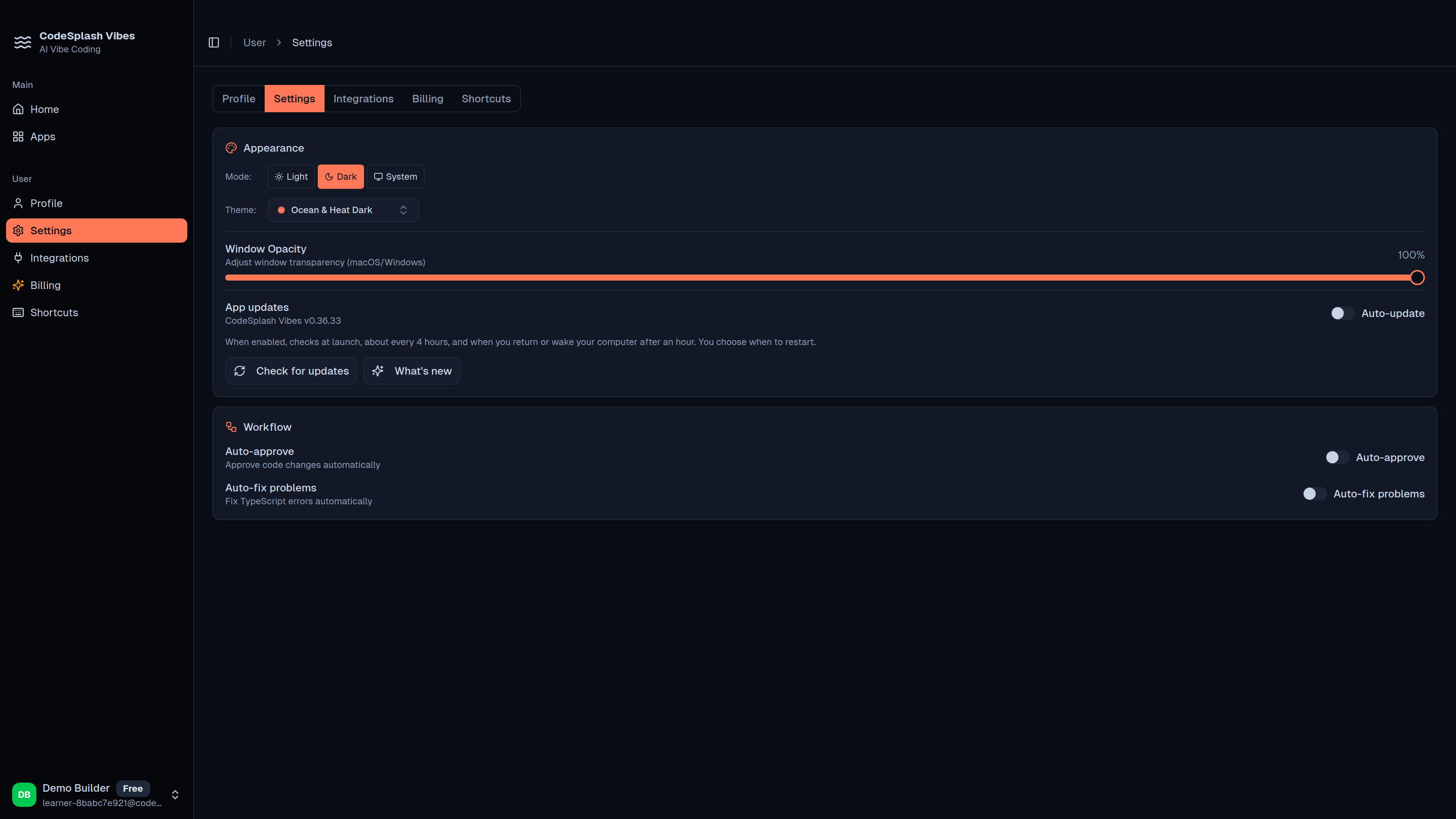
Safer desktop telemetry configuration in CodeSplash Vibes
CodeSplash Vibes 0.36.33 is a small desktop patch, but it fixes an important part of release hygiene: product analytics now come from build-time PostHog configuration instead of a hardcoded client token.
That change matters if you care about where opted-in usage events go, how release builds are configured, and whether analytics fail safely. In 0.36.33, the desktop app keeps the existing consent gate, keeps app version metadata on events, and stays inert when analytics configuration is missing or invalid.
What changed
The main change is straightforward:
- The desktop app now reads
VITE_POSTHOG_KEYat build time. - It can also read an optional
VITE_POSTHOG_HOST. - The old hardcoded PostHog client token path is gone.
- If the build does not include valid analytics configuration, capture does not start.
Before this patch, desktop telemetry initialization depended on a hardcoded token path in the renderer. In 0.36.33, release builds pick up analytics settings from build-time configuration instead.
For teams operating desktop releases, that is a cleaner setup. The analytics target belongs to release configuration, not bundled source defaults.
Consent still decides whether events are sent
This patch does not loosen telemetry behavior. If anything, it makes the rules clearer.
Opted-in analytics remain consent-gated in the desktop app. CodeSplash Vibes still checks the existing telemetry consent setting before events are sent. If someone has not opted in, the app does not send those events.
That means 0.36.33 is not a new analytics rollout. It is a safer way to configure the same consent-gated analytics path.
Invalid config now fails closed
The other important change is the failure mode.
If analytics configuration is missing or invalid, CodeSplash Vibes now leaves the PostHog client inert instead of forcing a questionable setup. The provider and hooks can still exist in the app, but telemetry capture stays off.
That is the right default for a desktop build. A bad config should not silently fall back to a token that may not match the intended reporting project.
In practice, this helps with a few common release problems:
- a build runs without the expected analytics variables
- a token is misconfigured during release preparation
- a host value is absent or incorrect
- a desktop artifact is produced before analytics settings are verified
In all of those cases, 0.36.33 keeps capture disabled rather than guessing.
Event labeling stays consistent
This patch also keeps the existing event labeling intact.
Telemetry events continue to include CodeSplash Vibes desktop metadata and app version details. The app version is attached after the version resolves, so events can still carry the version information expected for desktop reporting.
The release analysis also calls out the documented metadata fields for this flow:
codesplash_product=vibescodesplash_surface=desktopapp_version
That is useful for anyone separating desktop product activity from other reporting surfaces.
Build-time configuration is now part of the release path
This was not just a local source cleanup. The release workflow was updated so desktop release builds can read the analytics variables they need.
0.36.33 adds support for:
VITE_POSTHOG_KEY
VITE_POSTHOG_HOST
The app also picked up the environment typing needed for those values in the desktop build. That is a small implementation detail, but it reflects the real outcome: analytics configuration is now treated as explicit release input.
A note on the docs change
This release also adds internal guidance that points CodeSplash Vibes marketing and release communication to the shared CodeSplash presentation standard.
That is not a new customer feature, but it is still worth mentioning because it affects how releases get explained. The goal is clearer evidence-backed messaging across release notes, blog posts, videos, and other public material.
The product brief links Vibes work to the shared portfolio standard owned through CodeSplash AI Brain, and it keeps the visual and proof requirements aligned with CodeSplash Ocean & Heat, Ocean & Heat Dark, and Ocean & Heat Light conventions where relevant.
Why this patch matters
Not every release changes the editor, prompting loop, or preview. This one is about trust and operations.
If you run or evaluate desktop builds, 0.36.33 makes analytics behavior easier to reason about:
- release-time settings define the analytics destination
- user consent still gates opted-in usage events
- invalid setup leaves telemetry disabled
- desktop Vibes metadata and app version labeling remain in place
That is a better baseline than carrying a hardcoded analytics token forward in the renderer.
If you want the latest desktop build, grab it from CodeSplash downloads.
Try 0.36.33 and reply with feedback if analytics safety and release configuration are areas you want us to keep tightening.
Feature screenshots
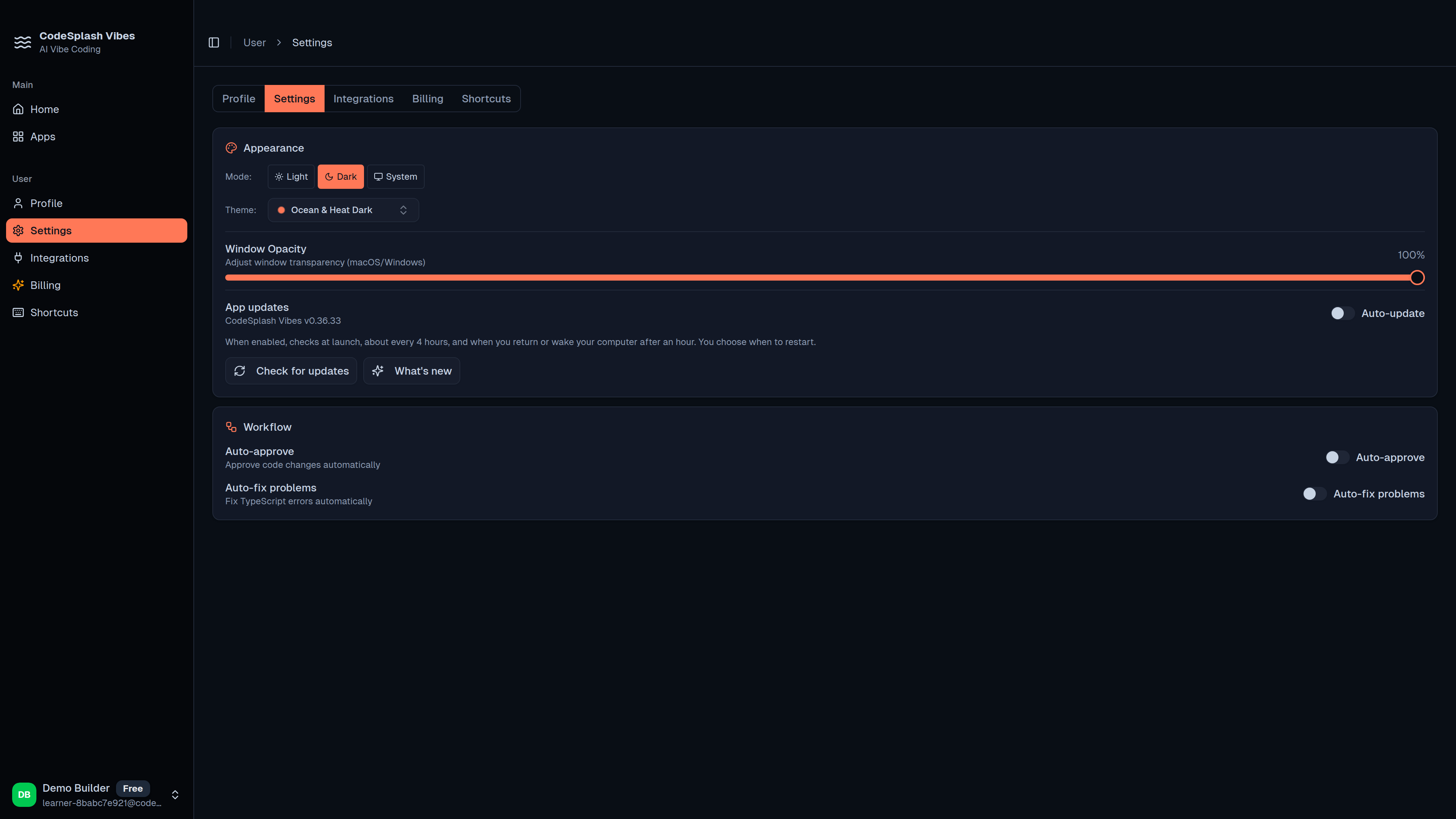
Manage appearance and automatic updates in CodeSplash Vibes · View original full-resolution image
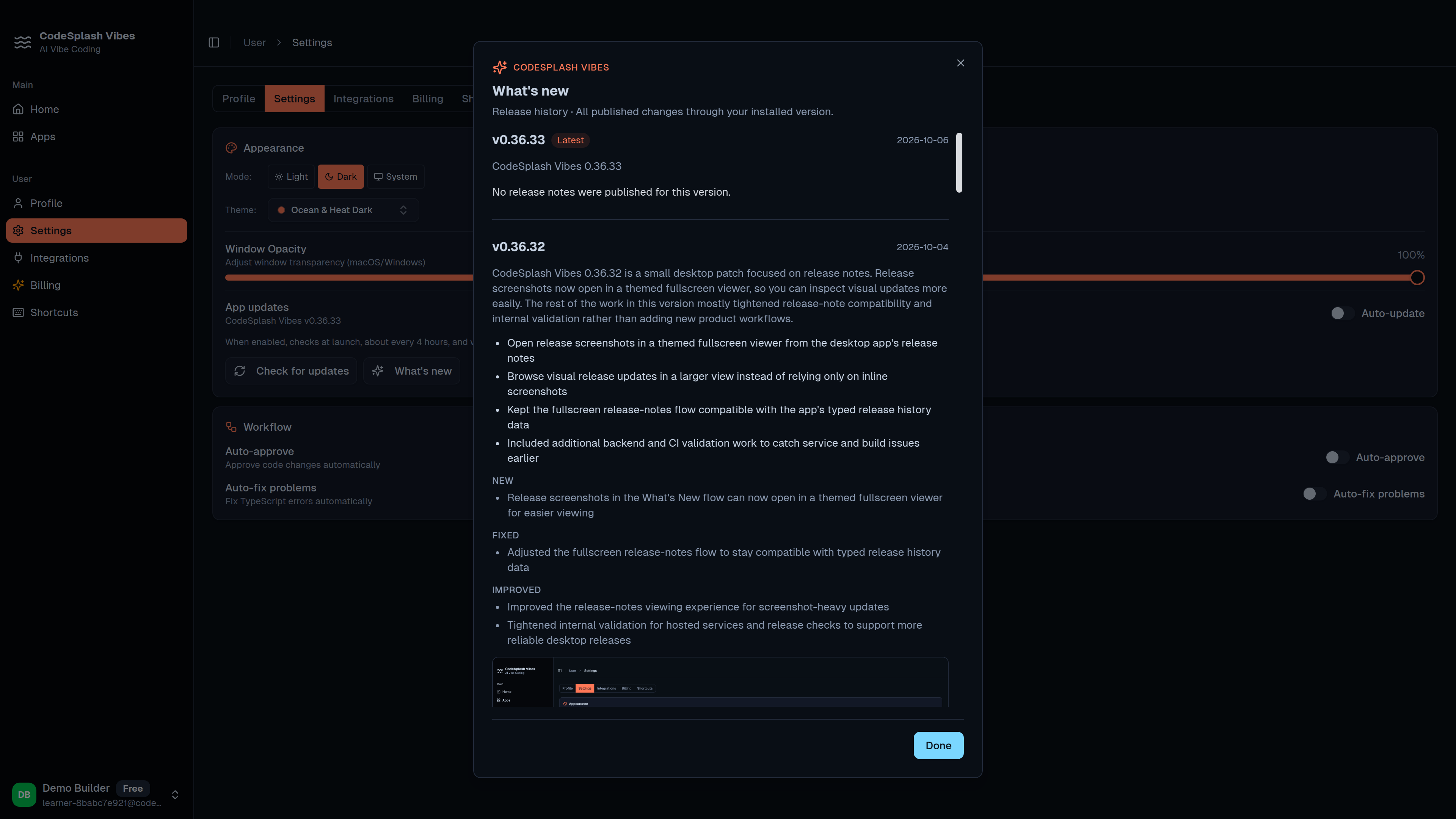
Read every published change through the installed version · View original full-resolution image