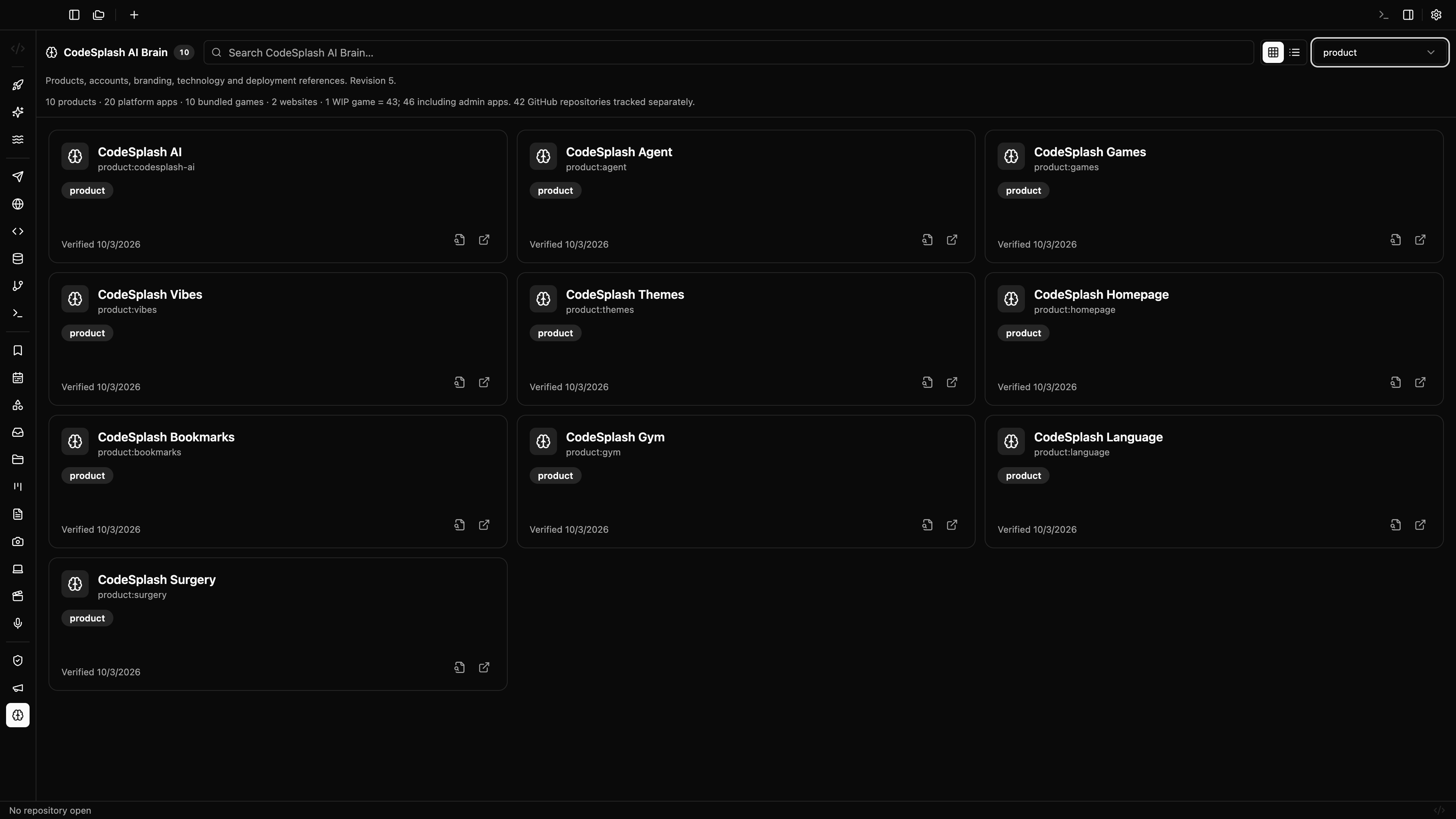
Admin Brain mode and in-app marketing reporting land in CodeSplash AI
CodeSplash AI 2.4.25 is mostly for the people running the product, not just building in it.
The headline change is a new admin-only Brain app inside the desktop workspace. If you use CodeSplash AI to operate launches, track portfolio data, or keep internal reference data aligned, there is now a dedicated Brain mode in the default admin layout instead of folding everything into the existing admin surfaces.
For most people using the core desktop apps day to day, this patch will feel quiet. That is intentional. Version 2.4.25 focuses on admin visibility and reporting.
A dedicated Brain surface in the desktop workspace
Before this release, the admin area centered on Dashboard and Marketing. In 2.4.25, admins can also open CodeSplash AI Brain as its own app mode.
That matters because Brain data is now part of more reporting workflows across the app. The admin workspace recognizes admin-brain as a first-class mode, and the default admin layout includes it alongside the existing admin surfaces.
The practical change is simple: admins now have a clearer place to inspect shared portfolio and branding context without leaving the desktop workspace.
Marketing admin now covers more of the operating loop
The bigger surface-area increase in this release is inside Marketing admin.
There is a new Discord panel with concrete moderation and reporting tools built into the app:
- channel selection
- message history views
- reactions
- reply and send actions
- server stats
- connection status
If you are watching community activity around releases, this puts the feedback loop closer to the rest of the launch workflow. You can review channel activity and engagement from the same desktop app that already hosts the rest of the admin toolset.
Marketing also gets several new reporting panels:
- accounts
- finance
- developer reporting
- reference data
Together, those panels expand the in-app reporting scope to cover account analytics, finance reporting foundations, release history, and portfolio views driven by shared reference data.
Shared Brain reference data now feeds reporting
One of the more important structural changes in 2.4.25 is not a flashy UI control. It is the connection to a shared Brain reference catalog.
This release brings that catalog into the app as a read-only projection. The point is consistency. Portfolio and branding reporting can now read from the same shared reference source instead of drifting across local copies or one-off admin views.
For admins, that shows up as more consistent reference-driven reporting inside the app. For the product, it reduces the chances that portfolio metrics and branding data diverge between tools.
The release notes are careful here, and so are we: this is about shared admin reporting data inside CodeSplash AI. It is not a public Brain product launch announcement.
Better internal reporting reliability
This patch also tightens up the reporting pipeline behind those admin views.
Two changes matter:
- marketing metrics collection is more resilient with persisted account reads and bounded collection behavior
- release capture flows are scoped more precisely to feature campaigns in internal marketing workflows
In plain terms, internal reporting should be steadier and less noisy. Account coverage reads are more durable, collection has better limits, and release capture is routed with a narrower scope.
That work is less visible than a new panel, but it is the part that keeps admin reporting trustworthy once the dashboards fill up.
What changed for most desktop users
Probably not much, and that is the right expectation for 2.4.25.
The main Code, Git, Terminal, Browser, API, Database, and AI app workflows are not meaningfully different in this release. The repository still ships the same desktop product surface for macOS, Windows, and Linux, but this patch is aimed at the operators using the admin side of that workspace.
If you manage launches or internal reporting, this version gives you more of that work in one place:
- Open the admin workspace.
- Switch into the new Brain mode.
- Review the expanded Marketing admin panels for Discord, accounts, finance, developer reporting, and reference data.
That is the core story of 2.4.25: more operational visibility from inside the same desktop app.
Why this patch matters
A lot of product work is not feature work for every user. Sometimes the gain is giving the team a better way to run the product.
That is what happened here. CodeSplash AI now has a stronger admin-only layer for portfolio reporting, Discord engagement reporting, release history, and finance reporting foundations, all inside the desktop workspace. That should make it easier to keep growth, community, and reference data closer to the place where releases already happen.
If you want the latest build, grab it from codesplash.ai/downloads.
Try 2.4.25 and reply with feedback if you use the admin workspace heavily.
Feature screenshots
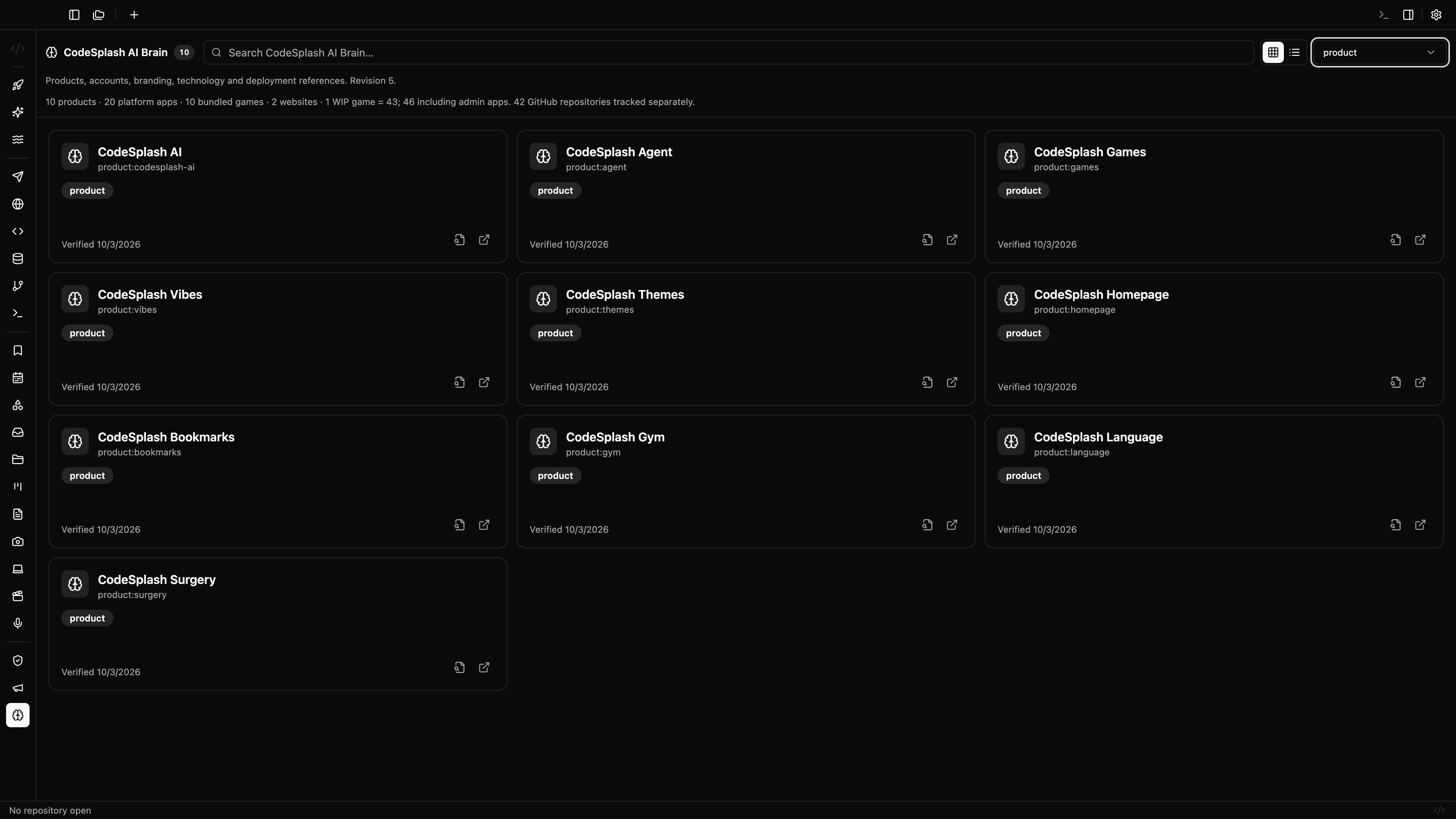
CodeSplash AI Brain: ten portfolio products · View original full-resolution image
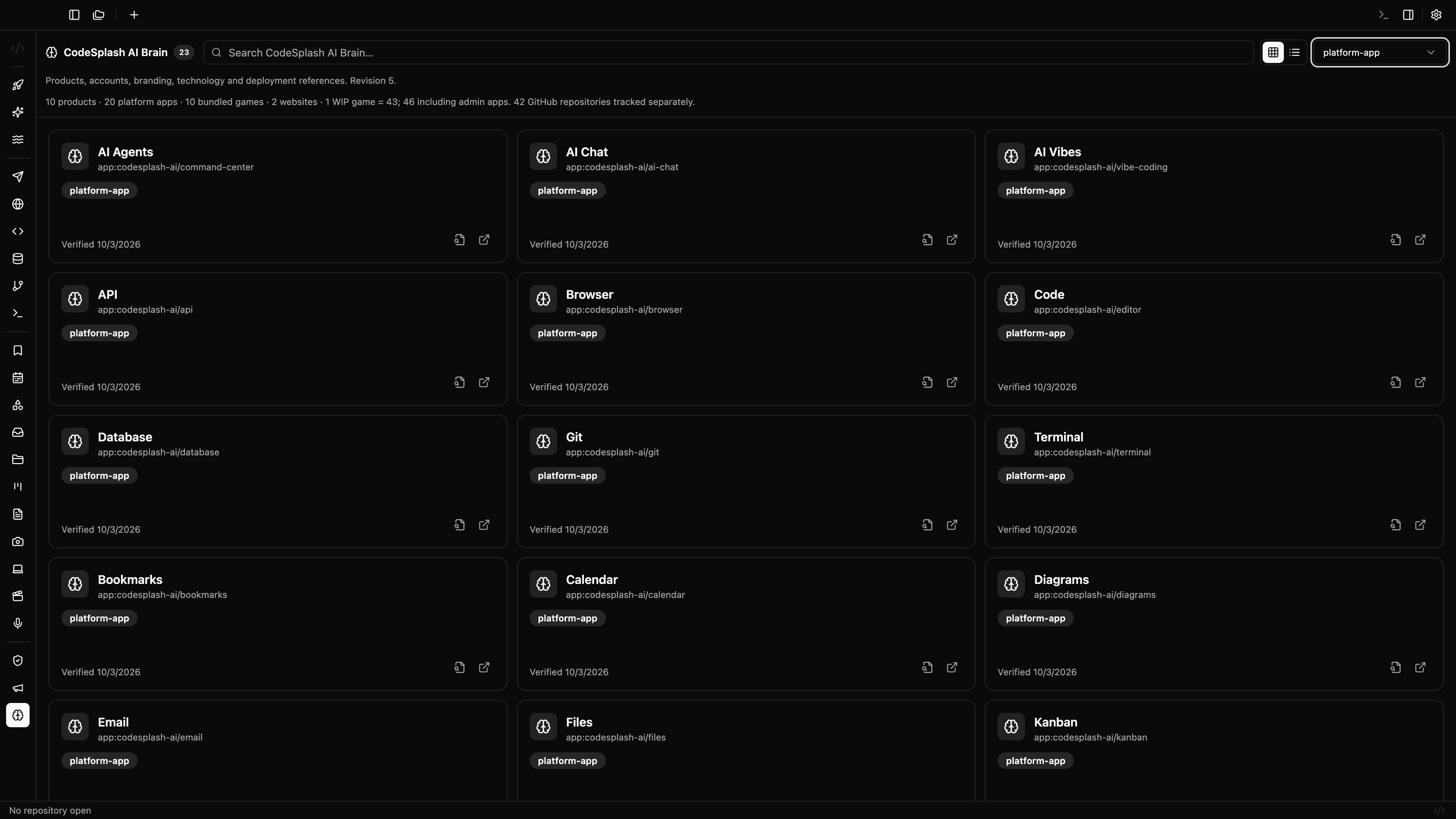
CodeSplash AI Brain: platform app catalog · View original full-resolution image
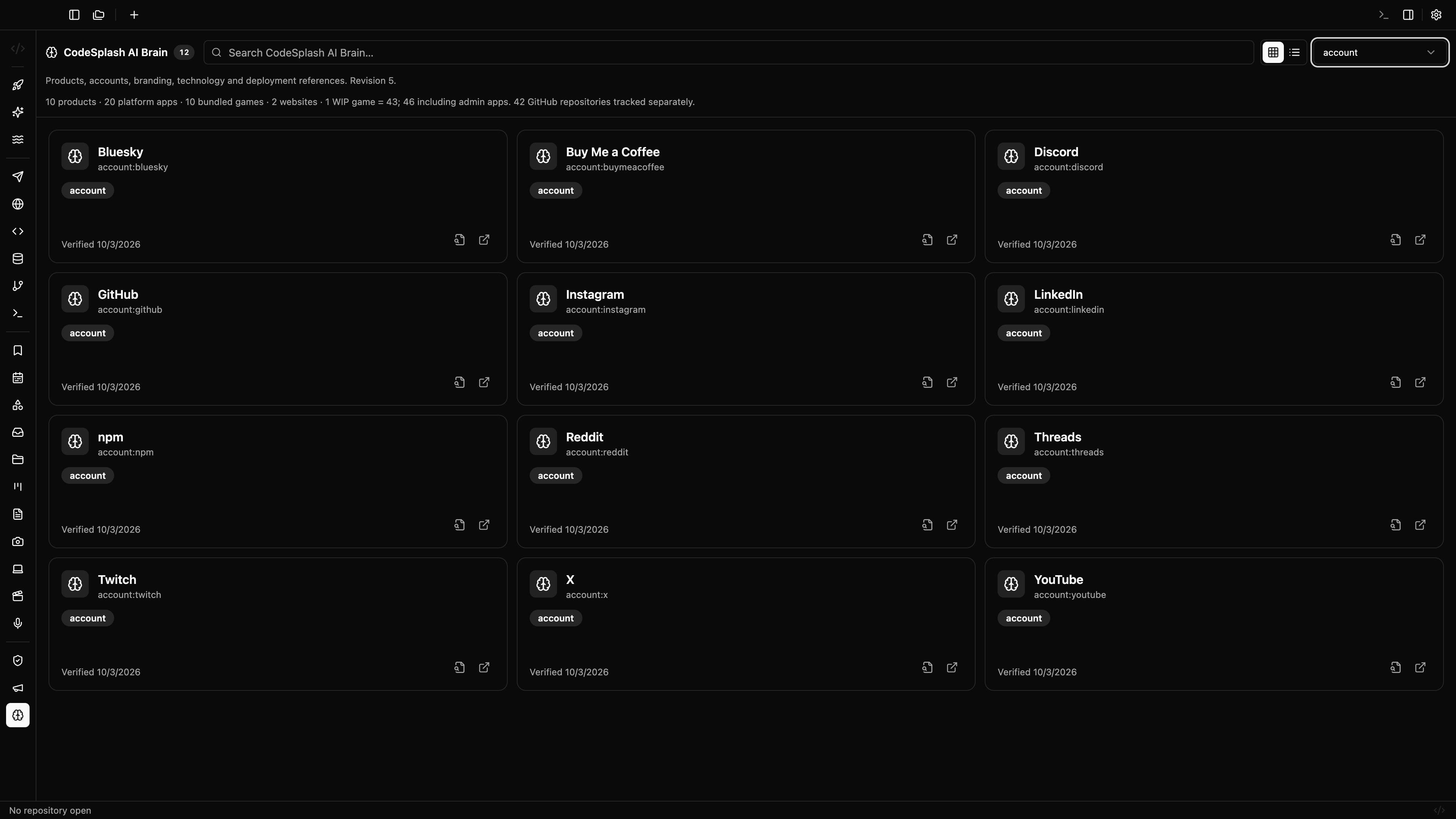
CodeSplash AI Brain: public account directory · View original full-resolution image