Admin marketing workflows got steadier, and macOS release recovery got sharper
CodeSplash AI 2.4.23 is a patch for the operational side of the product. The biggest work landed in the Admin Dashboard, where the marketing ads, automation, and activity panels now expose more detail and control in one place.
If you use CodeSplash AI to run internal campaign workflows, this release should make the system easier to trust. You can see more of what is happening, replacements keep more of their identity and history, and failures show up more clearly when a release-related automation run goes sideways.
That matters because these workflows are stateful. A campaign draft, a published post, a replacement post, a delivery record, and a release run all need to stay connected. In 2.4.23, more of that continuity is preserved instead of getting lost during replacement or recovery flows.
Expanded Admin Dashboard marketing controls
The most visible changes are in the Admin Dashboard marketing surface.
Across the ads, automation, and activity panels, 2.4.23 adds broader controls and more status detail for campaign management. The renderer changes here were substantial, and they line up with backend work for durable event delivery and more complete activity recording.
A few concrete improvements in this area:
- Ads panel updates now include stronger ad setup readiness checks and better handling for provider creation state.
- Automation panel work surfaces more about workflow execution, especially when a run fails and needs attention.
- Activity panel work records and preserves more delivery and verification state across campaign operations.
This is the kind of patch that reduces time spent guessing whether a workflow is blocked, still running, or half-finished.
Better campaign continuity when replacing social content
The other big piece in 2.4.23 is replacement handling.
This release adds support for tracking verified social replacements while preserving publication history. It also preserves scheduled draft identities and related delivery records more carefully when publishing, replacing, or resuming marketing content.
In practice, that means replacement posts are less likely to break the thread of a campaign. The admin tooling can keep the original publication context attached instead of treating the replacement like an unrelated new object.
That work shows up in a new marketing-replacements server module and in related updates that record verified delivery state across campaign and walkthrough operations.
If you manage release posts across multiple channels, this kind of identity preservation matters more than a flashy UI tweak. It keeps the audit trail intact.
Clearer failure reporting in marketing automation
2.4.23 also improves how marketing automation reports failures back into Admin tools.
Release workflow failures are surfaced more clearly, and event delivery is more durable. The release notes call out gaps in visibility as a specific fix, and the backend changes add dedicated pipeline run handling and more tests around dispatch and outbox behavior.
The result is simpler: when delivery goes wrong, the Admin Dashboard should give you a better record of what failed instead of leaving you to reconstruct the chain from separate systems.
Tutorial capture got more strict about trusted input
This patch also tightens the tutorial-video pipeline.
Tutorial recordings now serialize trusted input with native 4K capture. The recording flow waits for clicks and screenshot capture to stay in sync, then rechecks click targets after hover and layout settle. Rendering was also bound to one Chromium page for more consistent walkthrough exports.
That is operational work, but it fixes a real class of problems. If you record walkthrough footage from the actual app, timing and hit-testing issues can produce misleading captures. 2.4.23 makes that pipeline stricter about capturing the real UI state at the moment input lands.
There is also a smaller but useful fix for Threads publishing: newly created media is now allowed to become readable before the publish flow continues, which should reduce premature failures there.
A better recovery path for failed macOS releases
The release pipeline got one of the most concrete reliability upgrades in this patch.
CodeSplash AI can now recover a failed notarized macOS release by rebuilding or resuming a single architecture from the exact release tag. The new flow in finalize-release.yml adds inputs for rebuild_macos and resume_run_id, and the validation work around exact-source recovery was strengthened so rebuilt native helper outputs can still pass recovery checks where needed.
That matters when one macOS build fails late in the process. Instead of redoing the full release, release operations can target the failed arm64 or x64 path and continue from the exact source tag.
There is also related work to resolve release drafts by exact tag and to scope release novelty checks to the shipped product version, which keeps release automation aligned with what actually shipped.
Who this release is for
Most everyday workspace users will not see much change in 2.4.23. This is mainly a patch for:
- admins using the Admin Dashboard for marketing operations
- teams managing campaign delivery and replacements
- anyone responsible for desktop release operations
- anyone recording verified tutorial or walkthrough media from the built app
If that is your part of the stack, this release removes a few places where identity, status, or recovery could drift.
You can get the latest build from codesplash.ai/downloads.
Try 2.4.23 and reply with feedback if you hit these admin, capture, or release workflows in practice.
Feature screenshots
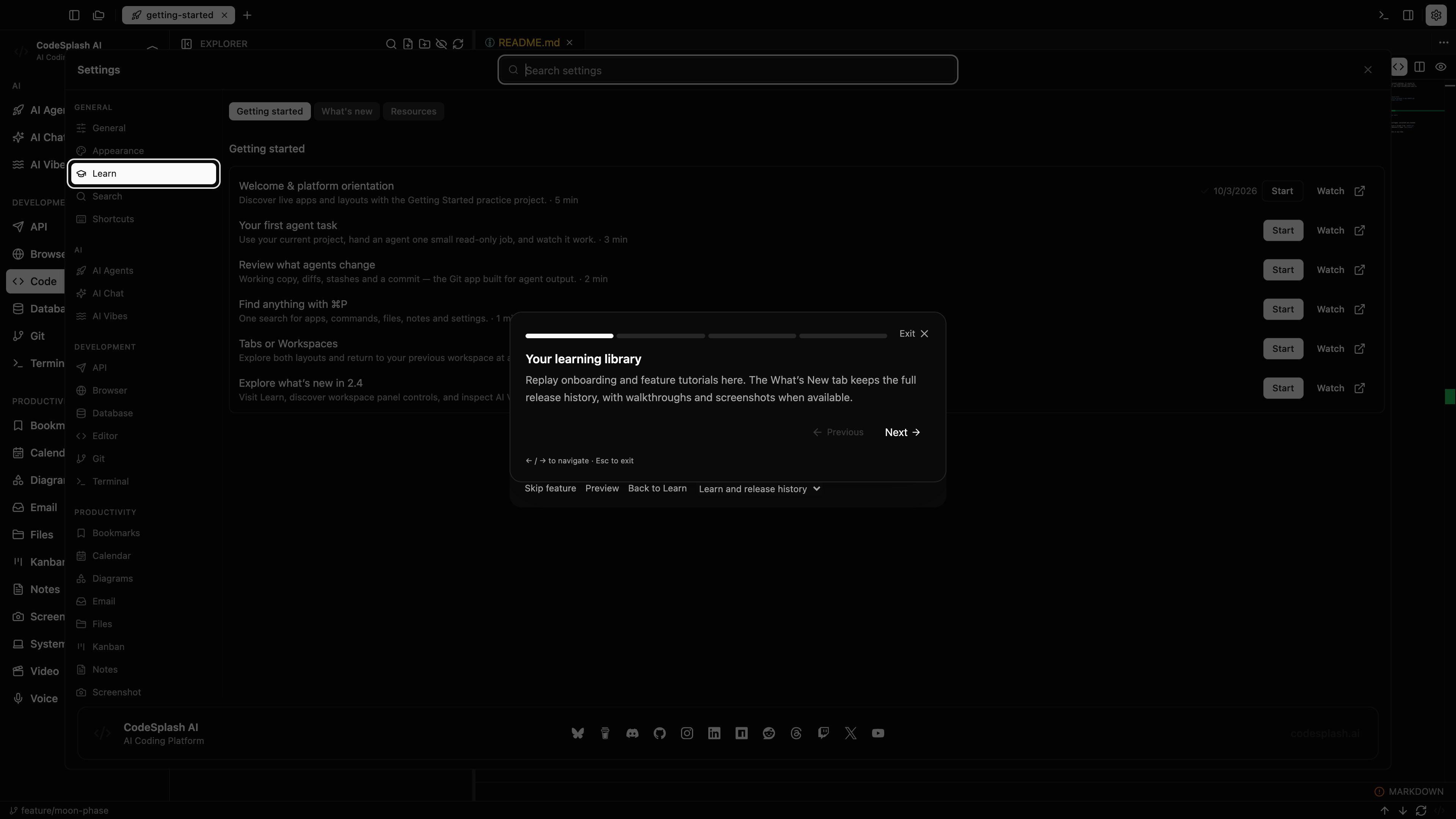
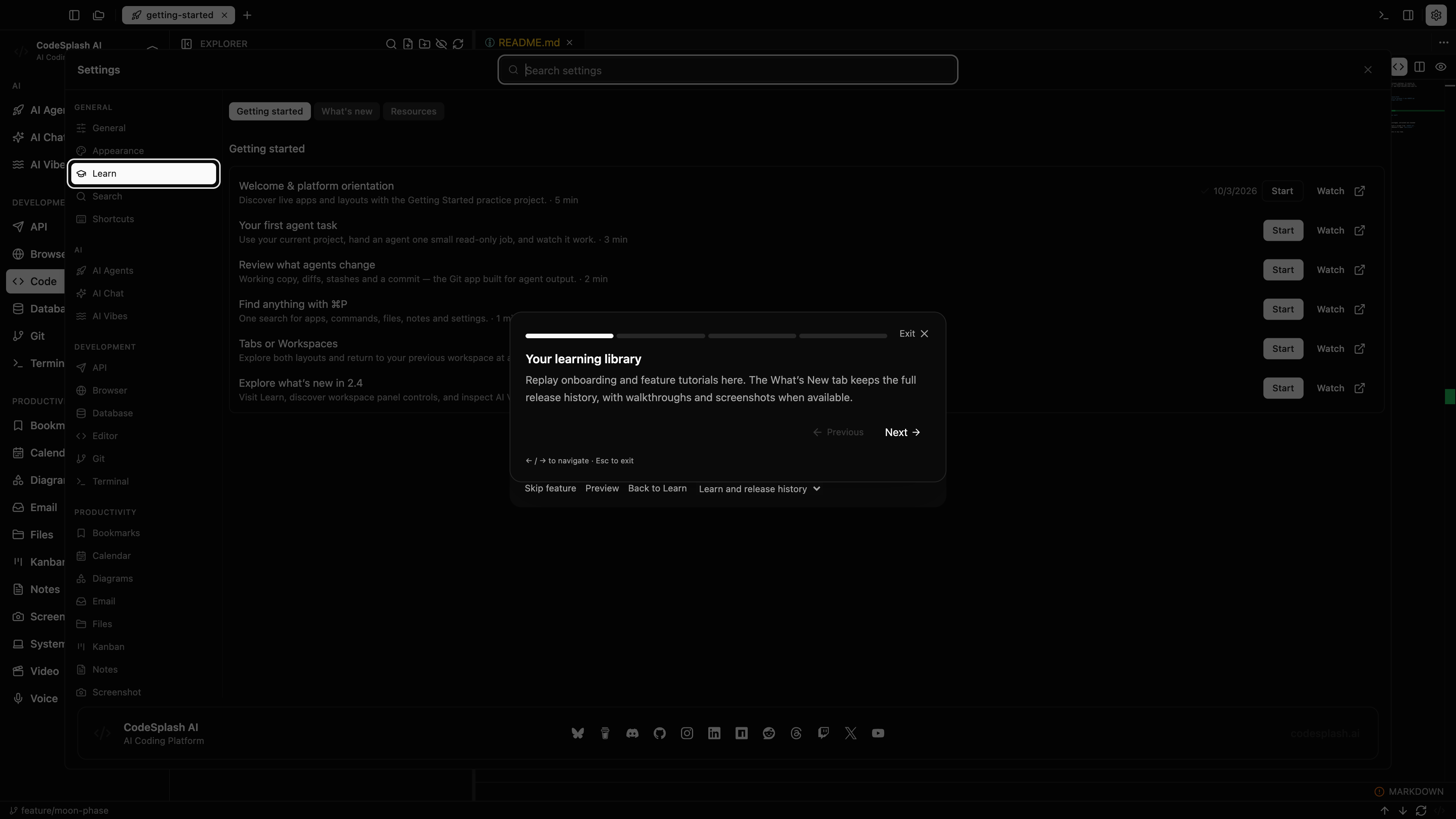
Your learning library · View original full-resolution image
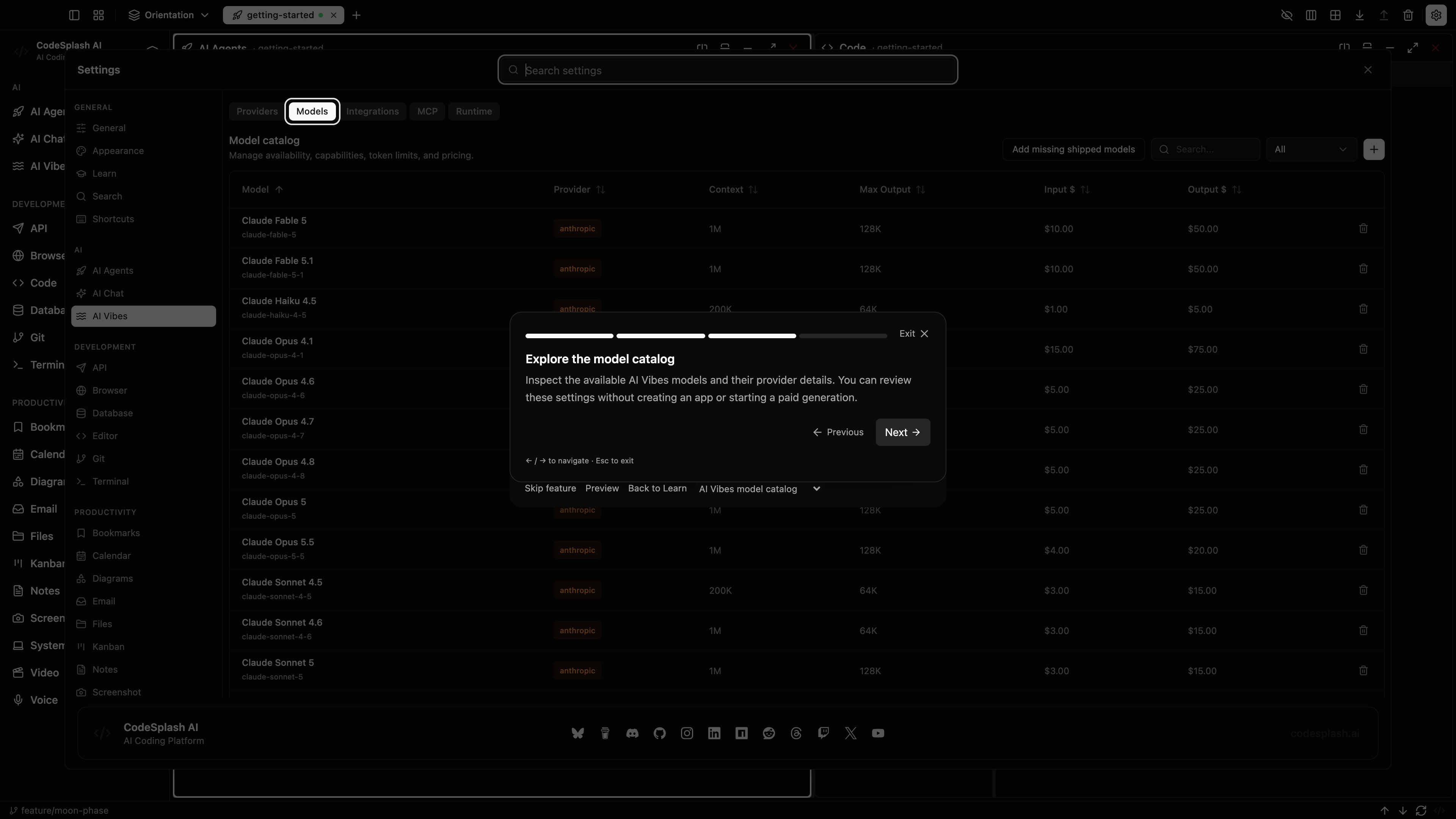
Explore the model catalog · View original full-resolution image
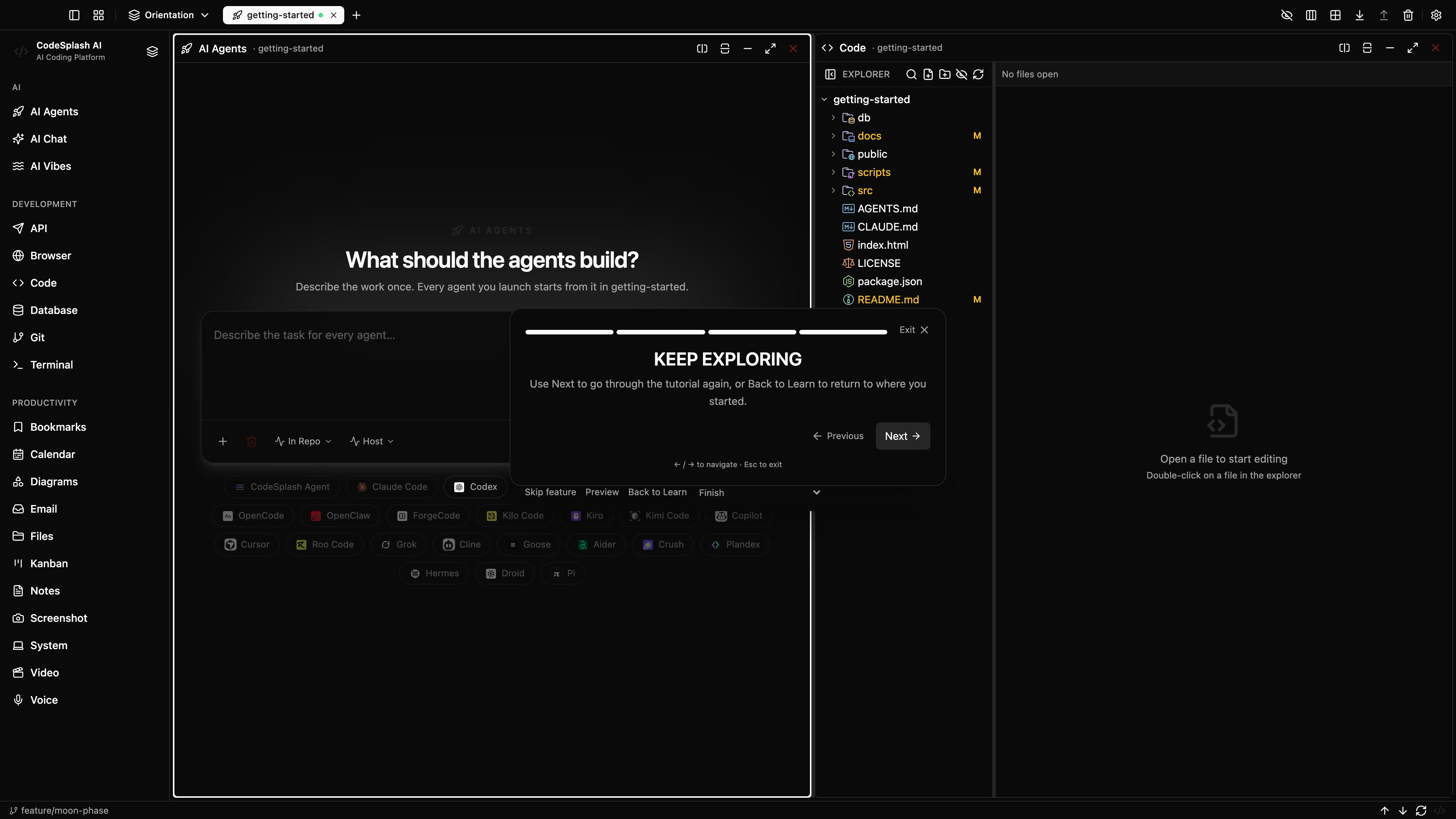
Keep exploring · View original full-resolution image
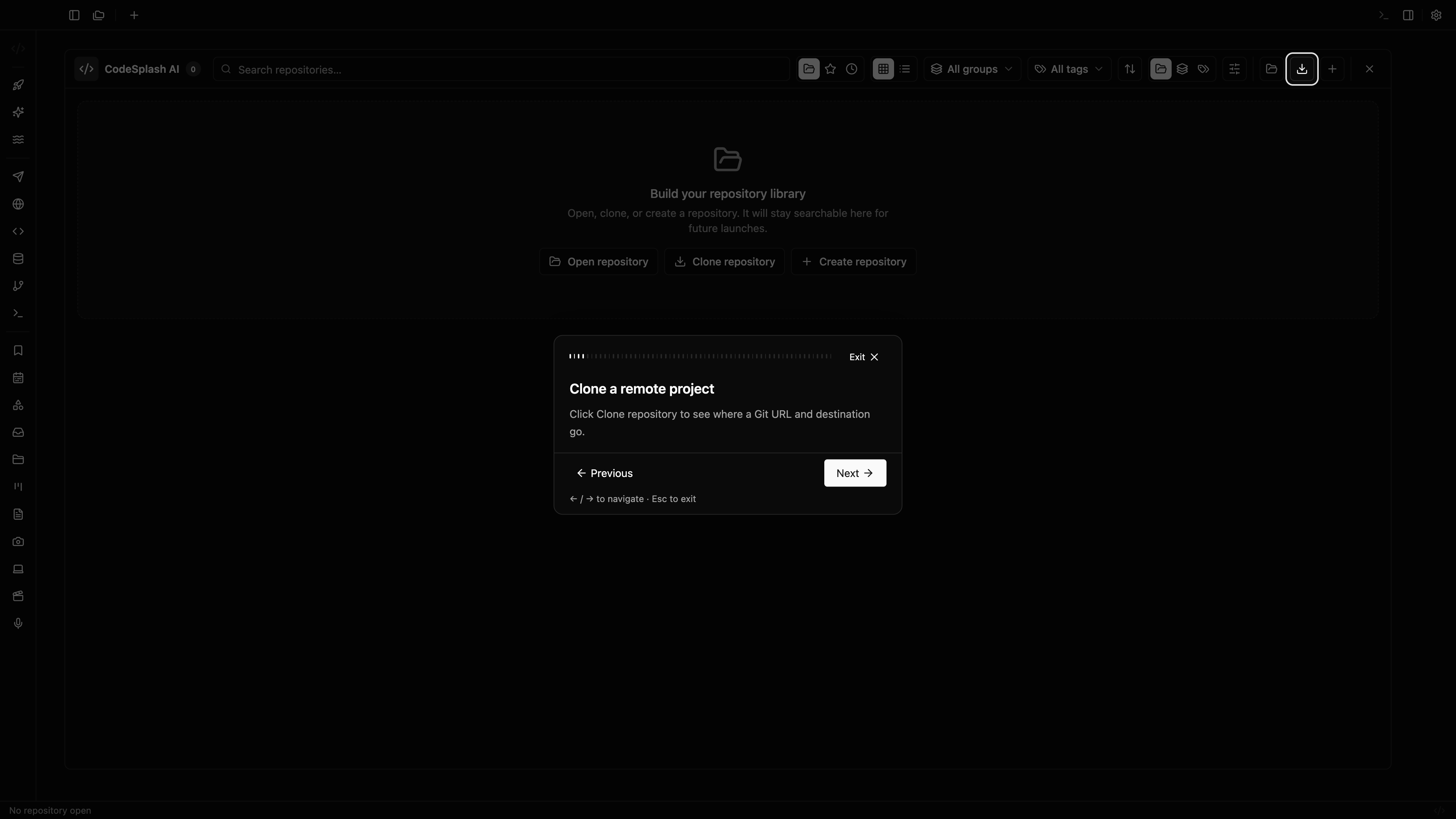
Clone a remote project · View original full-resolution image
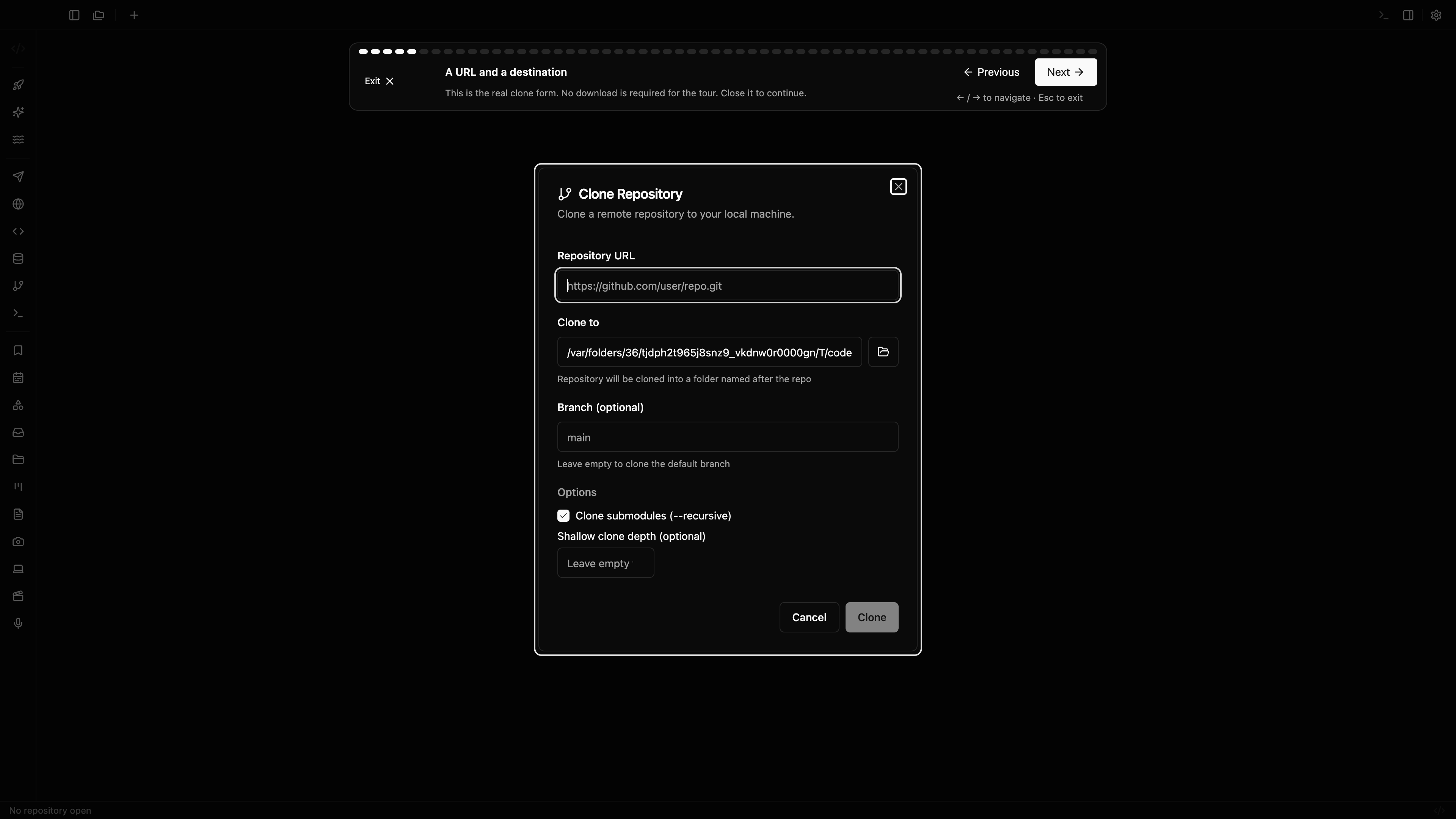
A URL and a destination · View original full-resolution image