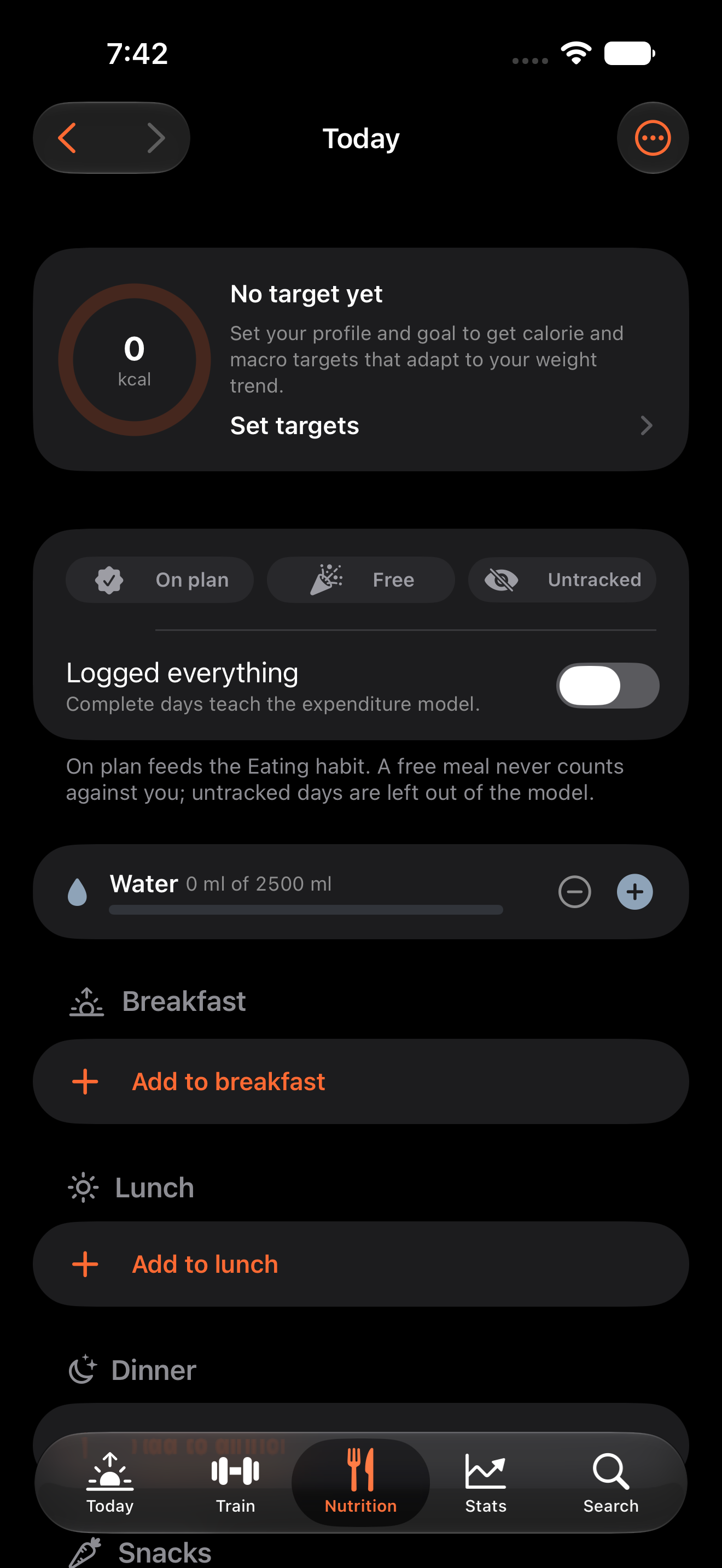
CodeSplash Gym 0.14.0 is now available on the App Store for iPhone and iPad. The recorded walkthrough below follows the shipped app through onboarding and its main views at each device’s original resolution.
Start with today’s plan
Onboarding introduces the workout and nutrition workflow. The Today view gives you a place to start, and Train opens the workout side of the app. Search helps you find exercises as you build your routine.
Keep food and training together
Open Nutrition to work with food tracking, then use Stats to review progress. The app keeps these activities in the same workspace so you can move between your training and food records.
Watch the shipped app
The Gym walkthrough shows the actual iPhone and iPad interface. These are original device recordings and screenshots, with no enlargement to 4K. The capture source matches the publicly distributed app.
Published support and privacy information is available alongside the app. Submission notes in the repository were written before publication; their earlier review status is historical and does not describe the app’s current availability.
Download CodeSplash Gym, then follow onboarding and explore Today, Train, Nutrition, Stats, and Search.
Feature screenshots
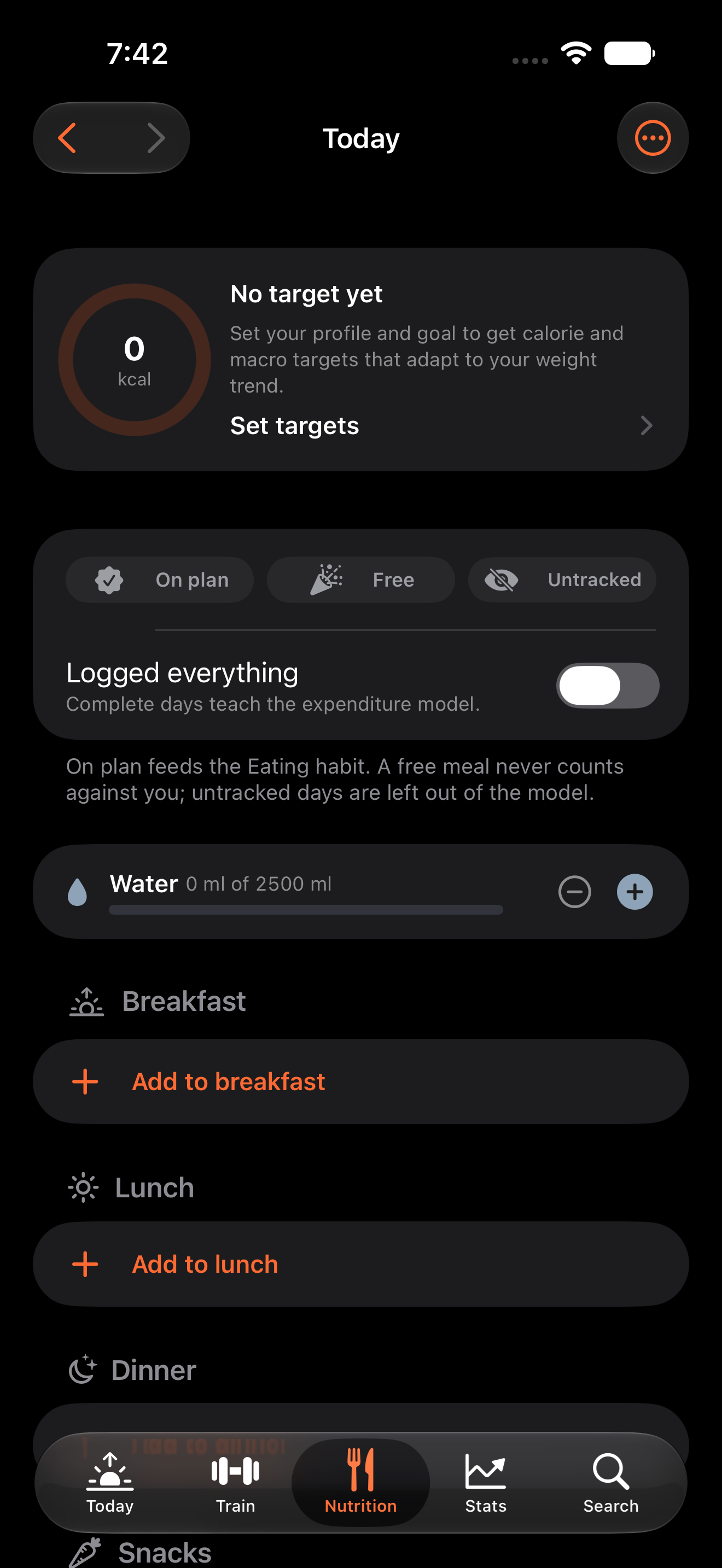
Gym feature nutrition on iPhone · View original full-resolution image
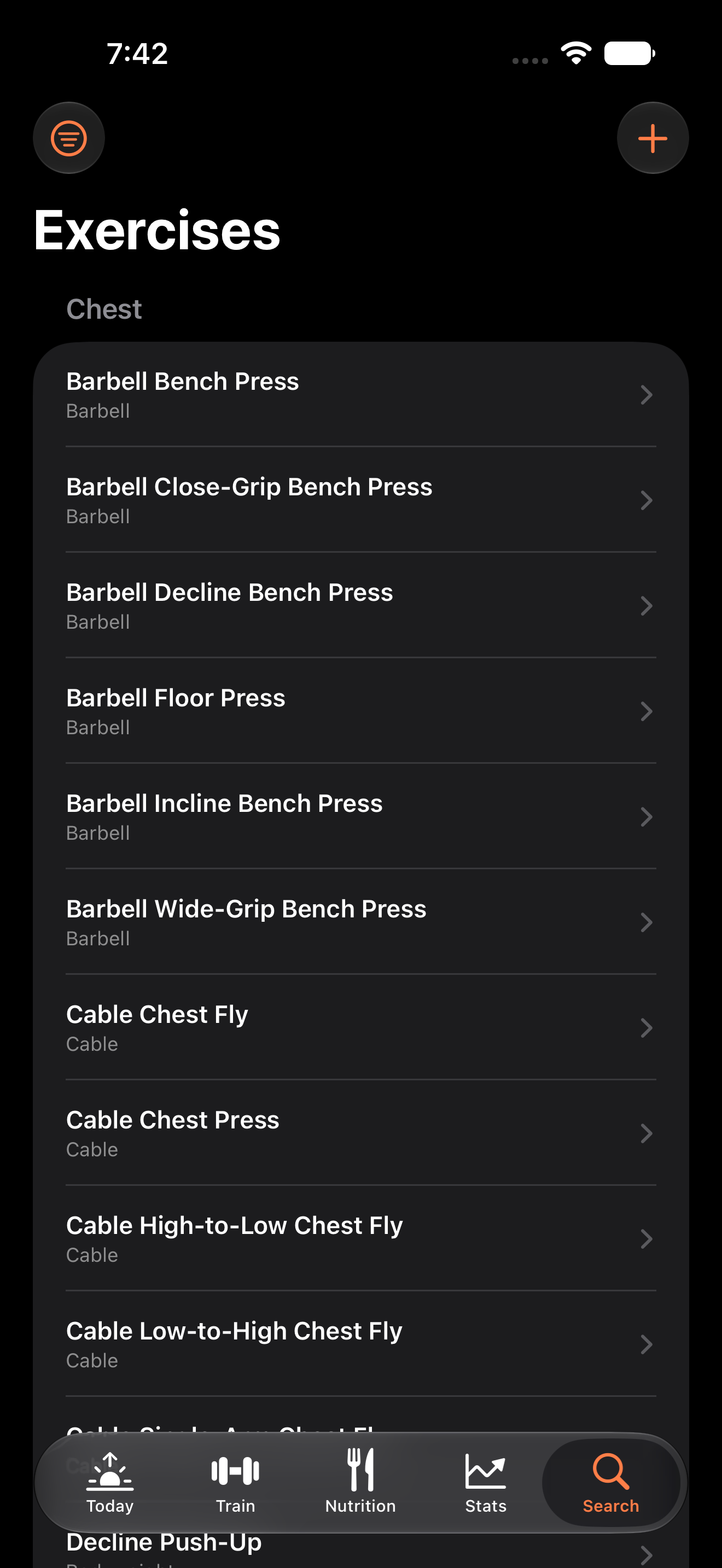
Gym feature search on iPhone · View original full-resolution image
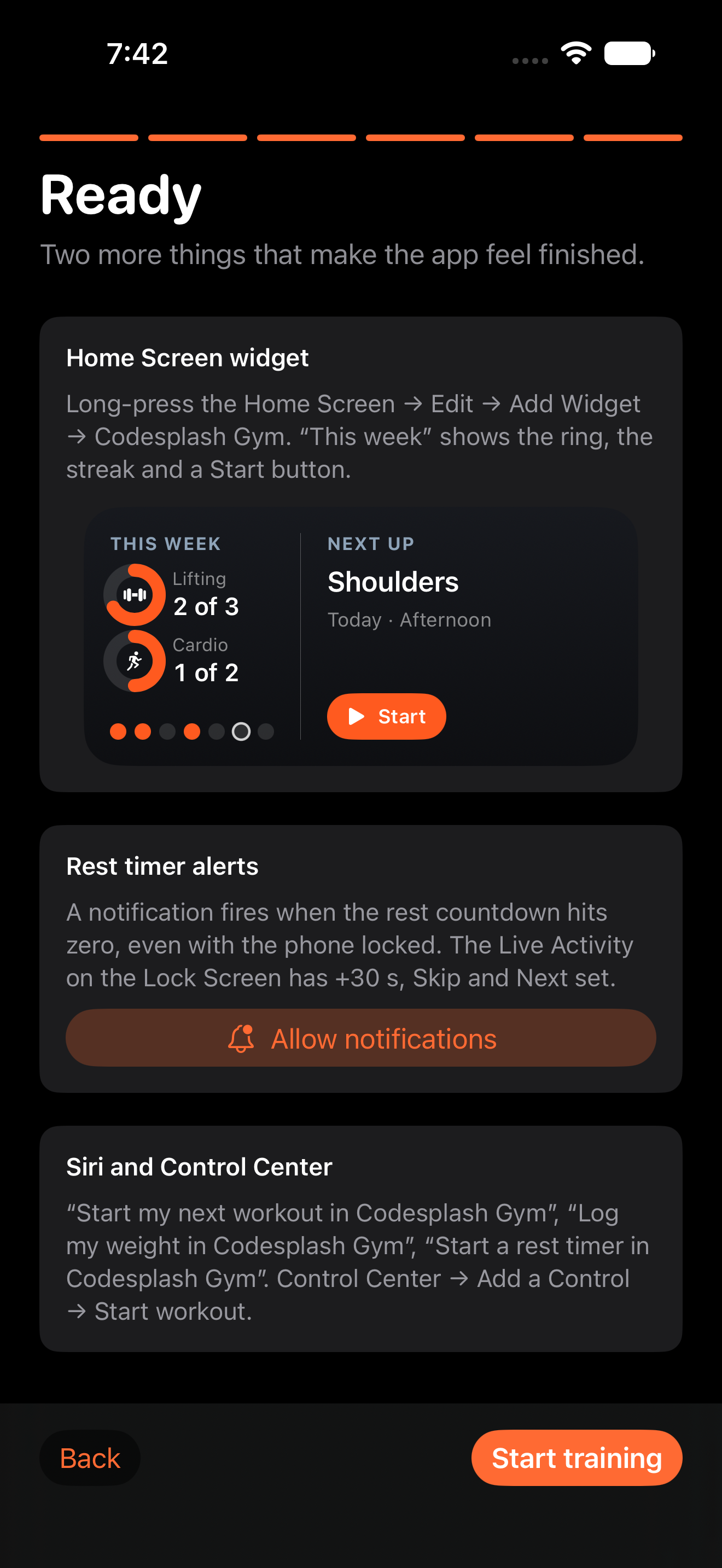
Gym onboarding ready on iPhone · View original full-resolution image
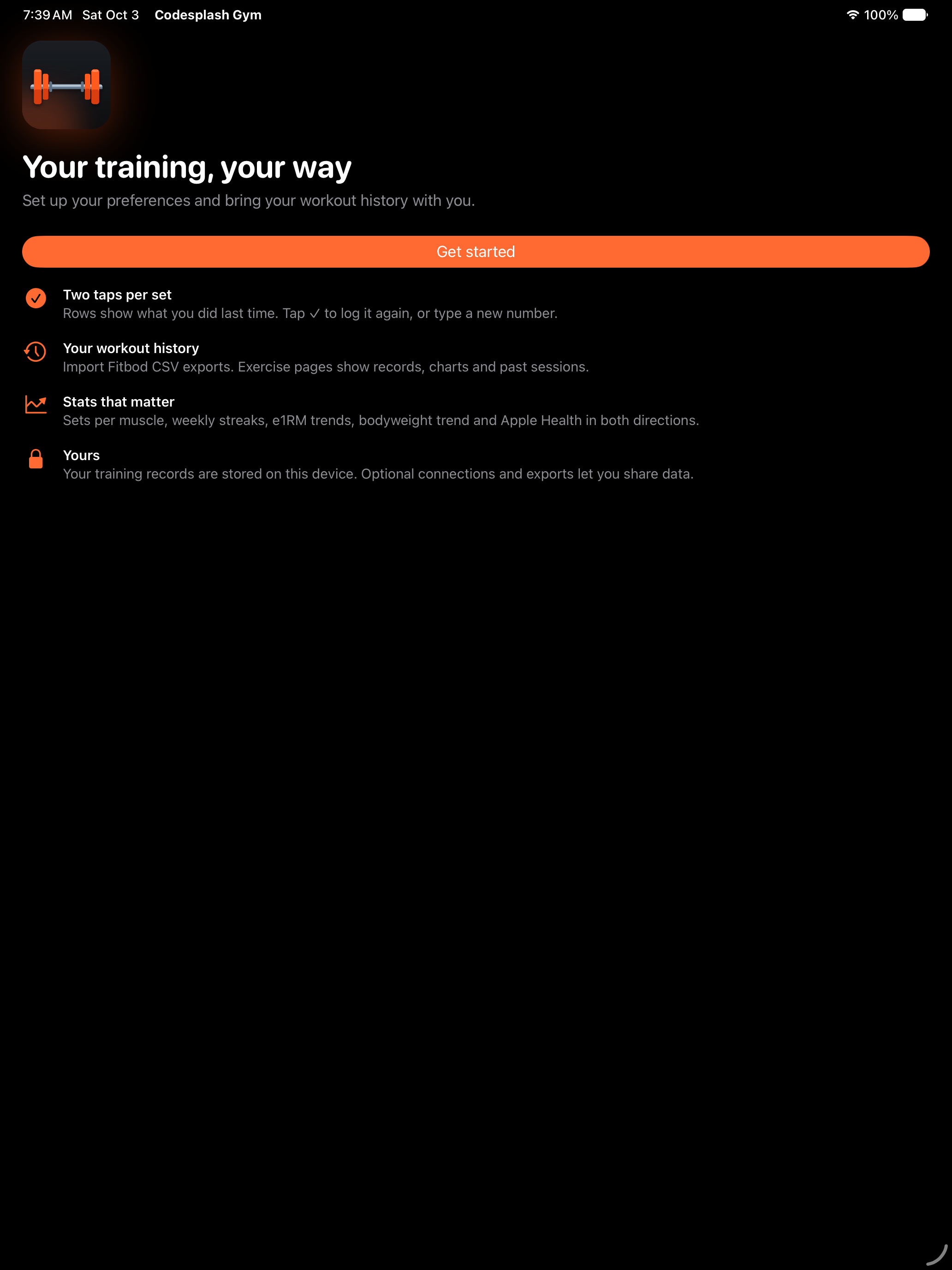
Gym onboarding welcome on iPad · View original full-resolution image
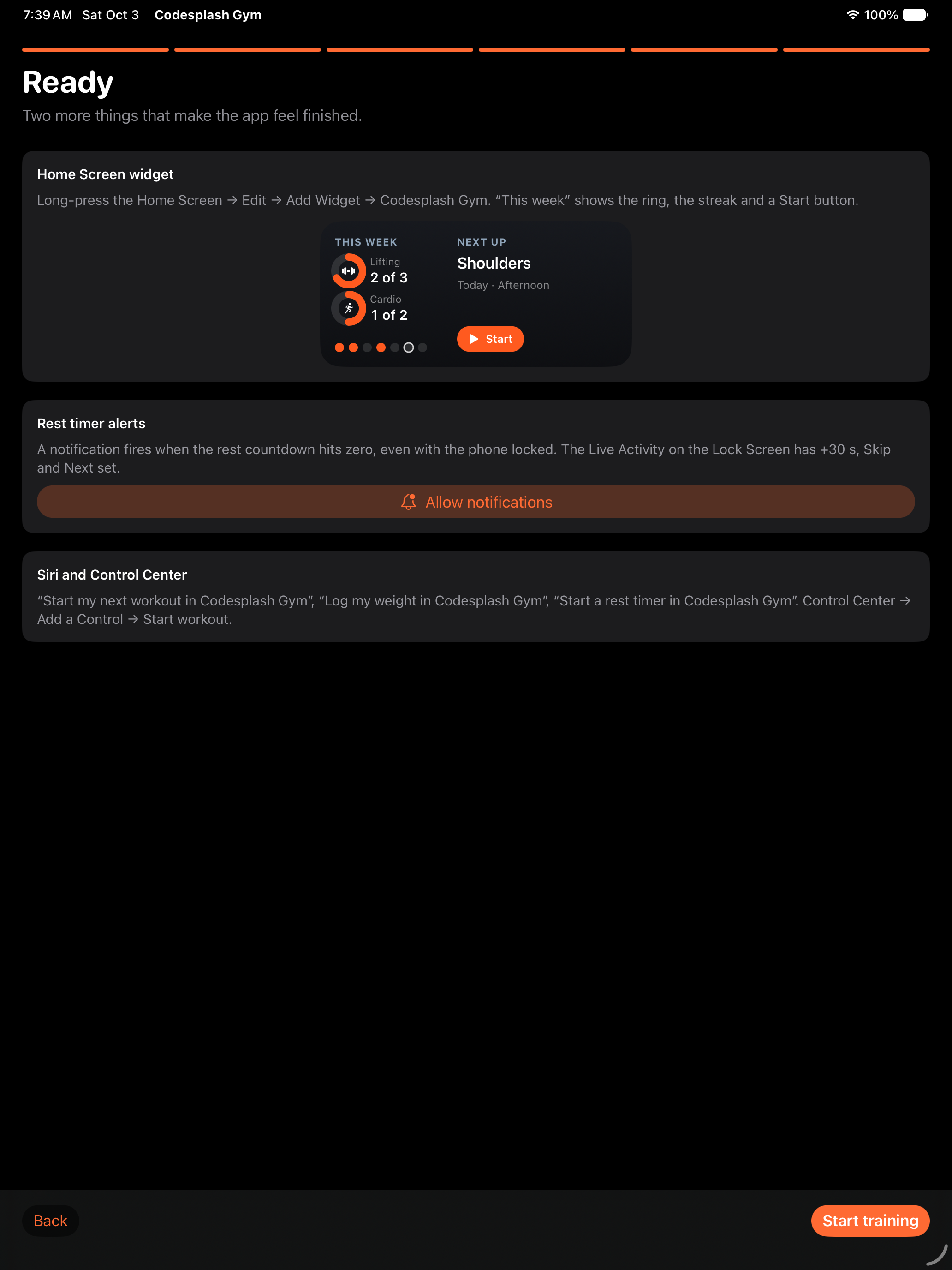
Gym onboarding ready on iPad · View original full-resolution image