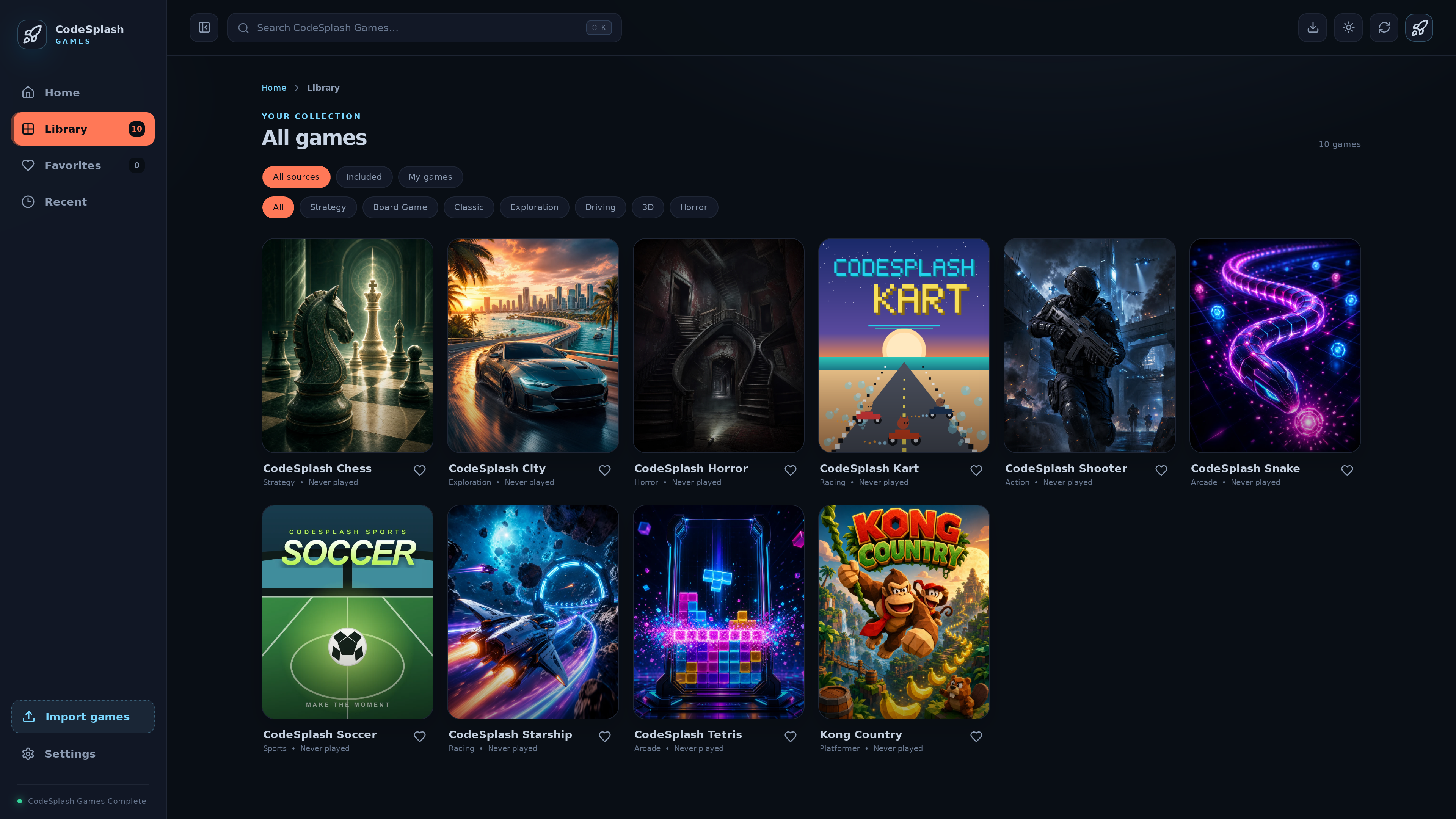
What’s New now opens release screenshots fullscreen
CodeSplash Games 1.0.24 is a small patch, but it fixes a real friction point in the desktop launcher: release screenshots in What’s New are now worth opening.
Before this update, screenshots were part of the release notes flow, but they stayed inline. In 1.0.24, you can open them in a fullscreen viewer, move through them with dedicated previous and next controls, and keep using the keyboard while you browse. That matters if you actually read update notes instead of skipping past them, and it matters even more when the screenshots are showing UI details that are hard to inspect at smaller sizes.
Fullscreen release screenshots
The main change in this release is straightforward:
- Release screenshots in What’s New now open in a fullscreen viewer.
- The viewer adds previous and next controls for browsing multiple captures.
- Keyboard-friendly navigation now works inside that viewer.
This is the kind of launcher polish that sounds minor until you use it. Release notes often try to do two jobs at once: summarize what changed, and show what changed. If the visual side is cramped, the screenshots become decoration. Opening them fullscreen makes them useful again.
For developers, there is a practical point here too. Product update surfaces only work when they respect the way people move through an interface. If a modal, viewer, or release history screen breaks navigation flow, users stop exploring it. This patch tightens that loop instead of adding more content to skim.
Focus now returns when you close the viewer
The best part of the screenshot work is not the fullscreen view itself. It is what happens when you leave it.
Closing the fullscreen screenshot viewer now restores focus so keyboard users can continue from the same place in the What’s New flow. You open a screenshot, inspect it, close it, and keep moving through the release notes without having to hunt for your place again.
That is a small detail, but it is the difference between “keyboard support exists” and “keyboard support holds together across the whole interaction.”
This release does not make broad claims about accessibility, and it does not need to. The shipped improvement is specific and useful:
- open a release screenshot
- browse it with keyboard-friendly controls
- close it
- continue from where you left off
That is a better reading path for anyone using the launcher without a mouse, and it also makes the interface feel more stable for everyone else.
Release history now names the bundled game versions
The other important change in 1.0.24 is in the launcher’s release history.
Previous launcher notes could stay at a broad library level. This release makes the notes more specific by naming the exact bundled game version updates included in the build. If you are tracking what changed between launcher versions, that removes guesswork.
This build records bundled updates for:
- Snake 1.0.1
- Chess 1.0.2
- Shooter 4.0.0
- Kart 2.0.1
- Soccer 1.0.1
It also records first bundled entries for:
- Starship 1.0.0
- City 1.0.0
- Horror 1.0.0
- Kong 1.0.0
- Tetris 1.0.0
That change is mostly about precision. The launcher can now say which included games changed in a release instead of collapsing everything into a vague summary. If you maintain a curated desktop library, this kind of release accounting matters. Users can see what moved. Developers can verify what shipped. The update history becomes a record instead of a headline.
Why these two changes fit together
The screenshot viewer and the bundled version history solve different problems, but they improve the same surface: how the launcher communicates updates.
One change makes release notes easier to inspect visually. The other makes them more exact technically.
That combination is the right scope for a patch release. CodeSplash Games 1.0.24 does not try to pretend this is a major content drop. It improves a workflow people already use:
- Open What’s New after updating.
- Check the screenshots at full size if you want more context.
- Read the release history and see exactly which bundled games changed.
That is better product communication with less ambiguity.
A small release with concrete polish
The diff for 1.0.24 is short, and the user-facing impact is clear. The What’s New modal got a better screenshot workflow. Keyboard navigation got more attention, including focus restoration after closing the viewer. Release history got more explicit about bundled game versions.
Those are not flashy changes. They are the kind of changes that make a desktop launcher easier to live with over time.
If you are already using CodeSplash Games, update to 1.0.24 and open What’s New to try the fullscreen viewer and the clearer release history. You can get the latest build from codesplash.ai/downloads.
Try it and reply with feedback.
Feature screenshots
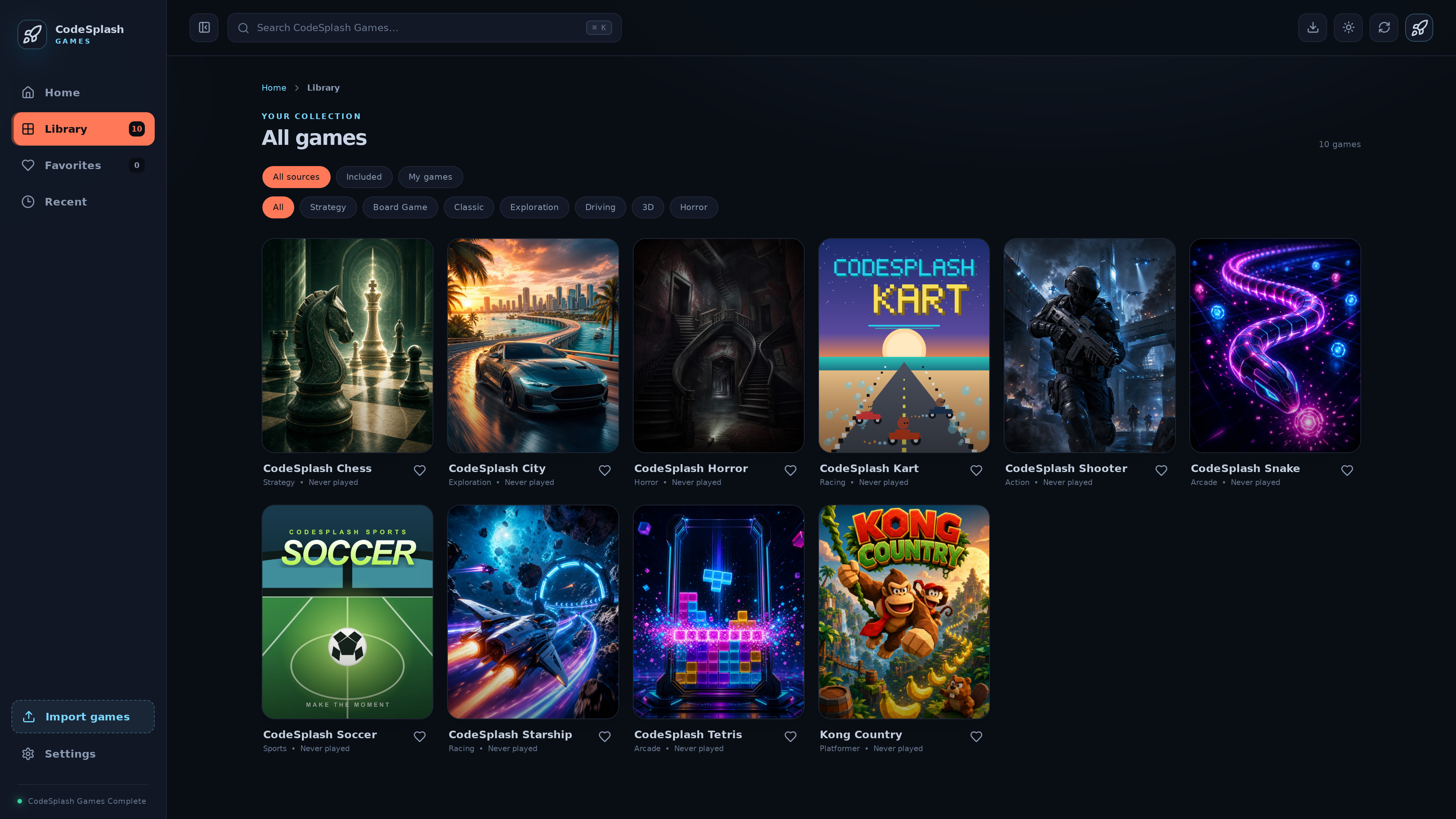
Browse games by source and category · View original full-resolution image
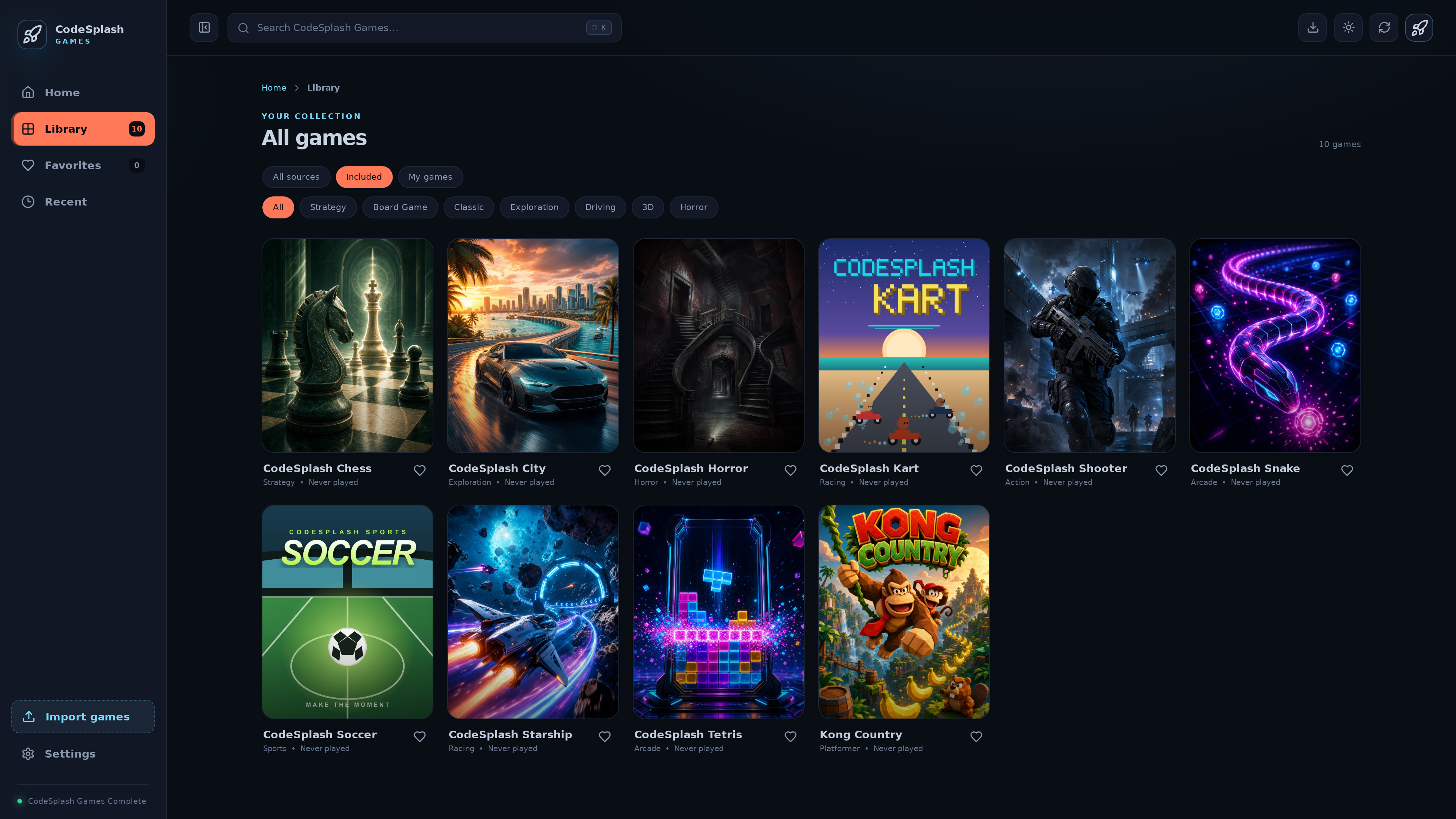
Filter the library to games included with CodeSplash Games · View original full-resolution image