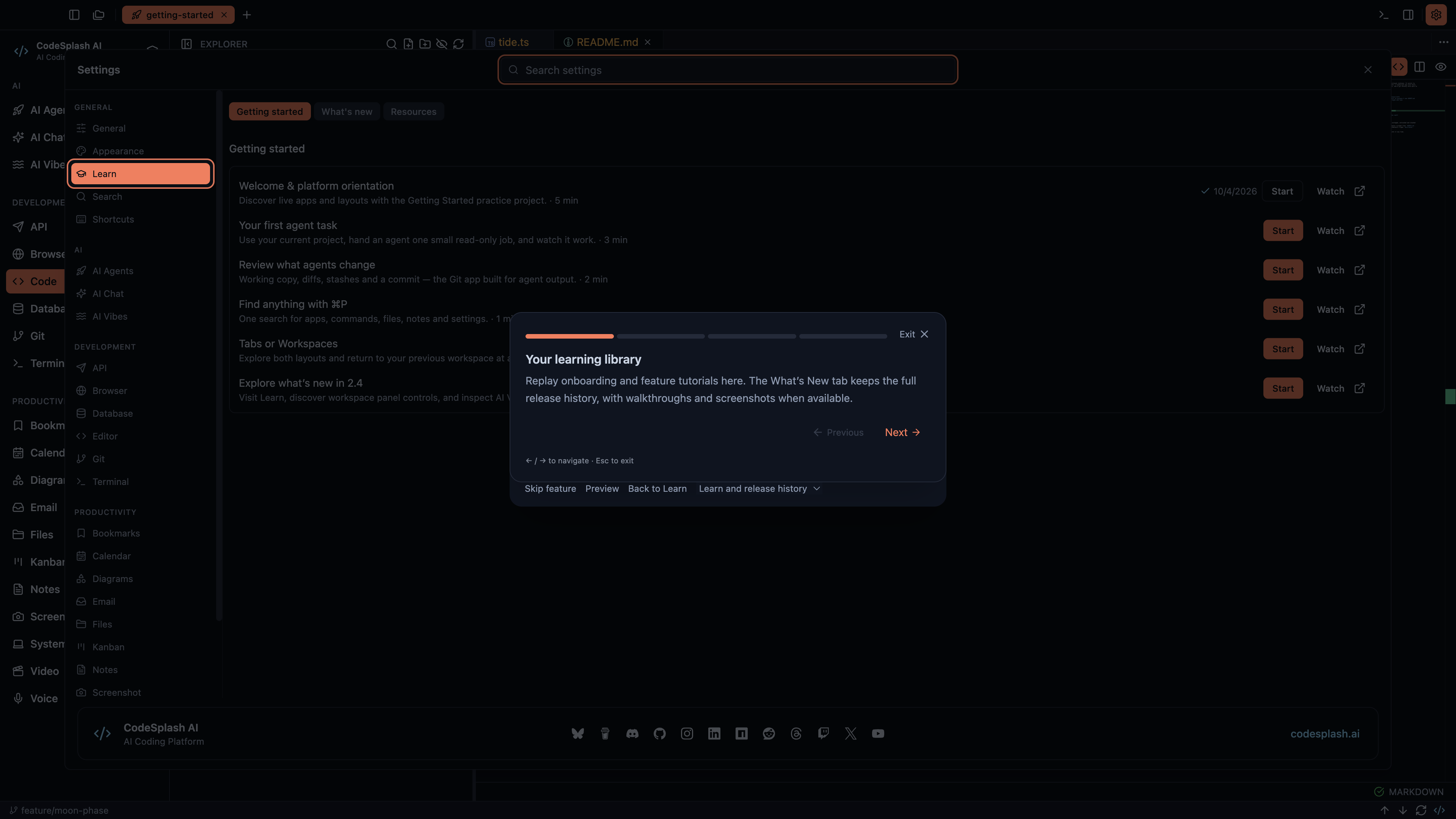
Learn gets cleaner theme styling and safer tutorial clicks
CodeSplash AI 2.4.30 is a small patch, but it fixes two annoying classes of problems in the built-in Learn flow.
First, the tutorial card now respects your active theme more consistently. Second, the native tutorial capture path is less willing to keep going when pointer calibration gets interrupted before a click. If you use Learn for onboarding, or you validate tutorial runs as part of QA, this release should make that flow feel less fragile.
Tutorial buttons now match the active theme more reliably
The visible change is in the tutorial card itself.
Exit, Previous, and Next now use theme-aware styling more consistently, including their foreground and hover states. In practice, that means the controls stay closer to the active theme instead of relying on inline color overrides that could drift from the rest of the UI.
This matters most when you move between themes and expect Learn to feel like part of the same app, not a separate layer with slightly off colors. In 2.4.30, those tutorial navigation controls were updated to use the same kind of theme-aware classes the rest of the interface uses.
If you open Settings → Learn and step through a tutorial, the difference is subtle but easy to spot:
- Exit keeps a clearer muted foreground treatment
- Previous follows the same theme foreground rules
- Next switches between muted and primary styling more cleanly
- hover states line up better with the active theme
For a patch release, this is the kind of polish that matters. Learn is one of the first places people touch in the desktop app. Small inconsistencies there stand out more than they would in a secondary screen.
Native tutorial calibration retries before it trusts a click
The other fix is less visible, but more important if you care about tutorial reliability.
The native tutorial capture flow calibrates pointer movement before it sends tutorial clicks. In 2.4.30, that calibration now retries interrupted movement before continuing. If physical pointer movement breaks the calibration pair, the flow retries the movement-only step instead of proceeding with a bad click mapping.
That change narrows a specific failure mode: calibration could be interrupted, the mapping could become invalid, and the tutorial could continue anyway. This patch makes the flow more defensive.
The practical result is simple:
- interrupted pointer movement is retried before the tutorial continues
- tutorial automation avoids clicking with an invalid mapping
- tutorial capture and QA should be more reliable when physical pointer movement gets in the way
This is not a broad rewrite of onboarding. It is a targeted hardening pass on the pointer calibration step used before tutorial clicks are sent.
Why this patch matters
CodeSplash AI is a desktop app with a built-in Learn experience, and that experience needs two things to be useful: it should look like the rest of the product, and it should hit the control it intends to hit.
2.4.30 improves both.
If you're new to the app, the theme fix makes Learn feel more coherent when you step through tutorials in your preferred theme. If you're on a team checking onboarding quality, the calibration retry reduces a class of flaky runs caused by interrupted pointer movement.
That makes this release relevant to two groups:
- people using Learn inside the desktop app
- teams validating onboarding and tutorial capture quality
What shipped in 2.4.30
Here’s the release in plain terms:
Fixes
- Fixed tutorial card button styling so Exit, Previous, and Next respect theme foreground colors more reliably.
- Fixed a native tutorial calibration issue by retrying interrupted pointer movement before any tutorial clicks are sent.
Improvements
- Tutorial navigation controls now use theme-aware styling more consistently, including hover states.
- Native tutorial runs are more reliable when pointer movement interrupts calibration.
One note worth calling out: this release also includes internal cleanup for published mobile tutorial video metadata. That work supports release video handling. It is not a new user-facing desktop feature, so the main thing most people will notice in 2.4.30 is the Learn polish.
Where to check it
After updating, the fastest way to verify the patch is to open Settings → Learn and walk through the tutorial flow in your preferred theme.
A few things to look for:
- Check the Exit, Previous, and Next buttons in the tutorial card.
- Hover those controls and make sure the foreground and hover states feel consistent with the active theme.
- If your team runs tutorial QA or capture workflows, rerun them on 2.4.30 and watch for fewer calibration-related interruptions before clicks.
You can get the latest desktop build here: https://codesplash.ai/downloads
Try 2.4.30 and reply with feedback if Learn still shows any theme mismatches or tutorial click issues.
Feature screenshots
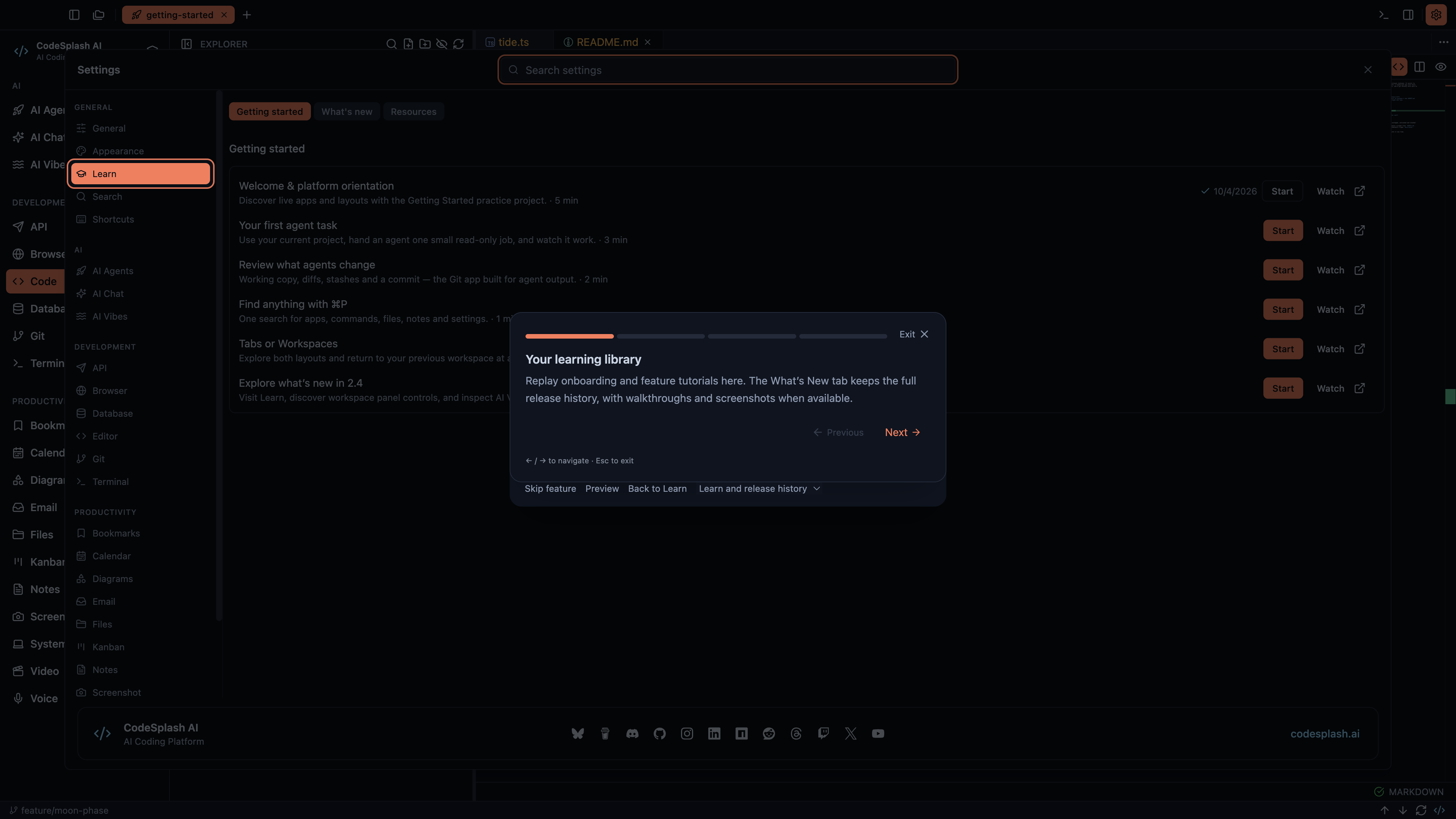
Your learning library · View original full-resolution image
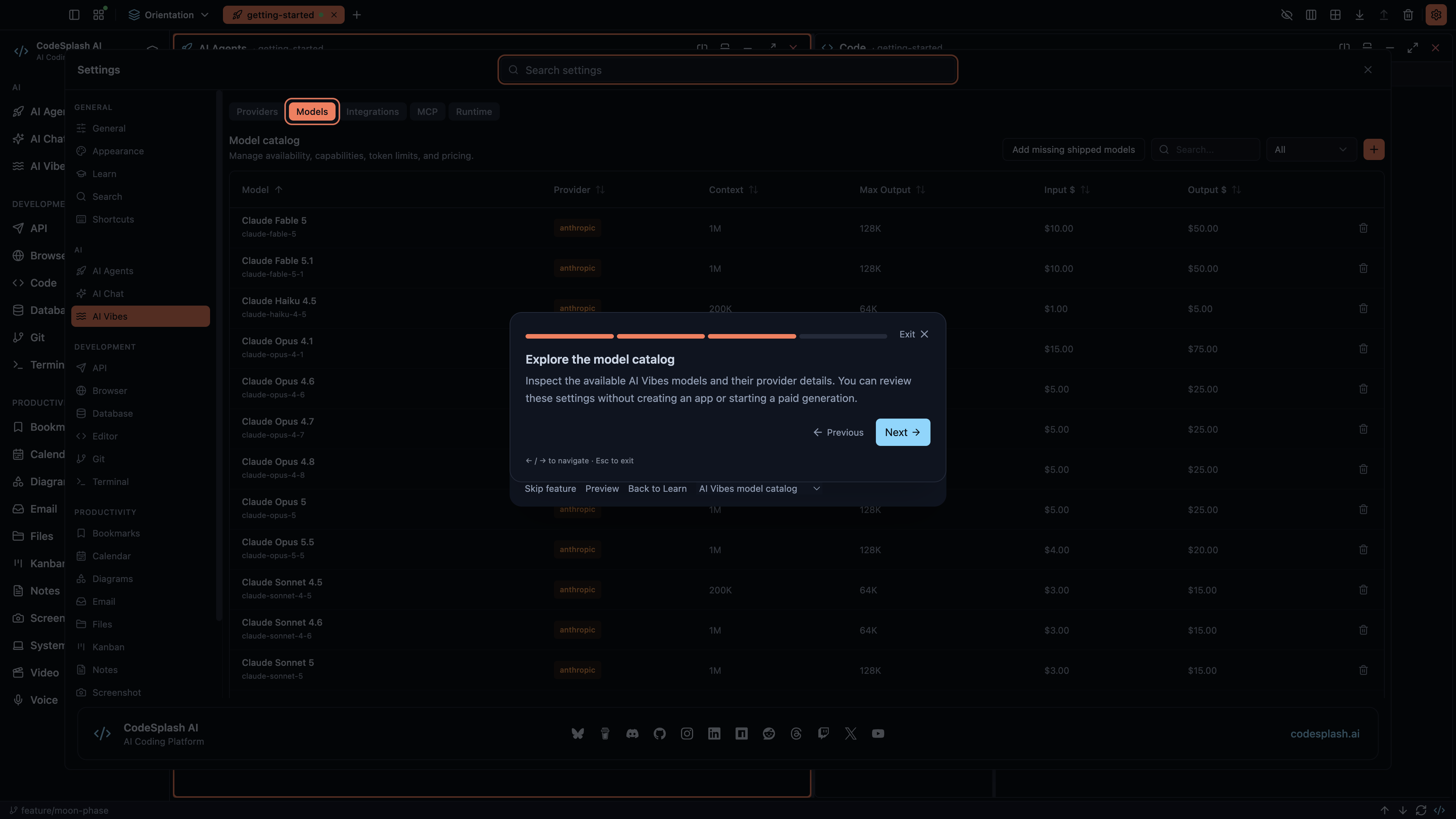
Explore the model catalog · View original full-resolution image
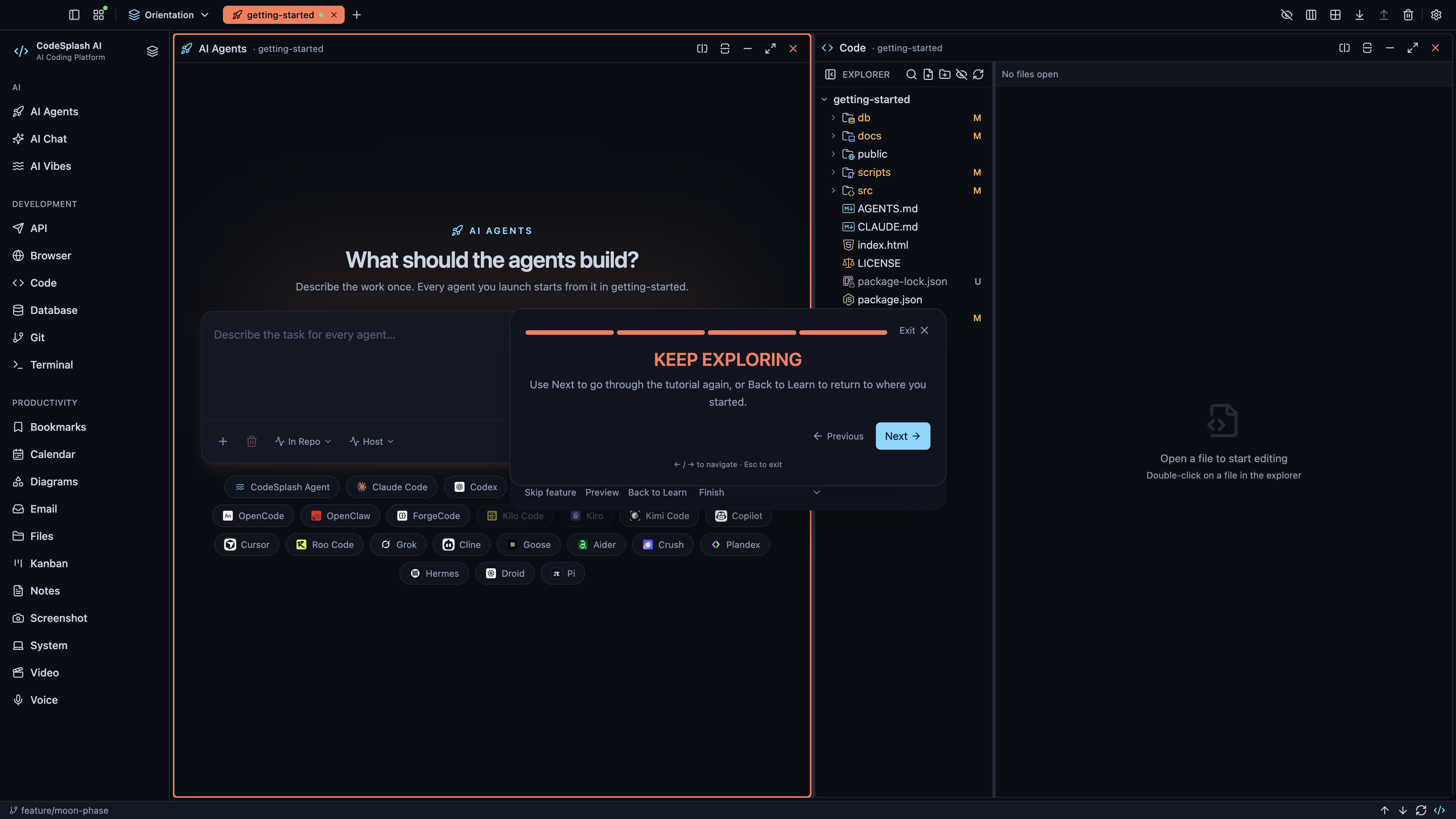
Keep exploring · View original full-resolution image