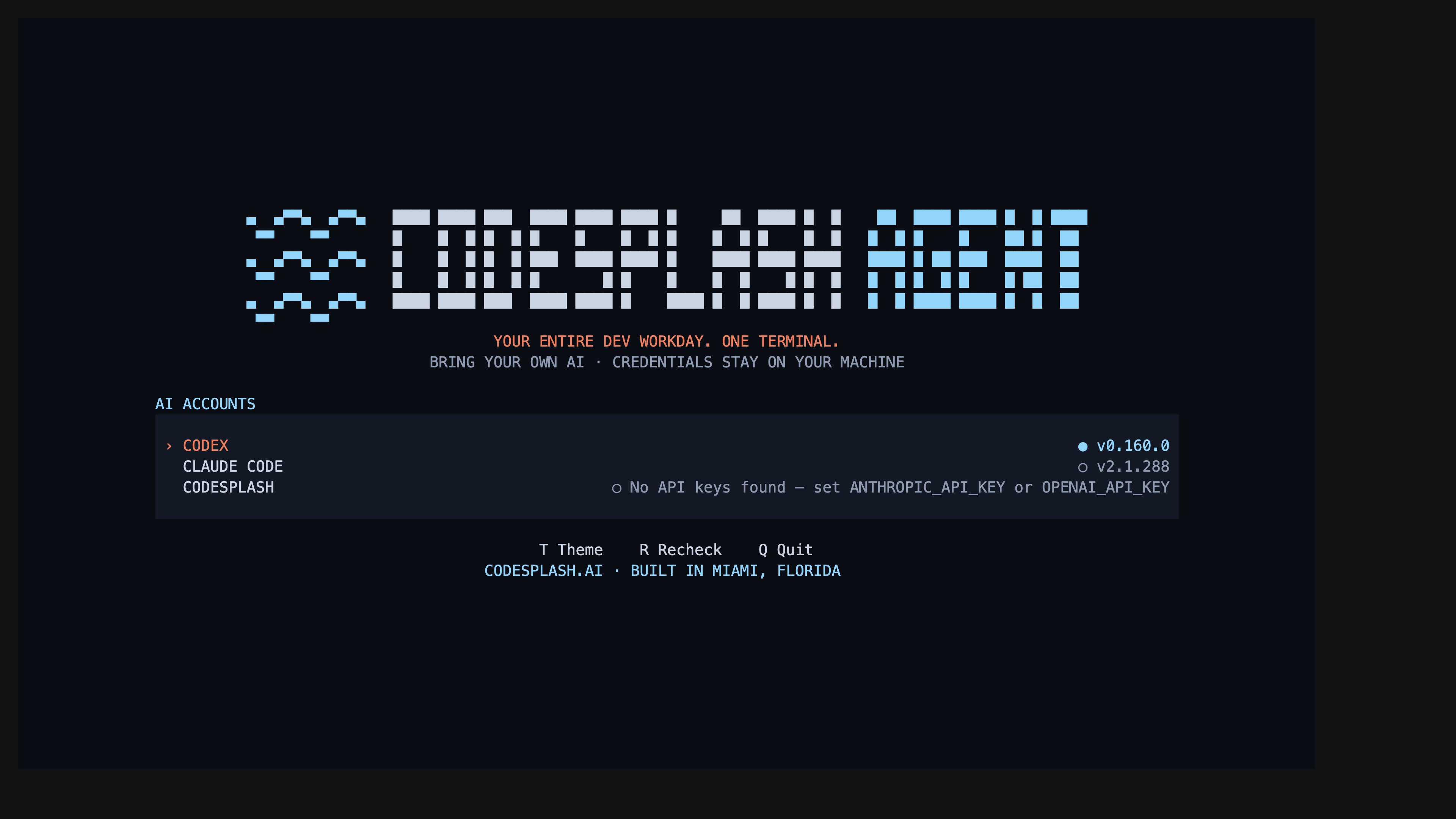
CodeSplash Agent 0.2.0
The biggest change in 0.2.0 is simple: CodeSplash Agent now includes a native CodeSplash engine.
That matters because it changes the app from a terminal harness around external tools into a broader native agent workflow. You can now run a first-party in-process engine for direct provider access alongside native Codex and official Claude Code flows, in the same terminal product.
This is not just a new item in a model picker. The release adds the engine itself, broadens the terminal workspace around it, and ships more of the operational pieces you need to actually use it: session controls, SDK examples, diagnostics docs, distribution guidance, and offline docs.
A first-party engine, alongside Codex and Claude Code
The new engine runs entirely in process. Provider adapters stream model responses, and the loop executes tools inside the app’s own engine/session contract.
In practice, that gives CodeSplash Agent three distinct paths:
- OpenAI Codex natively
- Claude Code through its official CLI
- The native CodeSplash engine for direct provider access
The authentication story is also more explicit now. Codex and Claude keep owning their CLI authentication. The native CodeSplash engine uses configured provider keys and local credential or secret storage. The README now spells out that distinction instead of flattening all engines into one security claim.
If you are evaluating how to mix provider-native flows with a first-party engine, 0.2.0 is the release where that becomes a real product surface.
The terminal workspace got wider
0.1.x already had the terminal harness idea. In 0.2.0, the terminal workspace covers more of the actual workflow.
The README now documents a larger set of in-app controls, including:
/configfor searchable settings/integrationsworkflows for MCP, plugins, hooks, skills, and extensions- a fuzzy command palette on Ctrl+P
- draft editing through Ctrl+G with your editor
This release also expands durable sessions. The notes call out deeper local persistence, checkpoints, portable session handling, and more resume-oriented workflows. If you use the terminal as your main surface, that matters more than a headline benchmark. It changes what you can leave running, come back to, and move between environments.
There are also smaller workflow additions that show up in day-to-day use:
- reusable prepared worktree pools
- model-assisted disabled agent drafts
- named persona defaults and overrides
- paginated child transcript inspection
- owned launchd/systemd scheduler lifecycle support
The Bun SDK is now a documented surface
0.2.0 also makes the embedding SDK much easier to start with.
The published package now includes a documented Bun SDK surface with createAgentSession, event subscription, extension API types, and numbered runnable examples. The examples are not vague sketches. They cover concrete workflows, including:
- session creation and event subscription
- recorded resume
- streaming tools
- MCP resource elicitation
- orchestration integration
- git autocommit on exit
One of the more useful additions here is the MCP example set. The release notes call out MCP resource, image, deferred-call, and form-flow examples for SDK and session workflows. There is also a dedicated smoke script for a real HTTP/SSE MCP exchange.
If you are embedding CodeSplash Agent into Bun-based tooling, 0.2.0 is the first release where “read the examples and wire it up” looks realistic.
More of the rollout and support story ships with the product
This release also puts more weight on distribution and operations.
There is new documentation for standalone installs, including codesplash update status and signed update policy configuration. The package now includes more docs in the published distribution, including guides for:
- distribution
- observability
- storage boundaries
- roadmap status
- carryovers
That matters for teams rolling out a local tool in managed environments. You can review update policy behavior and keep docs available offline instead of sending people back to a web page for basic operational questions.
The offline docs site also expanded in 0.2.0, with current feature guides and safer rendering for links, tables, lists, and code.
Diagnostics got sharper
The new observability docs are worth calling out on their own.
0.2.0 documents local status and crash inspection, trace export, trace replay, feedback export, and optional OTLP output. The repo docs are specific about the boundaries here: diagnostics use a numeric contract, trace replay validates ordering and summarizes counts, and exports stay private unless an operator explicitly sends them.
That kind of detail matters when you are trying to debug a local agent workflow without guessing what gets retained and what does not.
Windows got targeted fixes, but the label did not change
This release includes several Windows fixes:
- native handle cleanup
- access masks
- directory pinning
- native relative rename and link behavior
- separate sandbox broker provisioning state
There is also a deliberate non-change: the protected-system-directory ACL refusal stays visible as an explicit limitation.
That matches the broader tone of the release notes. Windows got real hardening work, but Windows remains experimental in 0.2.0. The docs also avoid promoting Android/Termux, KVM, or live-service/device acceptance in this release.
That restraint is useful. It tells you where to test harder before adopting the platform in a broader rollout.
What to try first
If you are upgrading from 0.1.4, three things are worth testing first:
- Run the native CodeSplash engine and compare it with your Codex or Claude Code workflow.
- Open the new terminal workspace surfaces, especially
/config,/integrations, and session resume flows. - Read the SDK and distribution docs before embedding or rolling out standalone installs.
You can grab the release from codesplash.ai/downloads.
Try 0.2.0 and reply with feedback if the native engine, SDK examples, or session workflow changes hit something useful for your setup.
Feature screenshots
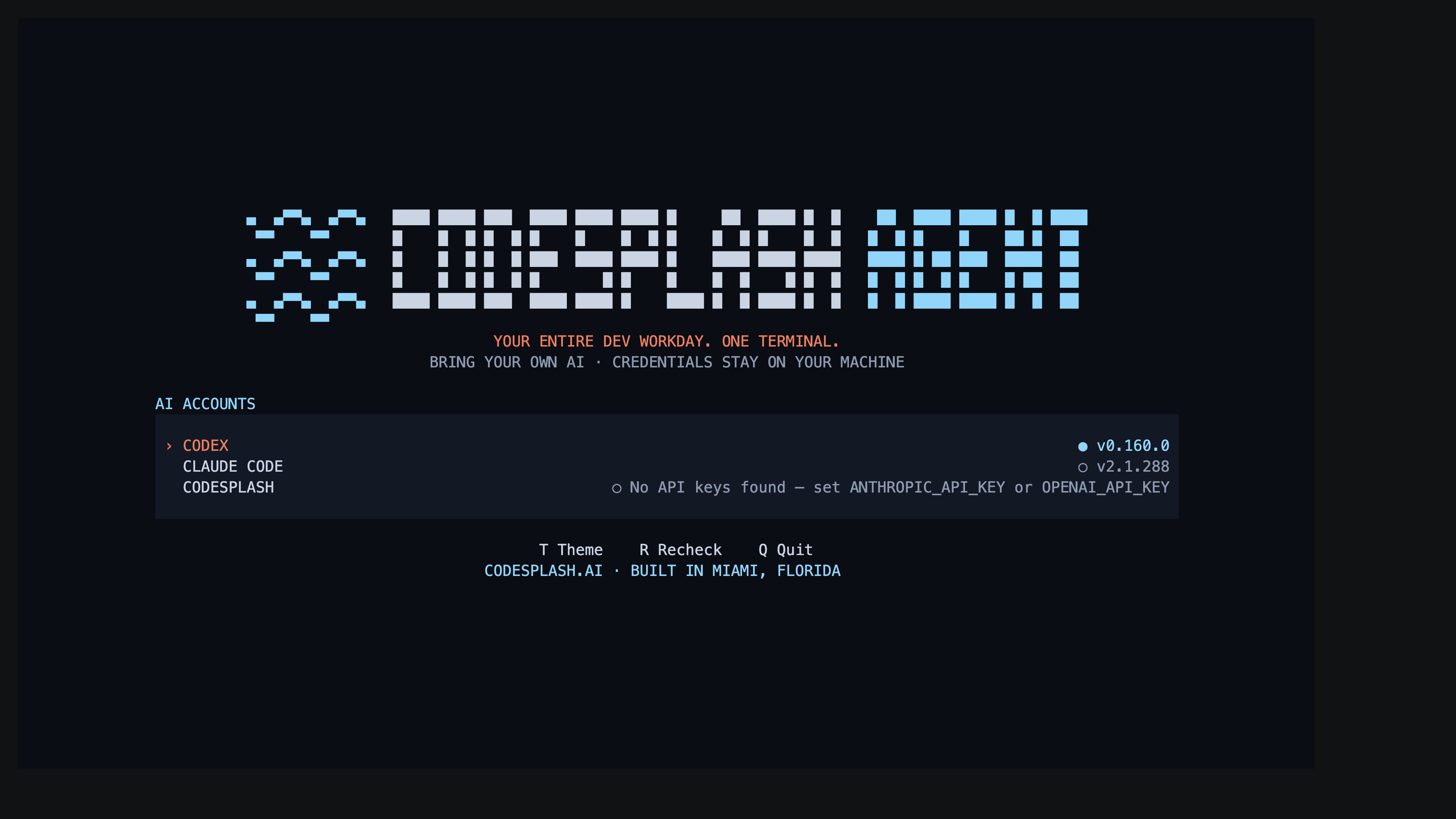
Choose a native Agent engine · View original full-resolution image
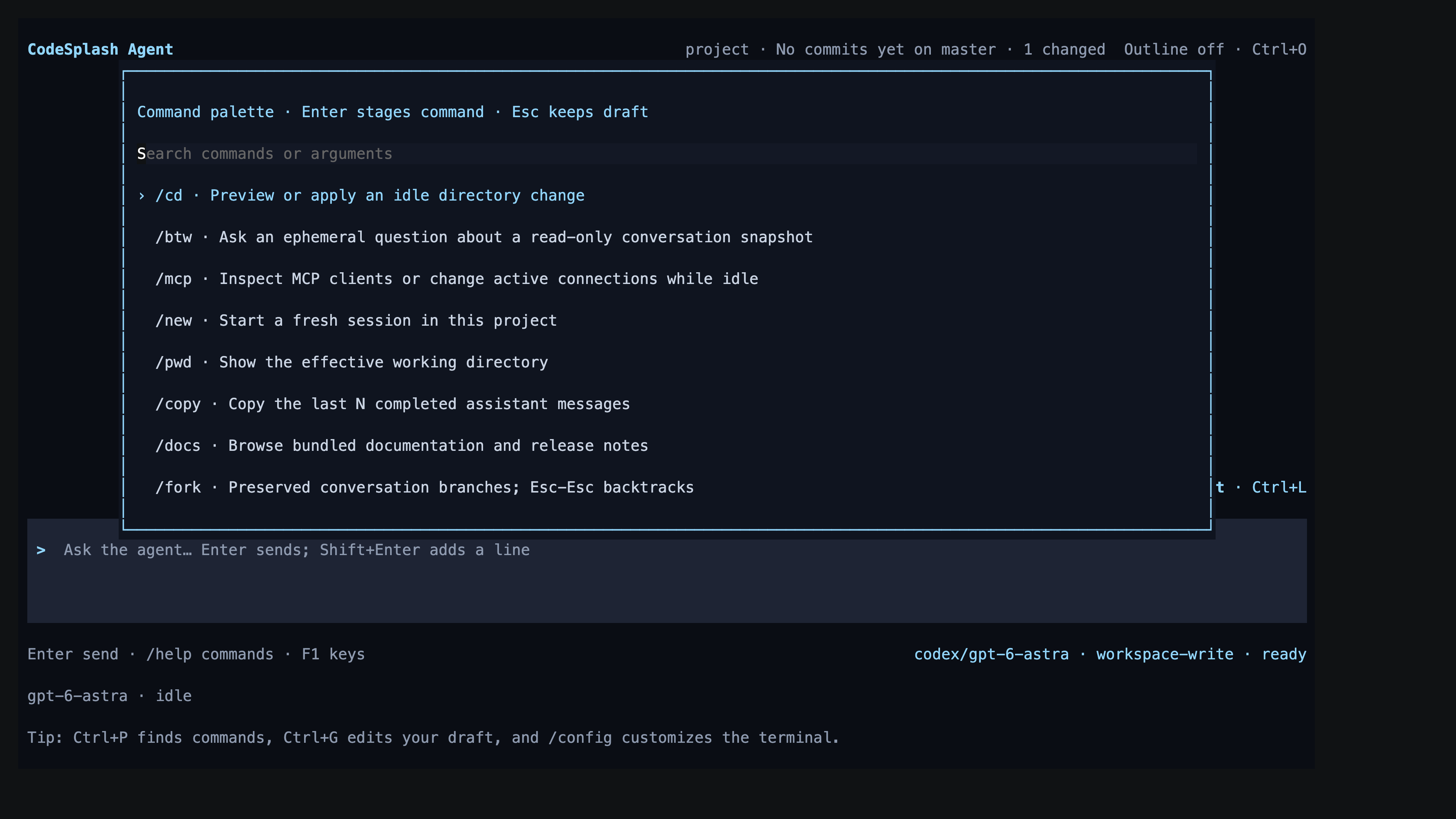
Find Agent commands from the live command palette · View original full-resolution image
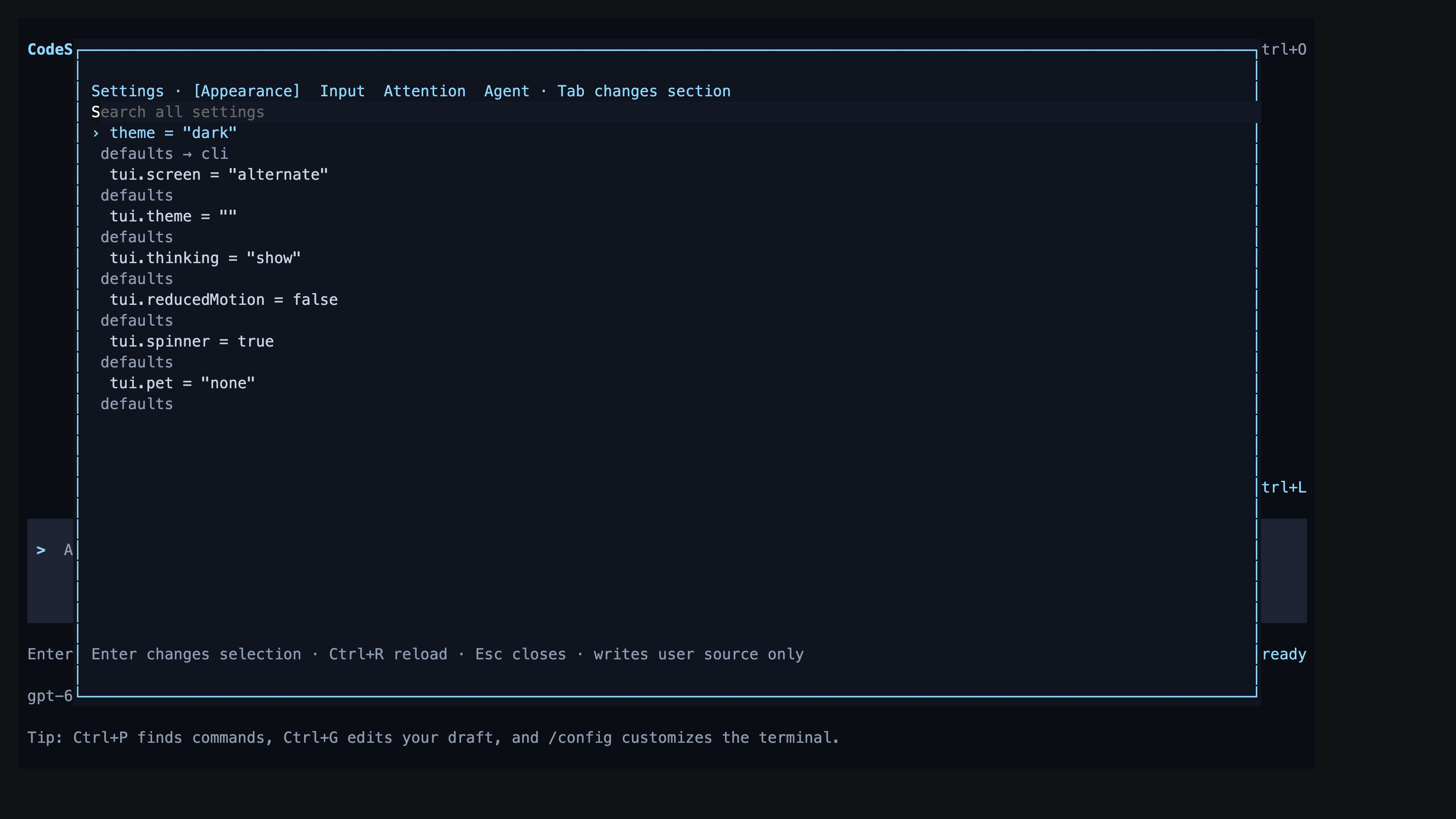
Inspect Agent appearance and configuration sources · View original full-resolution image
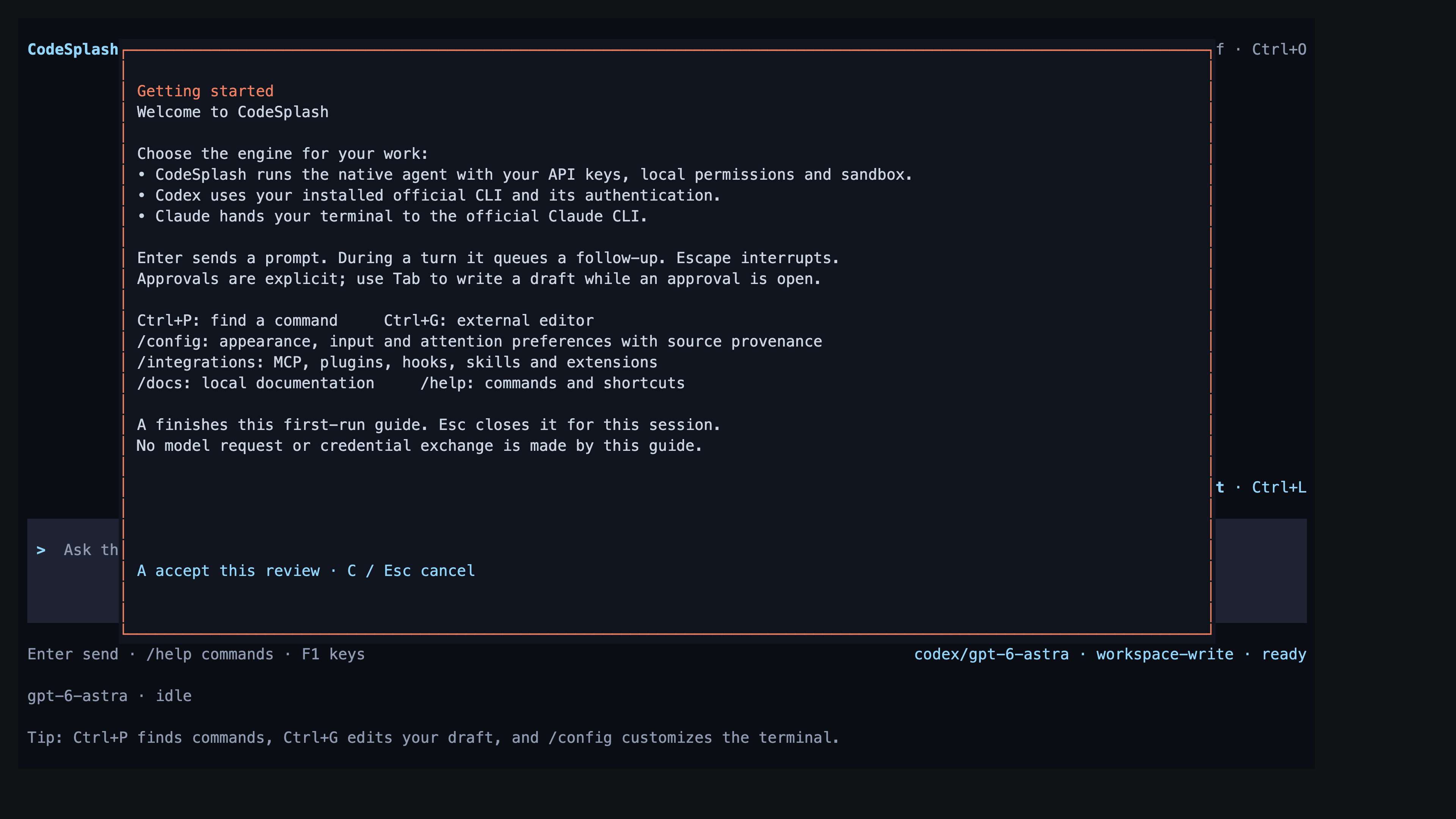
Read the built-in Agent getting started guide · View original full-resolution image