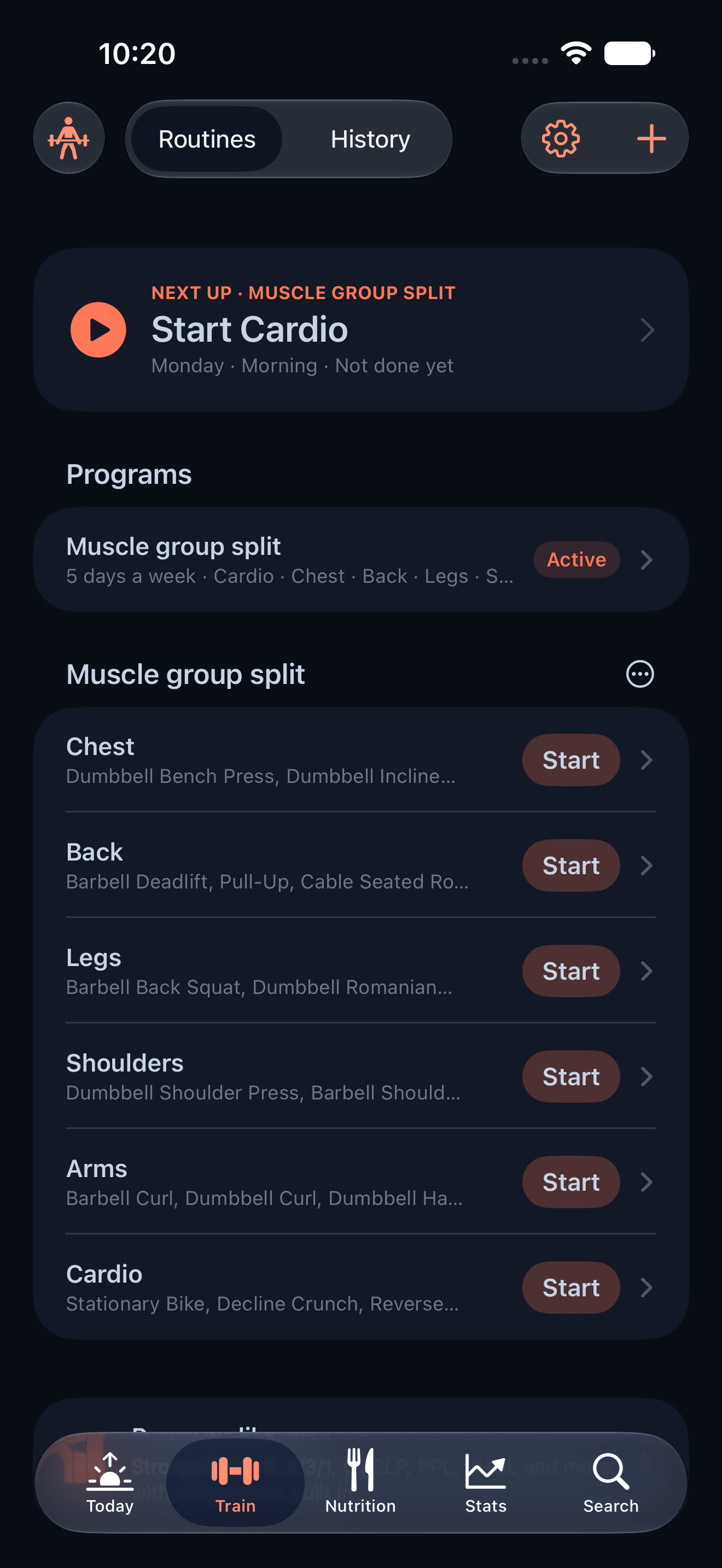
Gym 0.14.1 makes everyday screens feel like the same app
CodeSplash Gym 0.14.1 is a UI polish release, but it touches a lot of the app you actually use. The main change is simple: more native lists and forms now use the Ocean and Heat background treatment, so moving between logging, imports, wearables, routines, and settings feels more consistent.
That matters because Gym is not one screen. You might import data from Garmin or Fitbit, log a meal, open a routine, edit an exercise, and check settings in the same session. If each view looks slightly different, the app starts to feel pieced together. In 0.14.1, the goal was to tighten that up without changing how those workflows work.
More shared styling across core flows
This patch applies the same themed styling to many existing list-heavy and form-heavy screens.
That includes wearables and import views such as:
- Garmin
- Fitbit
- Import
It also reaches nutrition screens, including:
- meals
- targets
- food entry
- meal description sheets
Routine and workout views were updated too, including:
- routines
- program library
- template editing
- progression
- active workout
And the same pass now covers supporting areas like habits, body tracking, exercises, readiness, health sources, and settings.
What this changes when you use the app
If you mostly live in one part of Gym, this release may look small. If you move across several parts of the app every day, it is easier to notice.
A few examples:
- Open Garmin, then jump to Import. The shared background treatment now carries across those native screens instead of feeling like separate visual islands.
- Go from Meals to Targets to a food entry sheet. Those nutrition views now follow the same themed visual style more closely.
- Browse Routines, open the Program Library, edit a template, then start an Active Workout. The workflow is the same, but the presentation is more cohesive.
- Check Habits, review Body entries, or open Settings. Those list and form surfaces now match the rest of the app better.
This is the kind of release that removes friction by making repeated actions feel more predictable. Not faster in a benchmark sense. Just more settled when you move through the app.
Backed by shared design-system work
Under the hood, 0.14.1 adds shared themed list styling that can be reused across existing screens.
That is the useful part of this patch. Instead of one-off visual tweaks in each feature area, Gym now has a stronger design-system base for native lists and forms. In practice, that helps more screens pick up the same Ocean and Heat treatment and makes future polish work easier to apply consistently.
For people using the app, the result is straightforward: list-heavy and form-heavy views feel like they belong together.
Where you’ll notice it most
This update is broad, not flashy. It does not add new workout, nutrition, or wearable features. The release is about visual consistency across the parts of Gym you use most.
You will probably notice it most if your normal flow looks something like this:
- Check a wearable or import screen.
- Log food or review targets.
- Open a routine or workout view.
- Update a habit, body entry, or setting.
In earlier builds, those transitions could feel more mixed. In 0.14.1, the native presentation is more unified across that path.
A small patch with broad surface area
The release came from a single focused change: applying Ocean and Heat backgrounds across more native lists and forms. That work then spread across many user-facing screens, including Garmin, Fitbit, nutrition, routines, workout views, habits, body, exercises, readiness, health sources, and settings.
That is a good fit for a patch release. It improves the day-to-day feel of the app without asking you to learn new features or change your workflow.
If you use Gym daily, this kind of consistency work adds up. You spend less attention on visual differences between screens and more on the thing you opened the app to do: log training, track food, and review progress.
You can get CodeSplash Gym from the downloads page.
Try 0.14.1 and reply with feedback after you move through your usual logging flow.
Feature screenshots
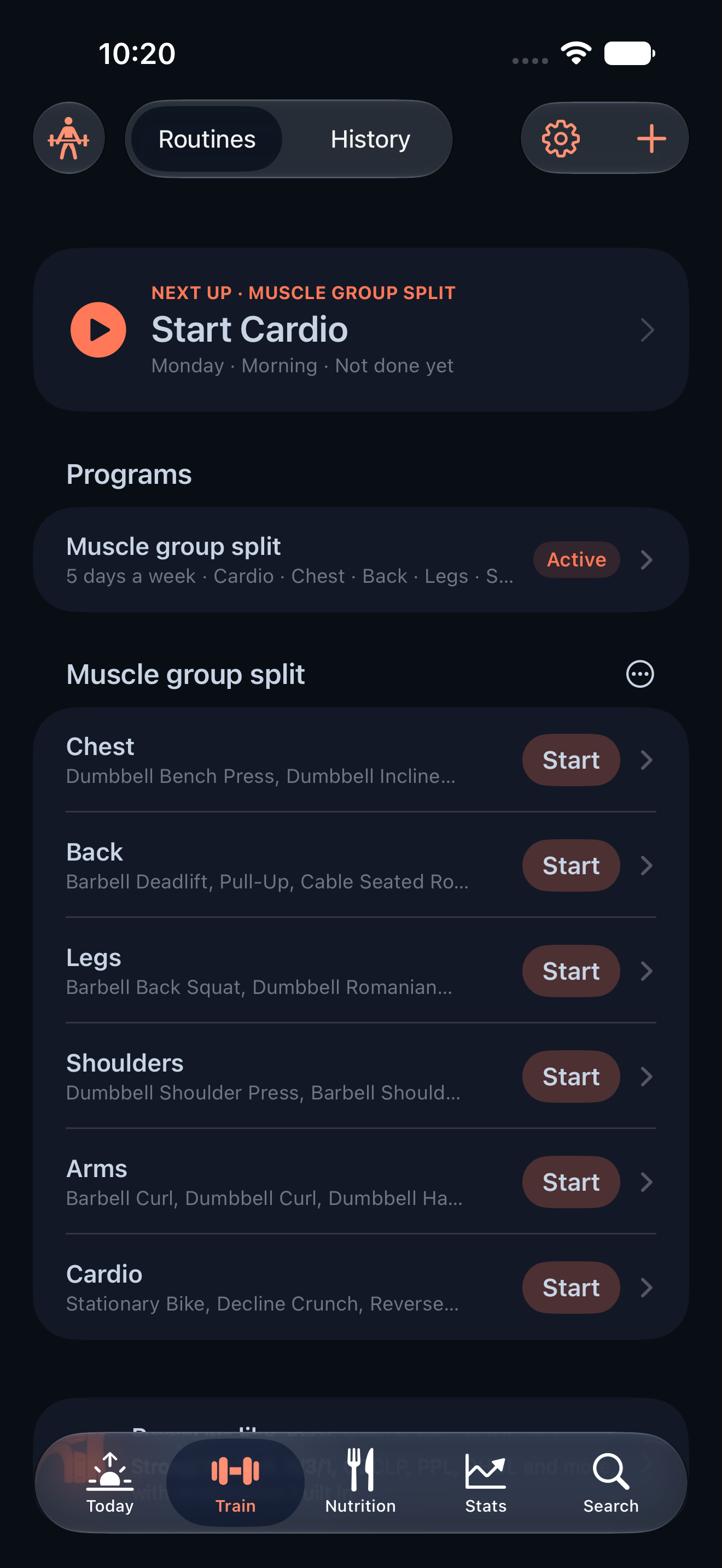
Gym feature train on iPhone · View original full-resolution image
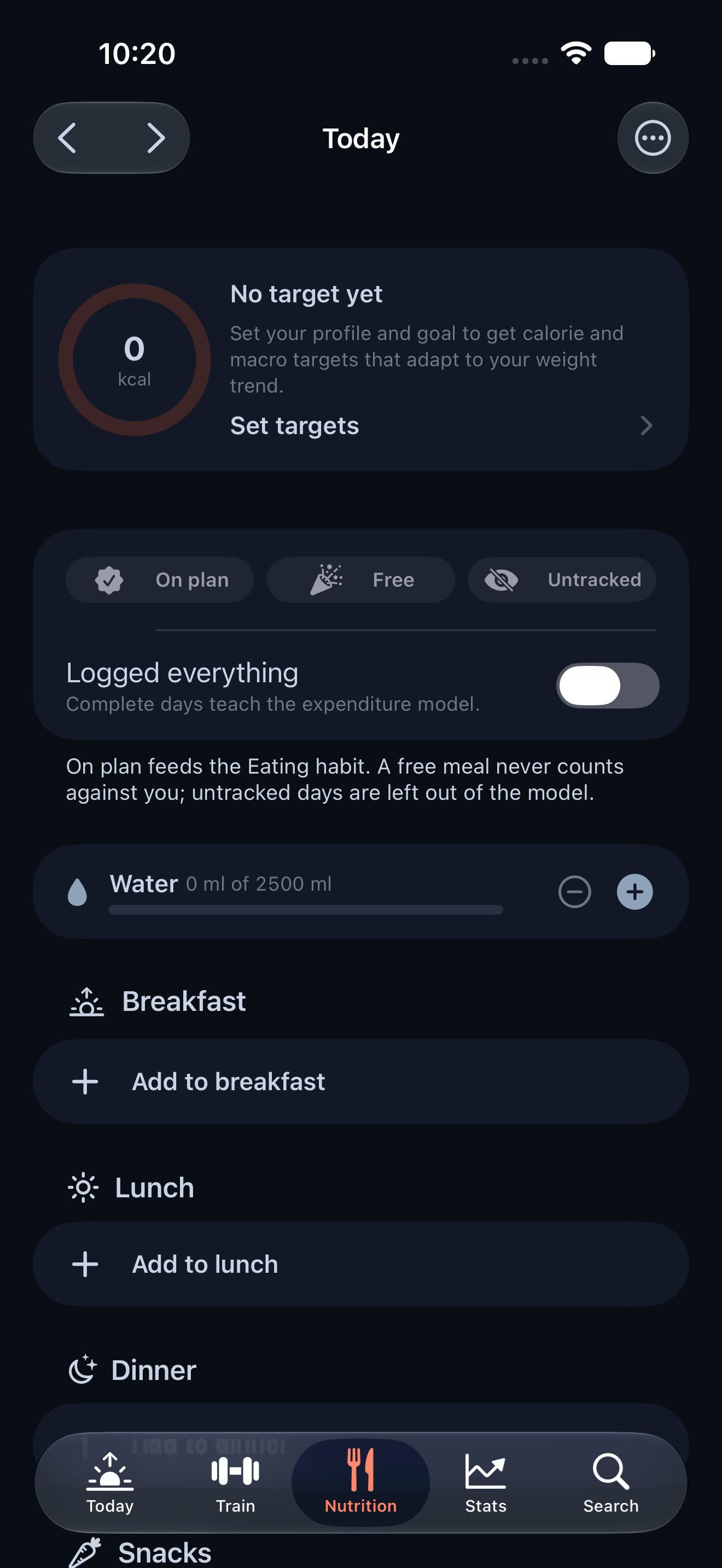
Gym feature nutrition on iPhone · View original full-resolution image
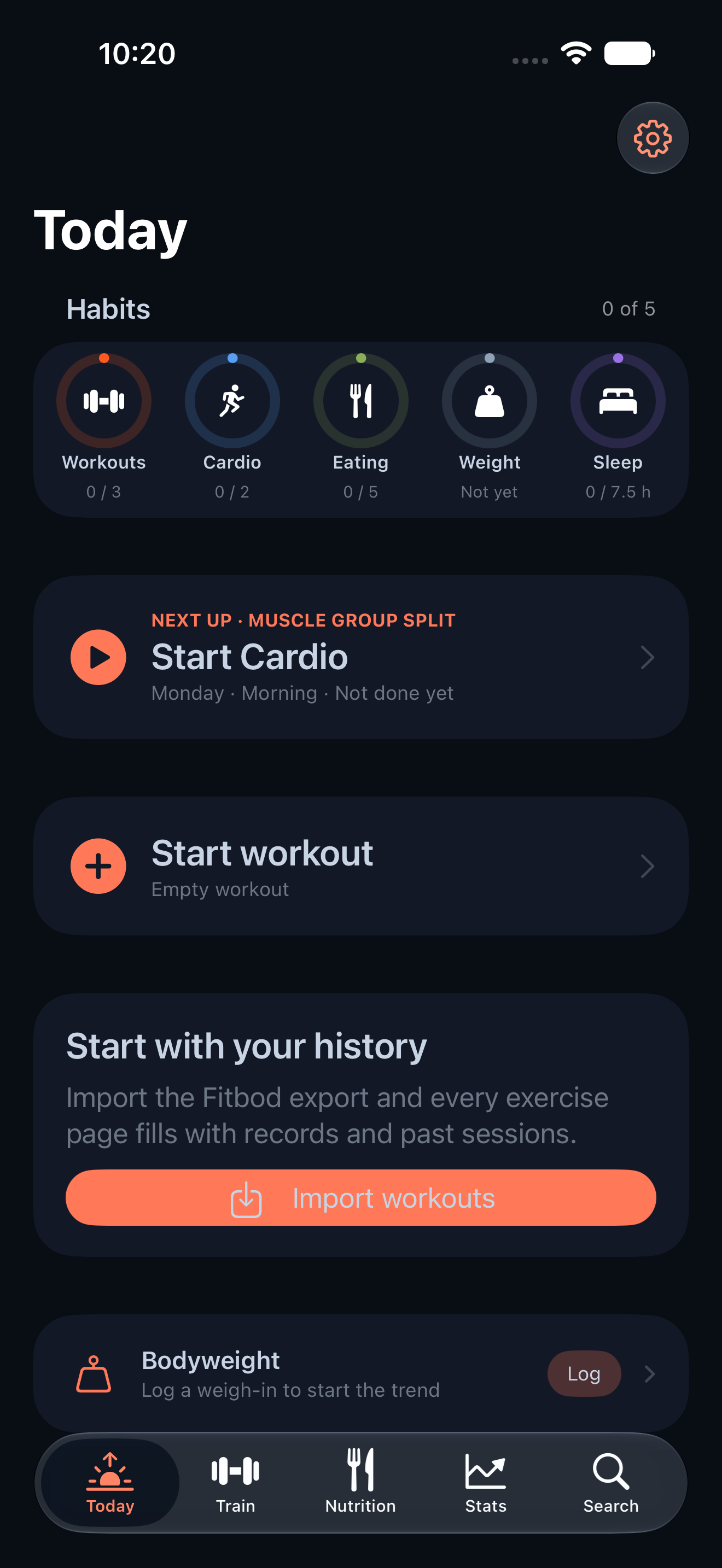
Gym feature today on iPhone · View original full-resolution image
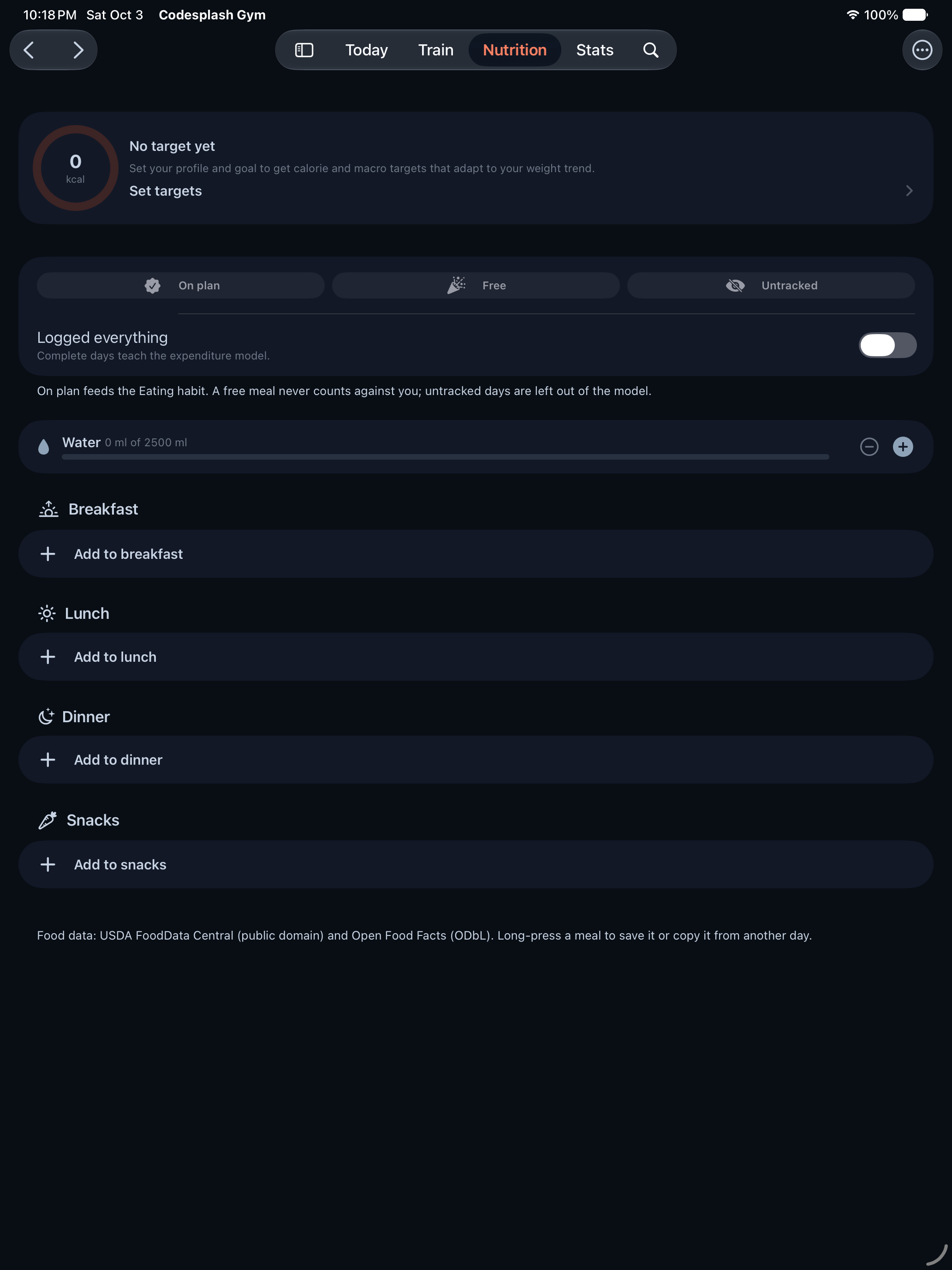
Gym feature nutrition on iPad · View original full-resolution image
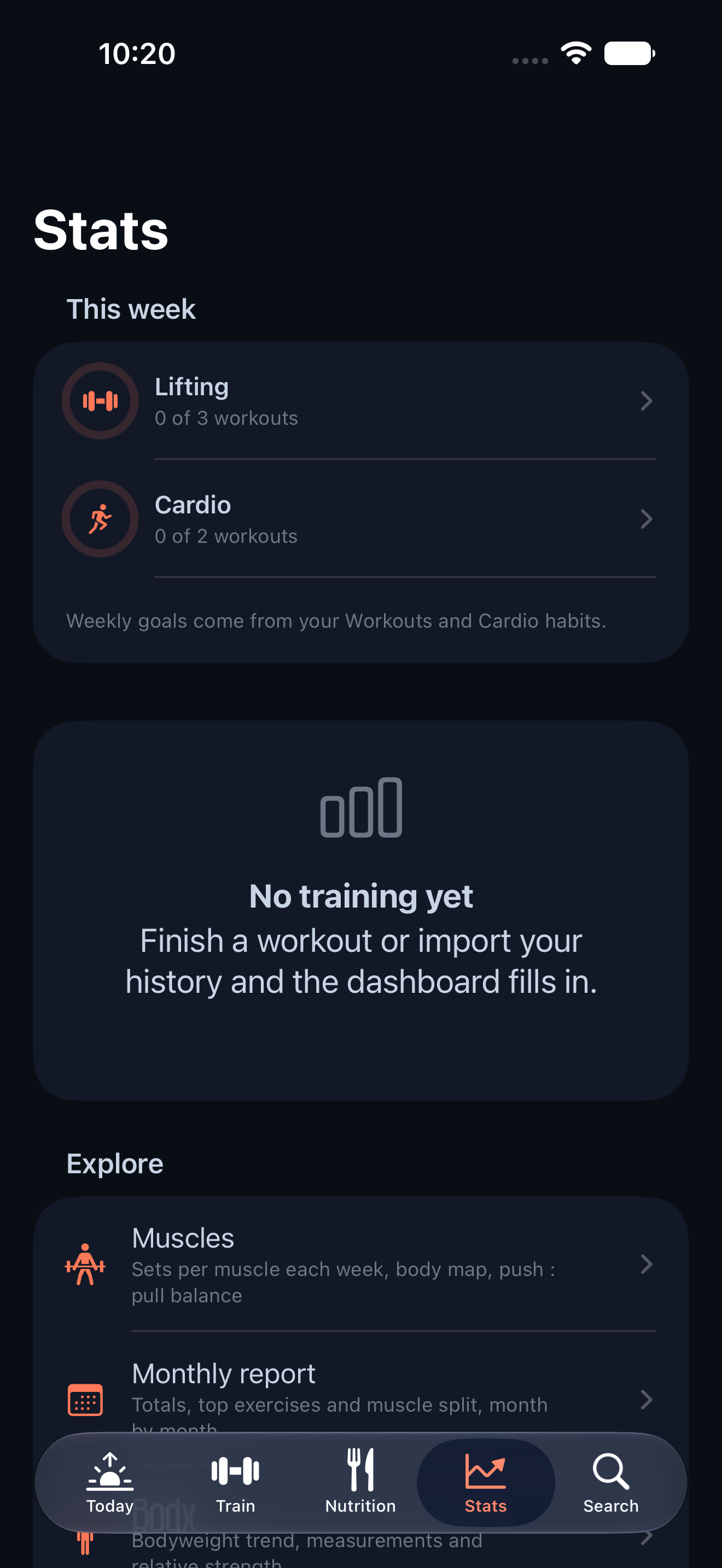
Gym feature stats on iPhone · View original full-resolution image