CodeSplash AI 2.6.5 fixes Learn stalls and trust mismatches
CodeSplash AI 2.6.5 is a small patch, but it fixes a frustrating first-run problem: a guided agent step in Learn could fail right when you were doing the thing it asked you to do.
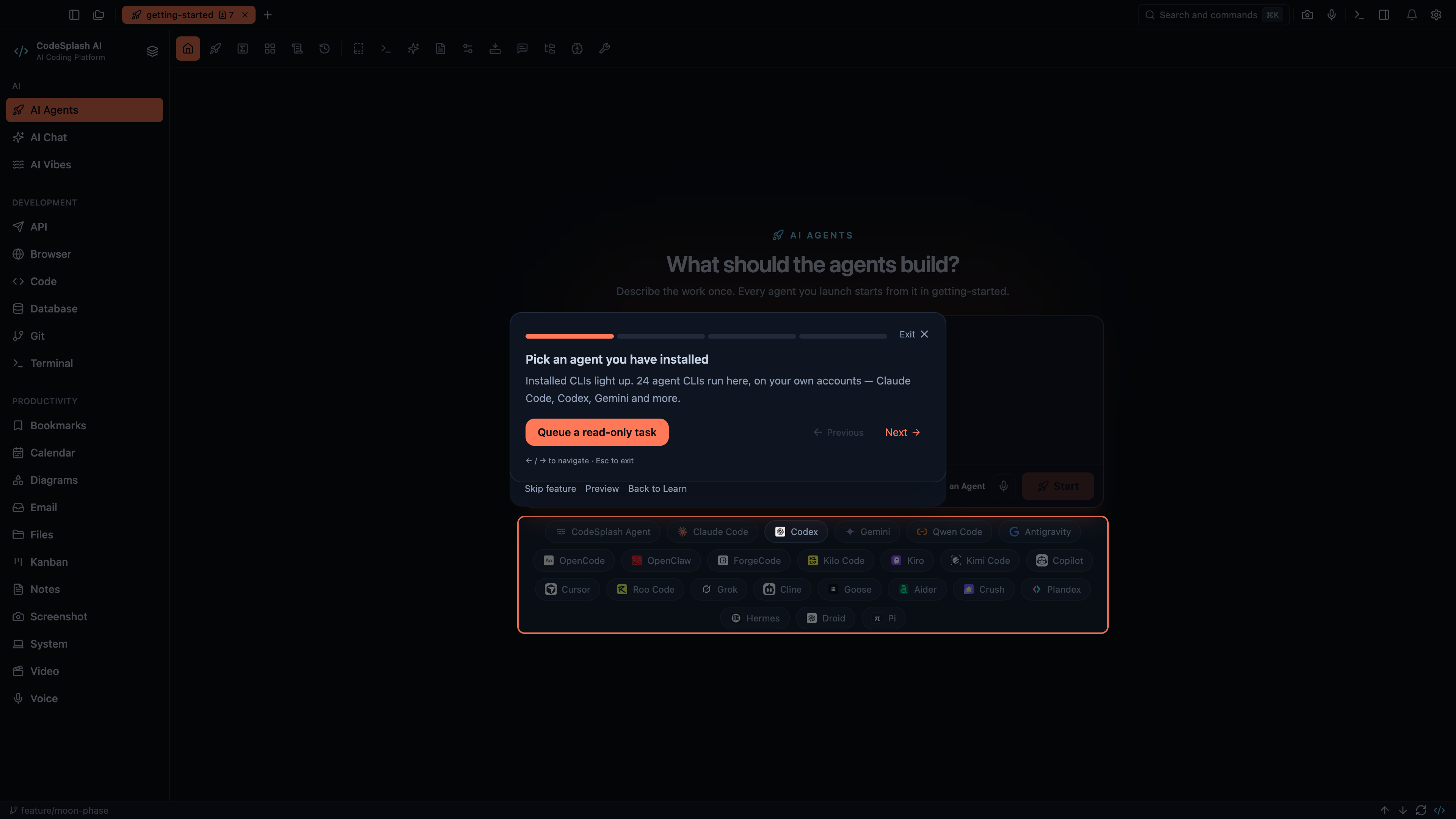
The failure showed up around Restricted Mode. If a Learn step told you to launch an agent and CodeSplash opened a confirmation like Start in Restricted Mode?, the tutorial could treat the Launch target as missing instead of recognizing that the app was waiting for your answer. In 2.6.5, the guided step now waits for that confirmation dialog and continues more predictably.
That matters because Learn and onboarding should help you reach your first working flow, not trip over a dialog state on the way there.
Learn now waits for the dialog that actually opened
The main Learn fix is simple: tour logic now distinguishes between a target that never appeared and a target that is temporarily covered because launching opened a confirmation.
Before this patch, those could collapse into the same result. A Launch button might be visible, you click it, the app opens a restricted-mode confirmation, and the tutorial decides the target disappeared. That reads like a broken step even though the app is really asking you what to do next.
In 2.6.5:
- guided agent-launch steps can wait for restricted-mode confirms
- the overlay no longer treats that state as an immediate failure
- launch-step detection better distinguishes a busy Launch button from a missing one
There is a second detail here that helps the flow feel less brittle. If a Launch button has already appeared and is busy starting, the tour can keep treating it as valid instead of failing the step just because the button is temporarily disabled during startup.
That is a small behavior change, but it matches what you see on screen. Busy is not the same as missing.
Workspace trust is more consistent across symlinks and real paths
The other fix in 2.6.5 is about workspace trust and path comparisons.
Some repositories can be opened through more than one path representation. That includes symlinked folders and alternate real-path forms. On macOS, temp-folder aliases can also produce path differences that still point to the same underlying folder.
Before this patch, those path differences could lead to inconsistent trust decisions. A repository trusted under one path could later be queried through another path and show up as Restricted.
2.6.5 tightens that up by comparing resolved real folder paths more consistently. In practice, that means:
- symlinked repositories are less likely to flip between trusted and restricted states
- repositories reached through alternate real-path forms keep more consistent trust decisions
- app-created repositories are less likely to be misread when Git reports the repository by a different path
This is the kind of bug that feels random when you hit it. You open a folder you expect to trust, then an agent launch or tutorial step runs into Restricted Mode because the same repo came back through a different resolved path. The repo did not change. The path string did.
This patch makes those decisions line up with the actual folder, not just the route used to reach it.
The Getting Started project benefits too
This release should be especially useful if you use the bundled Getting Started project.
The Getting Started repository exists to give you a real workspace to explore in CodeSplash AI: code, tests, a database, notes, diagrams, git history, and agent tasks. It is also part of the first-run experience for new users trying Settings → Learn.
In 2.6.5, that project is less likely to appear restricted because the repository was later checked through a different path representation. If you hit the earlier edge case, this is the patch that should make the flow feel steadier.
What changed in practice
If you use Settings → Learn or the bundled Getting Started project, here is the practical difference:
- Open a tutorial that guides you into an agent launch.
- If the workspace needs a restricted-mode confirmation, CodeSplash now waits for that decision instead of failing the step early.
- If the repository is reached through a symlink or alternate real path, trust decisions are more likely to stay consistent.
- If Launch is already in progress, the tutorial is less likely to misread that busy state as a missing control.
There are no big new surfaces in 2.6.5. This is a reliability patch aimed at first-run success and fewer false failures in Learn.
Why this patch matters
Small onboarding bugs cost more than their size suggests.
When a guided step fails during your first agent task, or when a repo flips into Restricted Mode because of path aliasing, the app looks less predictable than it really is. Fixing that does not add a new feature, but it removes friction from one of the most important workflows in the desktop app: getting from a fresh project to a working agent task without wondering whether the tutorial or trust state is wrong.
If you work with linked folders, alternate path forms, or the built-in Learn flows, 2.6.5 is worth installing.
You can get the latest desktop build from codesplash.ai/downloads.
Try 2.6.5 and reply with any remaining Learn or Restricted Mode edge cases you hit.
Feature screenshots
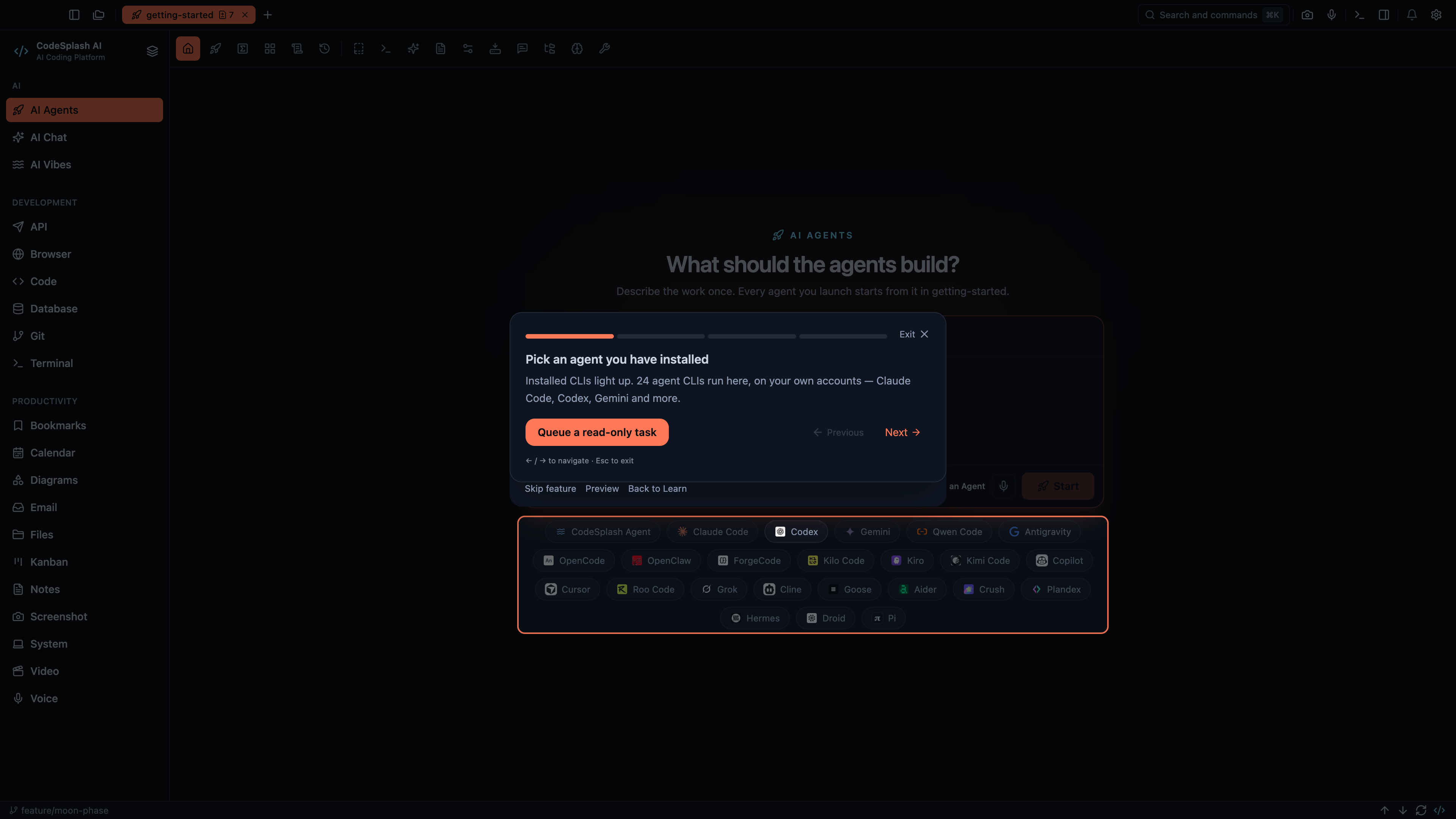
Pick an agent you have installed · View original full-resolution image
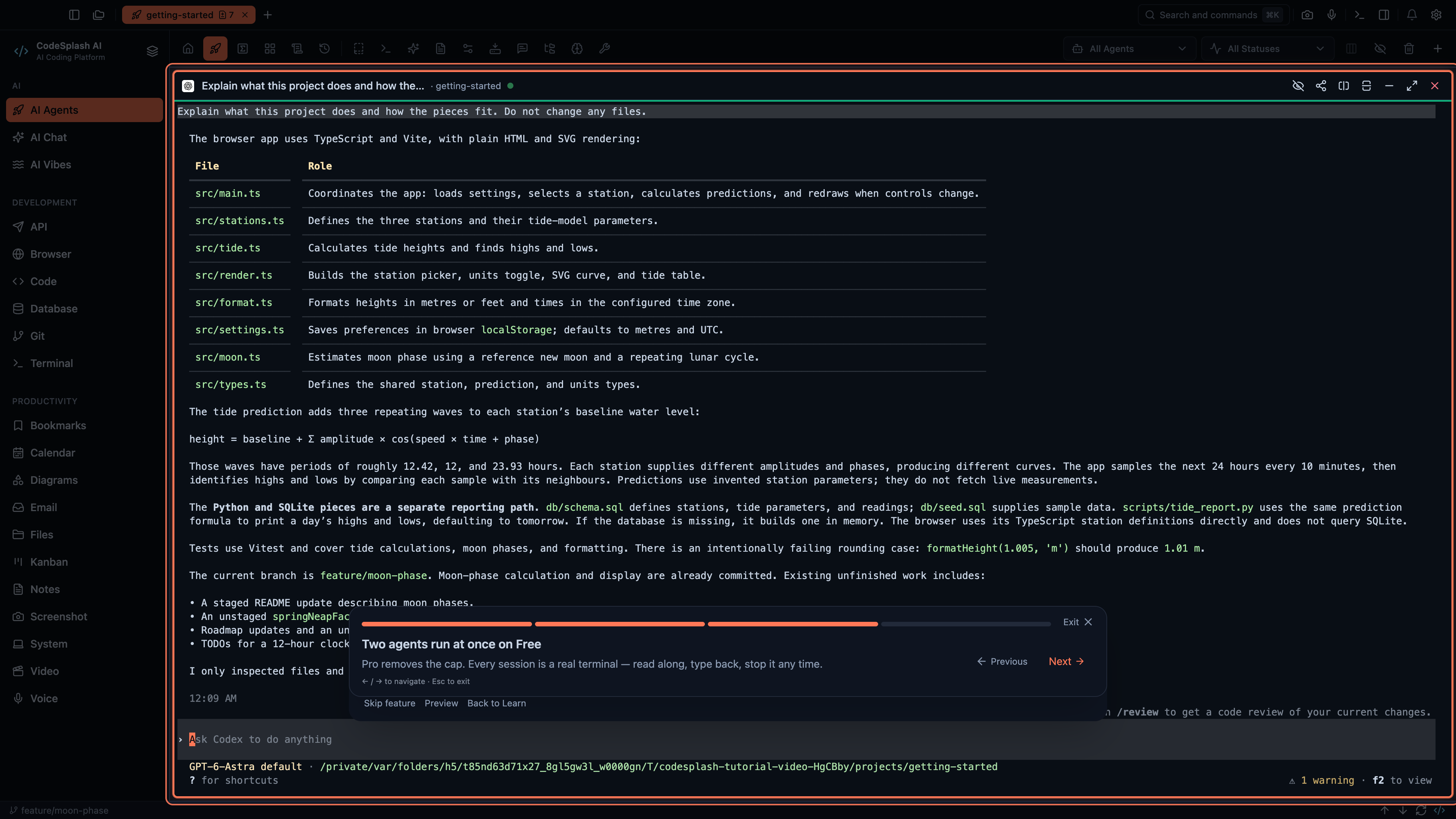
Two agents run at once on Free · View original full-resolution image
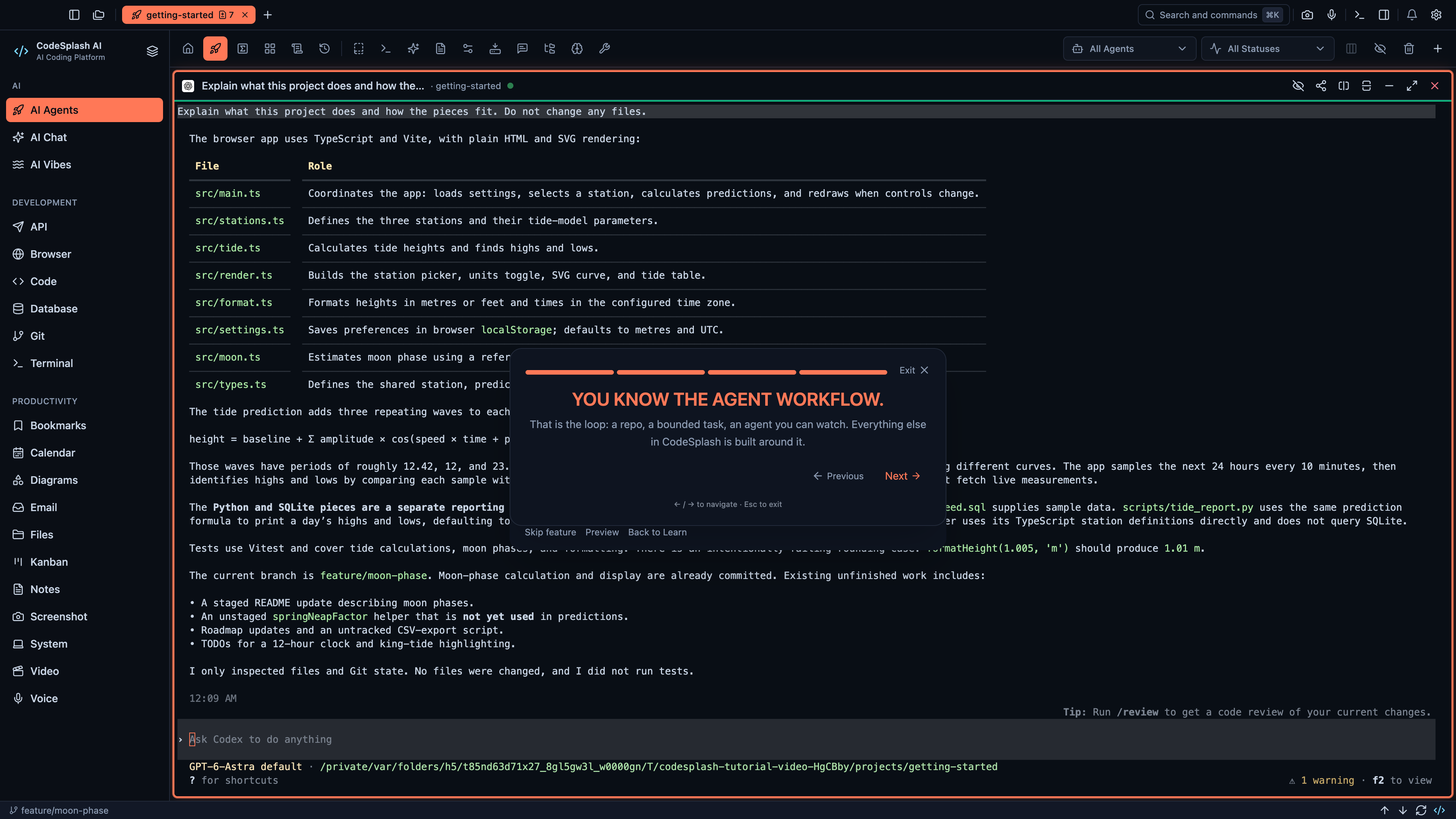
You know the agent workflow. · View original full-resolution image
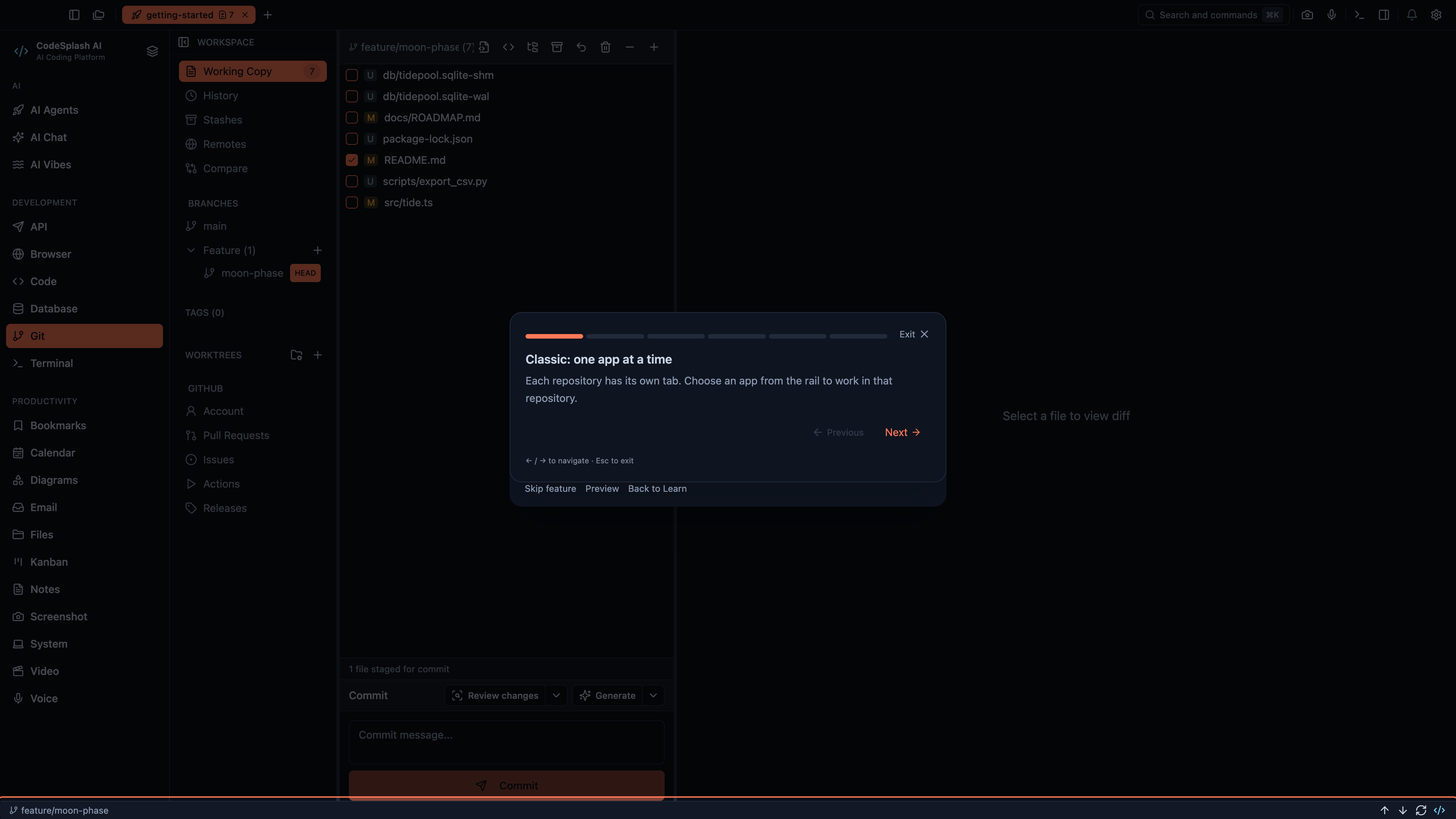
Classic: one app at a time · View original full-resolution image
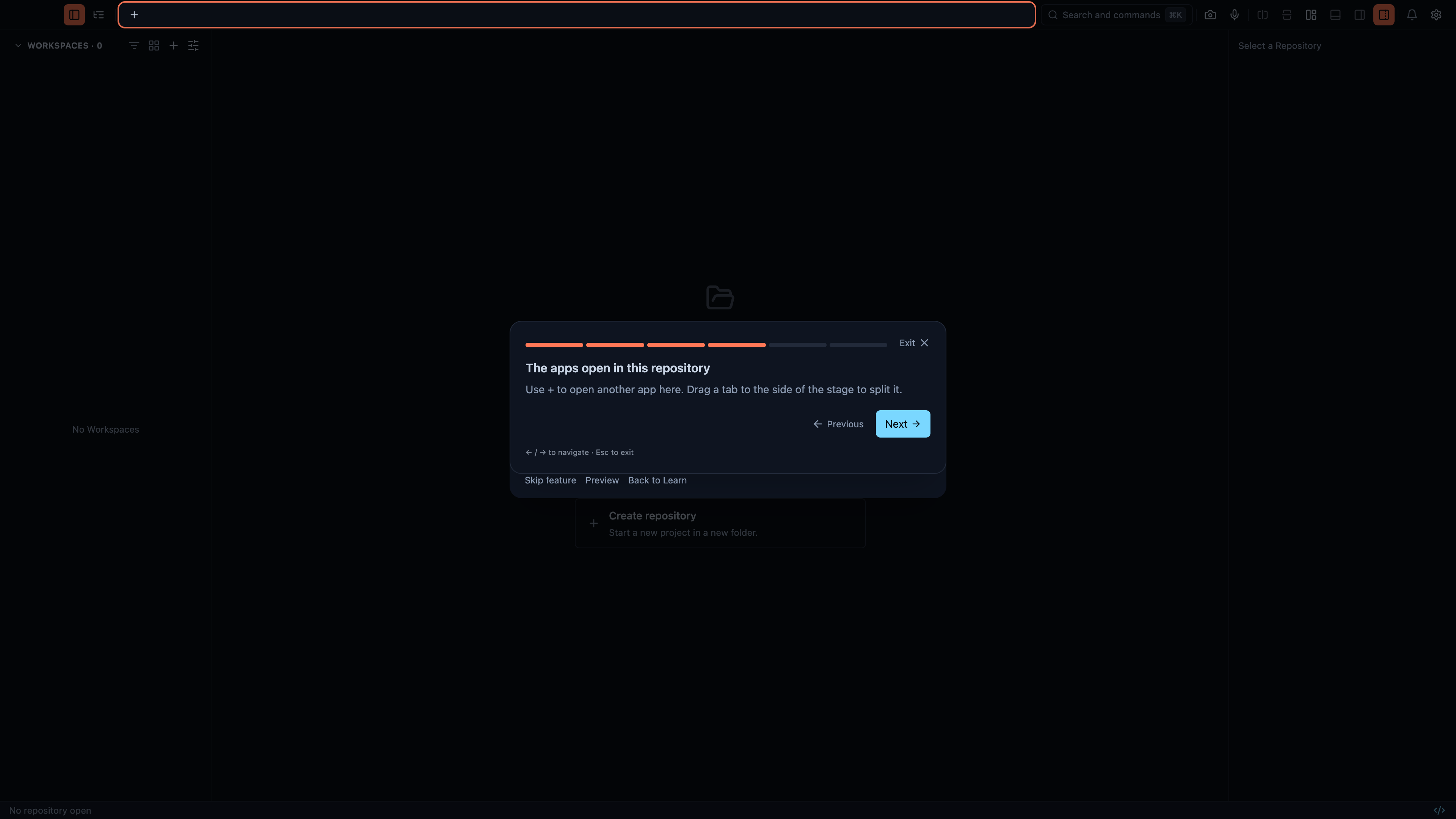
The apps open in this repository · View original full-resolution image