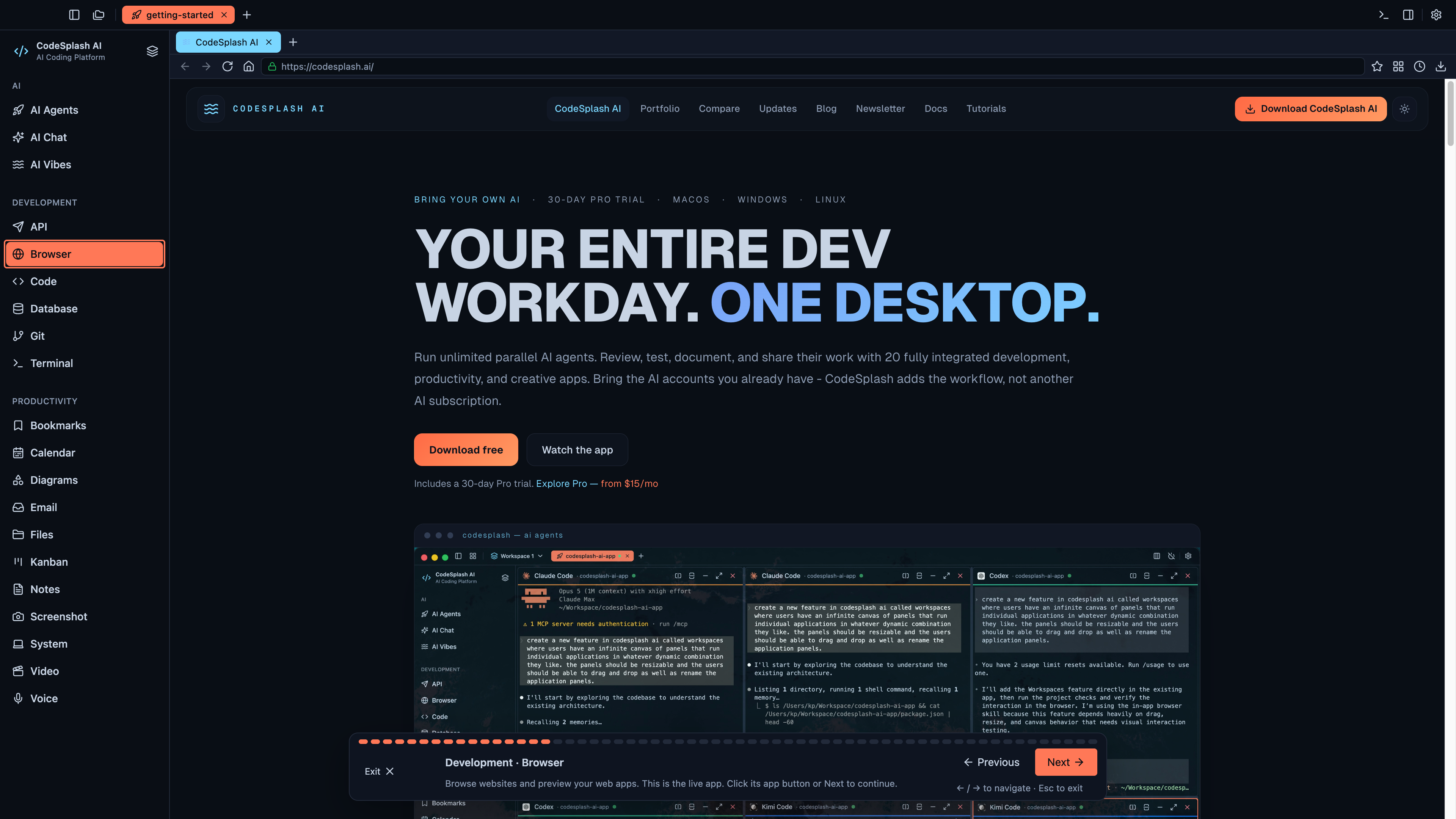
CodeSplash AI 2.4.36
The most important change in 2.4.36 is not flashy. It fixes a website purchase fulfillment bug that could stop a paid order before license creation and the license delivery email for a new email-only buyer.
That failure path matters because it breaks the moment right after someone has already paid. In this release, CodeSplash AI repairs that path without widening the change into a checkout rewrite.
Website purchases now complete more reliably
This patch fixes a specific backend failure for new email-only buyers.
The issue was narrow: if someone bought through the website and did not already exist in the users table, fulfillment could fail before the license was created and before the email was sent. The repair is narrow too. New email-only buyers now get a web:<UUID> placeholder device identifier during fulfillment.
That keeps the paid website purchase moving through the existing license flow. It does not create a device row, and it does not consume an activation. Just as important, this release does not claim a new checkout, a changed subscription model, or a redesigned website flow. It fixes the broken handoff that could interrupt paid orders.
If you buy CodeSplash AI through the website, this is the patch to install.
Marketing reconnects now clear stale warnings correctly
The other user-visible fix is in Marketing admin workflows.
Before 2.4.36, reconnecting an account could still leave a stale connection warning behind. That made the UI look unhealthy even after the OAuth connection had recovered.
This release fixes those stale Marketing OAuth connection status warnings so a successful reconnect reflects the current state more accurately. If you manage connected Marketing accounts, you should spend less time second-guessing whether the warning is old or real.
Admin-only: new inventory and reporting surfaces
2.4.36 also adds groundwork for admin reporting in Marketing and CodeSplash AI Brain.
In CodeSplash AI Brain, admins now get inventory browsing for persisted provider snapshots. The new private provider inventory view includes filtering and refresh controls, and it reads from persisted snapshots rather than presenting itself as a live end-user cloud management tool.
In Marketing, admins now get newsletter audience reporting and expanded persisted stack metrics surfaces. This work is aimed at internal visibility and reporting continuity, not a broad new customer-facing analytics feature.
These admin-only additions matter because they give operators more inspectable state inside the app:
- browse persisted provider inventory snapshots in CodeSplash AI Brain
- filter inventory by the available view controls
- refresh the snapshot-backed inventory view
- inspect newsletter audience reporting in Marketing
- review expanded persisted stack metrics in admin workflows
Public release copy gets stronger privacy filtering
This patch also hardens how public-facing release and marketing copy is sanitized.
CodeSplash AI now does a better job stripping private configuration, credentials, protected connection details, tokens, and connection strings from public-content paths before that text goes out. That is defense in depth, not a replacement for review, but it is still a useful safety improvement.
For a product that ships release notes, marketing copy, and admin reporting from the same broader codebase, this kind of guardrail is worth having.
A small release, kept small on purpose
2.4.36 is a patch release, and it reads like one.
The purchase fix is deliberately narrow. The stale warning fix targets one confusing admin state. The release recovery and updater manifest work stays behind the scenes to improve repair of verified desktop releases. The admin reporting work is clearly admin-only.
That scope is good. When a paid order can fail before license delivery, the right move is to fix the failure path directly and avoid turning the patch into a broader redesign.
What to check after updating
If this release touches your workflow, here are the parts worth re-testing:
- Complete a paid website purchase flow for a new email-only buyer.
- Reconnect a Marketing account and confirm stale connection warnings clear.
- Open the admin-only Marketing reporting views and review newsletter audience and stack metrics surfaces.
- Open the admin-only CodeSplash AI Brain inventory view and inspect the persisted snapshot filters and refresh controls.
You can download the latest build at codesplash.ai/downloads.
Try 2.4.36 and reply with feedback if it improves your purchase or admin workflow.
Feature screenshots
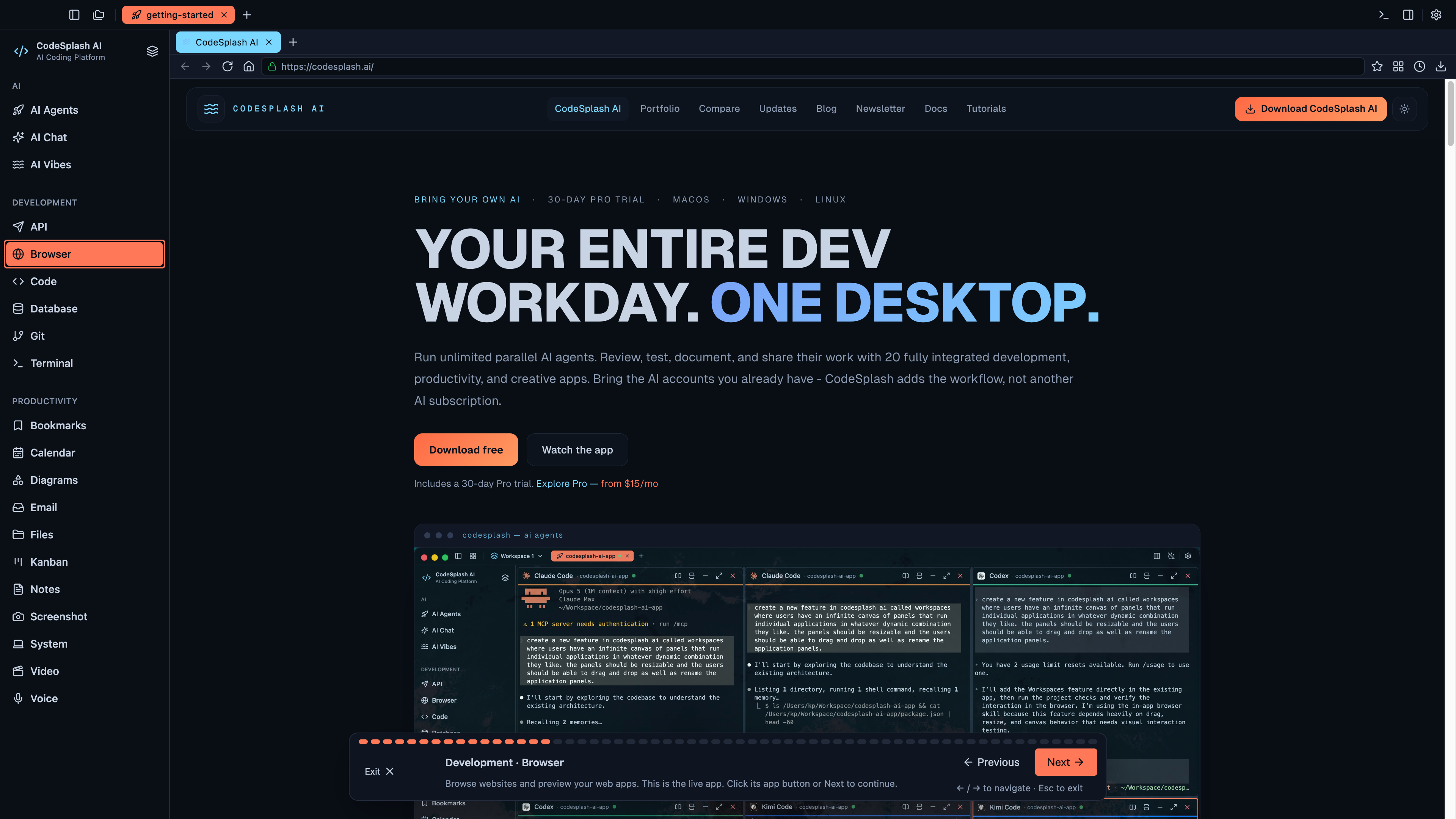
Development · Browser · View original full-resolution image
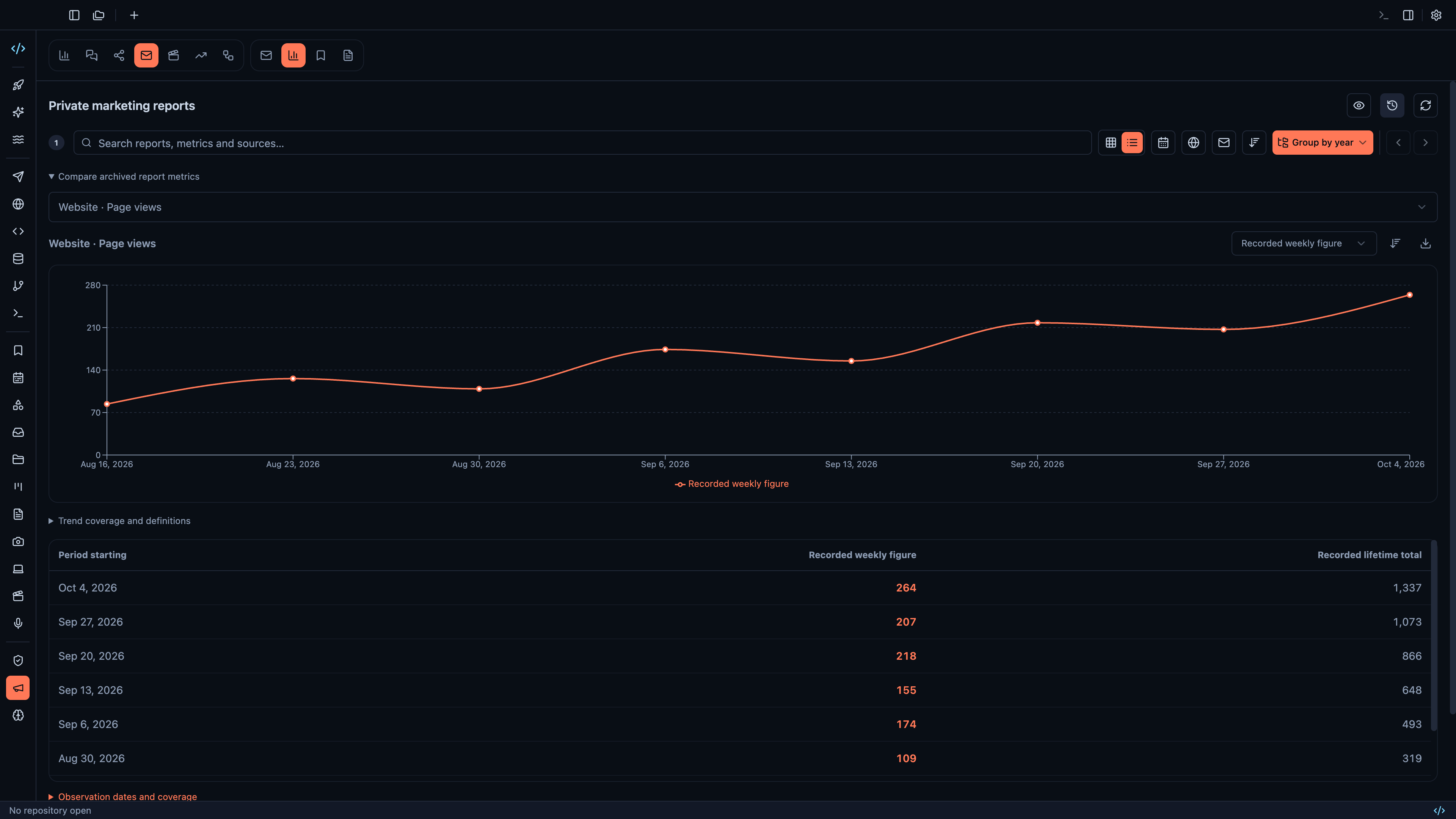
Search private reports and compare archived weekly and lifetime metrics · View original full-resolution image
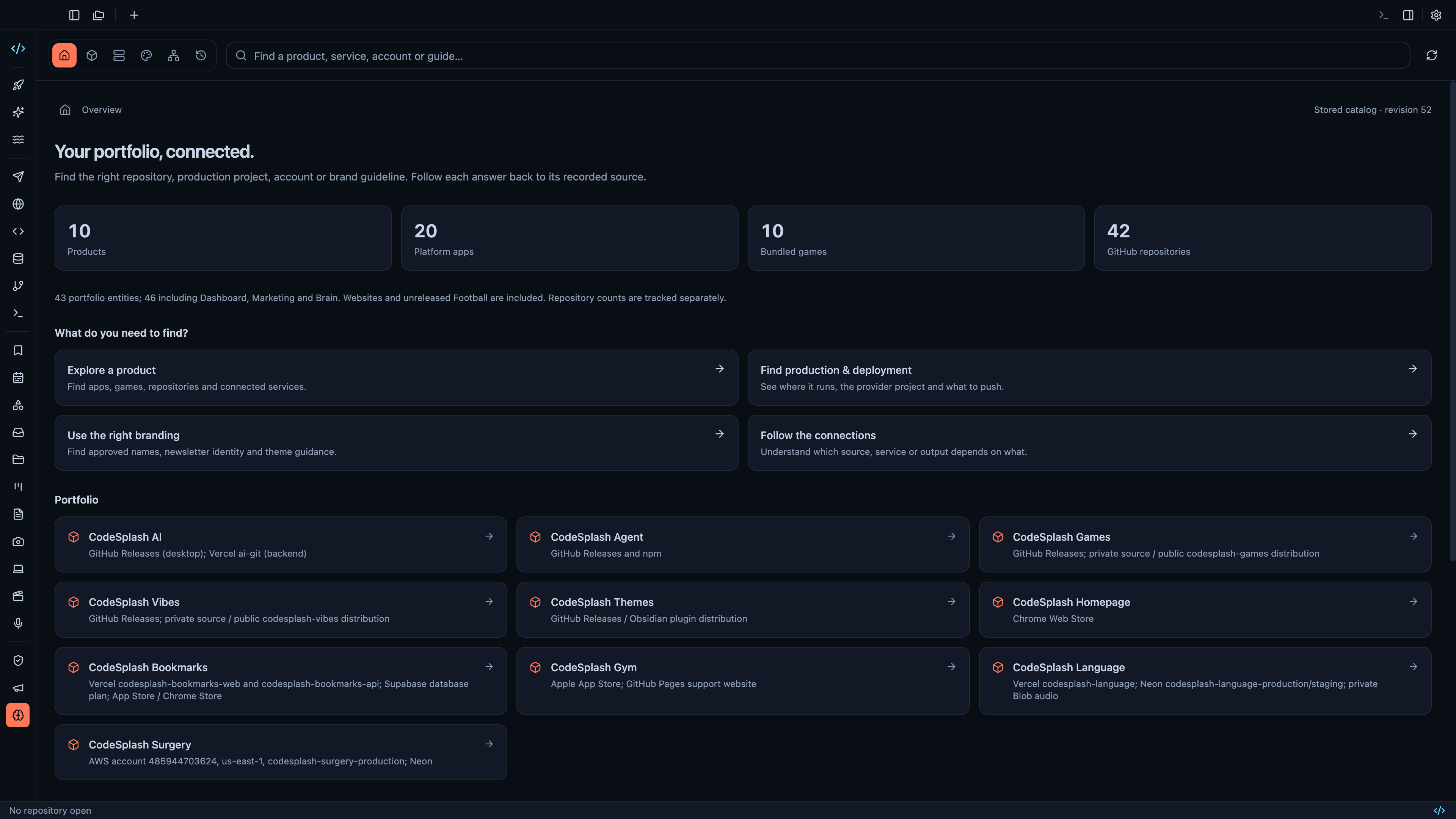
Find product, repository, deployment and branding knowledge in the Brain · View original full-resolution image
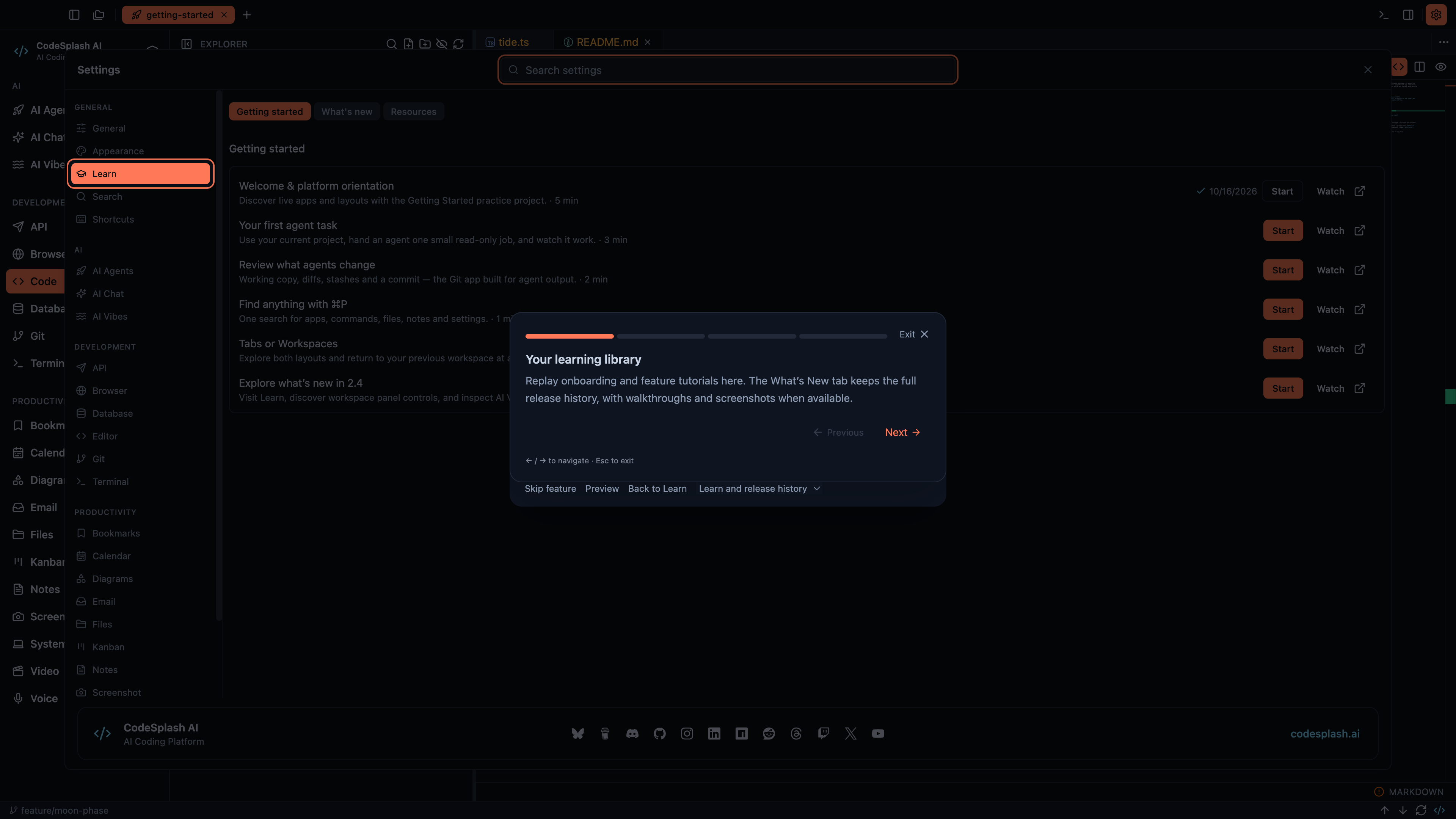
Your learning library · View original full-resolution image
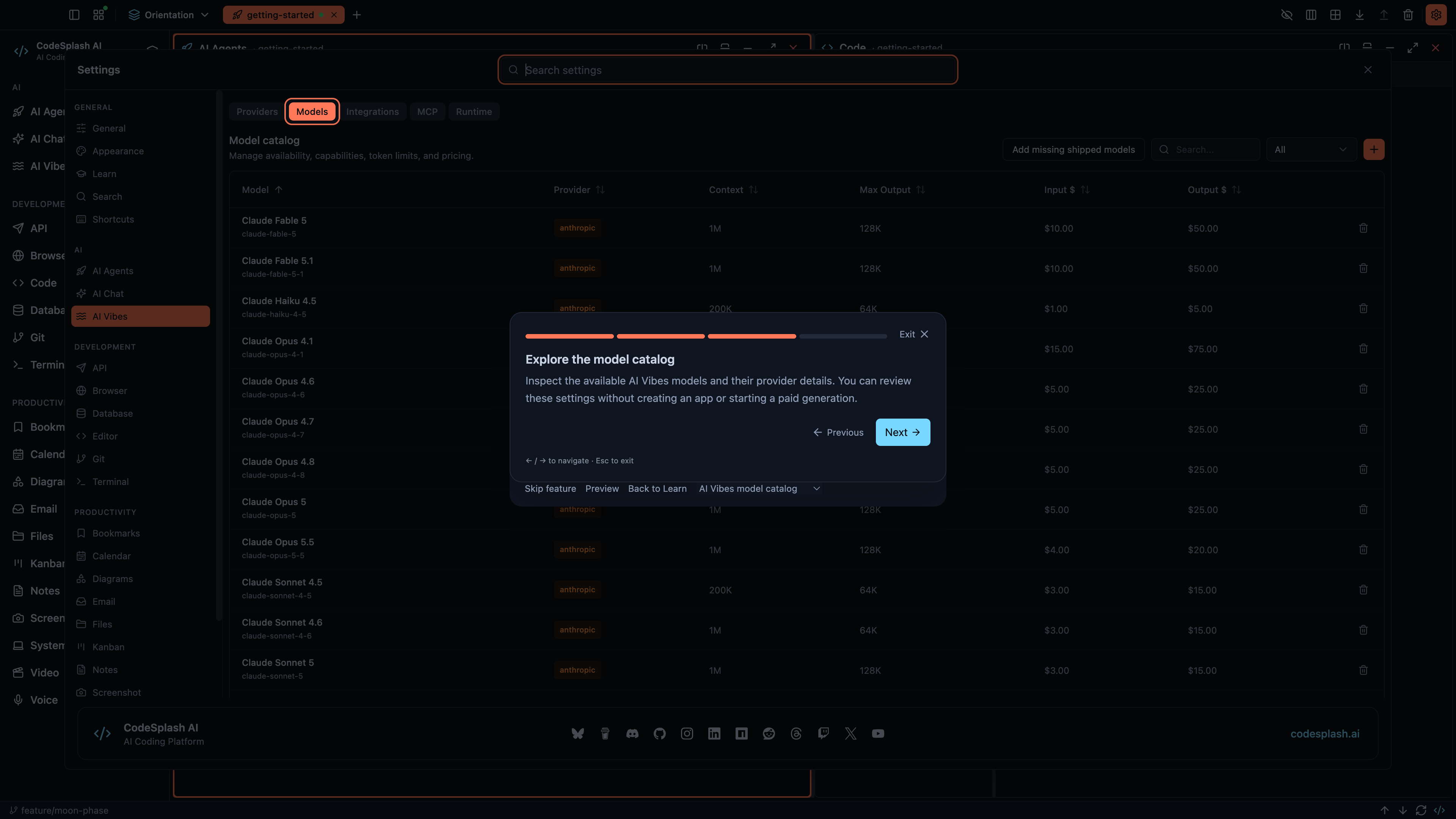
Explore the model catalog · View original full-resolution image