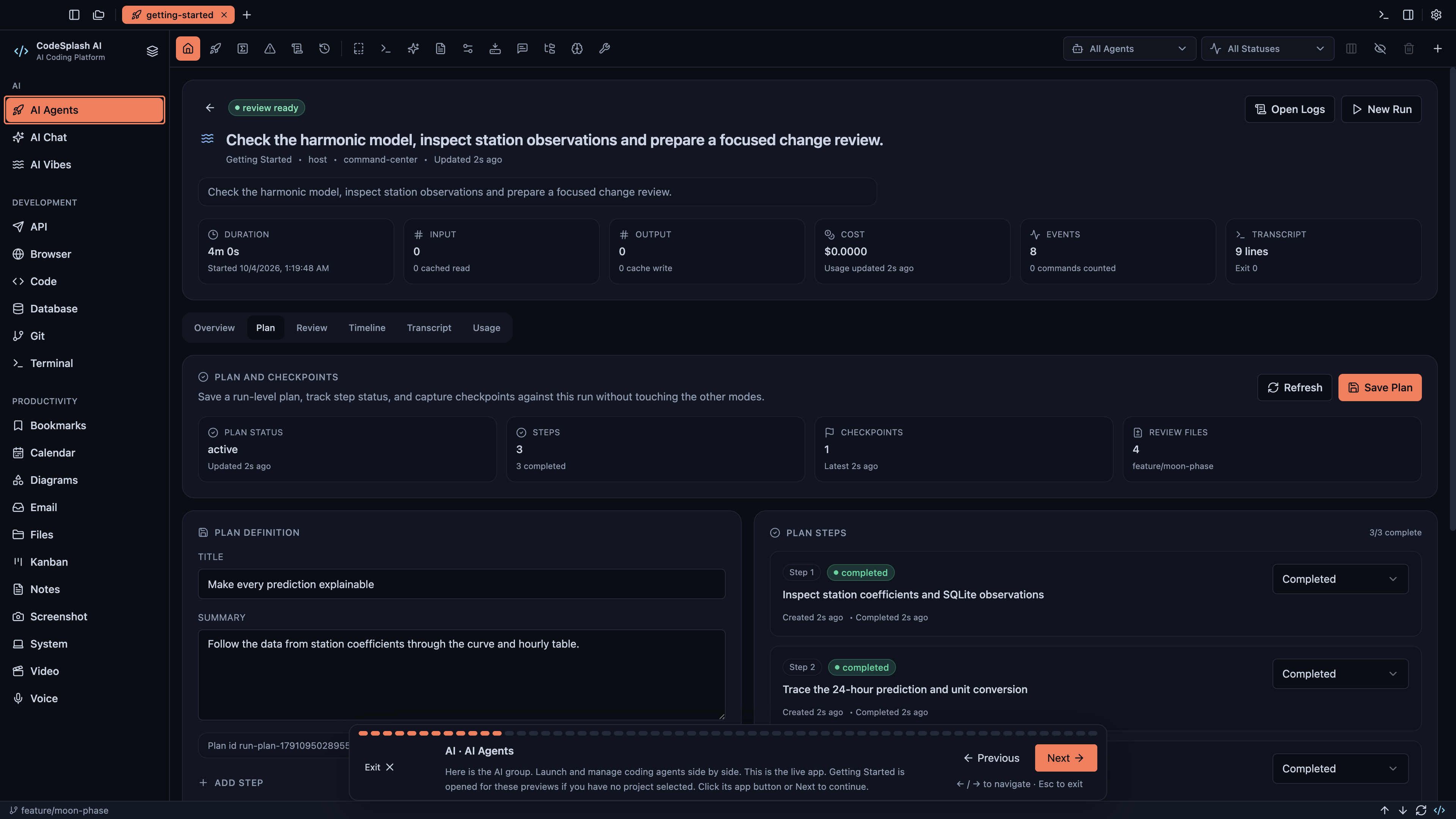
Explore your next project in CodeSplash AI
A project is more than its code. There are questions to resolve, responses to inspect, conversations to follow and decisions to keep. CodeSplash AI brings those parts of the work into one desktop workspace.
The updated Getting Started project in 2.4.27 lets you explore that experience across all 20 apps. Open Tidepool, choose an app and start with a meaningful view of the project. Six new 4K walkthroughs follow the same guided tours available in Settings → Learn.
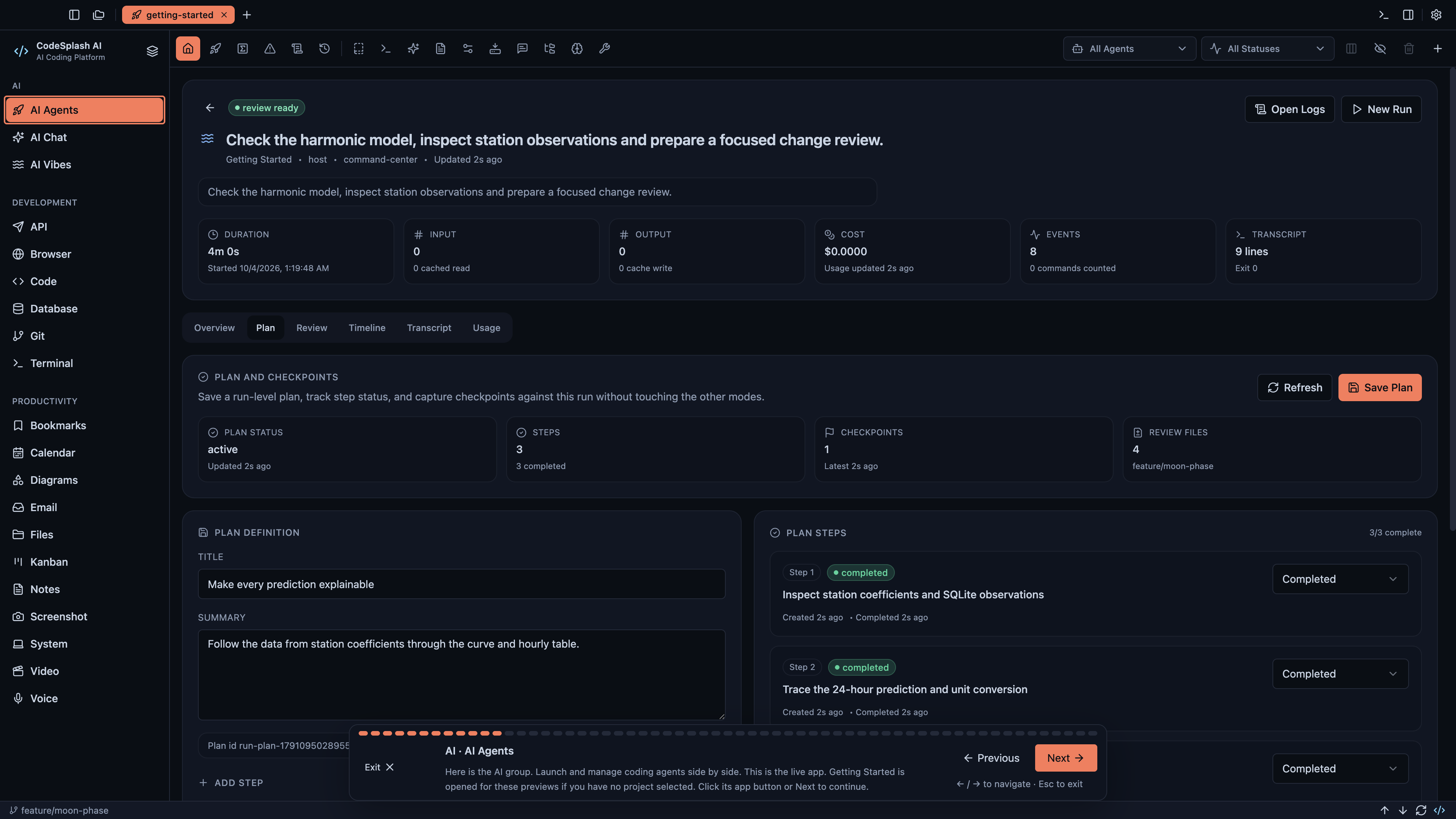
Follow the work from question to result
Start with an agent conversation. Move into the code, inspect an expanded API response or open codesplash.ai in the built-in Browser. AI Vibes shows a working application, so you can explore the result alongside the tools used to build it.
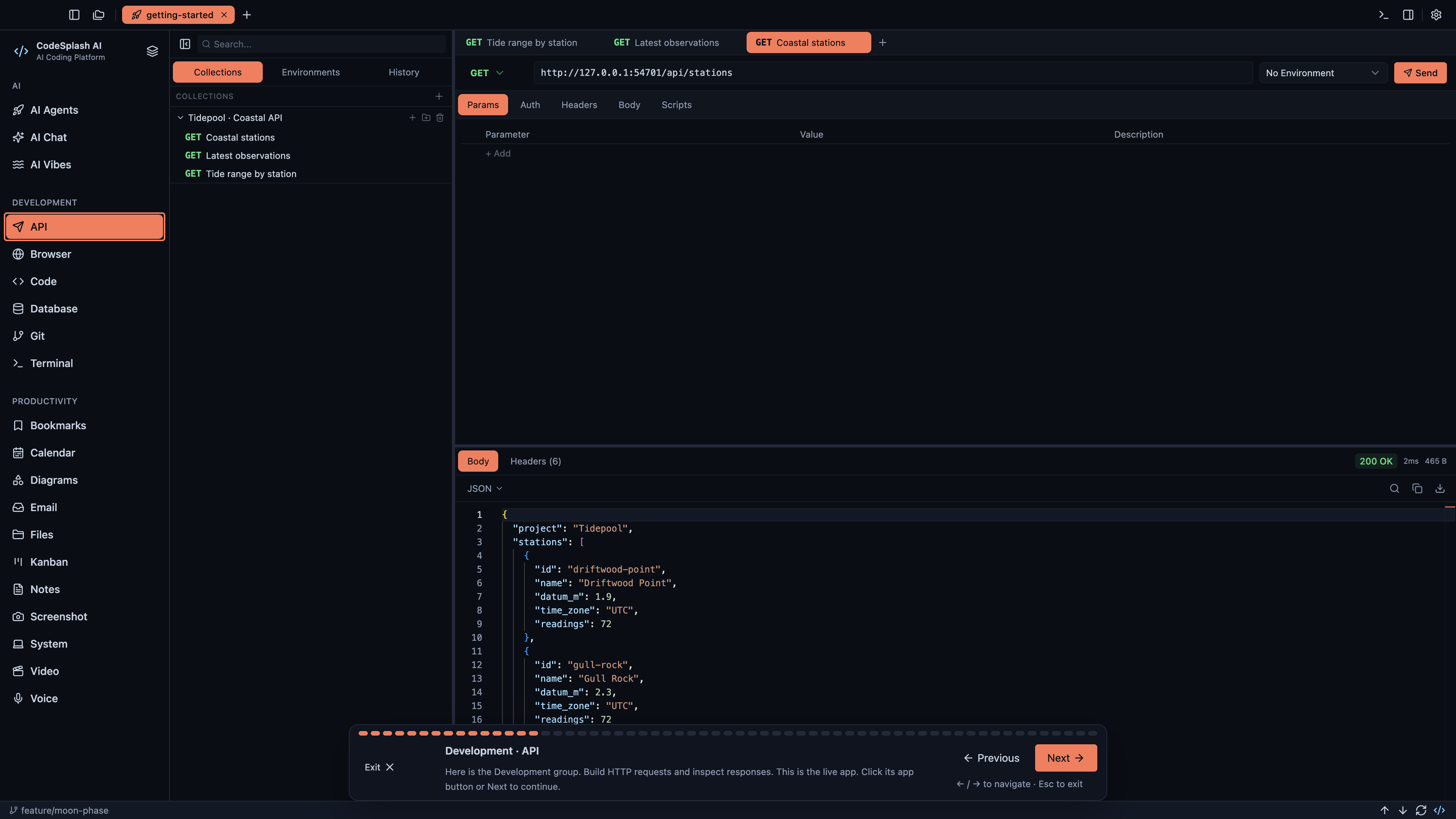
Keep the rest of the project close
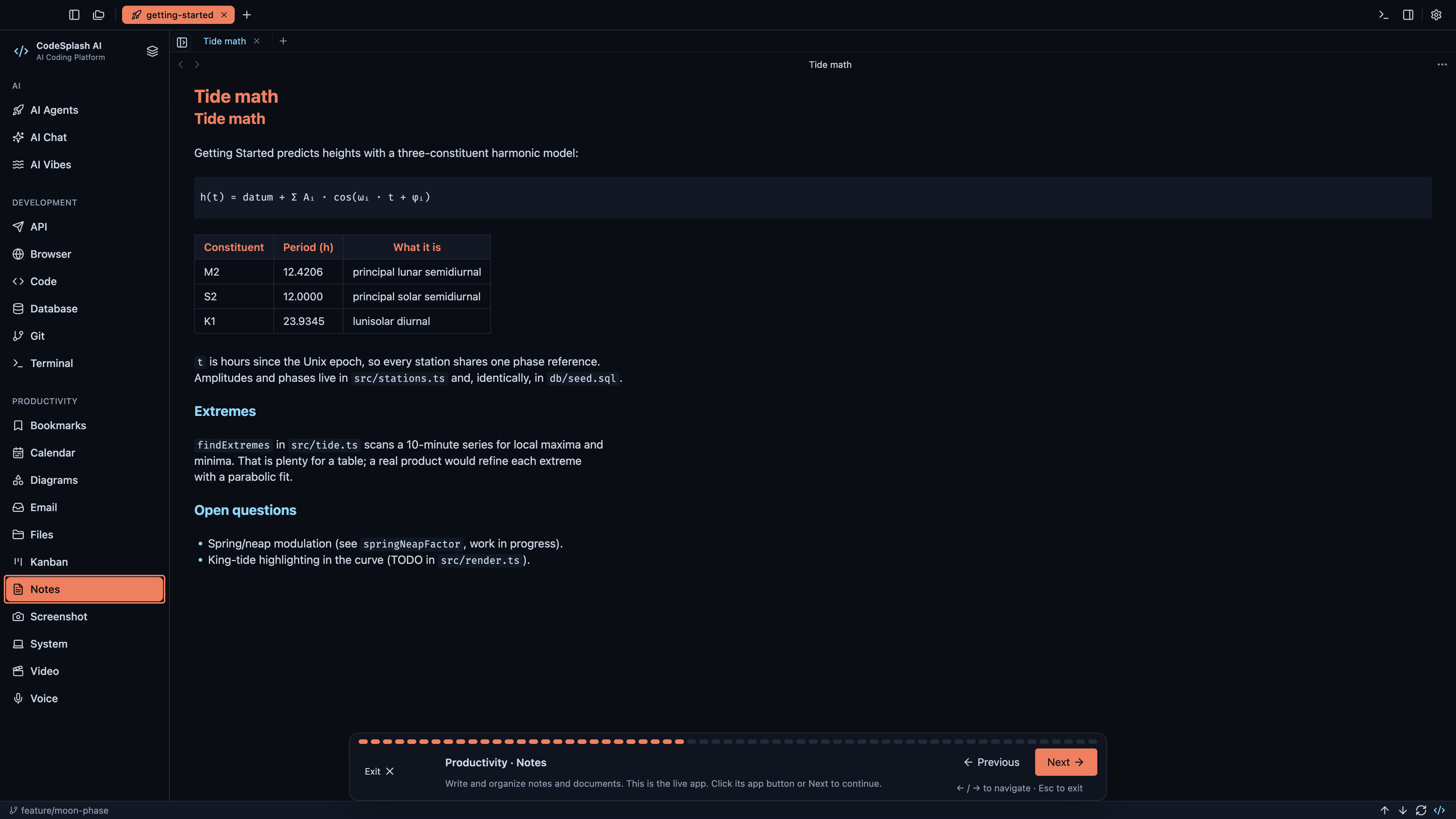
Open Email to read the Tidepool release conversation. Move to Notes for the project plan, Calendar for the schedule and Kanban for the next task. Bookmarks keeps useful references within reach.
The Getting Started workspace connects these views so you can learn by exploring a project, one app at a time.
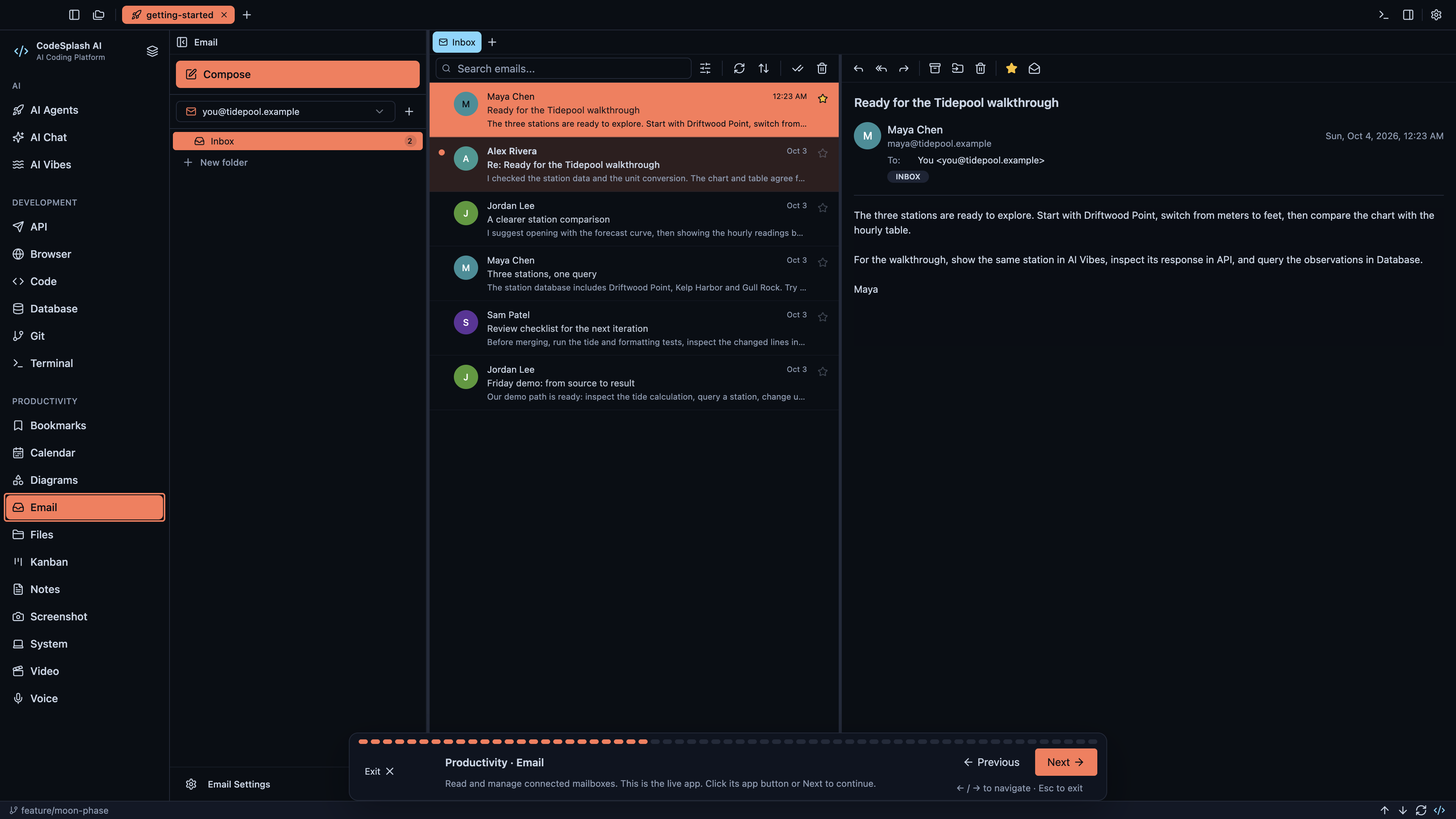
See the media tools at work
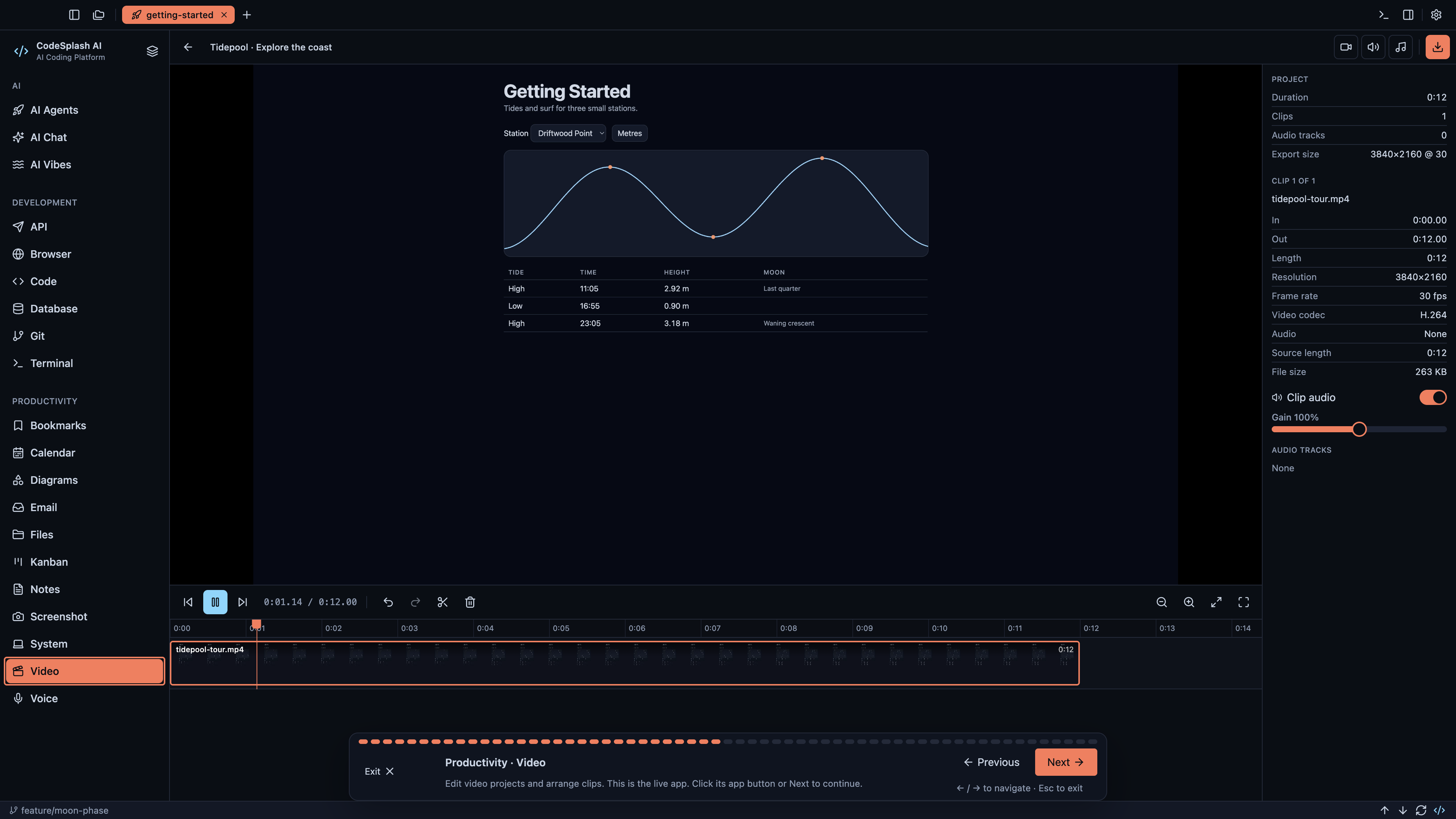
The tour continues through Screenshot with an image open for annotation, System with performance activity, Video with a playable timeline, and Voice with a waveform, transcript and action items. Every app has something useful to explore.
Watch it, then try it
The platform overview walks through the complete workspace. Shorter tutorials cover your first agent task, reviewing changes, Workspaces and finding actions with the command palette.
Each video uses the actual app in Ocean & Heat Dark, with clear chapter transitions and a French Fuse soundtrack. The website serves the original 4K masters, and every screenshot above opens at its original resolution.
Download CodeSplash AI, open Getting Started and explore the apps that fit your work. You can return to Settings → Learn whenever you want to replay a guided tour.