Safer release recovery, clearer paid campaign reporting, and better native media handling
CodeSplash AI 2.4.22 is a patch release aimed at teams using the admin marketing workflow around launches. The biggest change is on the release operations side: verified desktop releases are now easier to recover without rebuilding assets, and updater manifest retries are safer.
That matters if a release gets far enough to publish verified build artifacts but hits trouble during finalization. In 2.4.22, CodeSplash AI can validate and reuse existing verified updater manifests during retries. It also verifies replacement manifests by immutable asset identity, which helps avoid problems where a replaced filename can still resolve to an older CDN object for a short time. There is also a verified finalization path for existing desktop release builds without rebuilding the original assets.
This patch adds a dedicated recovery workflow for that path. The new finalization flow verifies the original builds and safely finalizes existing assets. It is a practical change for teams who care more about getting a tagged desktop release across the line safely than about adding a new end-user workspace feature.
Paid campaign reporting in the admin marketing workflow
The other major change in 2.4.22 is scoped paid campaign reporting in the admin marketing workflow. The new reporting covers the fields you actually need to inspect campaign performance in context:
- provider status
- spend
- impressions
- clicks
- conversions
- attribution
- reporting windows
The implementation also adds explicit provider, account, and campaign scoping in the reporting flow. If you run release campaigns through the admin tooling, this gives you a more direct view of paid performance without leaving the marketing ads workflow.
Campaign controls also got more usable. Paid campaigns can now be paused from the admin marketing ads flow, and the ads panel now supports paginated loading for larger campaign lists. In the renderer, this shows up as nextCursor and a loadMore path that appends new campaigns while filtering out duplicates.
That is not flashy, but it fixes a real operational problem. Once campaign history grows, a single large list gets harder to work with. Pagination makes the panel more practical for active teams managing more than a handful of records.
Exports now match native media workflows better
This release also updates how campaign assets are labeled and exported.
Campaign brief exports now reference verified native source images instead of older 4K-only wording. The export notice in the admin UI was updated to say exactly that: the brief includes verified native source images and paid tracking links, and exporting the brief does not activate a campaign.
2.4.22 also expands marketing asset handling for native mobile media, including App Store captures for iPhone and iPad. Verified native mobile walkthroughs are now included in ad asset exports as well.
For teams building release campaigns across desktop and mobile surfaces, this reduces mismatch between what the export says and what the asset set actually contains. The wording now reflects the workflow more accurately.
Screenshot history fails safer now
One of the quieter but more important fixes in this patch is how screenshot history is handled when manifest reads fail.
Before this change, a failed or malformed manifest read could be treated like an empty history. In 2.4.22, existing screenshot history is preserved instead. The shared manifest reader now only allows a missing-object path for confirmed not-found cases. Other responses like 403, 429, 500, 503, or malformed data fail safely instead of silently replacing history.
That reduces the risk of losing existing release capture history during transient storage or network problems.
A few more fixes worth knowing about
A few other changes round out the patch:
- Published updater manifests that could retain temporary draft URLs were repaired.
- Native tutorial capture stability improved by keeping input focused and recovering app-step observation.
- Release-manifest replacement checks were tightened against immutable asset identity.
None of these are broad workspace changes. They are focused fixes in admin, marketing, capture, and release operations. That narrow scope is the point of this release.
Who should update
You should care about 2.4.22 if your team uses CodeSplash AI for any of these workflows:
- running paid release campaigns from the admin marketing workflow
- exporting campaign briefs and ad assets
- managing native mobile media for iPhone and iPad App Store captures
- retrying or recovering verified desktop releases
- syncing release screenshots and preserving screenshot history
If that is your setup, this patch makes those paths easier to operate and less fragile.
You can get the latest build from codesplash.ai/downloads.
Try 2.4.22 and reply with feedback if your team uses the admin marketing workflow for launches.
Feature screenshots
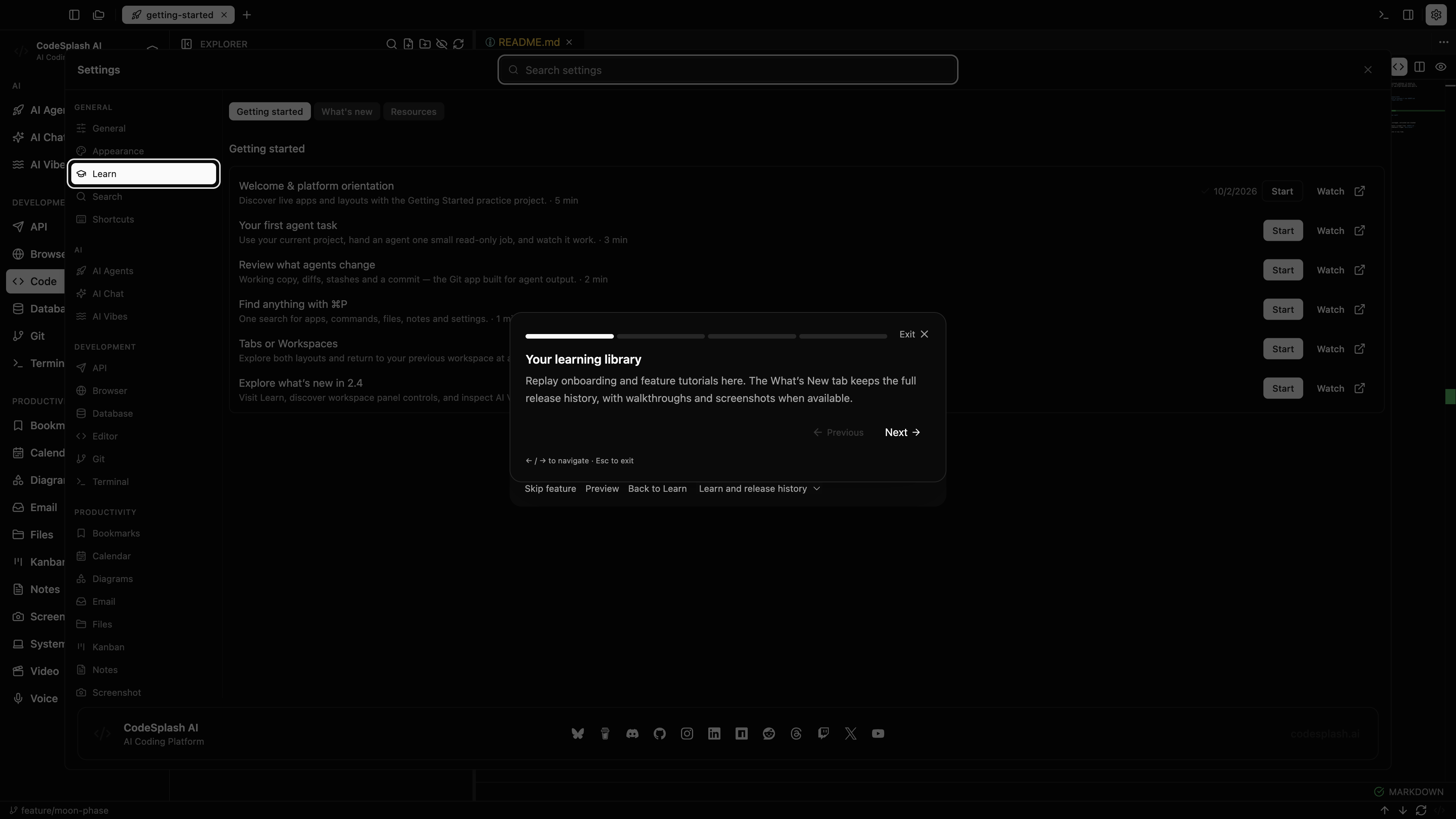
Your learning library · View original full-resolution image
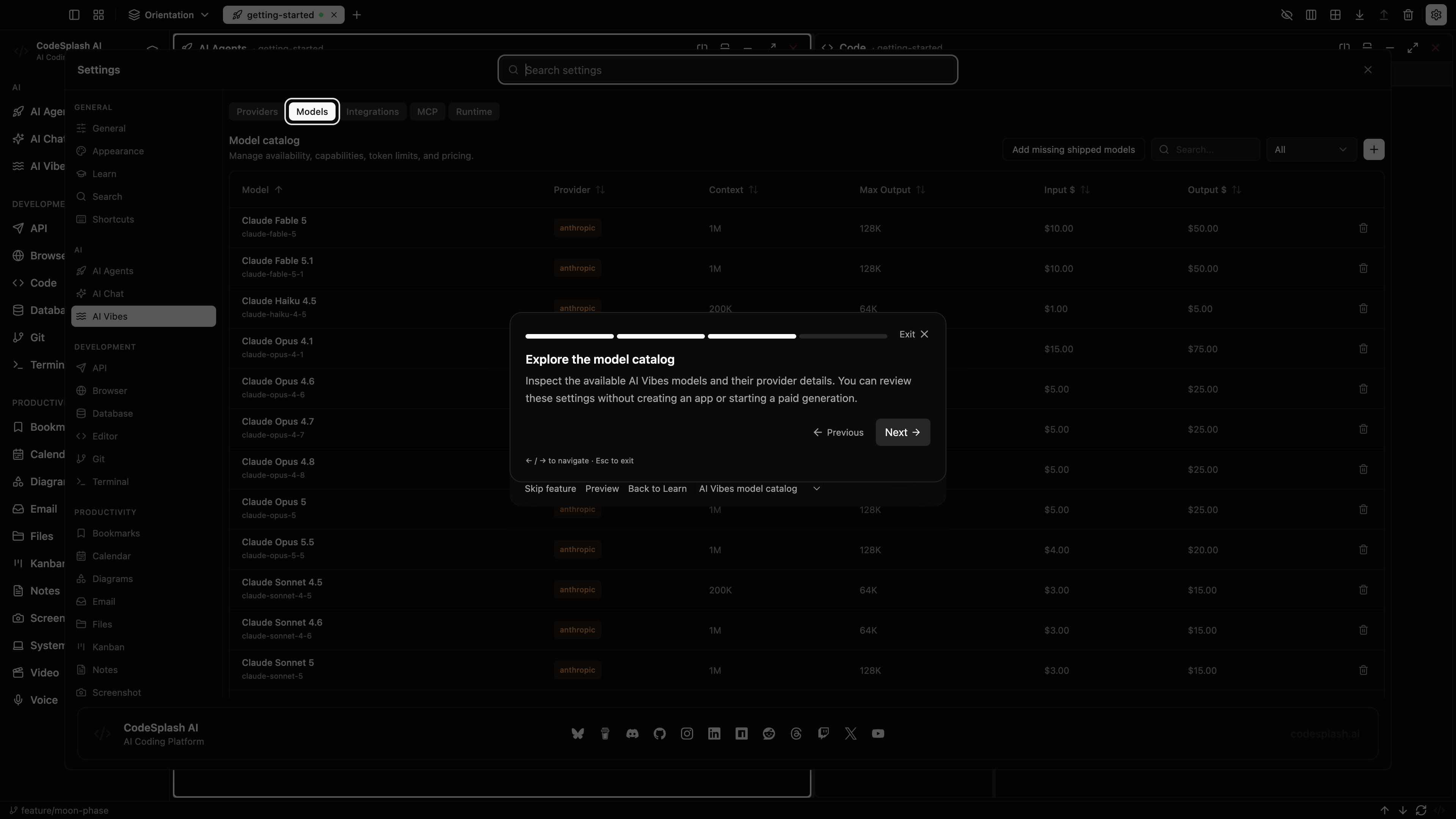
Explore the model catalog · View original full-resolution image
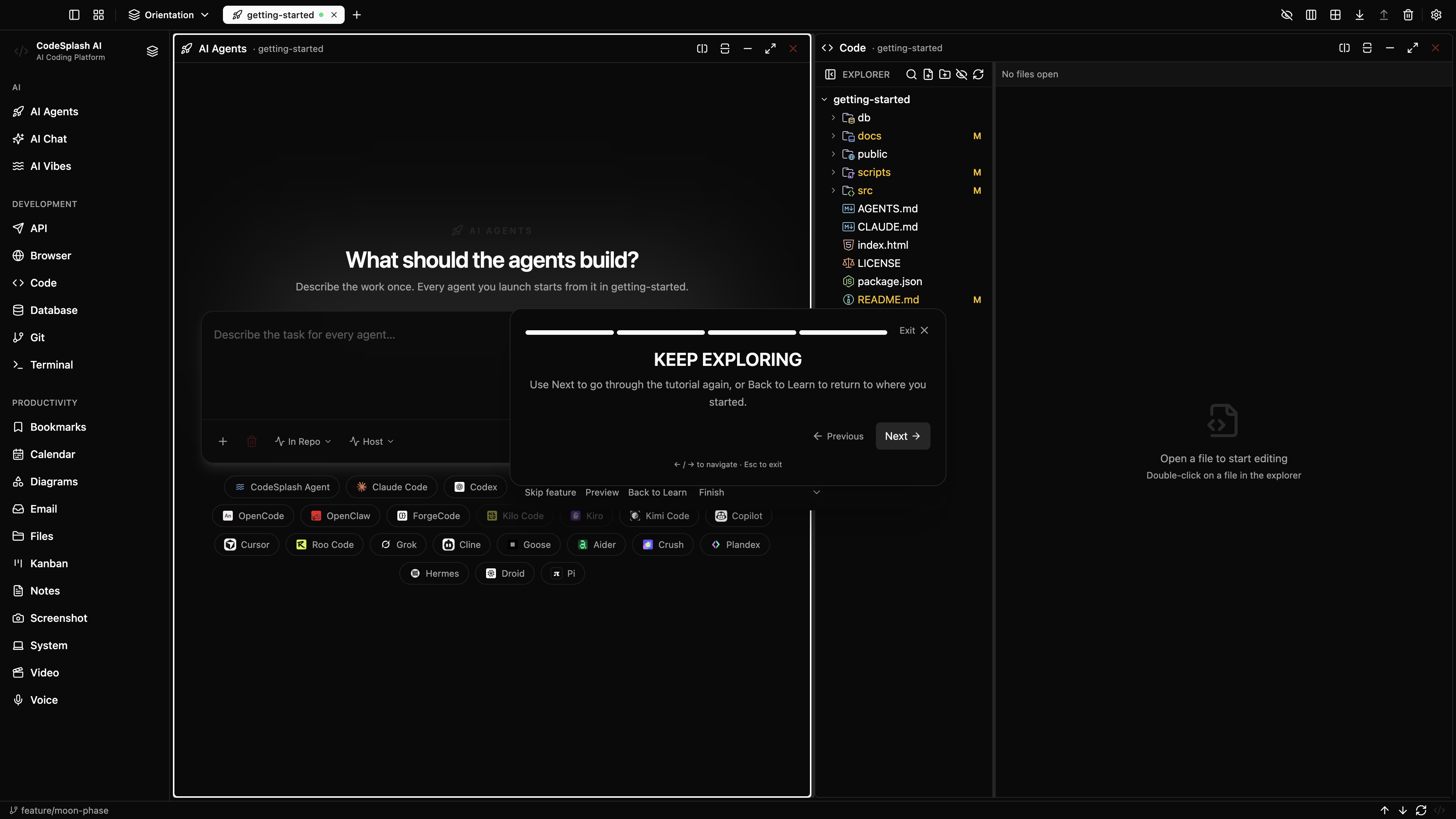
Keep exploring · View original full-resolution image
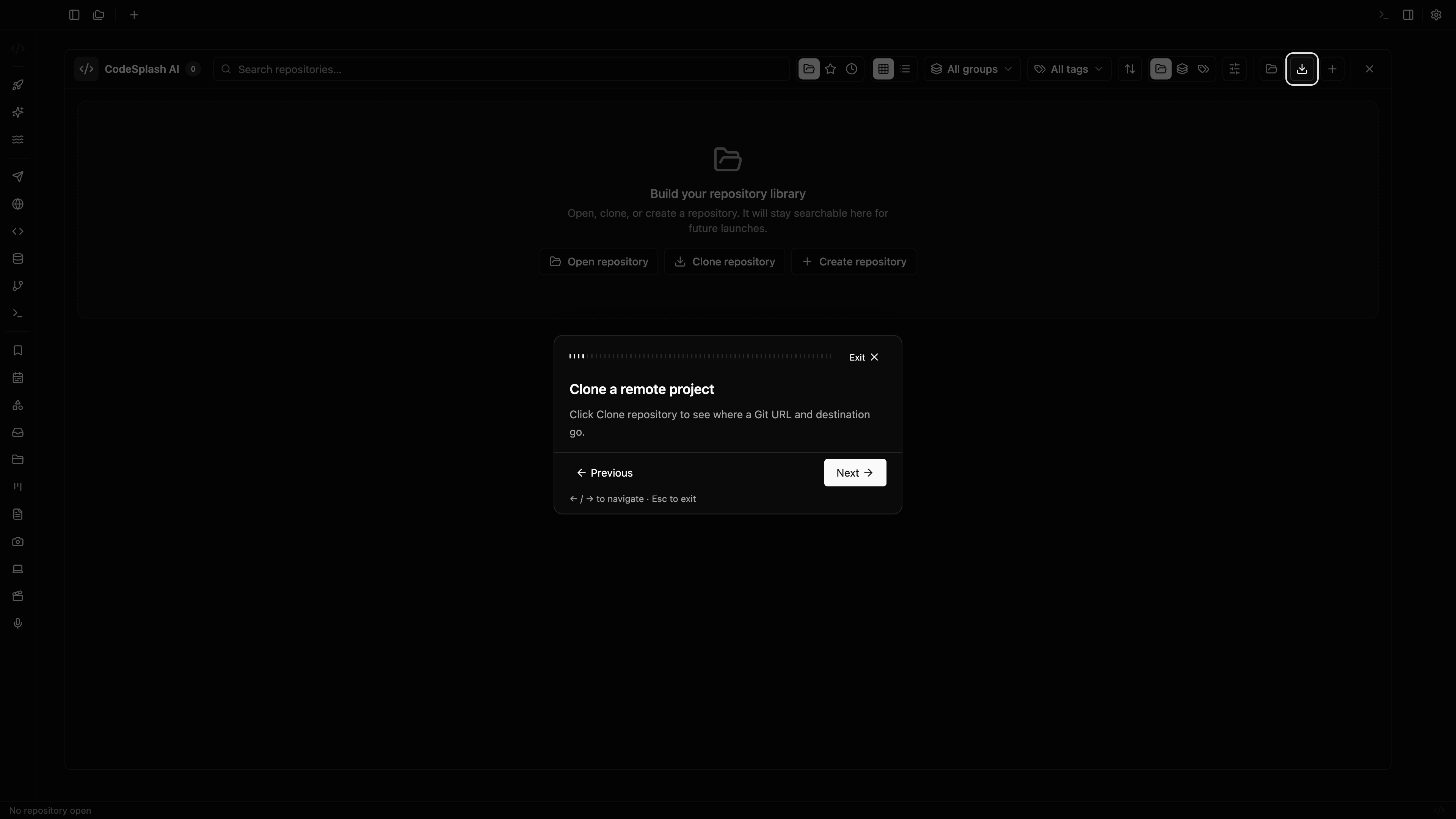
Clone a remote project · View original full-resolution image
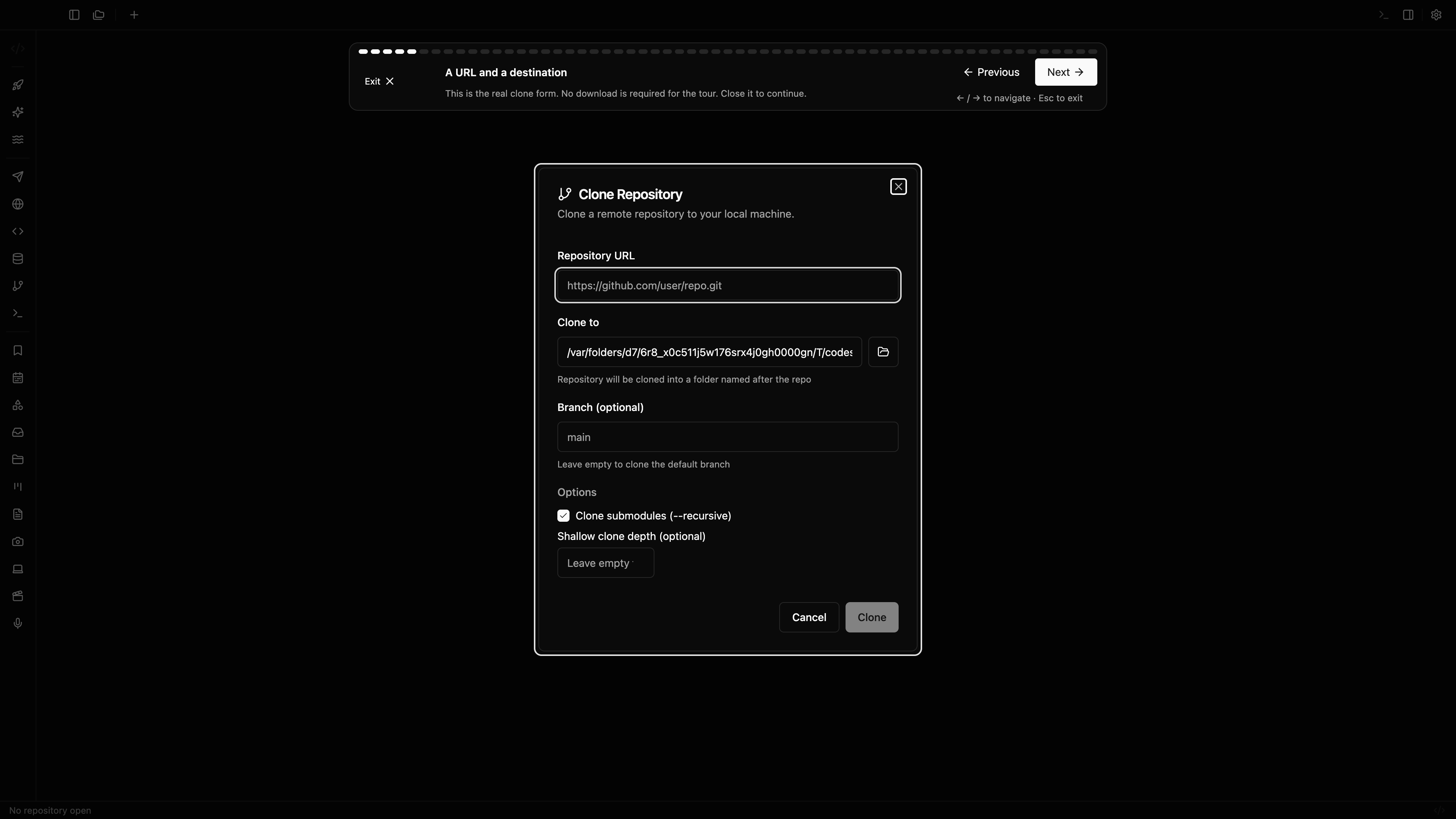
A URL and a destination · View original full-resolution image