This guide follows the Your first agent task tour in CodeSplash AI 2.4.20. Open Settings → Learn and choose the matching tour. The walkthrough was recorded in the actual app in Default Dark at 3840 × 2160.
Watch the matching tutorial video. The website and YouTube use the same walkthrough.
Follow the tour
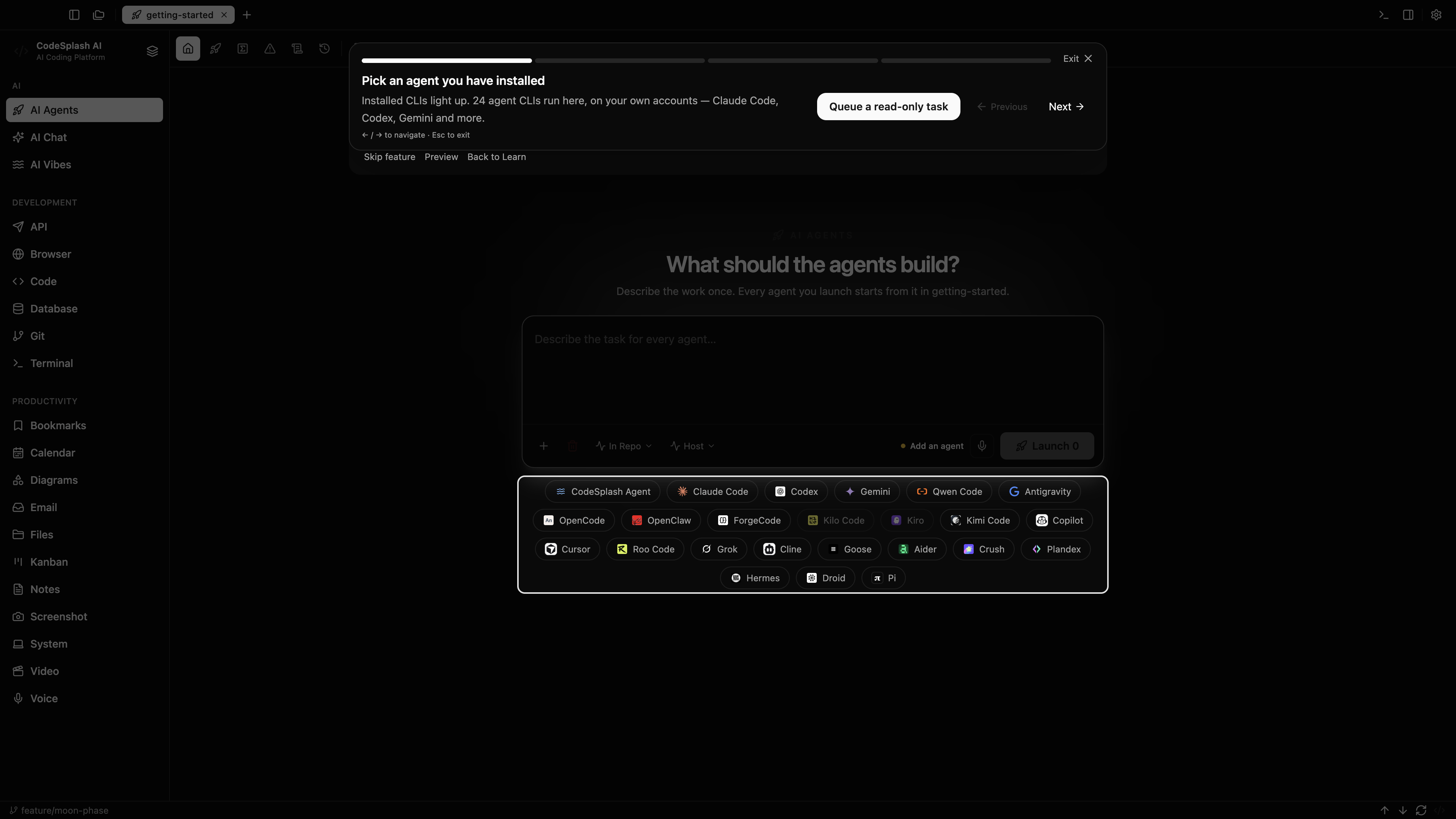
Pick an agent you have installed
Installed CLIs light up. 24 agent CLIs run here, on your own accounts — Claude Code, Codex, Gemini and more.
Launch it
One agent, one bounded job: explain the project without touching a file. Press Launch.
Two agents run at once on Free
Pro removes the cap. Every session is a real terminal — read along, type back, stop it any time.
You know the agent workflow.
That is the loop: a repo, a bounded task, an agent you can watch. Everything else in CodeSplash is built around it.
Feature screenshots
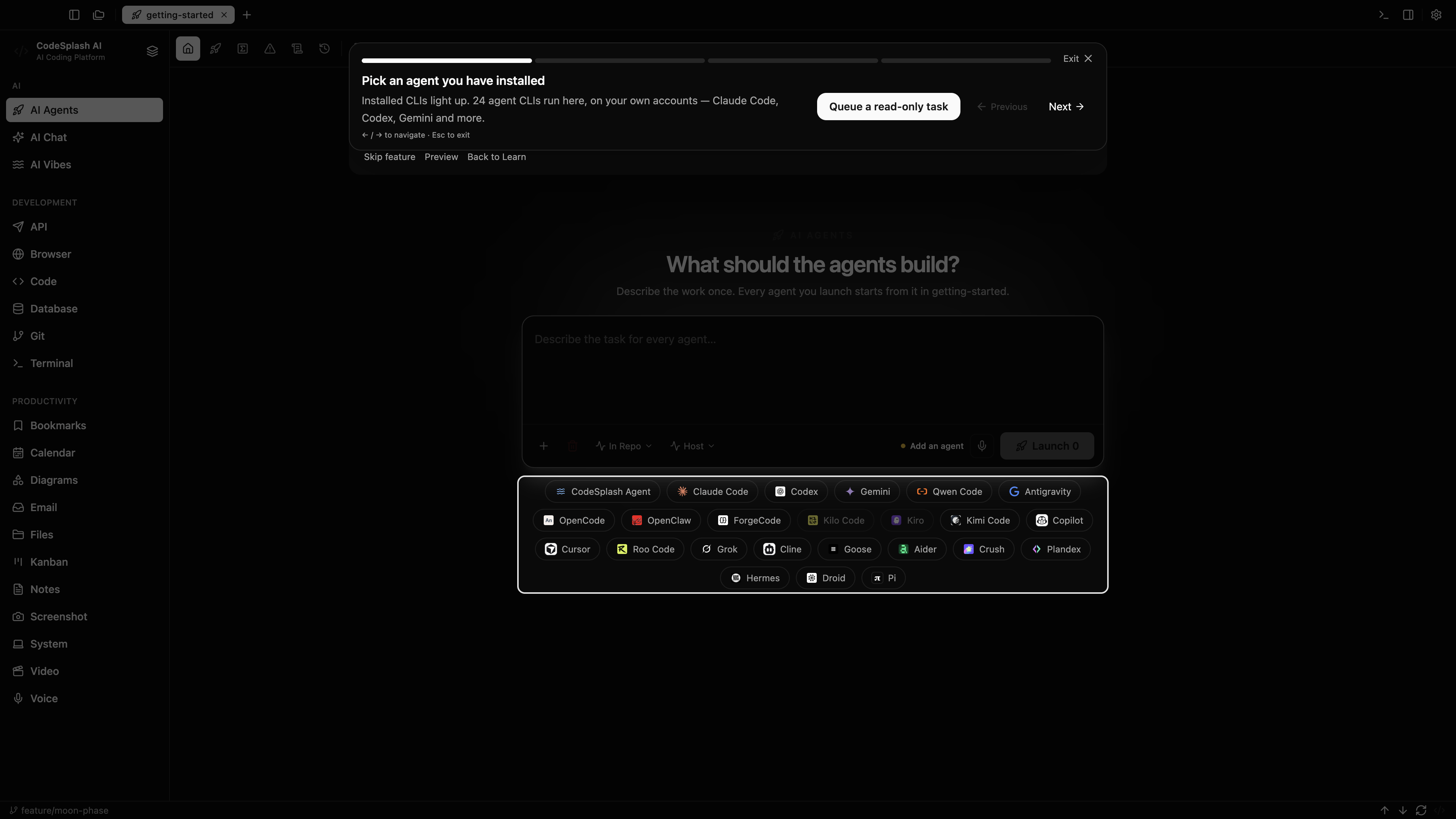
Pick an agent you have installed · View the original 4K screenshot
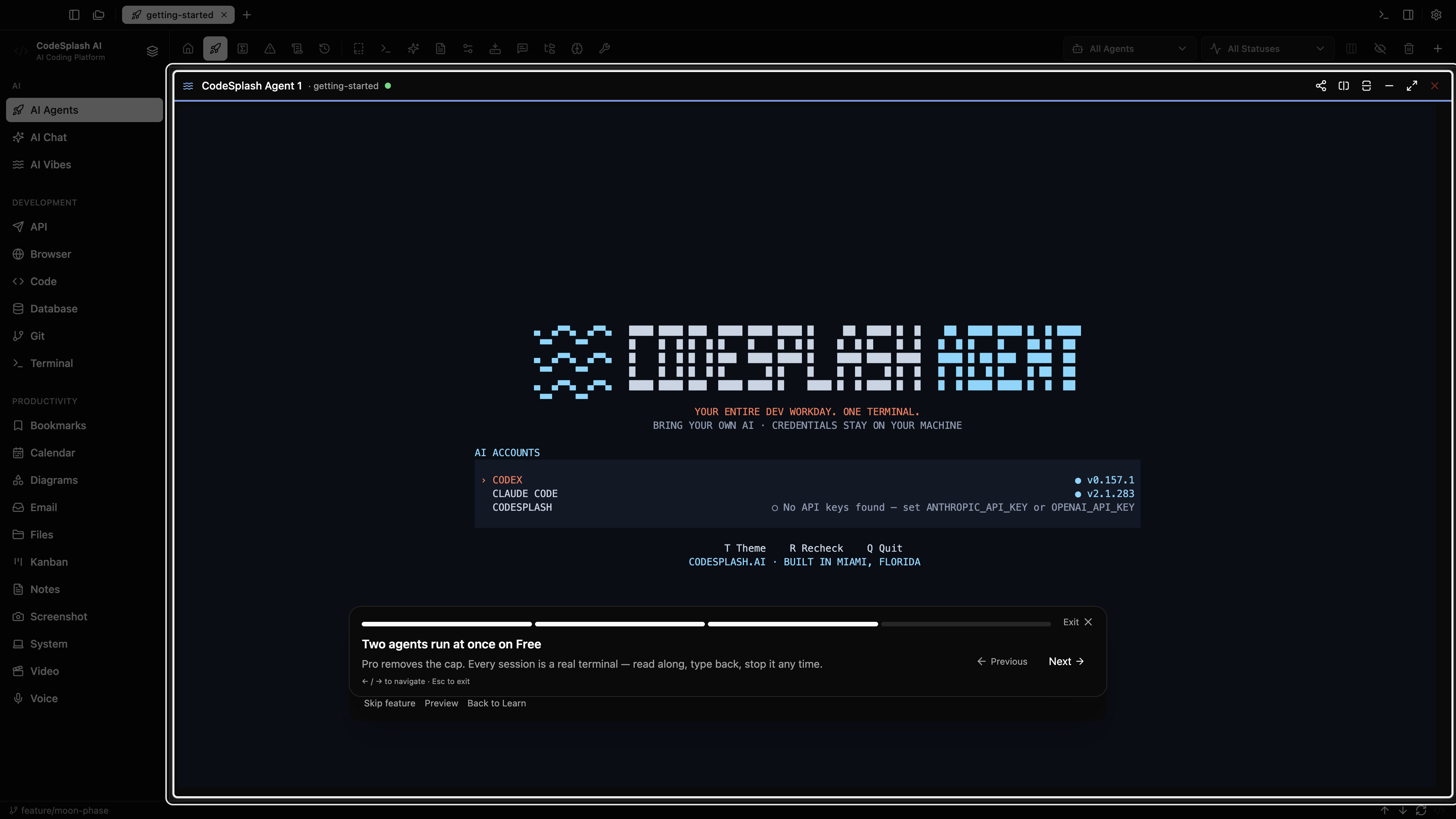
Two agents run at once on Free · View the original 4K screenshot
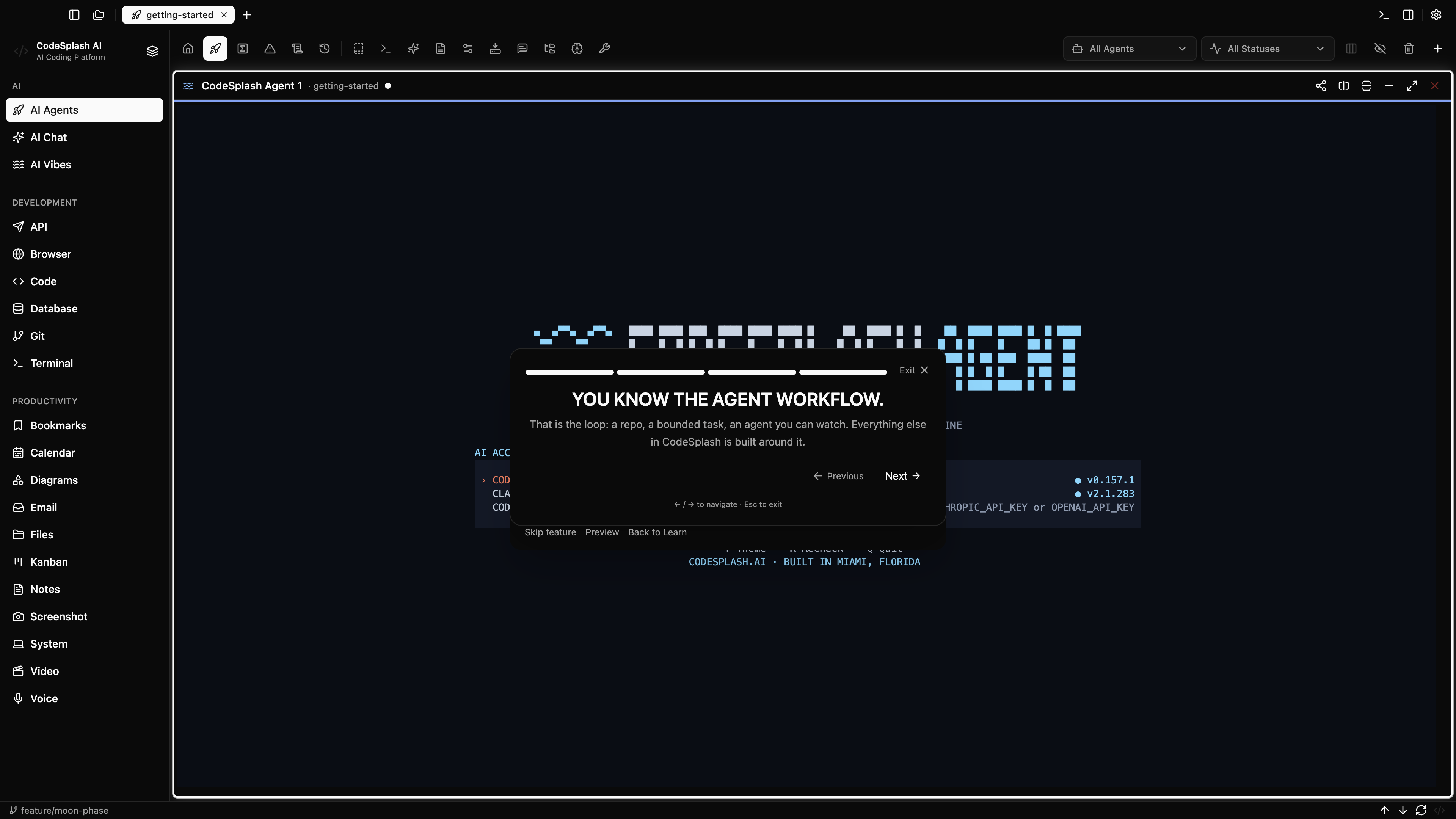
You know the agent workflow. · View the original 4K screenshot