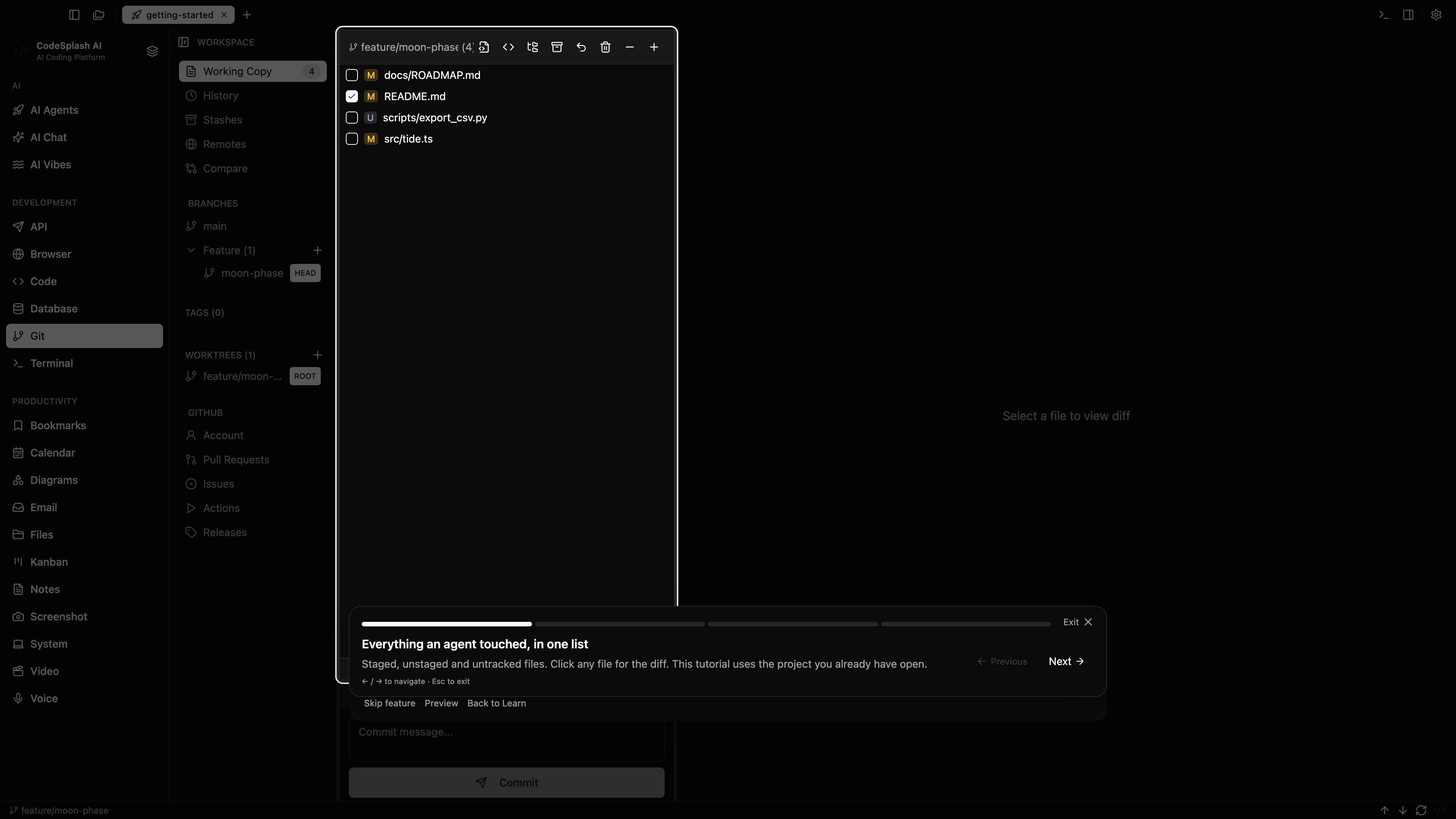
This guide follows the Review agent changes tour in CodeSplash AI 2.4.20. Open Settings → Learn and choose the matching tour. The walkthrough was recorded in the actual app in Default Dark at 3840 × 2160.
Watch the matching tutorial video. The website and YouTube use the same walkthrough.
Follow the tour
Everything an agent touched, in one list
Staged, unstaged and untracked files. Click any file for the diff. This tutorial uses the project you already have open.
Stashes live here
Saved stashes for your current project appear here. Park an agent’s detour and return to it later; an empty list means this project has no stashes.
Commit when it reads right
Stage what you agree with, write the message, commit. ⌘⌥H opens Home for another repo. ⌘, opens Settings.
Review is the job.
Agents write. You decide what ships. Interactive rebase, merge editor and worktrees are one tab over — Pro.
Feature screenshots
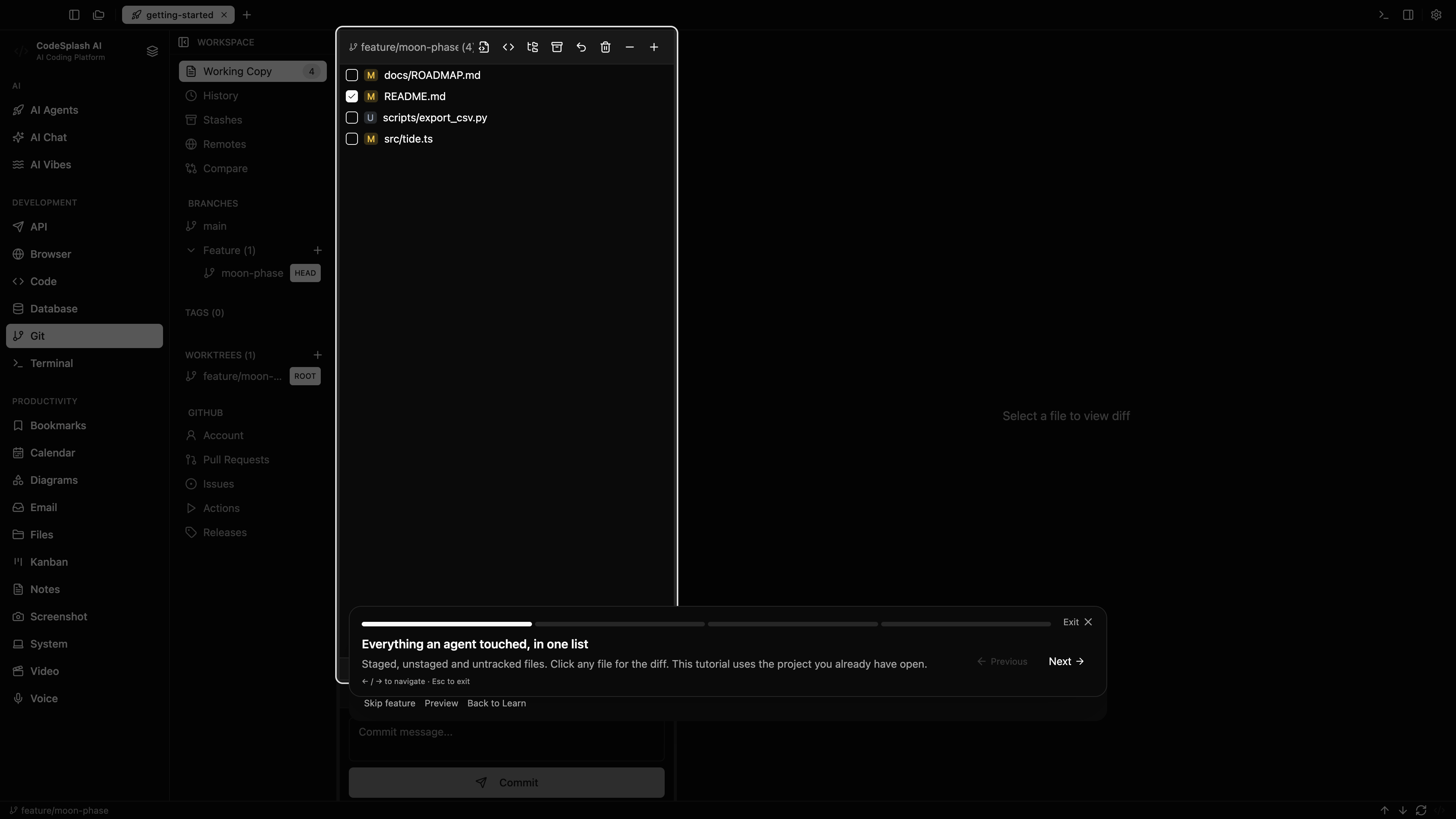
Everything an agent touched, in one list · View the original 4K screenshot
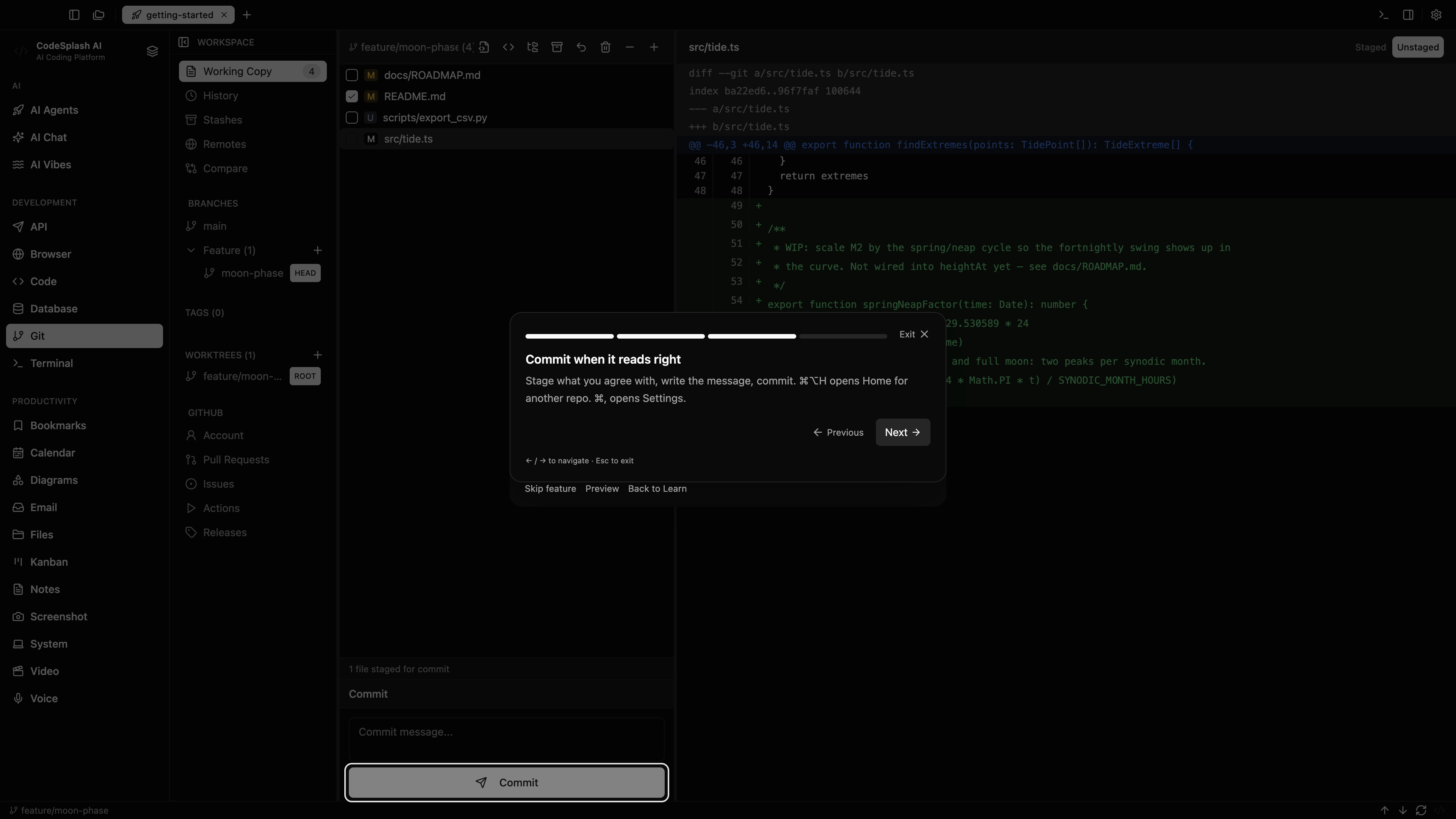
Commit when it reads right · View the original 4K screenshot
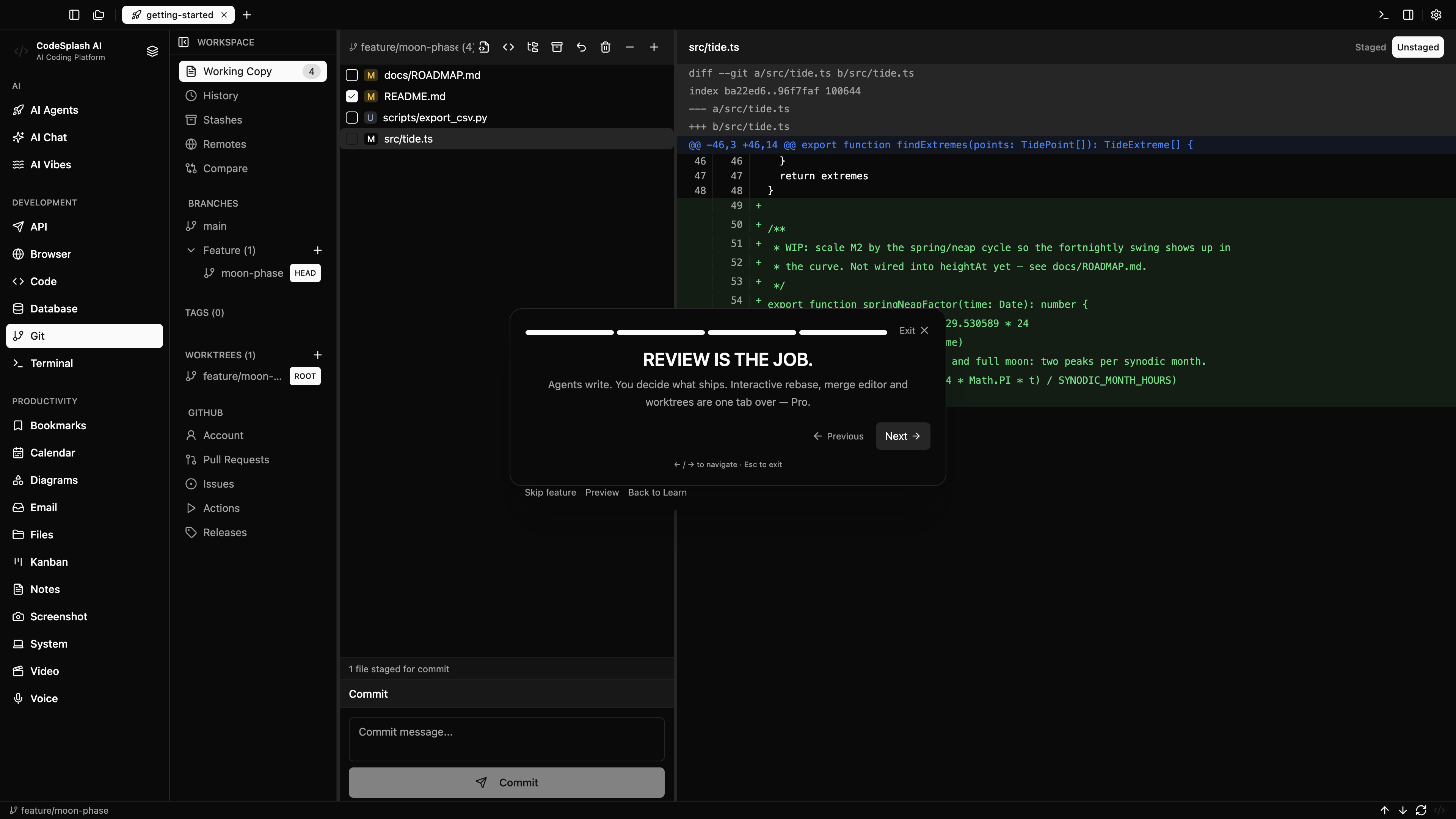
Review is the job. · View the original 4K screenshot