This guide follows the What’s new in CodeSplash AI tour in CodeSplash AI 2.4.20. Open Settings → Learn and choose the matching tour. The walkthrough was recorded in the actual app in Default Dark at 3840 × 2160.
Watch the matching tutorial video. The website and YouTube use the same walkthrough.
Follow the tour
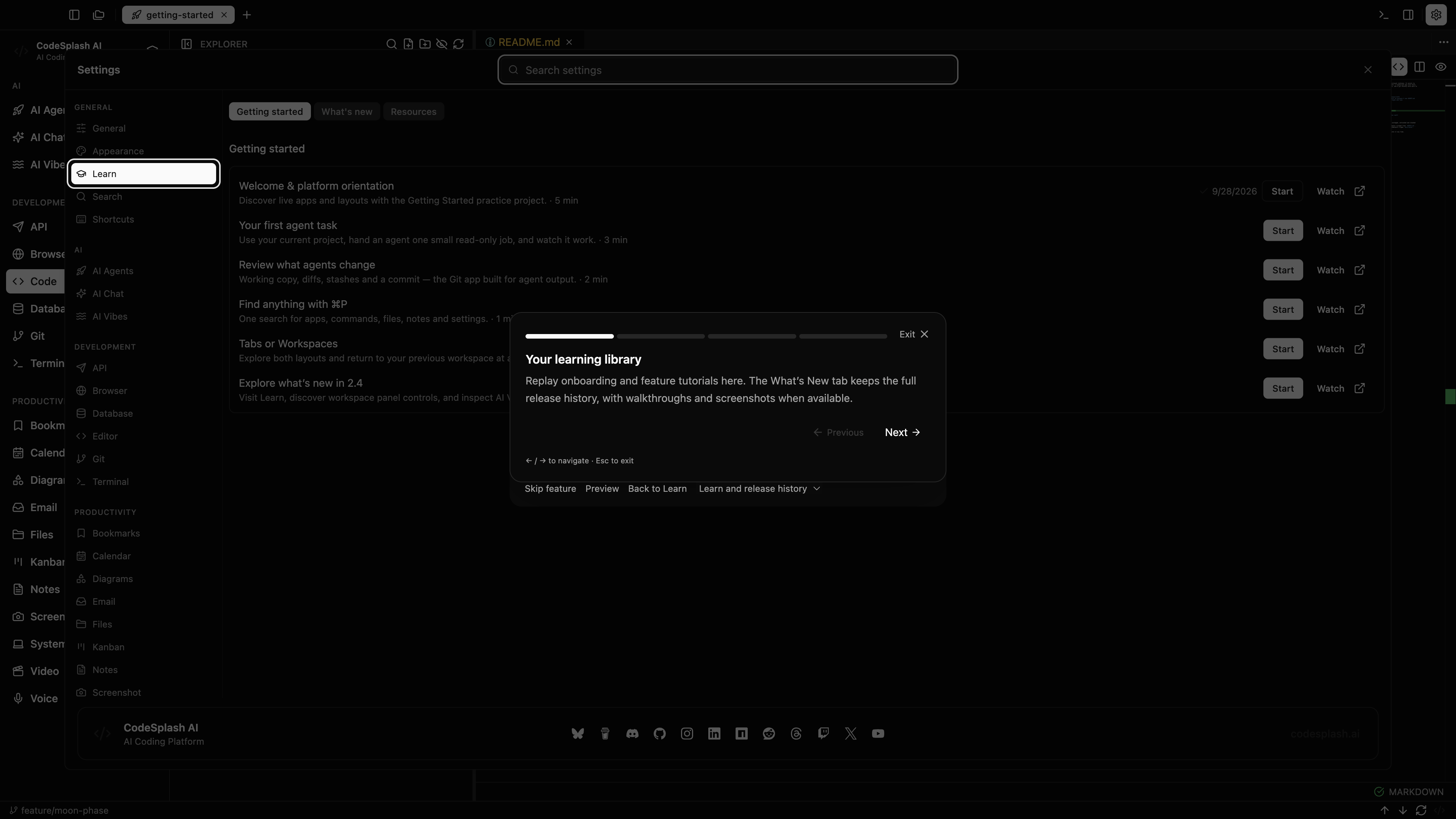
Your learning library
Replay onboarding and feature tutorials here. The What’s New tab keeps the full release history, with walkthroughs and screenshots when available.
Manage panels across your workspace
Show panels across tabs, equalize or rebuild the grid, minimize, restore, and close panels. These controls are highlighted for reference; this tour does not close your work.
Explore the model catalog
Inspect the available AI Vibes models and their provider details. You can review these settings without creating an app or starting a paid generation.
Keep exploring
Use Next to go through the tutorial again, or Back to Learn to return to where you started.
Feature screenshots
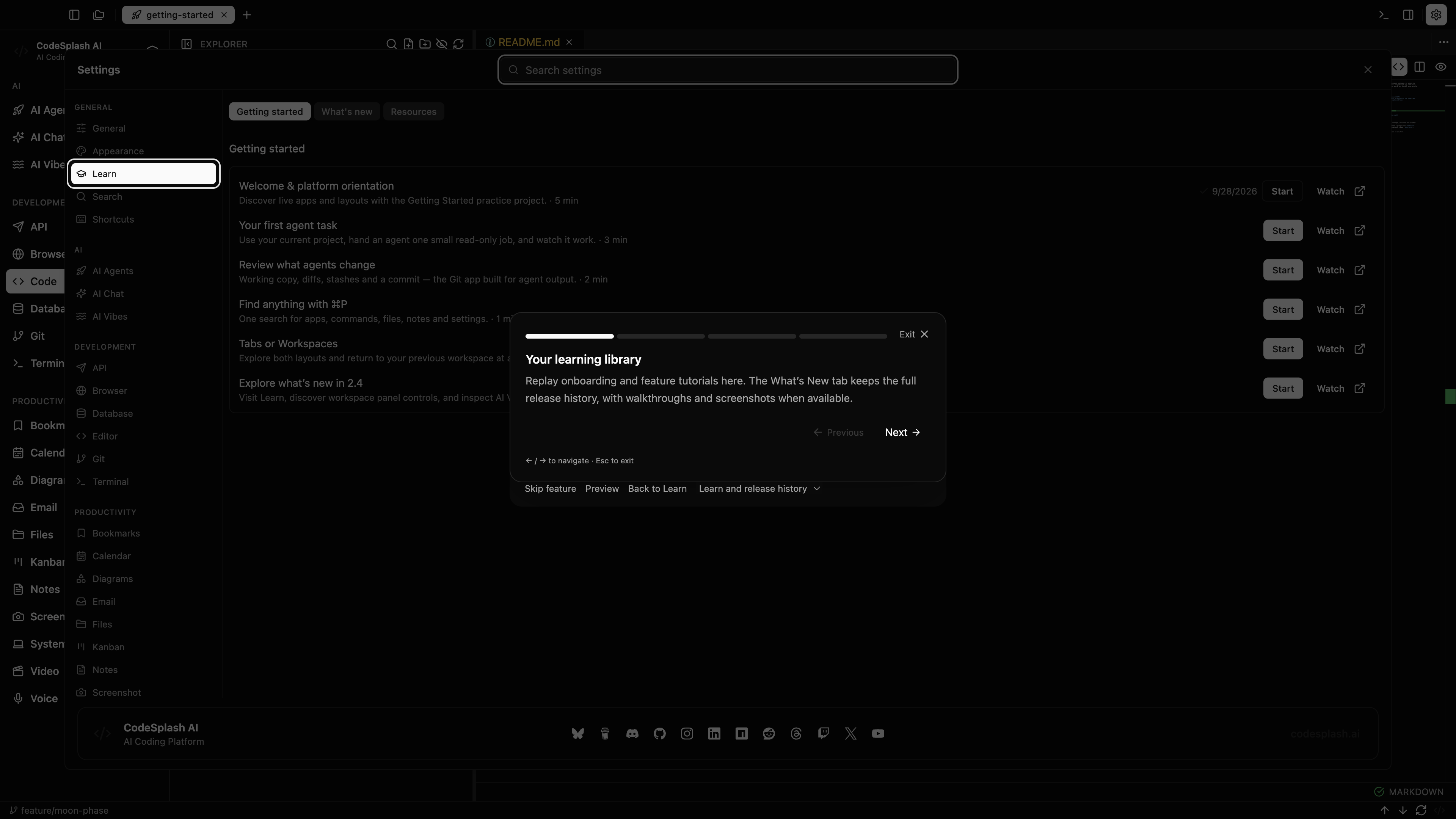
Your learning library · View the original 4K screenshot
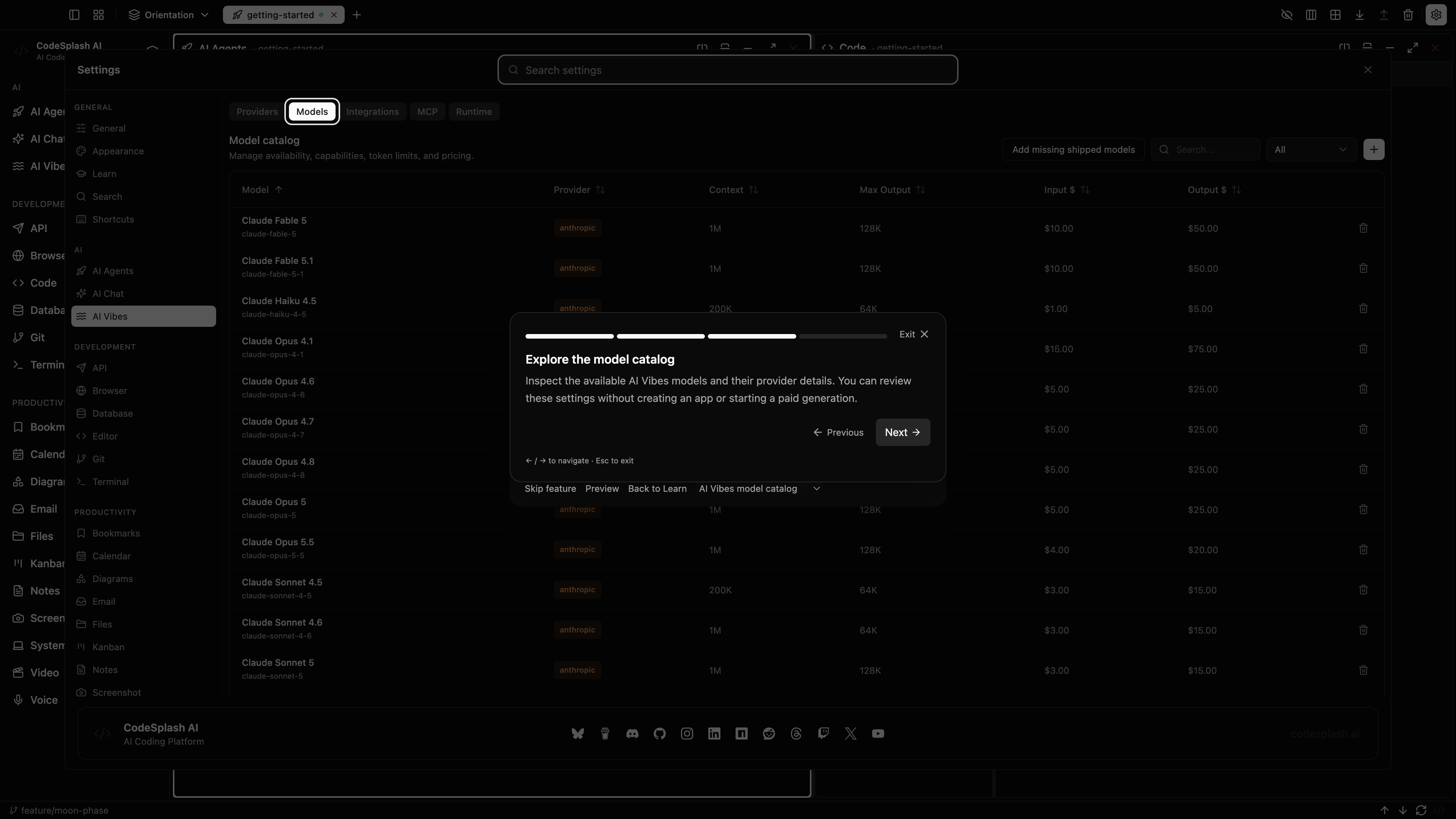
Explore the model catalog · View the original 4K screenshot
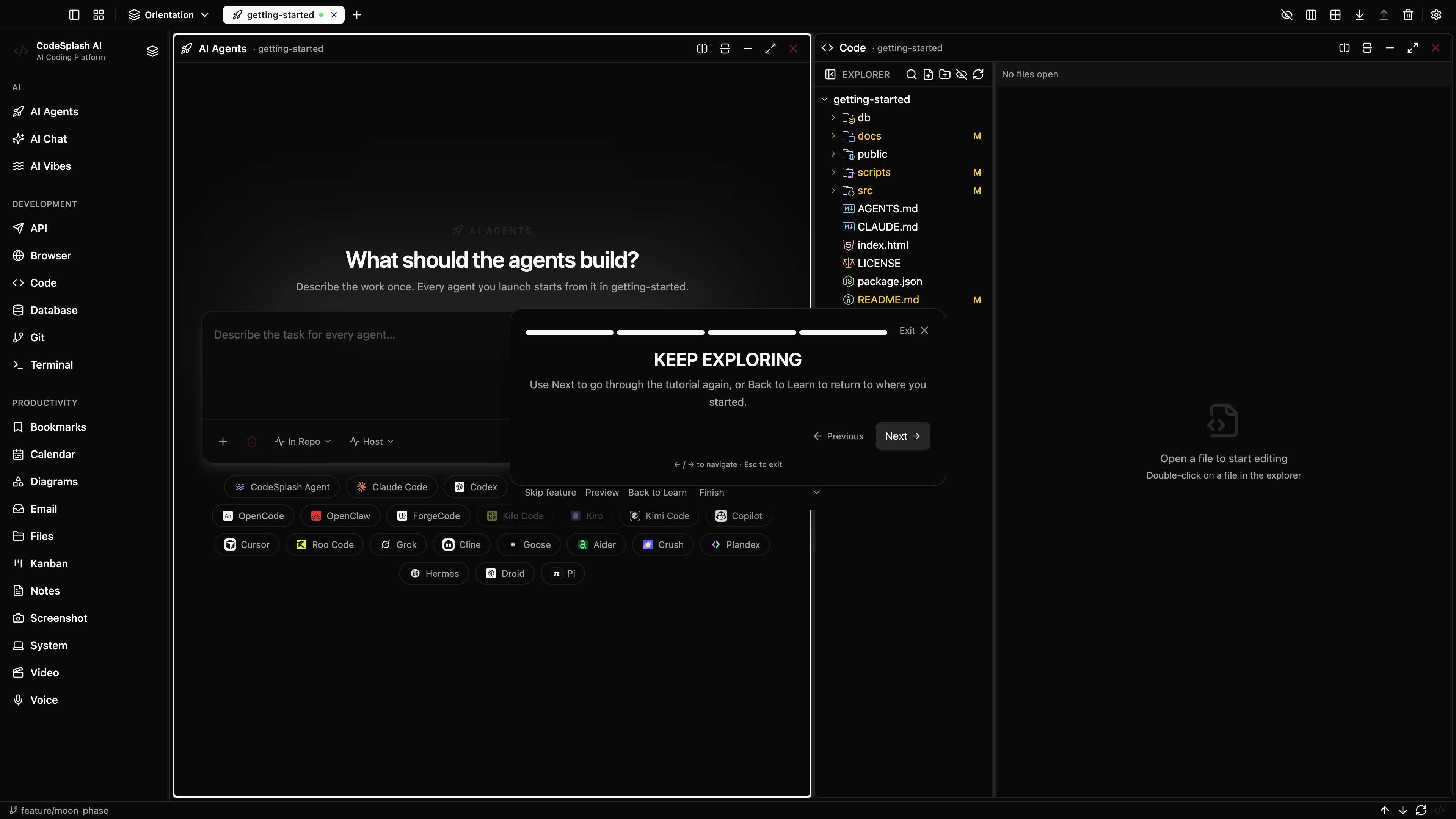
Keep exploring · View the original 4K screenshot