Which workflow fits your day?
Choose CodeSplash when you want agent sessions beside dedicated tools for editing, Git review, terminals, browsing, API requests and databases. You can try the workspace with your existing repository and supported AI accounts.
Consider BridgeMind if you prefer switching among agent routines, terminal panes and conversational coding, with voice as part of your workflow.
What BridgeMind does well
- Agent, Code and Thread modes support different ways of working.
- Terminal panes, a docked browser and existing AI accounts keep coding sessions close together.
Side-by-side comparison
| Topic | CodeSplash AI | BridgeMind |
|---|---|---|
| Desktop platforms | macOS, Windows and Linux downloads. | The main BridgeMind product advertises Mac, Windows and Linux. Check individual companion apps separately. Source ↗ |
| Workspace | Dedicated editor, Git, terminal, browser, API and database apps beside agents. | Agent routines, coding terminals and conversation threads with a docked browser. Source ↗ |
| AI accounts | Use your existing accounts through supported agent CLIs. | Bring an AI subscription or API key; agent usage is separate from the workspace plan. Source ↗ |
| Plans | Free and paid tiers, including Lifetime; provider usage is separate. | Paid app plans include different credit allowances and companion features. Compare current terms. Source ↗ |
Tradeoffs to consider
Both products can put multiple agents and a browser in one workspace. Compare the actual review, navigation and tool layout you use every day.
BridgeMind’s product family includes companion apps with their own availability. A feature advertised for one companion should not be assumed to work on every platform.
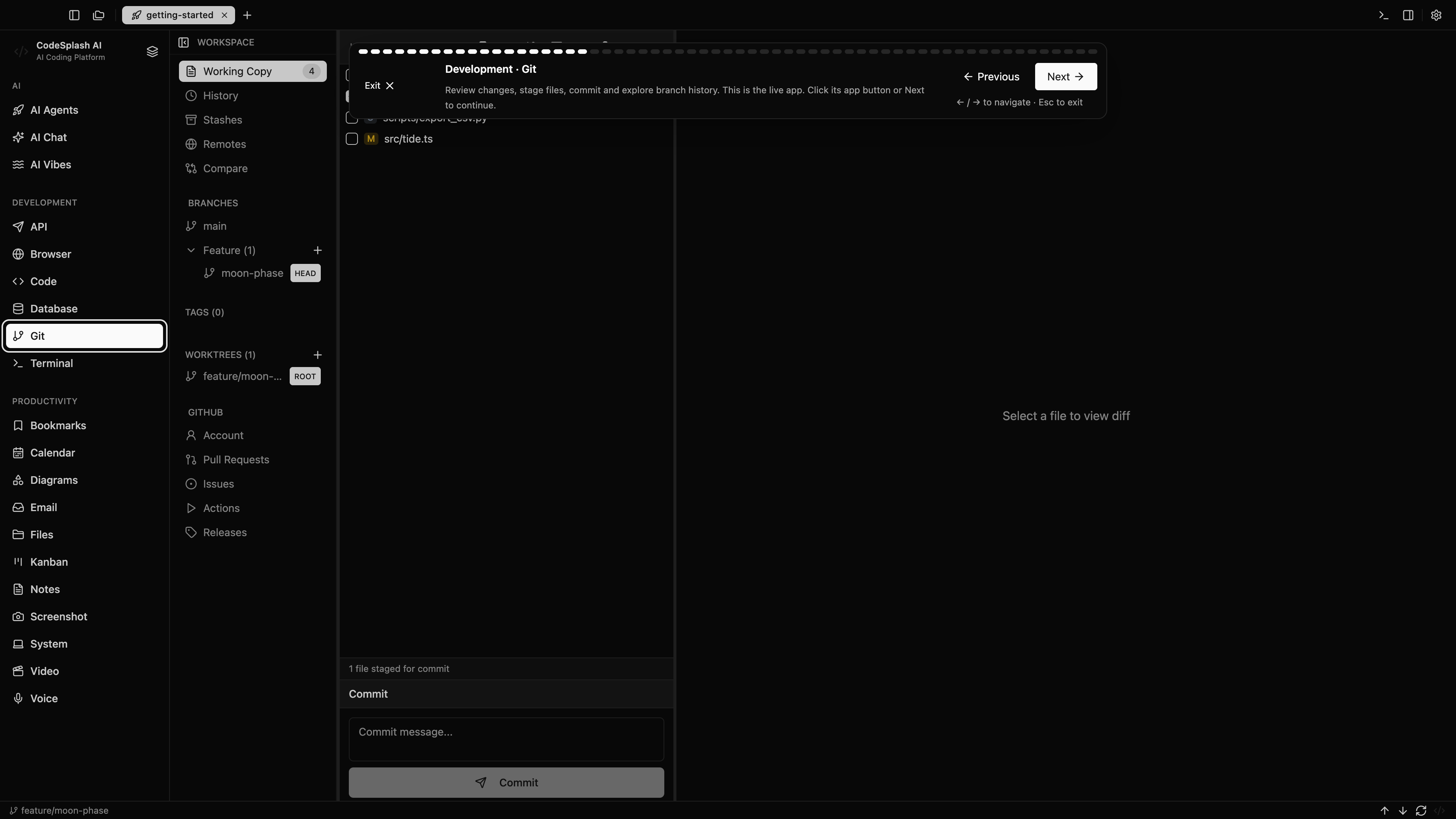
Try the same task in CodeSplash
- Open a small repository in both workspaces on separate branches.
- Connect the same supported agent account and use the same task instructions.
- Compare terminal output, Git review and browser testing, then try an API or database task in CodeSplash.
- Keep existing provider subscriptions and project files while you evaluate.
Read the product documentation, check supported agent integrations, or see recent releases.
Questions before switching
Is BridgeMind only a chat app?
No. Its product page includes real terminal panes, agent routines and a docked browser. The useful comparison is how those workflows fit alongside CodeSplash’s dedicated development apps.
Will switching workspaces change my AI provider bill?
Not automatically. Your app plan and connected provider usage are separate costs; check both before choosing a workspace.
Sources and scope
This comparison is written by CodeSplash. The workflow recommendations are our assessment; competitor facts link to their official sources. Features and plans can change, so check those pages before buying.