Which workflow fits your day?
Choose CodeSplash when you want agent sessions beside dedicated tools for editing, Git review, terminals, browsing, API requests and databases. You can try the workspace with your existing repository and supported AI accounts.
Consider Claude Desktop if you want Anthropic’s first-party app for chat and the Claude features included with your plan.
What Claude Desktop does well
- Brings Claude’s chat experience directly to the desktop.
- Paid plans add access to Claude Code; availability and limits depend on the plan and platform.
Side-by-side comparison
| Topic | CodeSplash AI | Claude Desktop |
|---|---|---|
| Desktop platforms | macOS, Windows and Linux downloads. | macOS, Windows and Linux beta. Anthropic documents platform-specific limitations. Source ↗ |
| Workflow | Supported agents from multiple providers beside graphical development apps. | Anthropic’s first-party desktop experience for Claude and supported plan features. Source ↗ |
| Account and plan | Your app license and connected agent-provider usage are separate. | Chat is available across plans; Claude Code in the desktop app requires an eligible paid plan. Source ↗ |
| Linux considerations | A Linux desktop build is available; check your project’s tool dependencies. | Linux is beta, with documented gaps including computer use and dictation. Source ↗ |
Tradeoffs to consider
Claude Desktop and Claude Code are related but are not interchangeable product names. Compare the specific surface and plan you intend to use.
CodeSplash can host a supported Claude Code CLI while you continue using Claude Desktop for other work. This does not move or replace your Anthropic account.
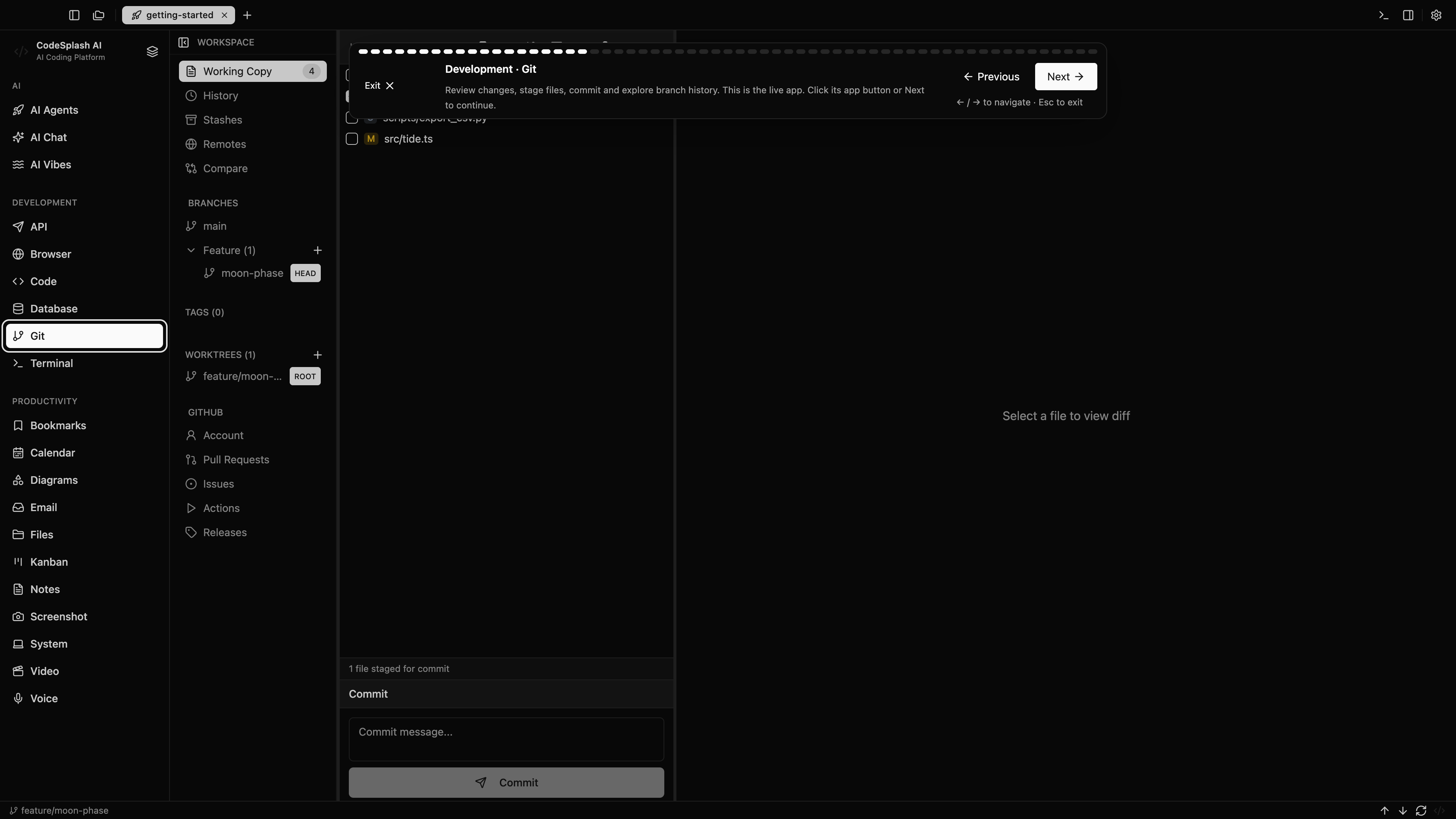
Try the same task in CodeSplash
- Keep your Claude account and existing Desktop installation.
- Connect the supported Claude Code CLI in CodeSplash for a repository task.
- Use CodeSplash’s Git, browser, API and database apps to inspect the result.
- Continue using Claude Desktop for the tasks and integrations you prefer there.
Read the product documentation, check supported agent integrations, or see recent releases.
Questions before switching
Is Claude Desktop available on Linux?
Anthropic currently documents a Linux beta, including installation requirements and feature limitations. Check those requirements for your distribution.
Can I still use Claude Code with CodeSplash?
Yes. The supported CLI integration uses your connected provider account. CodeSplash does not replace the provider’s plan or usage limits.
Sources and scope
This comparison is written by CodeSplash. The workflow recommendations are our assessment; competitor facts link to their official sources. Features and plans can change, so check those pages before buying.