Which workflow fits your day?
Choose CodeSplash when you want agent sessions beside dedicated tools for editing, Git review, terminals, browsing, API requests and databases. You can try the workspace with your existing repository and supported AI accounts.
Consider cmux when terminal responsiveness, split panes and clear notifications for parallel agents are your main priorities.
What cmux does well
- Uses libghostty for terminal rendering, with vertical workspace tabs and notification indicators.
- Provides a scriptable browser and CLI/socket controls for terminal-oriented automation.
Side-by-side comparison
| Topic | CodeSplash AI | cmux |
|---|---|---|
| Core workspace | Agents alongside dedicated graphical development apps. | A native terminal workspace built around panes, tabs and agent notifications. Source ↗ |
| Automation | Supported agent CLIs, guided tours and integrated app workflows. | CLI/socket controls and a scriptable browser. Source ↗ |
| Mobile access | Evaluate the desktop workflow on macOS, Windows or Linux. | An iPhone companion is in beta, with access tied to Founder’s Edition. Check current availability. Source ↗ |
| License and availability | Free and paid desktop tiers; AI accounts are separate. | Free and open source under GPL. Its Download menu lists currently available platform builds. Source ↗ |
Tradeoffs to consider
A terminal-focused developer may prefer cmux’s smaller conceptual surface. CodeSplash is useful when graphical Git, API, database and editor tools also belong in the same workspace.
Neither a terminal rendering engine nor an app layout establishes better agent results. Compare real tasks and review the resulting changes.
Try the same task in CodeSplash
- Keep your shell configuration and existing agent accounts.
- Open a repository in CodeSplash and launch your supported agent from the workspace.
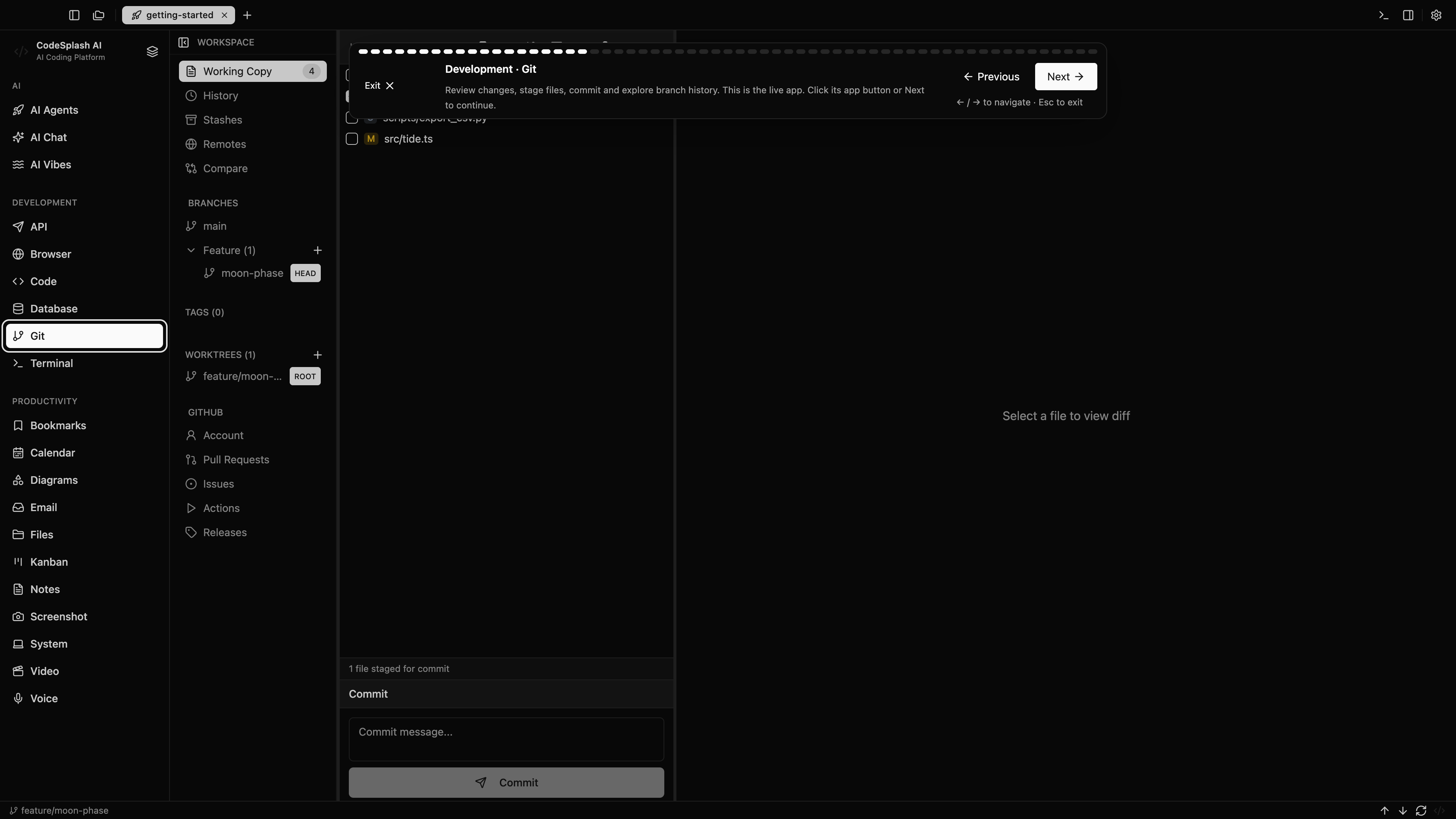
- Compare notifications and terminal navigation, then review the same change in the Git app.
- Retain cmux for terminal-heavy projects if that combination suits you.
Read the product documentation, check supported agent integrations, or see recent releases.
Questions before switching
Is cmux a Ghostty fork?
Its official FAQ says it uses libghostty as a terminal rendering library rather than forking the Ghostty application.
Should I replace my terminal to try CodeSplash?
No. You can evaluate CodeSplash with a separate project or branch while keeping your existing terminal and shell configuration.
Sources and scope
This comparison is written by CodeSplash. The workflow recommendations are our assessment; competitor facts link to their official sources. Features and plans can change, so check those pages before buying.