Which workflow fits your day?
Choose CodeSplash when you want agent sessions beside dedicated tools for editing, Git review, terminals, browsing, API requests and databases. You can try the workspace with your existing repository and supported AI accounts.
Consider Codex when you want OpenAI’s first-party coding experience across its supported desktop and editor surfaces.
What Codex does well
- OpenAI’s desktop experience connects projects, files, browser work and coding conversations.
- The editor extension provides an additional place to work with project context and review changes.
Side-by-side comparison
| Topic | CodeSplash AI | Codex |
|---|---|---|
| Desktop access | Downloads for macOS, Windows and Linux. | Current OpenAI desktop documentation lists macOS, Windows and Linux, with Codex available in the app. Source ↗ |
| Working surface | Multiple supported agent CLIs beside dedicated Git, editor, API and database apps. | A first-party OpenAI experience for coding tasks, projects and connected tools. Source ↗ |
| Editor workflow | Use the integrated editor and Git app to inspect agent changes. | Use the Codex editor extension for project context and code review within a supported editor. Source ↗ |
| Accounts | The CodeSplash app license is separate from your connected AI accounts. | Sign in through the supported OpenAI account flow; current plan and usage terms apply. Source ↗ |
Tradeoffs to consider
Codex is both a competing user experience and an agent you can use within CodeSplash. Keeping its first-party app does not prevent you from evaluating another workspace.
Compare the surrounding tools and the review loop. Running the same agent through another interface does not establish a coding-quality advantage.
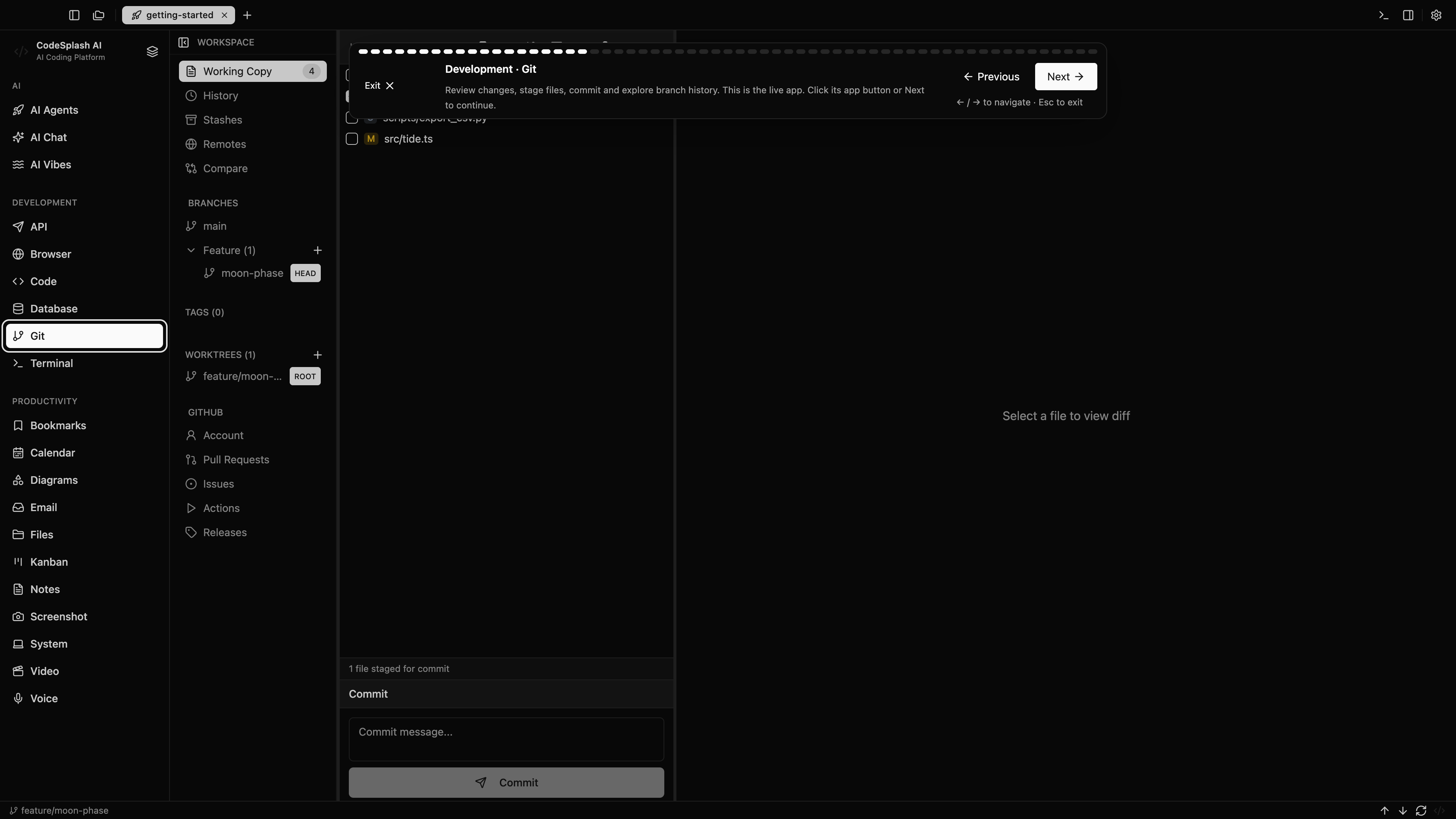
Try the same task in CodeSplash
- Keep your OpenAI account and existing repository.
- Connect the supported Codex CLI in CodeSplash and run a small task on a separate branch.
- Review edits and test output, then inspect the app through CodeSplash’s browser or API tools.
- Use the first-party Codex app or editor extension wherever that surface works better for you.
Read the product documentation, check supported agent integrations, or see recent releases.
Questions before switching
Can I use Codex inside CodeSplash?
Yes. CodeSplash supports Codex as an agent integration. Its provider account and usage remain separate from your CodeSplash app plan.
Is this a claim that Codex is only a terminal tool?
No. OpenAI provides desktop and editor experiences. This page compares the workspace around the agent, not an outdated CLI-only description.
Sources and scope
This comparison is written by CodeSplash. The workflow recommendations are our assessment; competitor facts link to their official sources. Features and plans can change, so check those pages before buying.