Which workflow fits your day?
Choose CodeSplash when you want agent sessions beside dedicated tools for editing, Git review, terminals, browsing, API requests and databases. You can try the workspace with your existing repository and supported AI accounts.
Consider Conductor when isolated agent workspaces, shared cloud sessions and mobile access are central to your workflow.
What Conductor does well
- Cloud workspaces and multiplayer sessions keep agents and teammates working together.
- Uses first-party Claude Code, Codex, Cursor and OpenCode agents with your subscriptions or keys.
Side-by-side comparison
| Topic | CodeSplash AI | Conductor |
|---|---|---|
| Desktop platforms | Native downloads for macOS, Windows and Linux. | Desktop installation is documented for macOS; Windows and Linux are not yet offered. Source ↗ |
| Remote work | Run agents in your desktop workspace and review their local changes. | Cloud workspaces, iOS access and an API complement the Mac app. Source ↗ |
| Agent accounts | Connect supported agent CLIs using your existing accounts. Provider usage remains separate. | Bring supported subscriptions or API keys. Source ↗ |
| Workspace focus | Dedicated Git, editor, terminal, browser, API and database apps in one desktop. | Isolated coding-agent workspaces, including collaborative cloud sessions. Source ↗ |
| Cost structure | Free and paid app tiers, including a Lifetime option; compare current limits and prices. | Cloud workspaces require Pro, Teams or Enterprise. Check current plan terms. Source ↗ |
Tradeoffs to consider
CodeSplash’s strength is keeping development tools together around the agents you already use. That is a workflow preference, not a claim that either tool produces better code.
Conductor’s cloud collaboration is a meaningful distinction. CodeSplash’s local parallel sessions should not be treated as an equivalent hosted collaboration service.
Compare the desktop and cloud surfaces separately. Calling all of Conductor Mac-only would overlook its mobile and cloud capabilities.
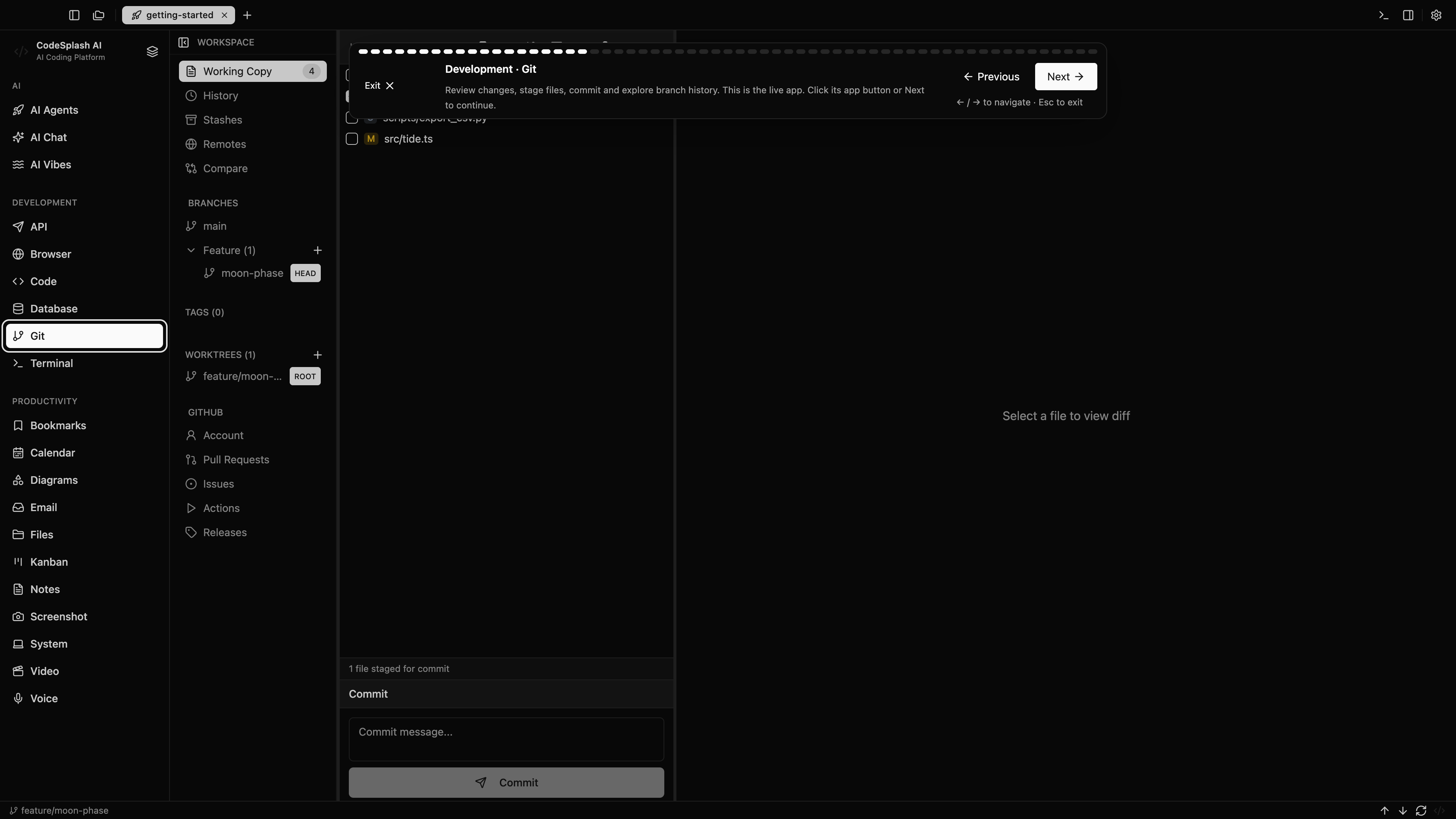
Try the same task in CodeSplash
- Keep your existing repository and provider accounts. Start with a small branch or a separate worktree so you can compare the same task.
- Open the repository in CodeSplash, connect a supported agent CLI, then follow the first-agent tutorial.
- Review the diff, run the project’s checks and inspect its browser, API or database behavior using the built-in apps.
- Keep the tool that fits each task. There is no requirement to cancel Conductor or move every project at once.
Read the product documentation, check supported agent integrations, or see recent releases.
Questions before switching
Is CodeSplash an option for Windows or Linux developers?
Yes. CodeSplash provides desktop downloads for Windows and Linux as well as macOS. Conductor’s installation documentation currently lists macOS for its desktop app. Its cloud and mobile features are a separate comparison.
Does CodeSplash include my AI provider usage?
Your CodeSplash app license and your AI provider account are separate. Supported agent CLIs use the account or key you connect; check your provider’s limits and billing alongside the app plan.
Can I try CodeSplash without moving my whole workflow?
Yes. Open an existing repository, use a separate branch or worktree, and compare a small task with your current setup. The tutorials show agent sessions, Git review and the surrounding desktop apps.
Sources and scope
This comparison is written by CodeSplash. The workflow recommendations are our assessment; competitor facts link to their official sources. Features and plans can change, so check those pages before buying.