Which workflow fits your day?
Choose CodeSplash when you want agent sessions beside dedicated tools for editing, Git review, terminals, browsing, API requests and databases. You can try the workspace with your existing repository and supported AI accounts.
Consider VS Code if its extensions, debugger, language tooling and configurable agent workflows are central to your development setup.
What VS Code does well
- A broad editor ecosystem combines Git, debugging and extensions.
- Current agent workflows include local and cloud options with multiple supported providers.
Side-by-side comparison
| Topic | CodeSplash AI | VS Code |
|---|---|---|
| Platforms | macOS, Windows and Linux desktop downloads. | Windows, macOS and Linux builds, plus a web editor for supported tasks. Source ↗ |
| Agent choice | Connect supported agent CLIs with your existing accounts. | Supports agent workflows with Copilot, Claude and Codex, with capabilities depending on provider and setup. Source ↗ |
| Tool organization | Dedicated editor, Git, terminal, browser, API and database apps share a workspace. | An extensible editor with built-in development tools and an extensive extension ecosystem. Source ↗ |
| Cost structure | Free and paid app tiers; connected provider costs are separate. | The editor is free. AI service plans and provider usage have their own terms. Source ↗ |
Tradeoffs to consider
VS Code already supports substantial agent workflows. CodeSplash’s distinction is the organization of integrated apps, not the absence of agents in VS Code.
A specialized debugger or extension can outweigh a workspace preference. Verify your language tooling and project requirements before switching.
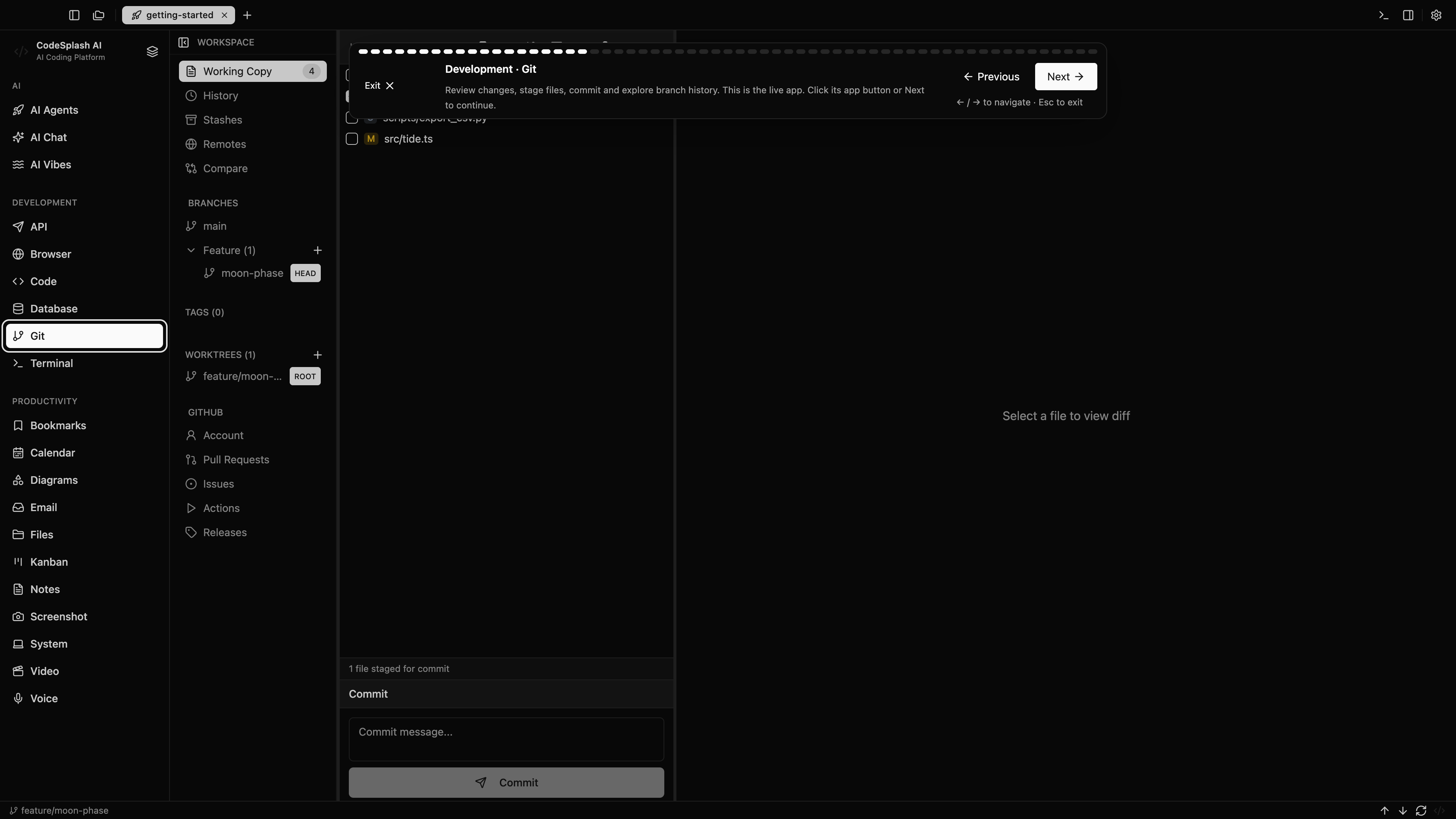
Try the same task in CodeSplash
- Keep your repository and VS Code settings intact.
- Try CodeSplash on one branch with a supported agent and your usual project commands.
- Compare the integrated Git, API and database tools against your existing extensions.
- Retain VS Code for specialist extensions or debugging where it remains the better fit.
Read the product documentation, check supported agent integrations, or see recent releases.
Questions before switching
Does VS Code have AI agents?
Yes. Its current documentation covers agents, multiple providers and local or cloud work. This comparison does not treat VS Code as a non-AI editor.
Will VS Code extensions transfer into CodeSplash?
Do not assume extension compatibility. Evaluate CodeSplash’s built-in apps against your actual requirements and keep VS Code where a specific extension is essential.
Sources and scope
This comparison is written by CodeSplash. The workflow recommendations are our assessment; competitor facts link to their official sources. Features and plans can change, so check those pages before buying.