CodeSplash Ocean & Heat
Here are the latest feature releases across the CodeSplash portfolio.
CodeSplash AI
Unified platform orientation with Getting Started at the end.
v2.4.19
CodeSplash AI 2.4.19 brings a guided platform orientation, a Learn library, richer What’s New walkthroughs, and updates to the admin marketing workspace.
-
Learn library with progress, replay, and feature tutorials.
-
Release walkthroughs and feature links in What’s New.
Watch the CodeSplash AI walkthrough
Added a release video registry that can associate published YouTube tutorial videos with a specific product, release version, and optional tour
v2.4.20
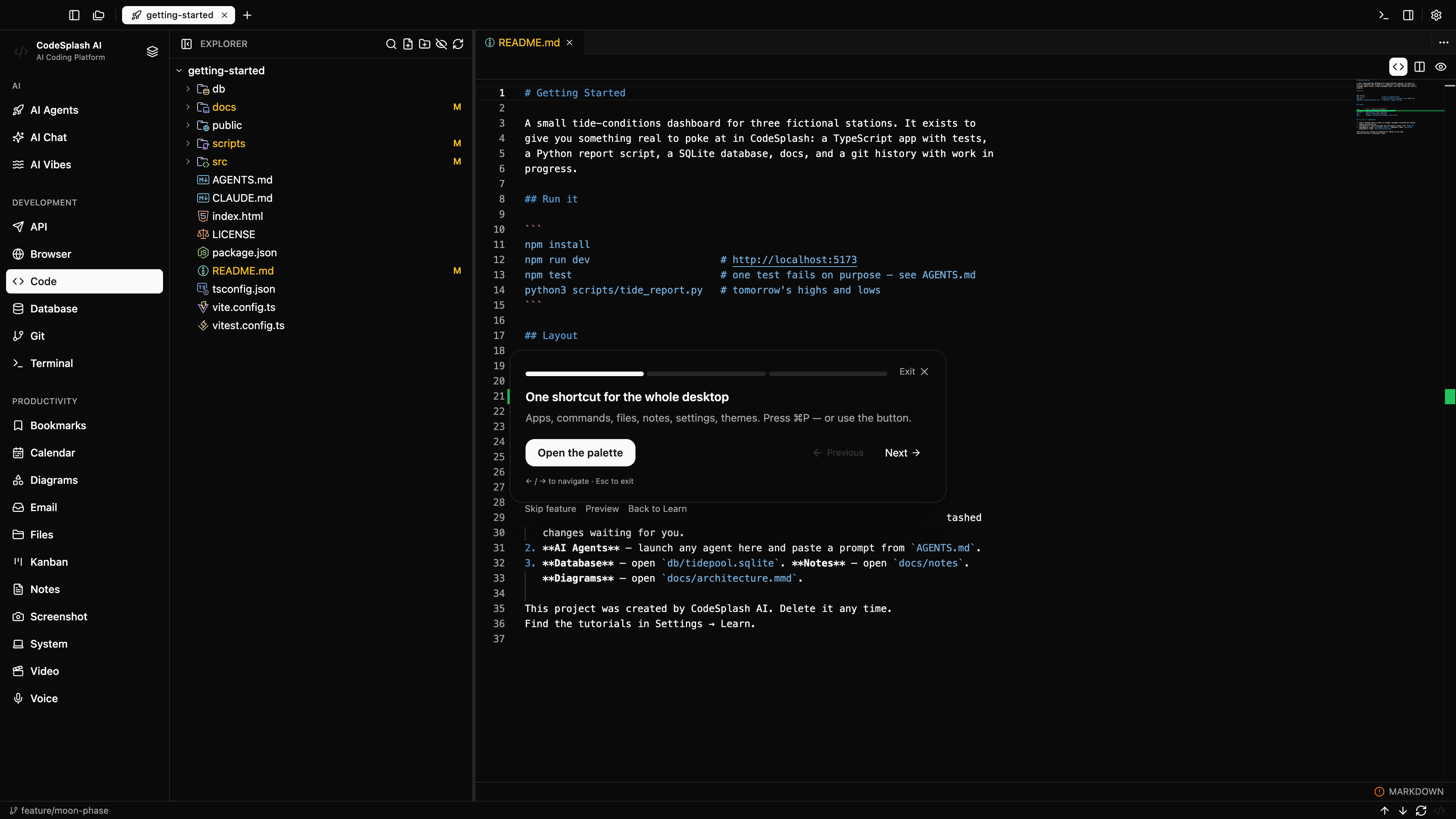
CodeSplash AI 2.4.20 is a small patch focused on first-run onboarding. When onboarding needs to show app areas in Tabs mode and no repository is open, it can now open the Getting Started project so the guide shows the real interface instead of a generic empty state. This release also tightens the release tutorial video workflow behind the scenes, but the main user-facing change is a more reliable live onboarding preview.
Watch the CodeSplash AI walkthrough
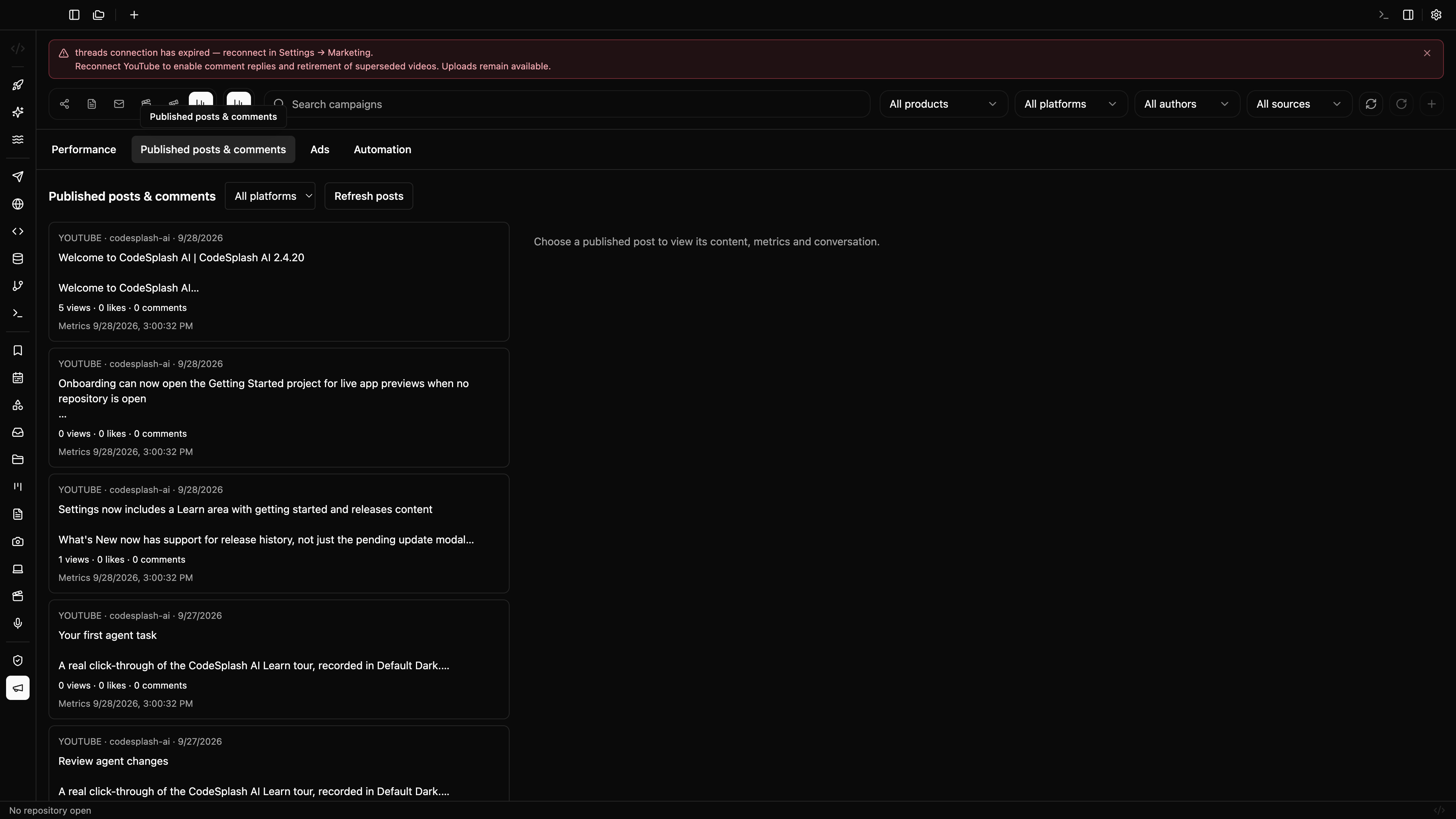
Added a new Admin Marketing activity panel that brings published post details, engagement metrics, synced comments, unread comment counts, and reply-related state into one view.
v2.4.21
CodeSplash AI 2.4.21 is a focused patch for teams using the app’s admin marketing and release workflows. It adds a new marketing activity view for published posts, metrics, comments, and reply state, while tightening screenshot, tutorial, and release verification so published assets and release handoffs are more reliable.
-
Added Admin Marketing panels for ads and automation oversight.
-
Added new Admin Marketing tour scenes for activity and published-post views to support verified capture of real app states.
Watch the CodeSplash AI walkthrough
Added scoped paid campaign reporting in the admin marketing workflow, including provider status, spend, impressions, clicks, conversions, attribution, and reporting-window data.
v2.4.22
CodeSplash AI 2.4.22 is a focused patch for teams using the admin marketing workflow around release campaigns and assets. It adds scoped paid campaign reporting, pause controls, and better handling for larger campaign lists, while also making native mobile media exports and release recovery paths safer.
-
Added pause controls for paid campaigns in the admin marketing ads flow.
-
Expanded campaign list handling in the admin marketing ads panel with paginated loading.
Watch the CodeSplash AI walkthrough
Expanded the Admin Dashboard marketing controls across the ads, automation, and activity panels.
v2.4.23
CodeSplash AI 2.4.23 is a maintenance-focused patch centered on Admin Dashboard marketing workflows and release reliability. Admins now get broader campaign, activity, and automation controls, along with better continuity for replacements, clearer failure reporting, and a more reliable recovery path for macOS releases and tutorial media capture.
- Added replacement tracking for published marketing posts so admins can manage verified social replacements while keeping publication history.
Watch the CodeSplash AI walkthrough
Added a dedicated weekly newsletter panel to the Admin Dashboard.
v2.4.24
CodeSplash AI 2.4.24 is a focused Admin Dashboard update for teams using the app’s marketing tools. It adds a new weekly newsletter panel, expands marketing activity discovery, and introduces private reporting support for internal review.
-
Added newsletter overview data in-app, including schedule details, upcoming send timing, connected status, issue history, release coverage, provider links, and delivery metrics.
-
Added private marketing report support with structured sections and weekly/lifetime metrics for internal review.
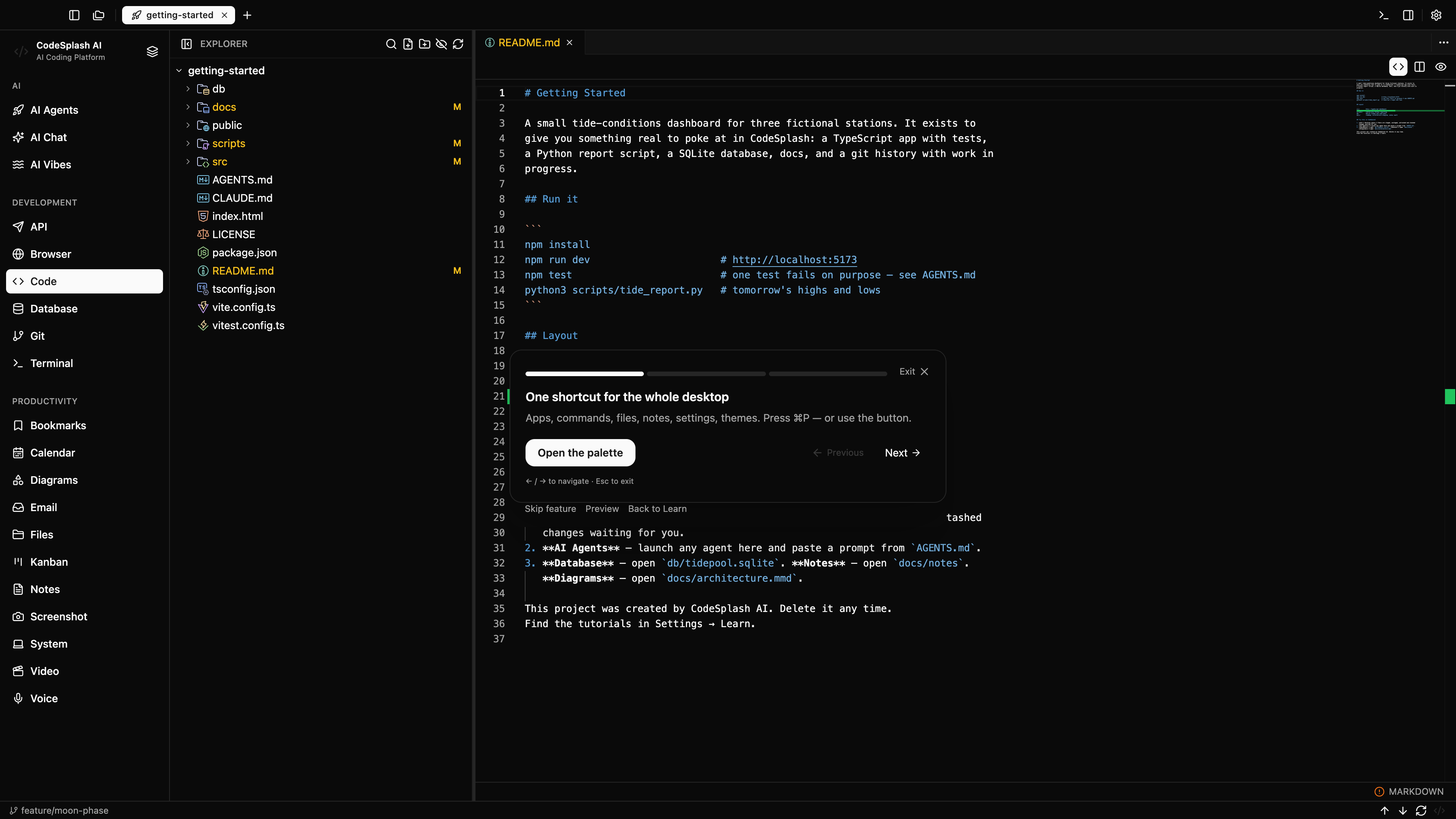
Watch the CodeSplash AI walkthrough
Admins can now open a dedicated Brain app mode alongside the existing admin surfaces.
v2.4.25
CodeSplash AI 2.4.25 is an admin-focused update. It adds a new admin-only Brain app mode and expands the Marketing workspace with in-app reporting for Discord activity, account coverage, finance, release history, and portfolio metrics. Most people using the core desktop apps will see little day-to-day change in this patch.
-
The Marketing admin now includes a Discord panel with channel selection, message views, reactions, reply/send actions, server stats, and connection status.
-
New Marketing panels add account analytics, finance reporting, developer reporting, and reference-driven portfolio views.
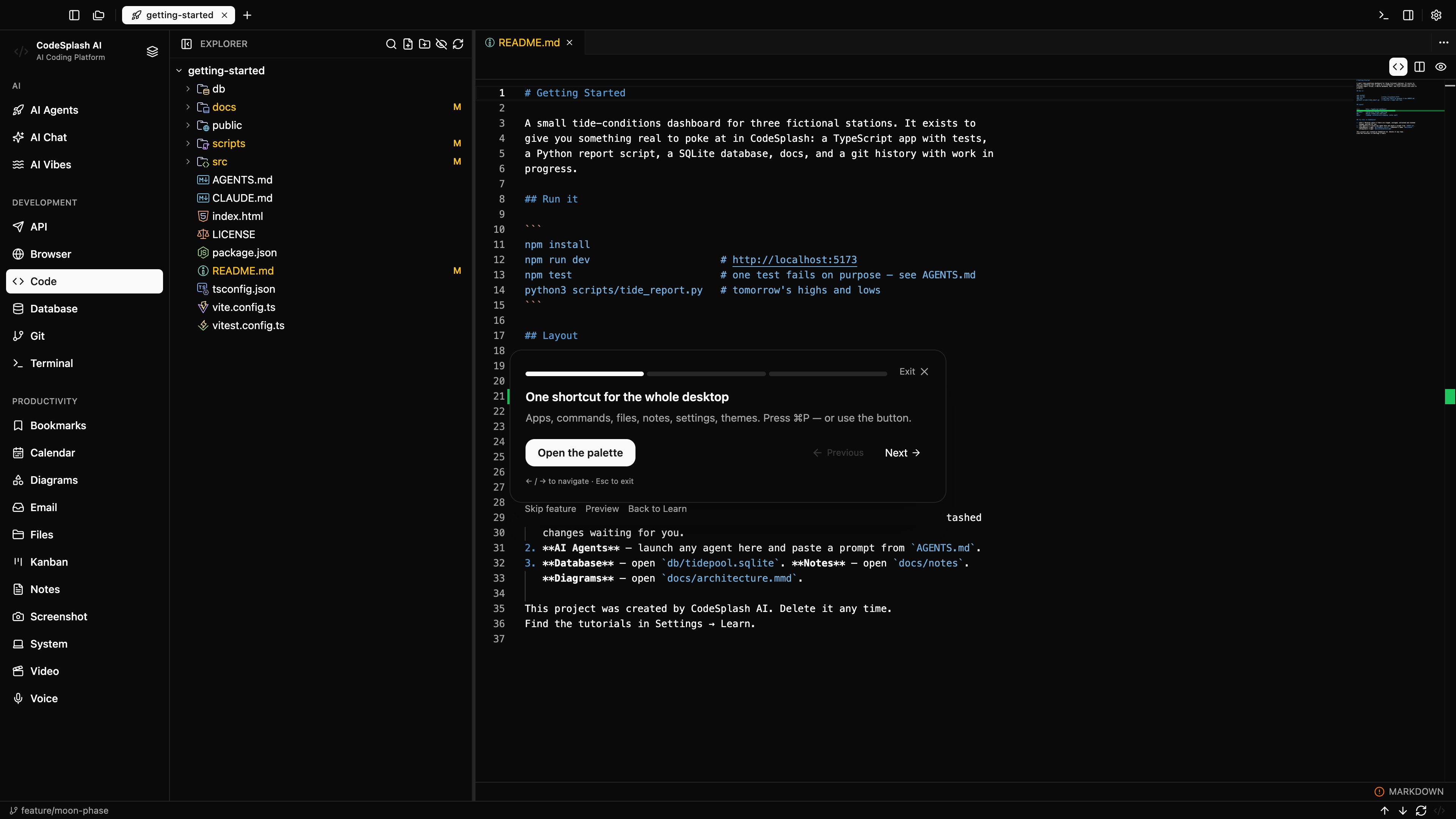
Watch the CodeSplash AI walkthrough
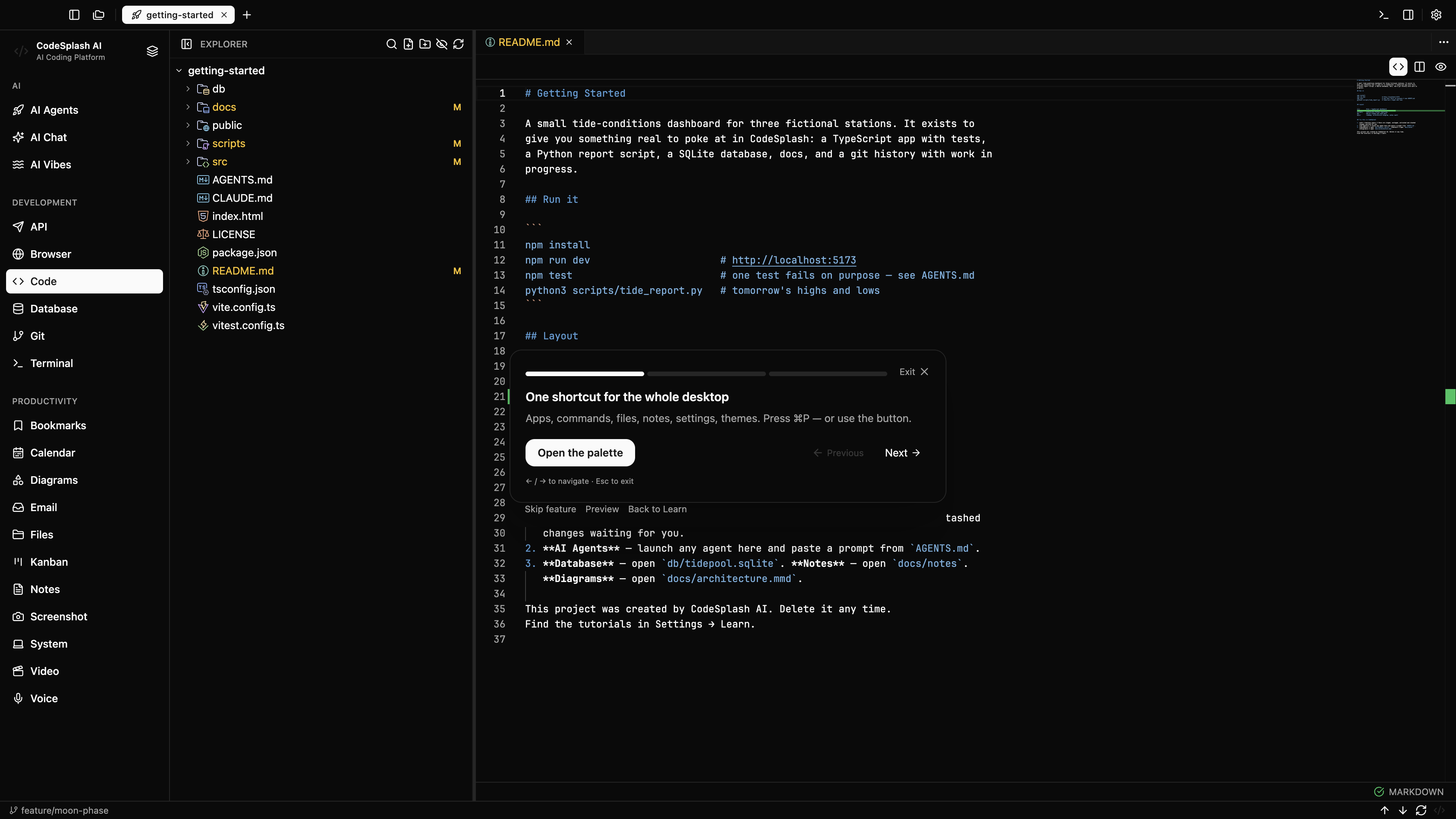
The Getting Started workspace now includes app-specific project content across all 20 apps.
v2.4.27
Explore all 20 apps through the Getting Started workspace, from agent conversations and API responses to project notes, email and playable media.
- Email opens the Tidepool inbox and conversations as part of the starter project.
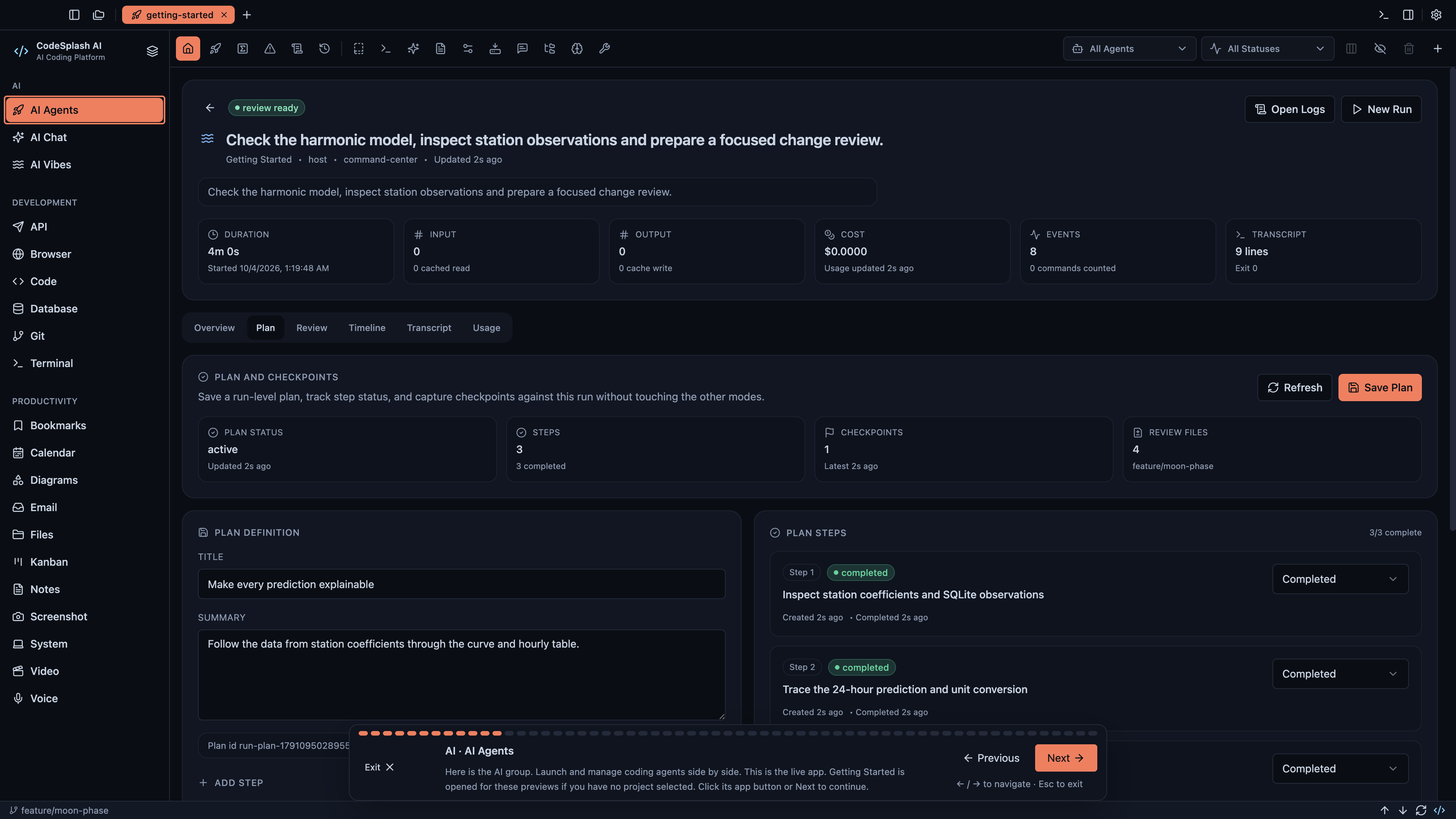
Watch the CodeSplash AI walkthrough
Admin Marketing now shows branded HTML previews for weekly emails with desktop and mobile views, so you can review the actual email layout before send time.
v2.4.28
This patch improves the admin-side weekly email workflow in CodeSplash AI. Admin Marketing now gives you branded HTML previews for weekly emails, lets you edit newsletter and private report drafts during the Sunday review window, and protects saved changes with revision checks. Private weekly reports also now include persisted Google Search Console reporting.
-
Weekly email drafts are now editable during the Sunday review window. You can update the public newsletter subject and Markdown body, and update the private report subject and introduction.
-
Private weekly reports now include Google Search Console reporting collected through a read-only integration, with persisted daily facts and weekly snapshots.
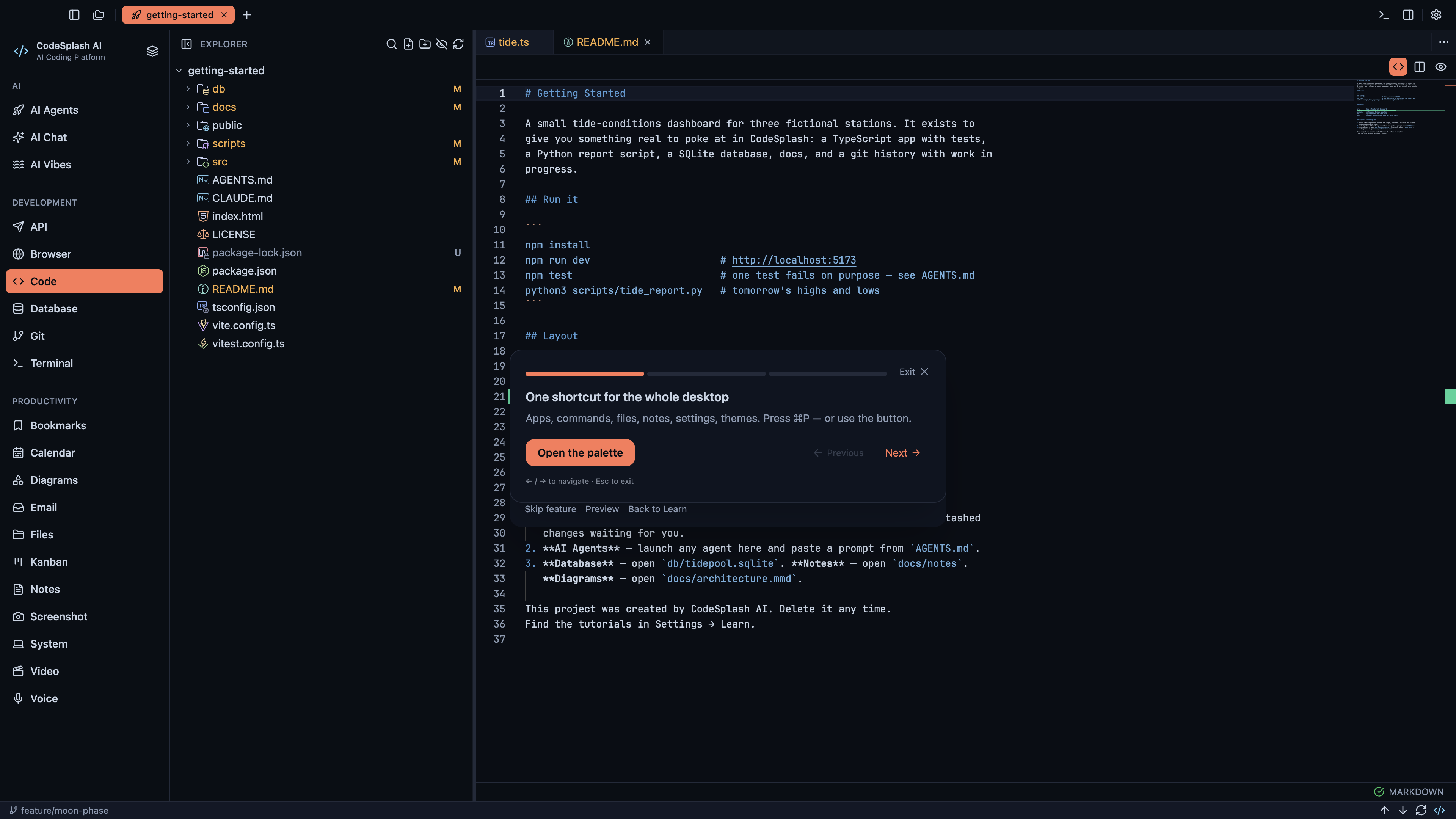
Watch the CodeSplash AI walkthrough
CodeSplash Agent
Durable native-engine memory and reviewed memory candidates.
v0.2.0
CodeSplash Agent 0.2.0 adds durable memory, richer terminal workflows, remote clients, and controlled update distribution. Windows remains experimental; platform and live-service acceptance limits are documented in the release handoff.
-
Expanded terminal settings, navigation, themes, and bundled documentation.
-
Authenticated remote clients and structured headless output controls.
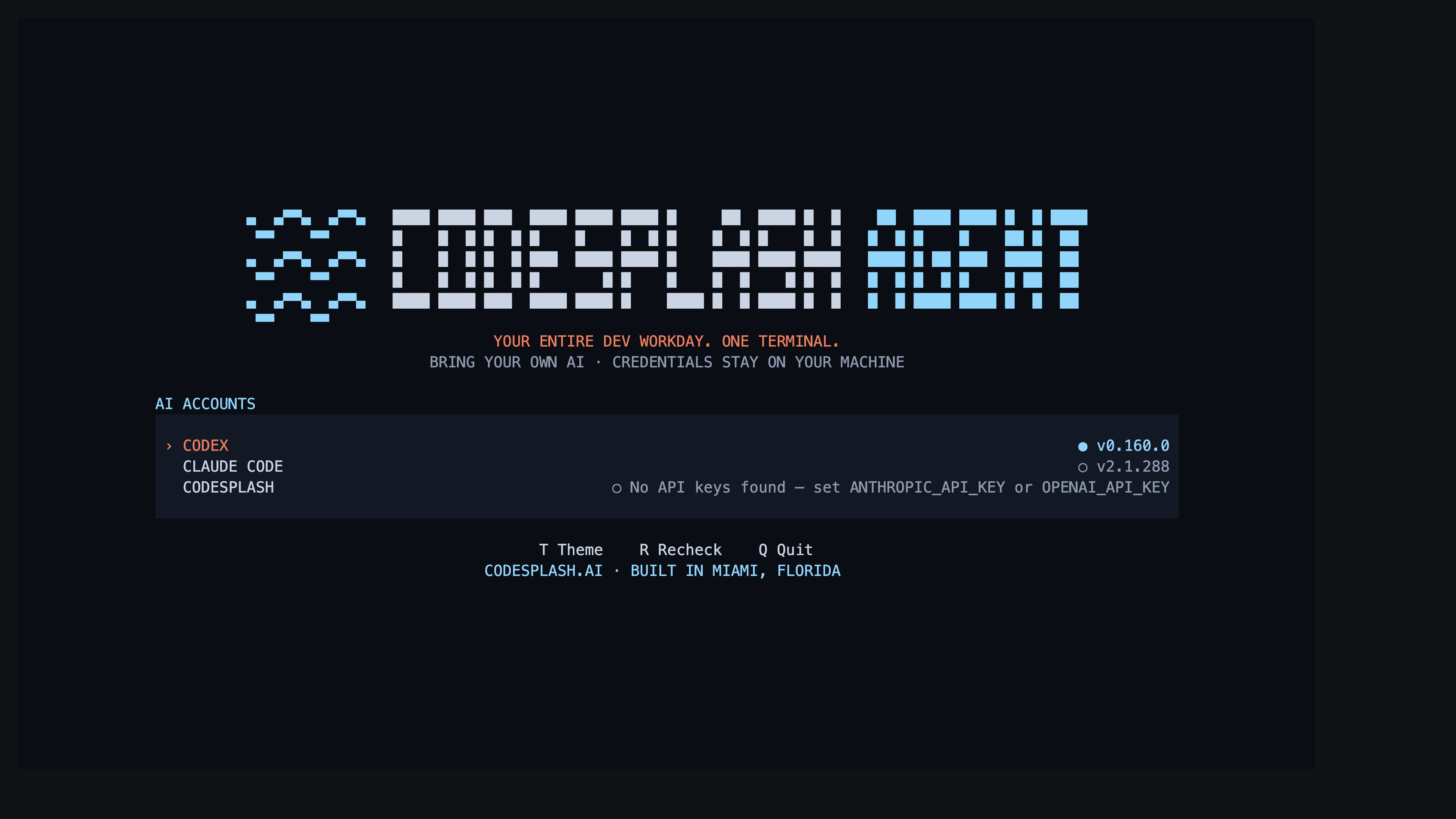
Watch the CodeSplash Agent walkthrough
CodeSplash Games
Complete release history.
v1.0.22
CodeSplash Games 1.0.22 adds complete release history and clearer update prompts.
Cleaned up spacing in Application updates settings
v1.0.23
CodeSplash Games 1.0.23 is a small patch release focused on the Application updates settings screen. It aligns the What’s new section and the last update check time with the surrounding settings rows, giving the update area more consistent spacing and a cleaner layout.
-
Aligned the What’s new section with the surrounding settings layout
-
Adjusted the last update check time so it lines up more cleanly
-
Refined release-history row spacing for a more even update list
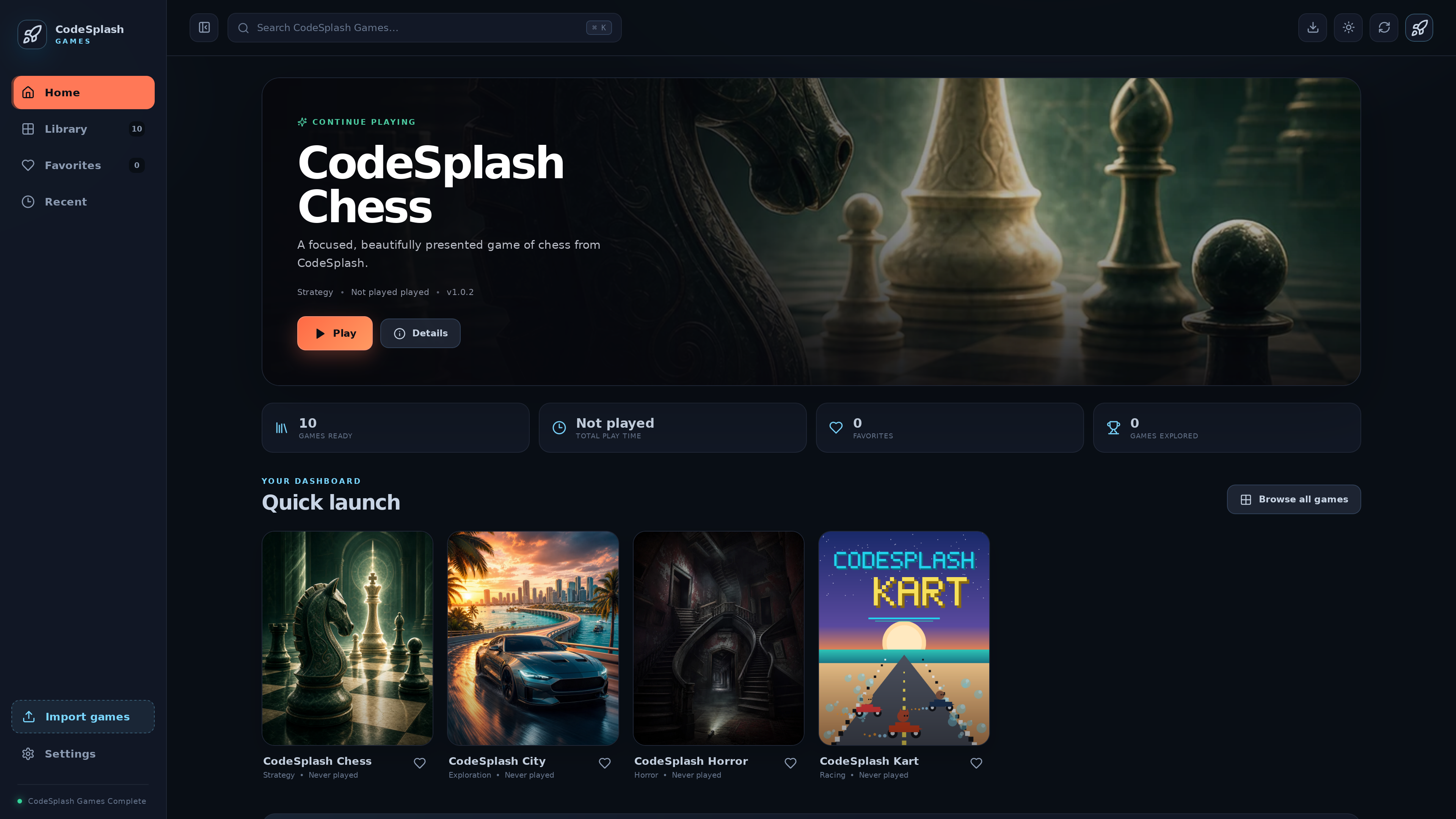
Watch the CodeSplash Games walkthrough
Release screenshots in the What’s New modal can now open in a fullscreen viewer.
v1.0.24
CodeSplash Games 1.0.24 makes the What’s New screen easier to browse. Release screenshots now open in a fullscreen viewer with keyboard navigation, and closing the viewer returns focus so you can keep moving through the update notes. This release also makes launcher release notes more specific by listing the exact bundled game versions included in the build.
- The launcher’s release history can now list exact bundled game version updates instead of only broad library-level notes.
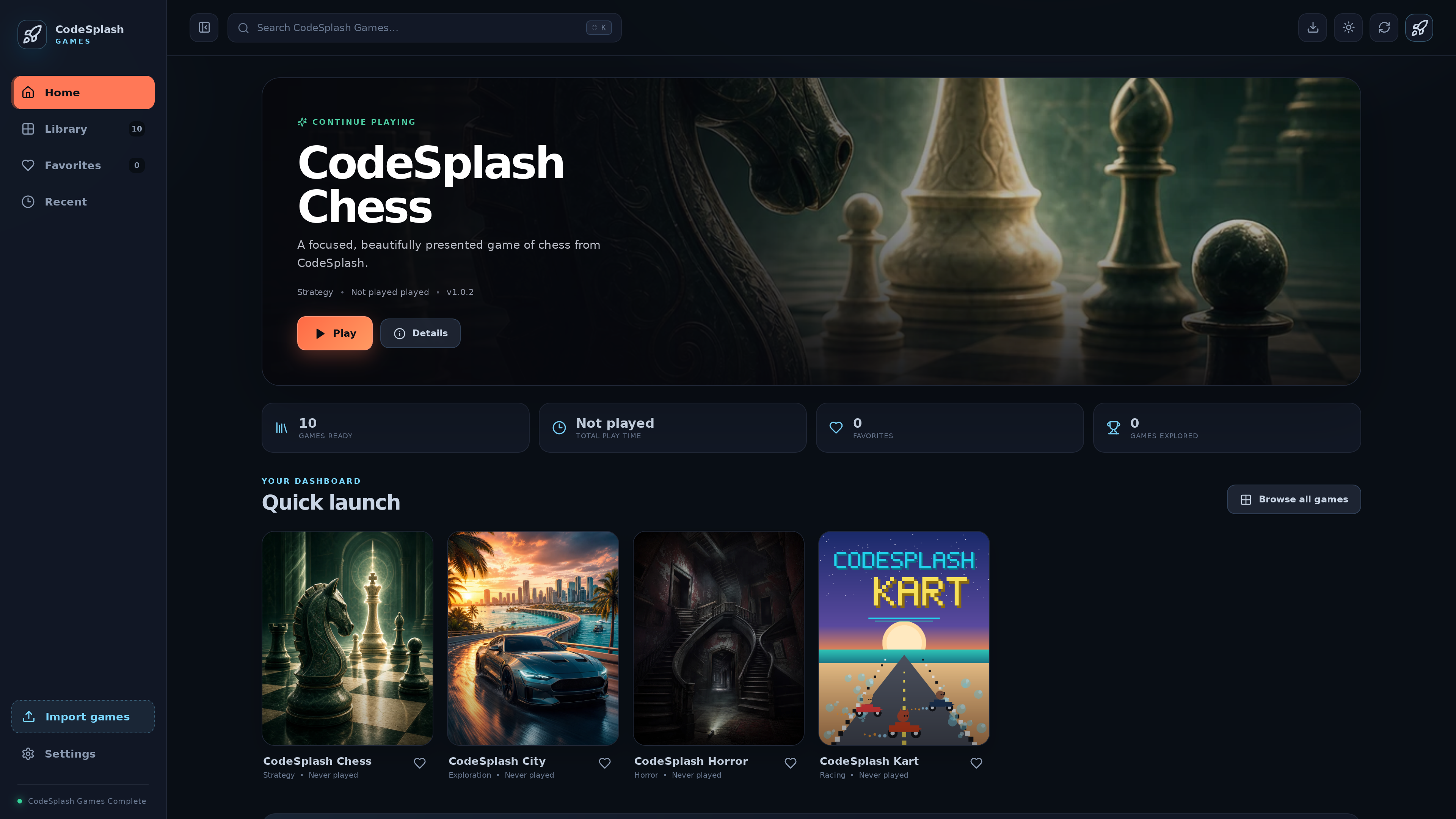
Watch the CodeSplash Games walkthrough
CodeSplash Vibes
Added Check for updates in Settings.
v0.36.31
CodeSplash Vibes 0.36.31 improves how the desktop app handles updates and release notes. You can now check for updates from Settings, see clearer download and restart prompts, and browse release history inside the app. If you skipped a few versions, the What’s New dialog can now catch you up across every release since your last dismissal.
-
Added in-app release history with offline bundled entries and newer notes merged from published sources.
-
Updated the What’s New dialog to show every release newer than your last dismissed version, newest first.
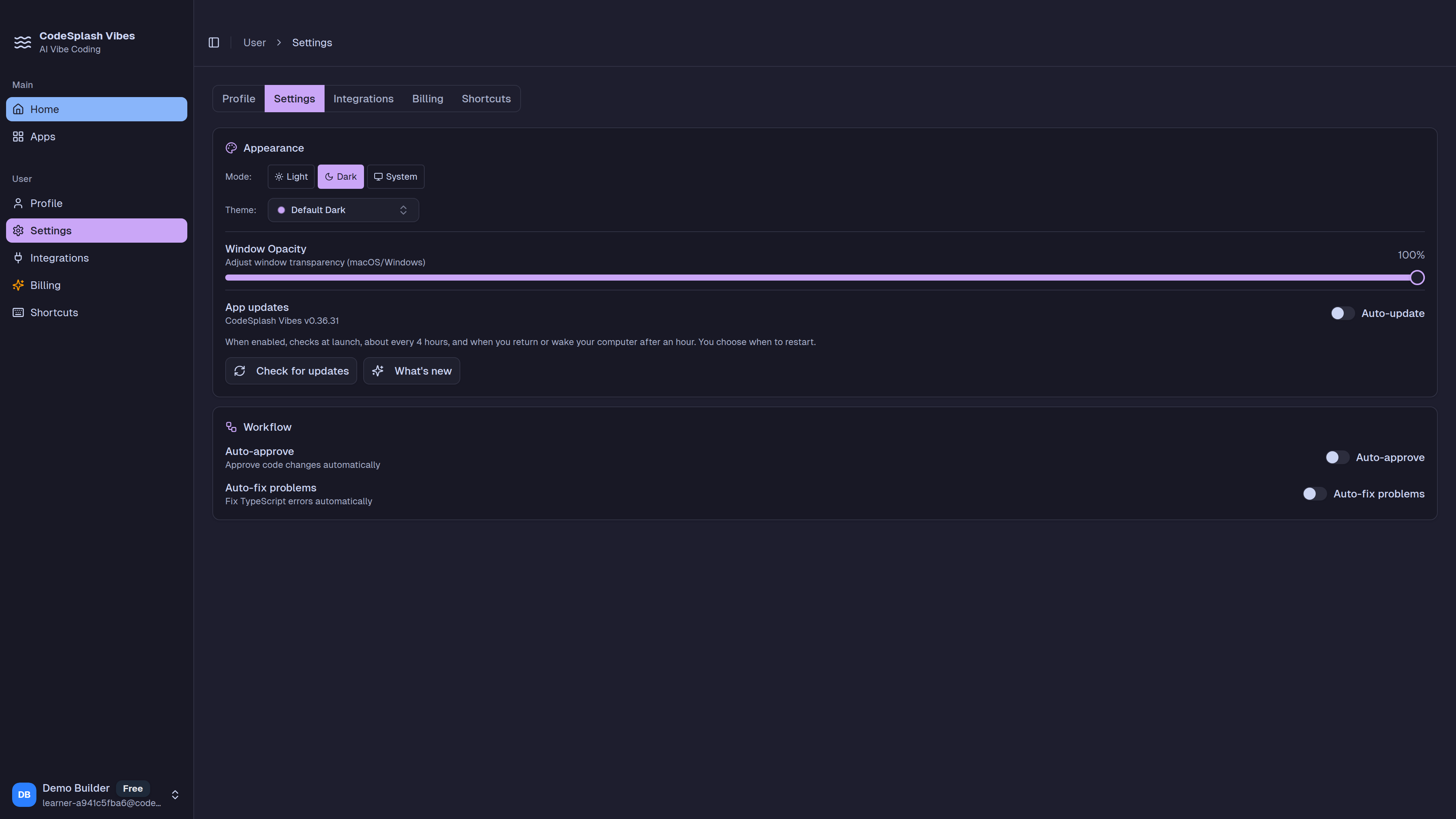
Watch the CodeSplash Vibes walkthrough
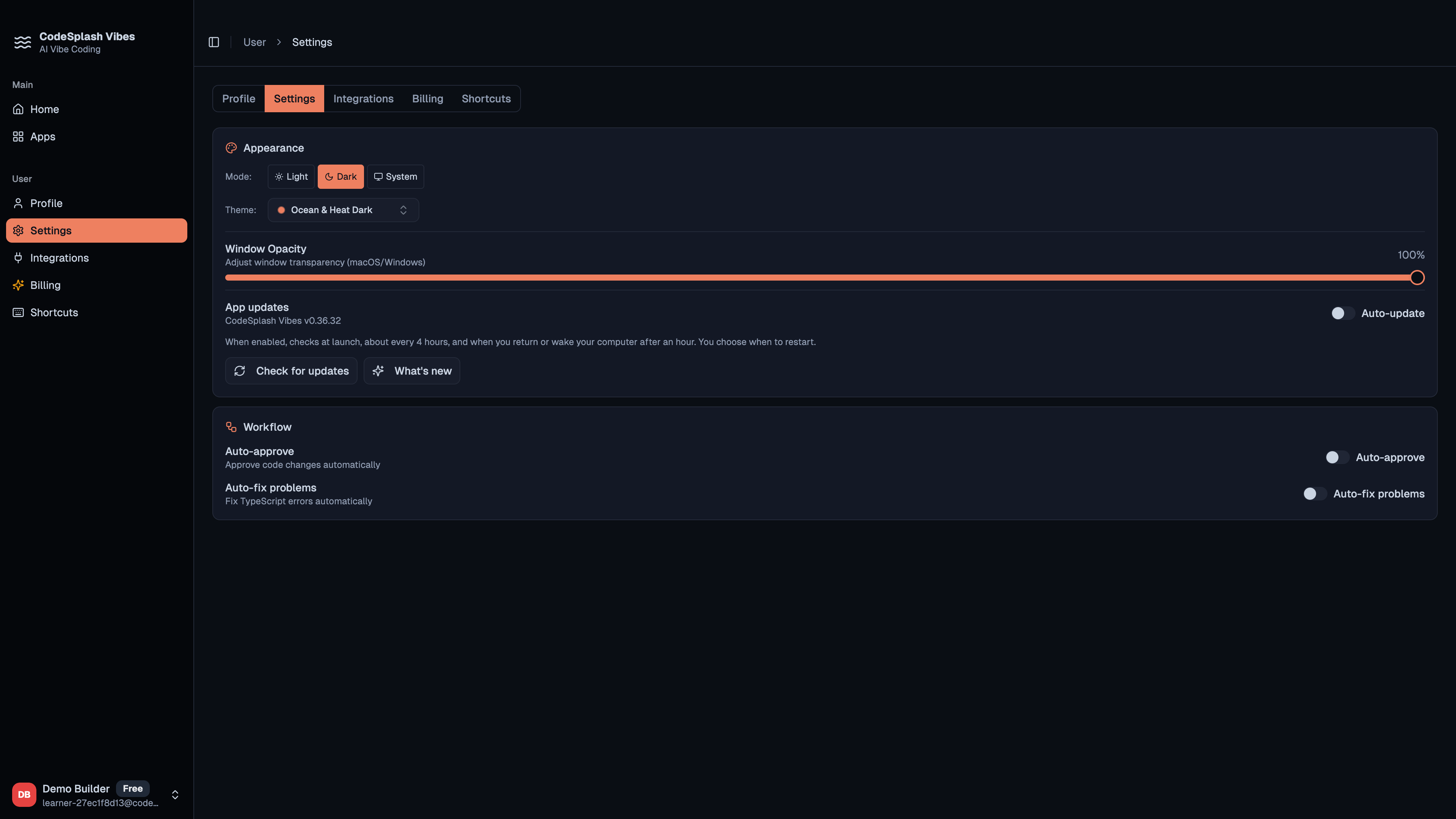
Release screenshots in the What's New flow can now open in a themed fullscreen viewer for easier viewing
v0.36.32
CodeSplash Vibes 0.36.32 is a small desktop patch focused on release notes. Release screenshots now open in a themed fullscreen viewer, so you can inspect visual updates more easily. The rest of the work in this version mostly tightened release-note compatibility and internal validation rather than adding new product workflows.
Watch the CodeSplash Vibes walkthrough
CodeSplash Themes
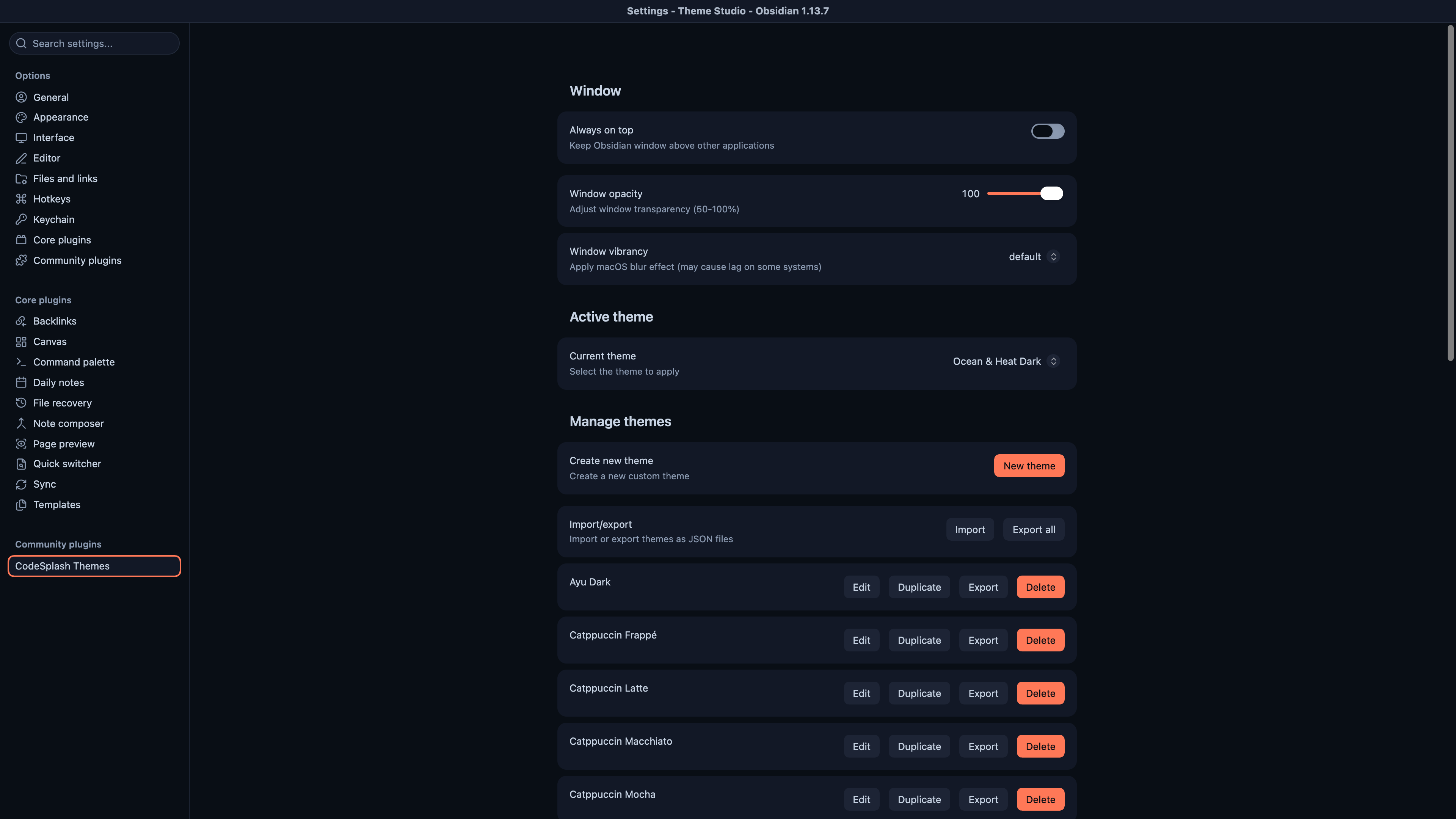
Added Ocean and Heat to the built-in theme selector in both dark and light variants
v1.0.3
CodeSplash Themes 1.0.3 adds Ocean and Heat to the built-in theme selector in both dark and light variants. It also makes theme changes apply more consistently across notes, native Settings controls, and separate Obsidian windows, while keeping existing theme selections intact.
Watch the CodeSplash Themes walkthrough
CodeSplash Homepage
Added a GitHub workflow to verify that the live Chrome Web Store package matches a specific source commit before reporting a successful deployment
2026-10-03
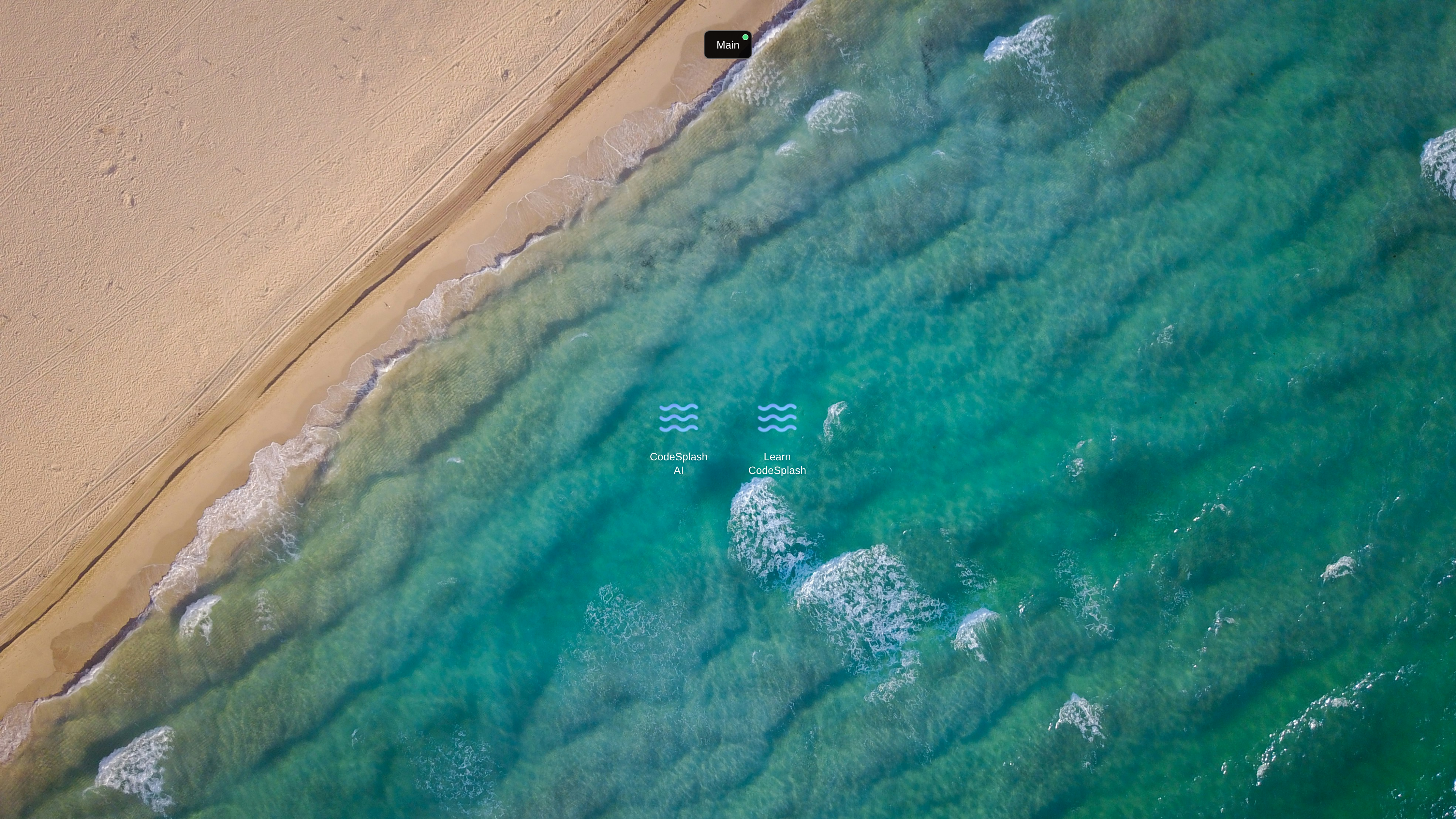
This release updates CodeSplash Homepage's Chrome Web Store release process, not the new tab experience itself. The team can now verify that the public Chrome package matches an exact source commit before recording a successful shipment, with a validation-only mode to check publication status safely first.
-
Added a validation-only mode for Chrome publication checks so submitted builds can be verified without sending a shipment event
-
Added documentation for the verified publication workflow, including local validation commands and guidance for reporting an already-submitted source after it becomes public
Watch the CodeSplash Homepage walkthrough
CodeSplash Bookmarks
iOS share-sheet action for saving links from Safari and compatible apps.
v1.0
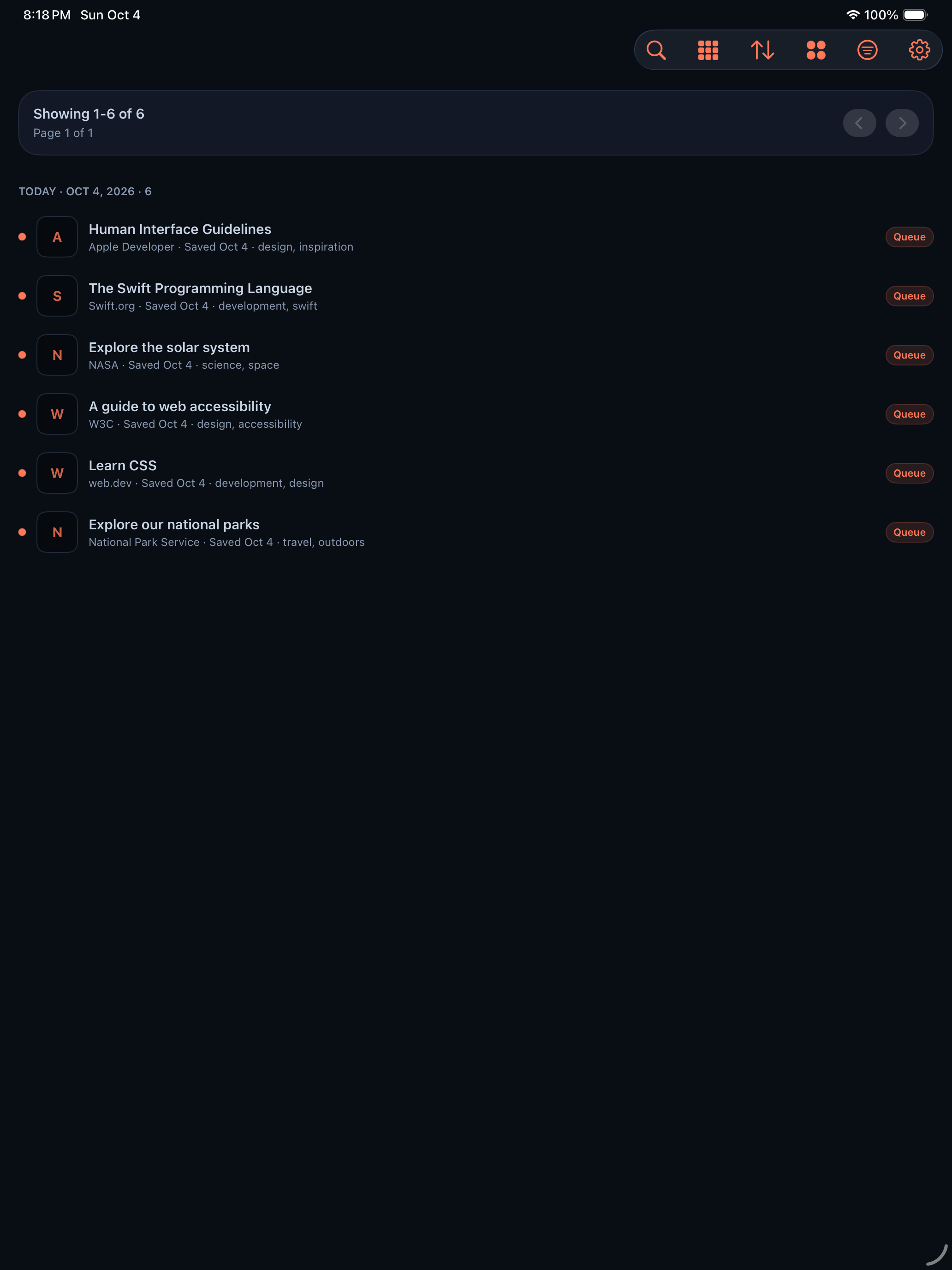
CodeSplash Bookmarks 1.0 is available on the App Store for iPhone and iPad.
-
Queue, Reading, Favorites, and Archived lists with tags, summaries, and notes.
-
In-app browser for saved pages with read and unread tracking.
-
List and Cards layouts with light and dark themes.
-
Account deletion from Settings.
Deployed the private daily digest API and web preference controls for the owner-only beta.
2026-10-03
CodeSplash Bookmarks is testing a private daily digest in an owner-only web beta. It sends an overview of the previous day’s saved bookmarks and links to their original sources at 5 a.m. in the selected timezone. Web controls are deployed; the iOS digest preference has not shipped in the App Store, and broader user access remains disabled.
GitHub repository bookmarks now appear with a cleaner repository name and source line in daily digest emails
2026-10-04
This update cleans up the daily bookmark digest so saved links are easier to scan and revisit. GitHub repository bookmarks now show a clearer repo name and source label, repeated metadata is reduced, and unsafe or invalid original URLs now get a clearer fallback instead of a broken link.
-
Repeated title and description metadata is reduced so digest entries are easier to read
-
Noisy extracted page text is filtered more aggressively from bookmark overviews
-
Unsafe or invalid original URLs are no longer linked in the digest
-
Missing original links now show a clearer "Original link unavailable" message
Watch the CodeSplash Bookmarks walkthrough
CodeSplash Gym
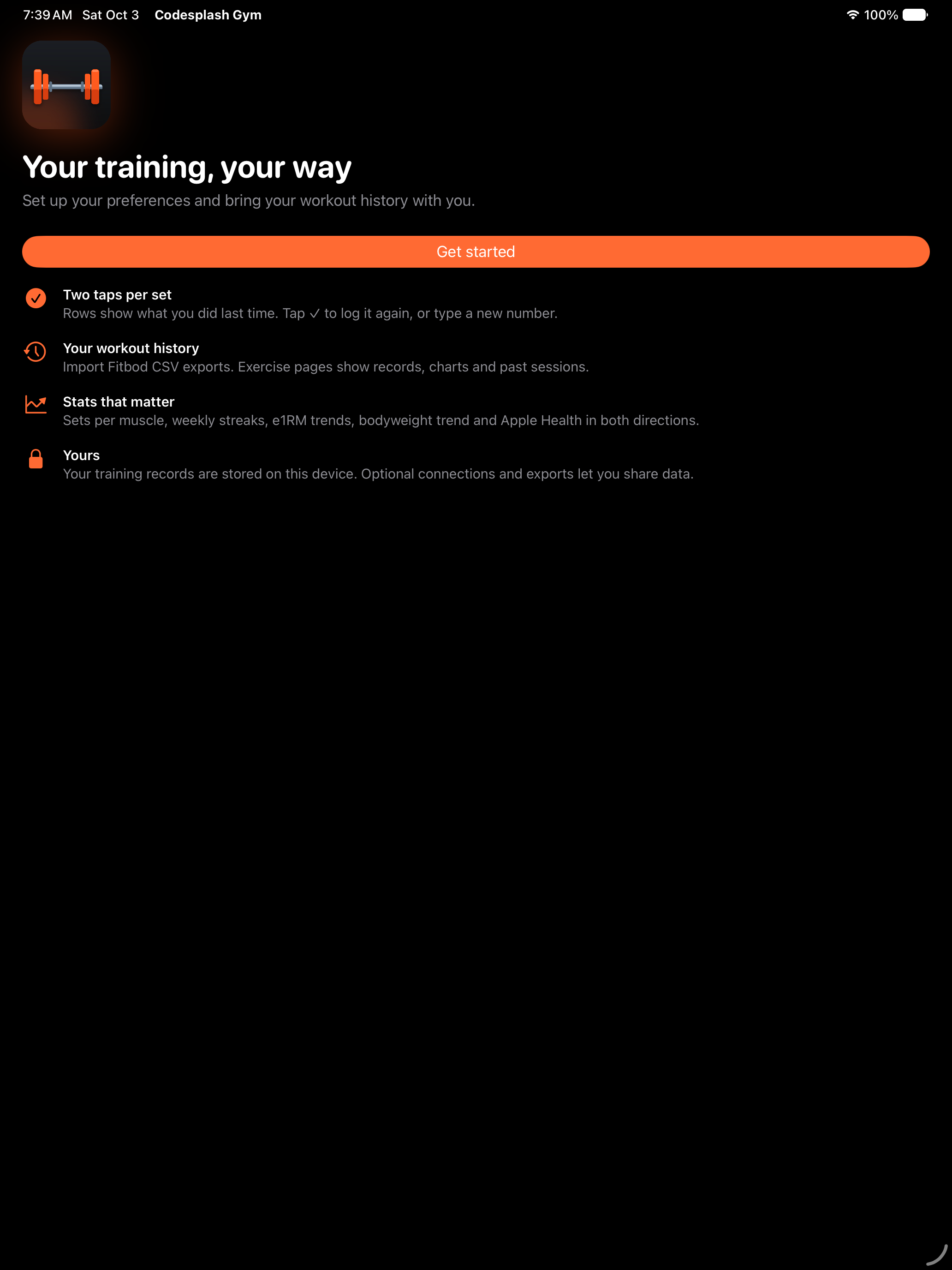
Workout logging with previous-set placeholders, supersets, rest timers, and Live Activities.
v0.14.0
CodeSplash Gym 0.14.0 is available on the App Store for iPhone and iPad, with a companion Apple Watch app.
-
Routines, weekly schedules, rotating splits, and 12 built-in training programs.
-
Exercise library with history, charts, personal records, and estimated one-rep max trends.
-
Nutrition tracking with barcode lookup, saved meals, water, and an adaptive expenditure target.
-
Automatic habits, readiness, and training load from your own data.
-
Apple Health read and write options and a companion Apple Watch app.
-
Imports from Fitbod, Fitbit Takeout, and Garmin exports, with CSV and JSON export.
Watch the CodeSplash Gym walkthrough
CodeSplash Language
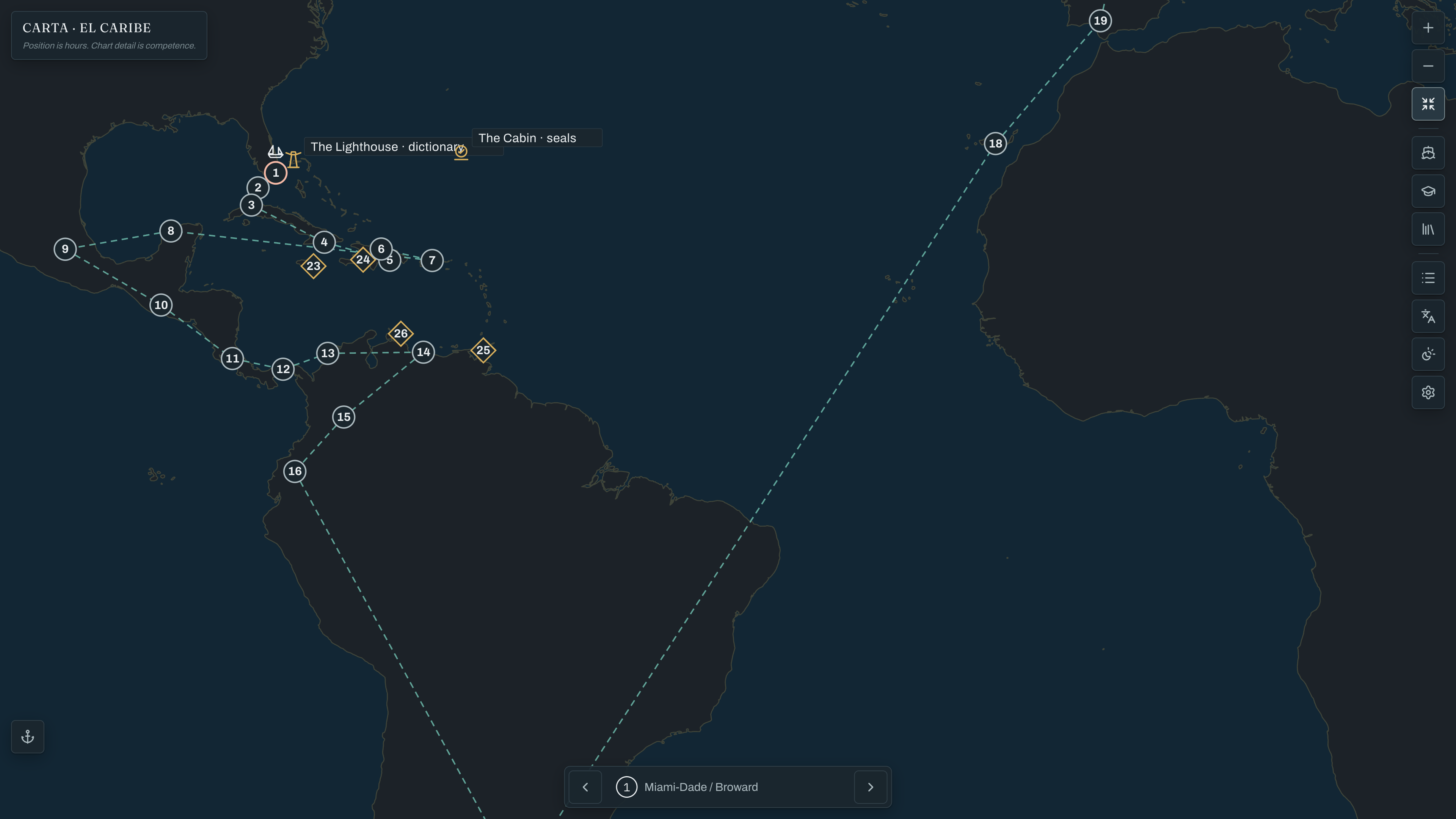
New production deploy command: npm run deploy:production now runs the Vercel production deploy and then posts a GitHub deployment record for the current commit.
2026-10-01
This release tightens the production deployment flow for CodeSplash. Production deploys now run through a single command that checks the source is committed and pushed before deploying, then records a successful Vercel production deployment back to GitHub for the live app at https://language.codesplash.ai.
Watch the CodeSplash Language walkthrough
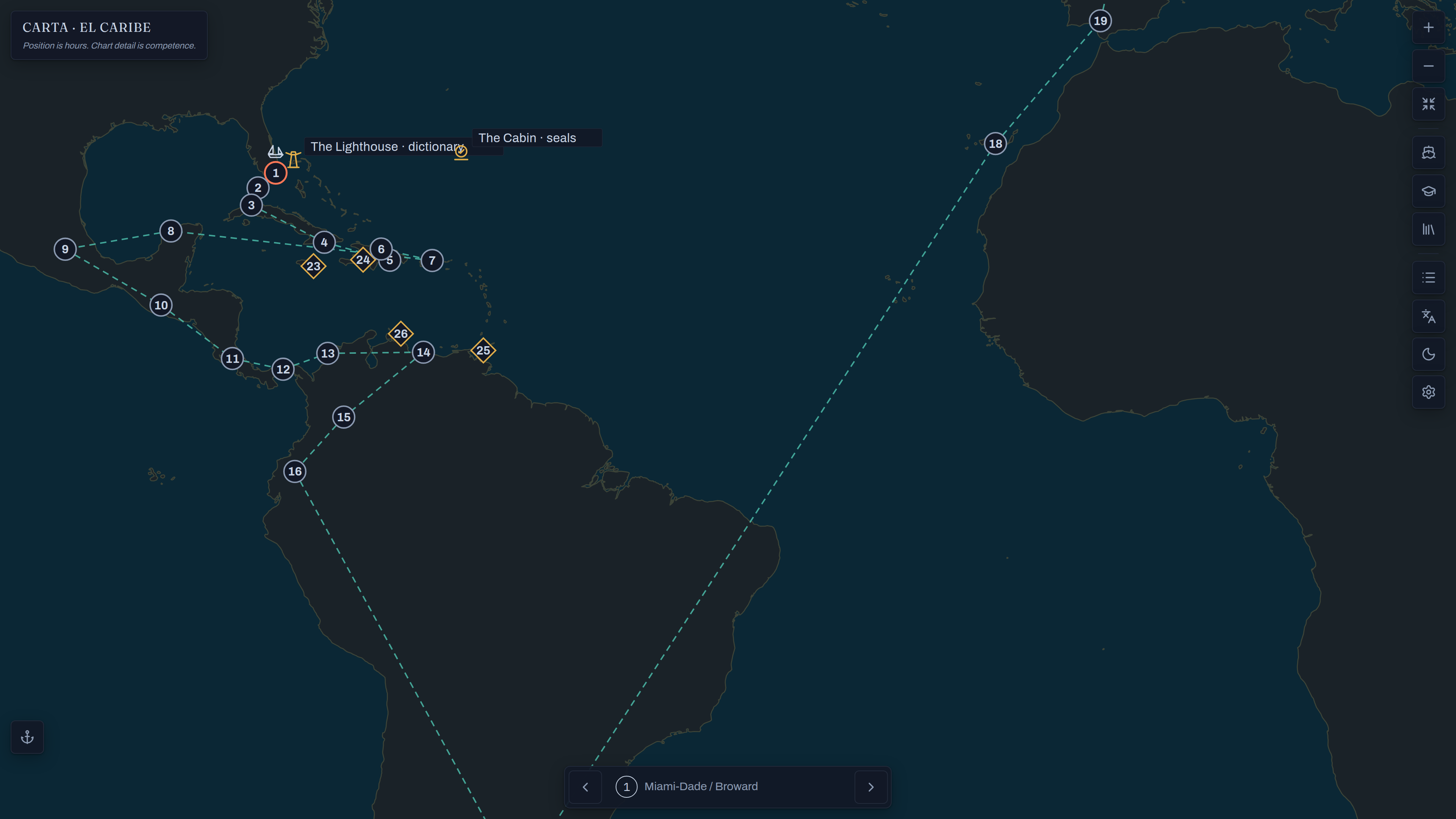
Added two new themes: Ocean & Heat Dark and Ocean & Heat Light.
2026-10-04
This release adds two new visual themes to CodeSplash Language: Ocean & Heat Dark and Ocean & Heat Light. The theme toggle now cycles through all available looks, and your selected theme stays saved so the app opens the way you left it.
- Expanded the theme switcher to include five modes: system, La Carta Light, La Carta Dark, Ocean & Heat Dark, and Ocean & Heat Light.
Watch the CodeSplash Language walkthrough
CodeSplash Surgery
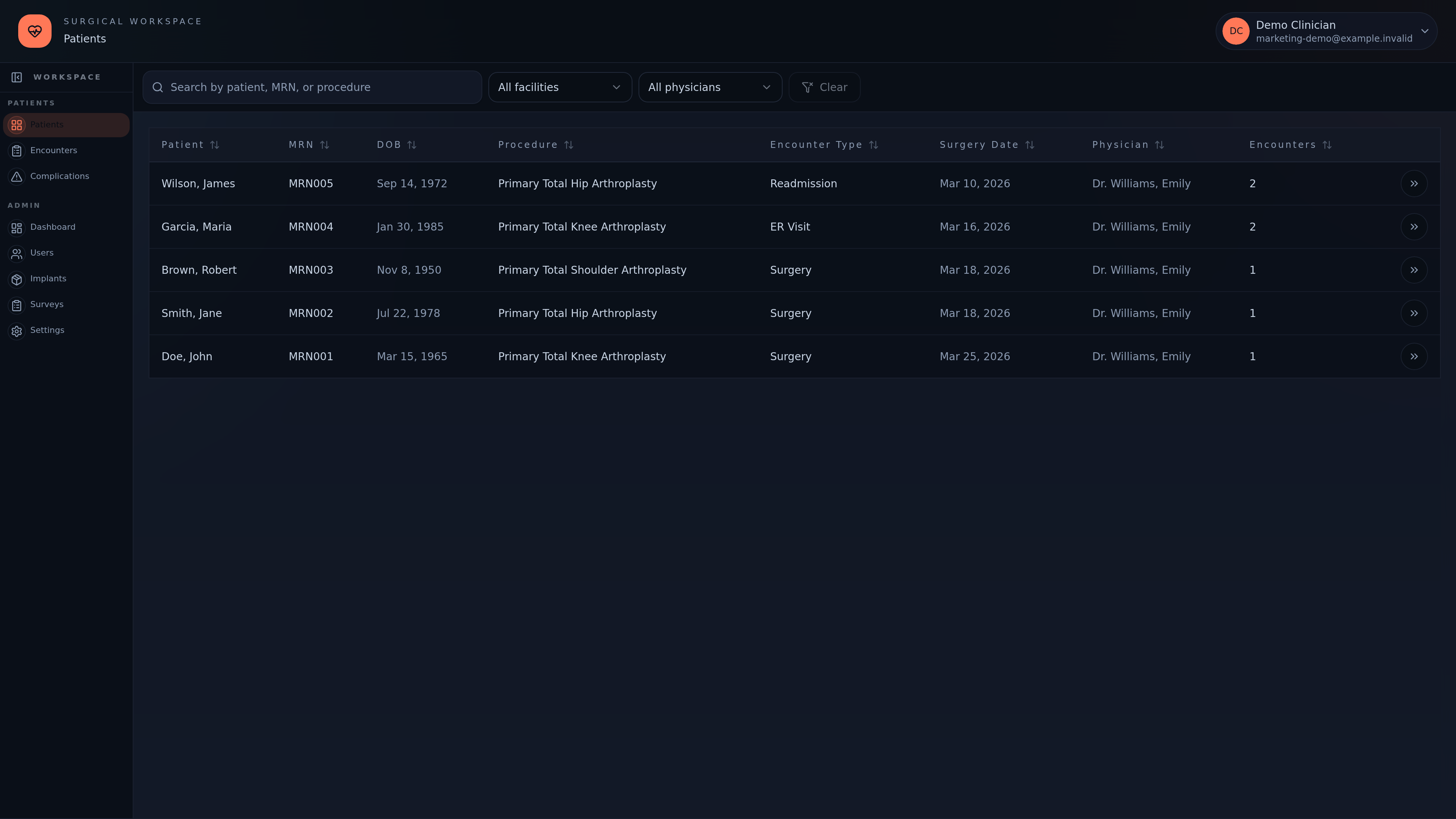
Refreshed visual themes for the Surgery pilot application.
v0.0.1
CodeSplash Surgery’s pilot application combines patient encounters, clinical forms, PROMs, and implant tracking. Recent work adds Ocean & Heat branding, monochrome themes, and native deployment improvements. This entry uses the app package version; it is not a public GitHub release.
Added a HIPAA implementation plan for the current AWS EC2 + Neon deployment, including provider agreement steps, application gaps, and release gates before using real patient data.
2026-10-03
This patch tightens web authentication so valid sessions are less likely to be cleared during token refresh, and account changes reset cached data more cleanly. It also adds a documented HIPAA implementation plan that states enablement is still planned and recommends synthetic patient data until the required agreements, controls, and review are complete.
- Added an operations workflow to recover a verified production publication receipt by source SHA without rebuilding or redeploying the app.